Advanced Sheet Metal Design Using NX Cad Challenge_6_Bracket
BRACKET:-
OBJECTIVE:-
To design a Bracket in NX cad as per the given dimensions.
Introduction:-
A Bracket is a sheet metal part used to hold a particular device/component in the machine or a system in a particular position. Brackets are in different shapes according to the requirements.
Design approach:-
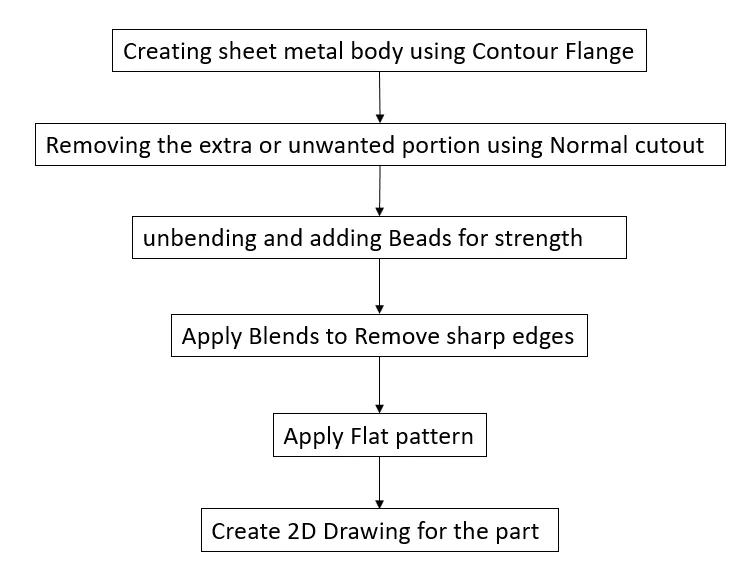
Description:-
Sketch: Representing the geometry in two-dimensional (Wireframe).
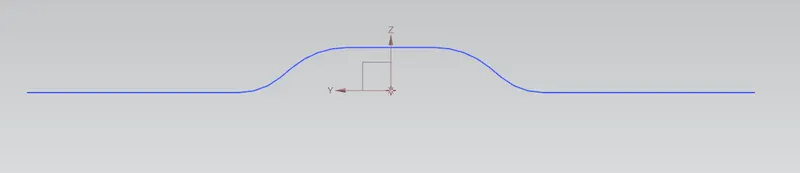
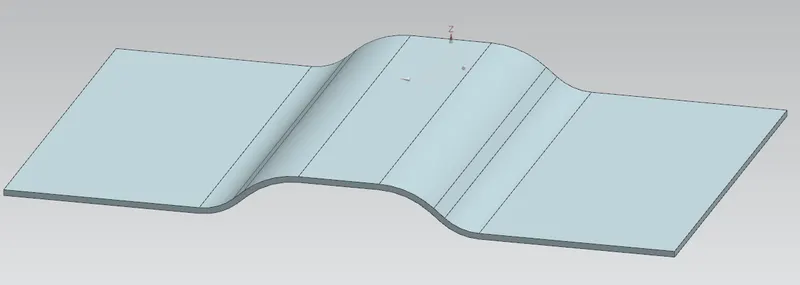
Contour Flange: Adding sheet body (with thickness value) to the required length with the sketch as a base.
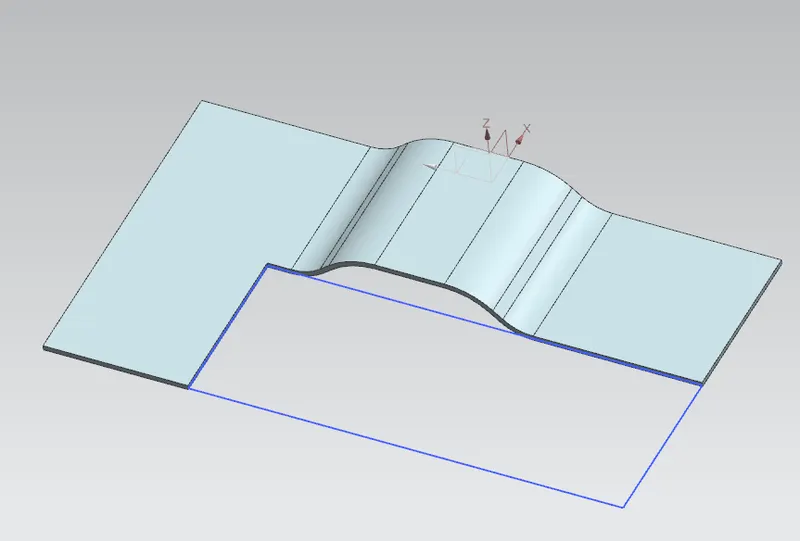
Normal Cutout: With Sketch as base material is removed.
Break corner: adding Blend/Fillet to sharp corners of the Bracket.
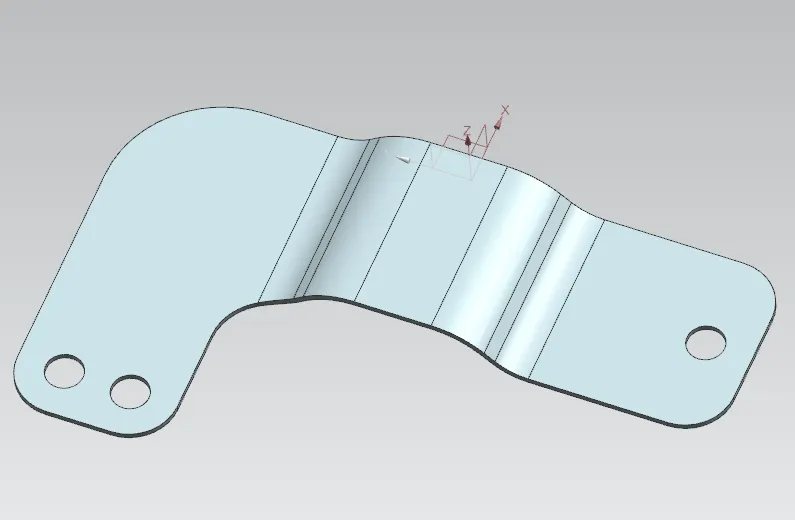
Unbend: Unfolding the bends.
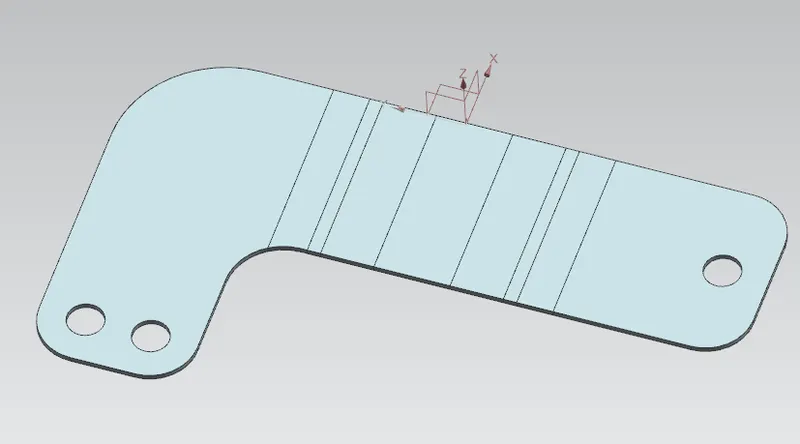
Bead: An impression created to add strength.
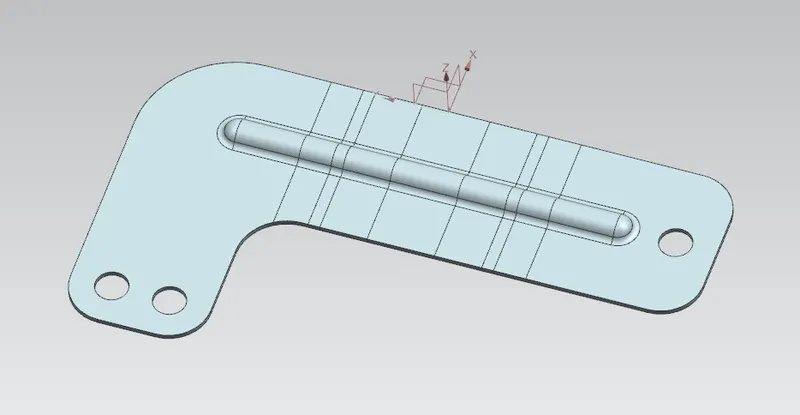
Rebend: Folding back the bends as before unbend feature.
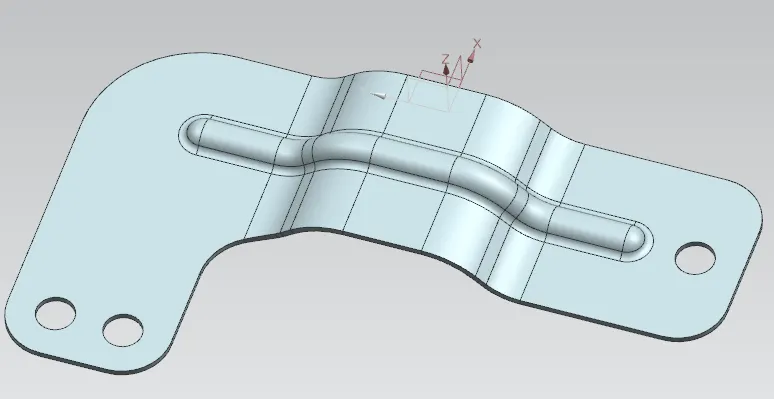
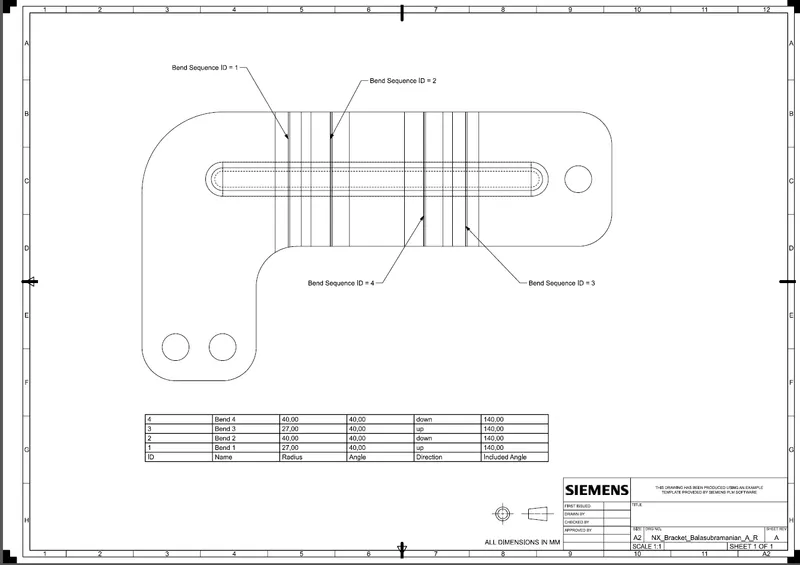
Flat Pattern: This feature is added to add a view in dwg.
Snapshot:-
FRONT VIEW

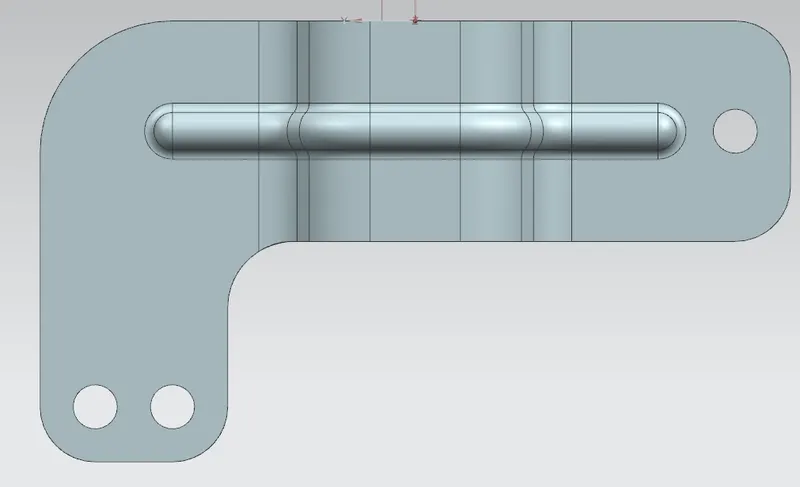
TOP VIEW
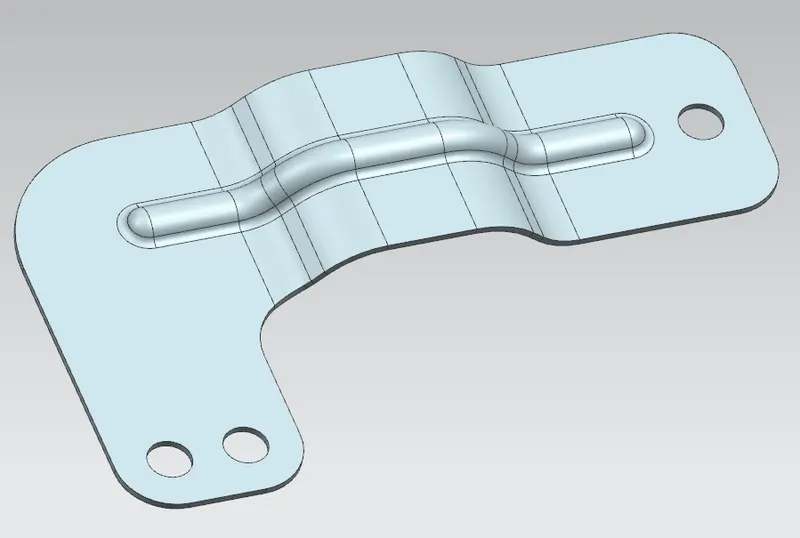
ISO VIEW
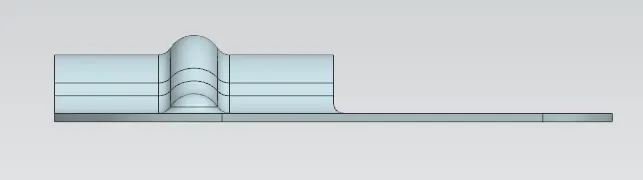
SIDE VIEW
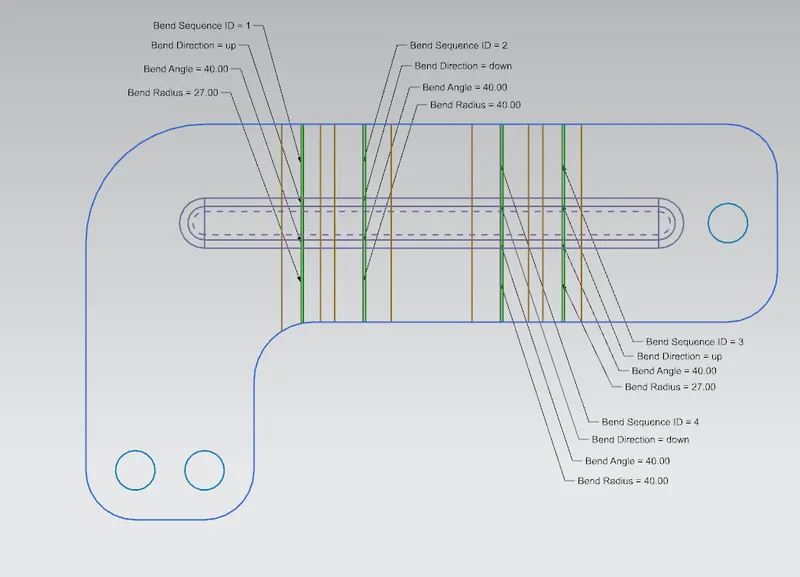
FLAT PATTERN
Drawing Sheet:-
Conclusion:-
Thus the project has been completed by designing the sheet metal bracket using the sheet metal application in Siemens NX and a drawing sheet was also created.