Advanced Sheet Metal Design Using NX Cad Challenge_6_Bracket
Design of bracket using NX cad
OBJECTIVE :- This project is to design the metal bracket in the NX cad based on the given inputs.
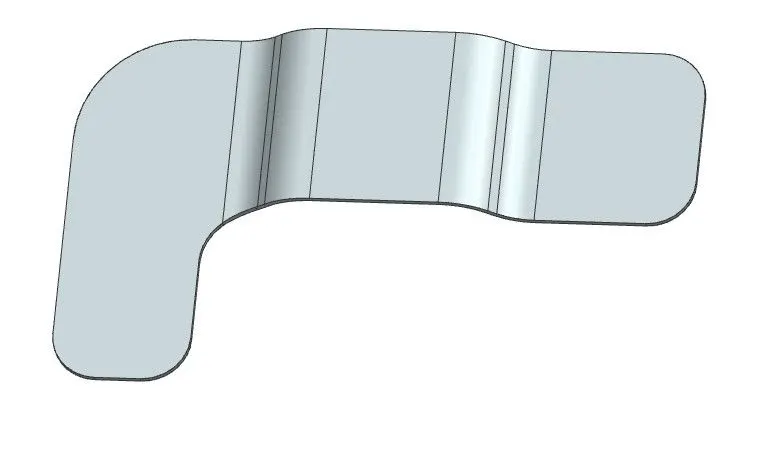
INTRODUCTION :- The bracket is L-shaped structure with contour and holes. It has a bead to strength it. The requirement is to create it in NX cad which conforms to manufacturing.
DESIGN METHODOLOGY:-
| Create a base feature using contour Flange command |

| Using normal cutout command remove material from contoured feature |
| Using break corner add radii of the edges |
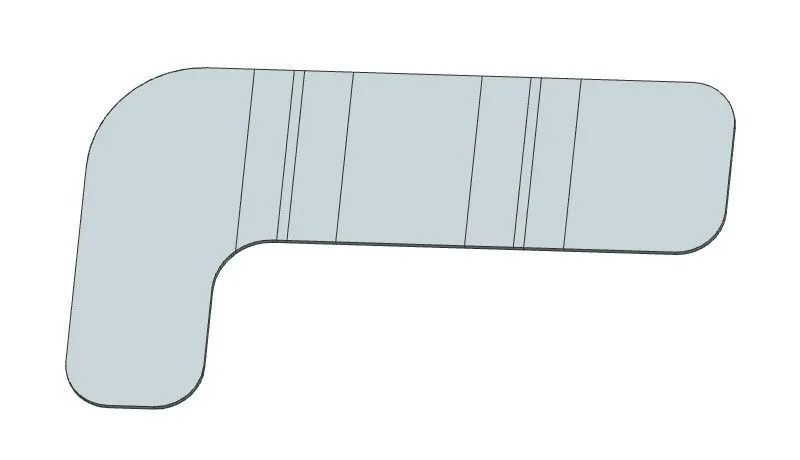
| Unbend the Sheetmetal body |
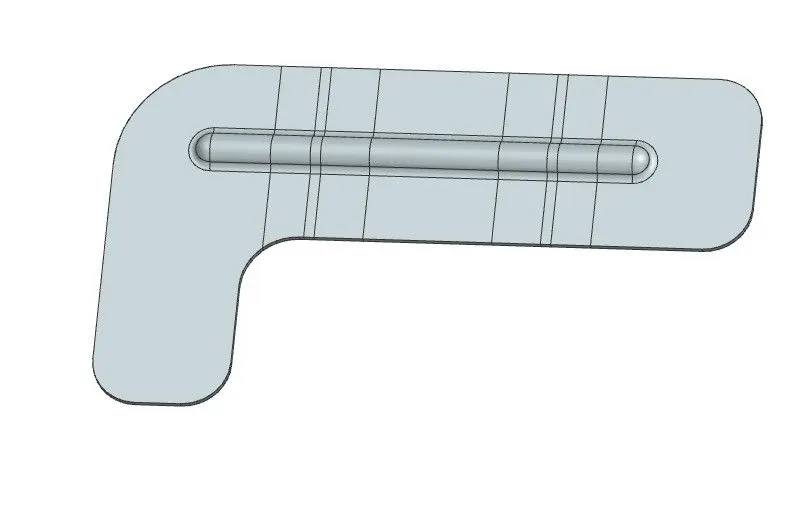
| Add bead with required dimensions |
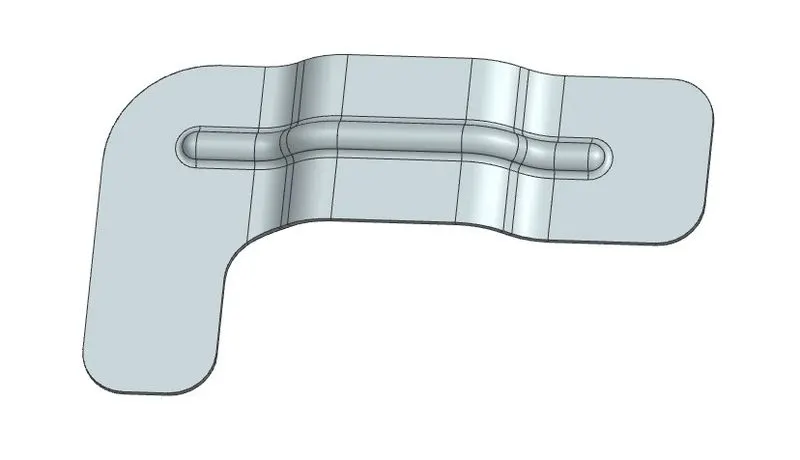
| Using Rebend command bent back to the Sheet metal Body |
| Add the holes as per dimensionUsing local radius analysis tool check the radius formed in the bead |
| Save the Sketch |
DESCRIPTION :-
Contour Flange:- Create a base feature by extruding a sketch along a vector
Normal cut out :- Cuts material by projecting a sketch on to the model and then cutting perpendicular to the face intersected the projection.
Bead :-Lifts material along the counter of a sketch that simulates the Stamping material.it
Unbend :- It unbends the all parts and flatten it.
Rebend :- It restore the unbend.
Hole :-Adda a hole to one or more solid bodies in a part or in assembly.
SKETCHES:
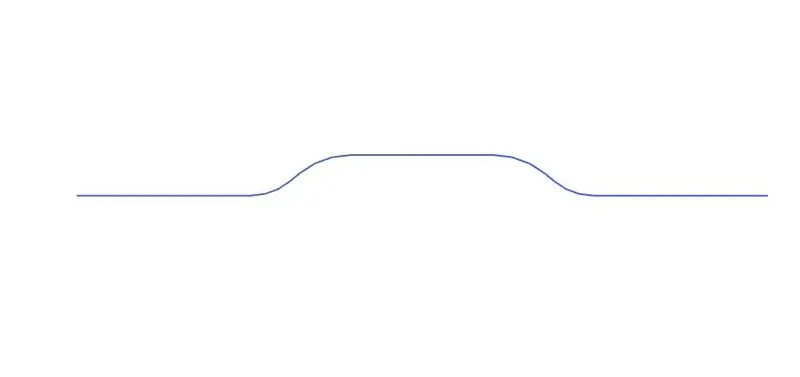
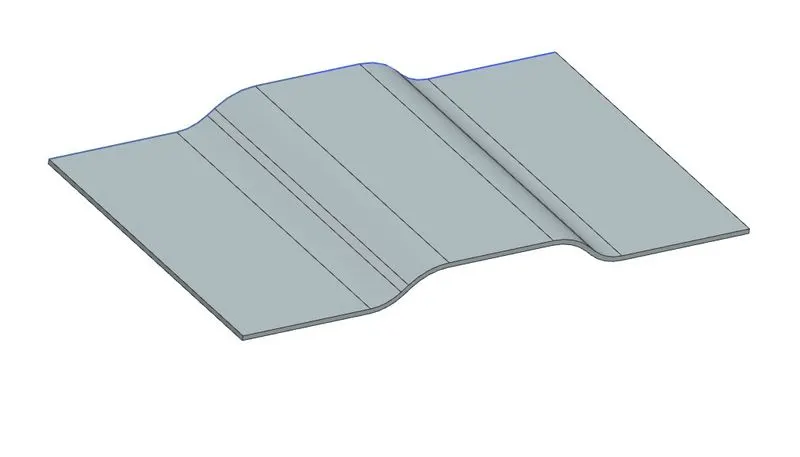
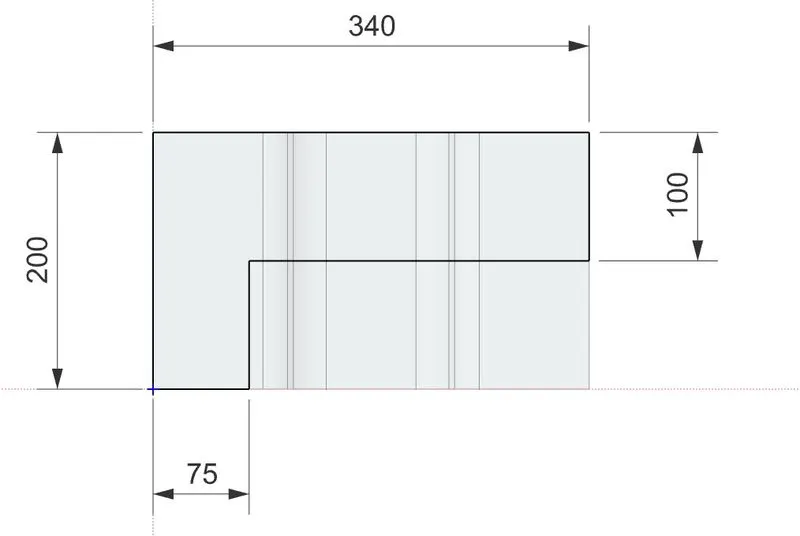
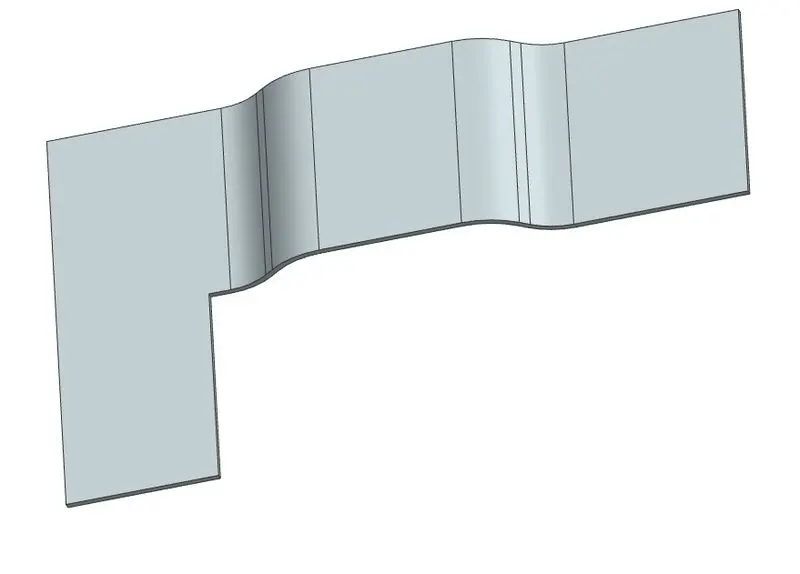
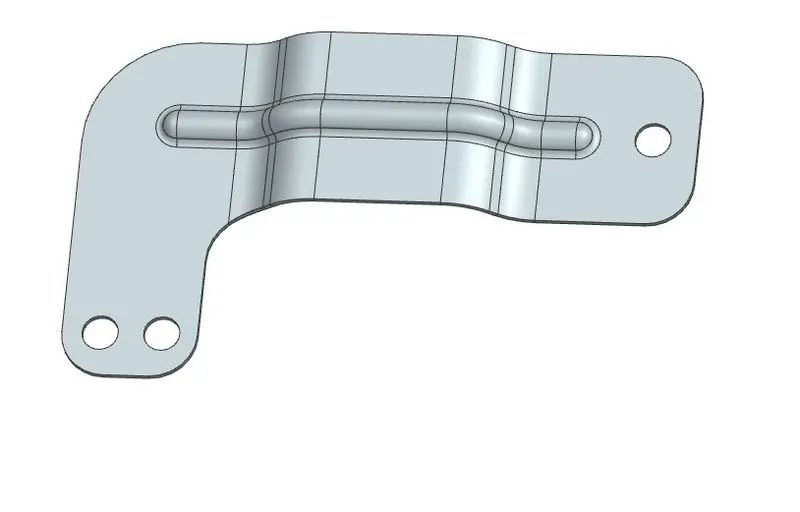
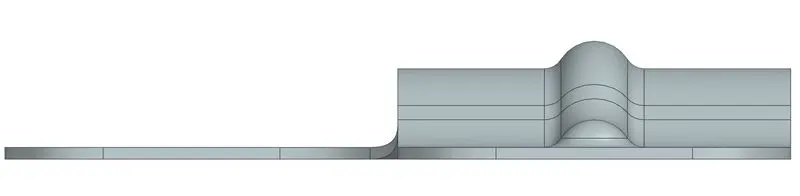
VIEWS:
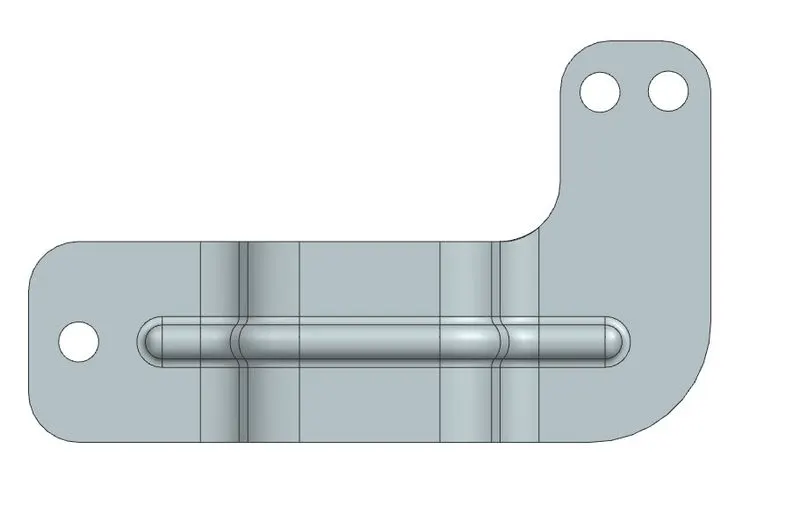
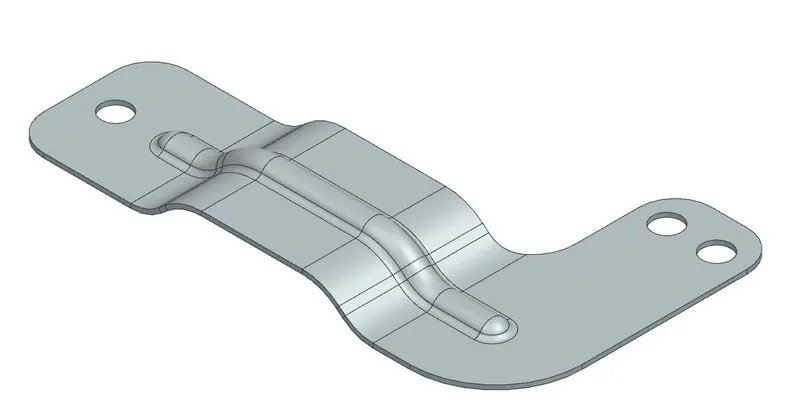
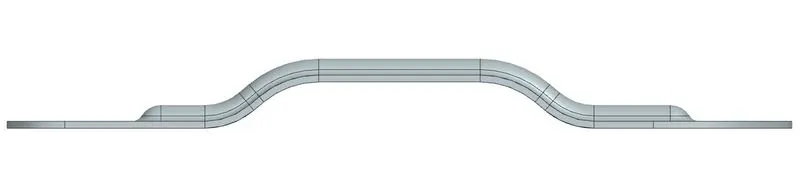
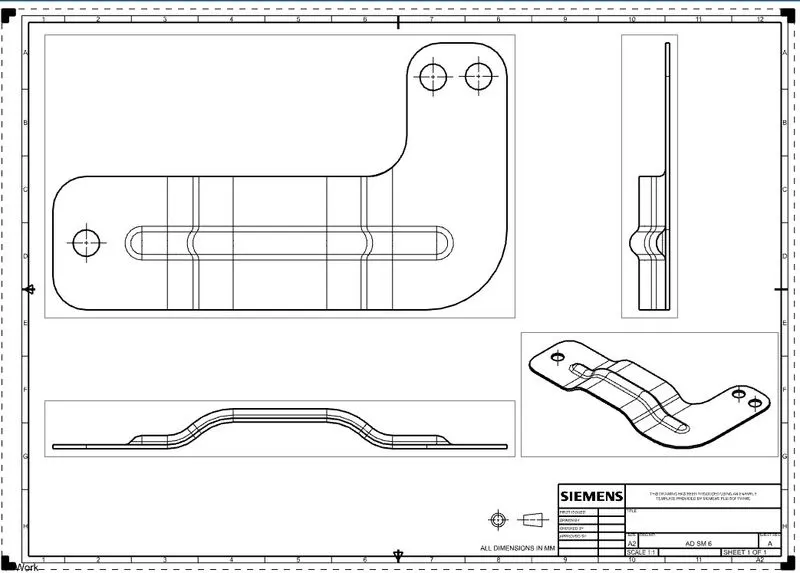
DRAWING:
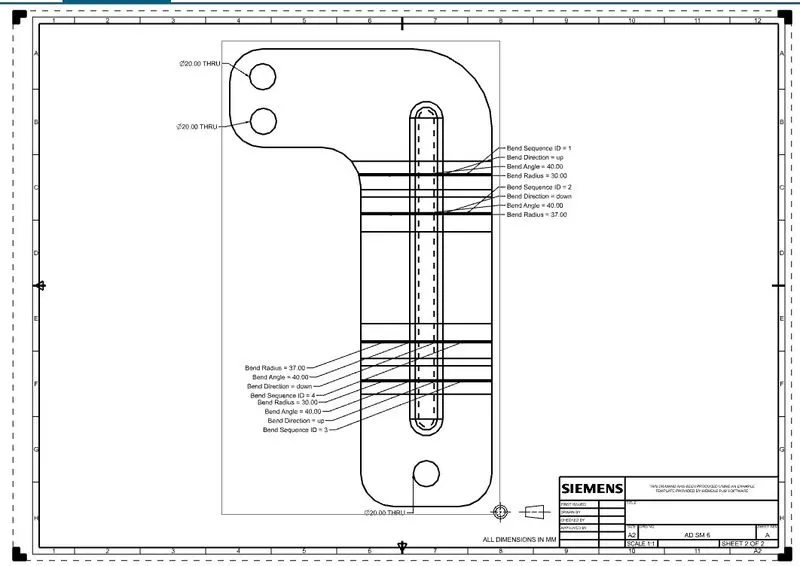
CONCLUSION:
Finally we completed according to the given sketch and we use proper commands to finish the challenge