Advanced Sheet Metal Design Using NX Cad Challenge_6_Bracket
Tiltle : Advanced Sheet Metal Design Using NX Cad Challenge_Bracket.
Objective : To create BRACKET by given data using NX Cad and Submit Flowchart with required Images.
Introduction :
- Sheet metal is metal formed by an industrial process into thin, flat pieces. It is one of the fundamental forms used in metalworking and it can be cut, bent into a variety of shapes.
- Materials which can be made into sheet metal - Alluminium, copper, brass, steel, nickel, tin and titanium.
- Sheet metal used to design - Machinery
- Automobiles
- Airospace
- wings, Enclosures, brackets, etc.
Design methodology / approach :
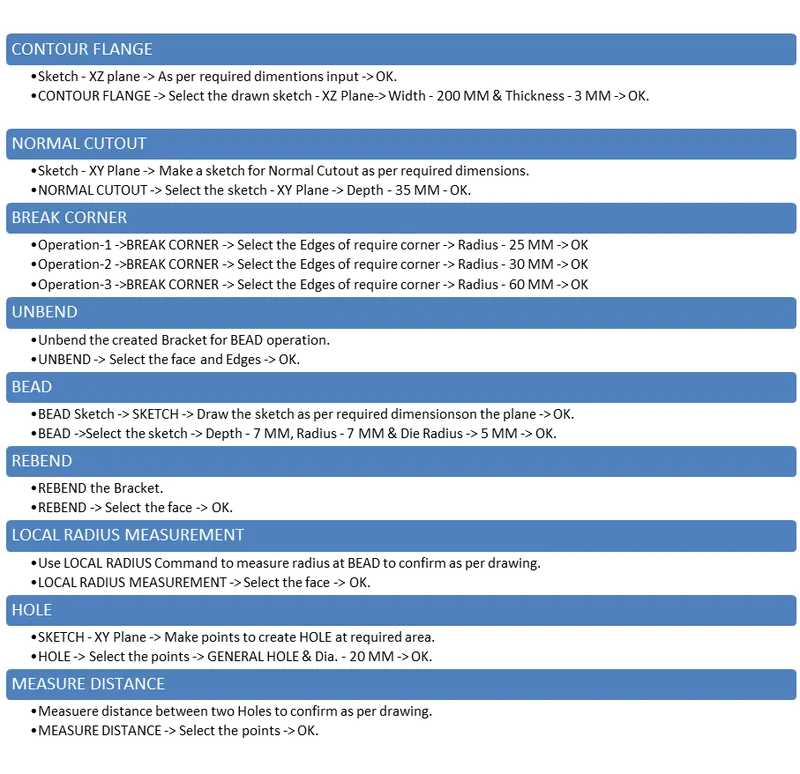
Design Process NX Cad :
1. CONTOUR FLANGE :
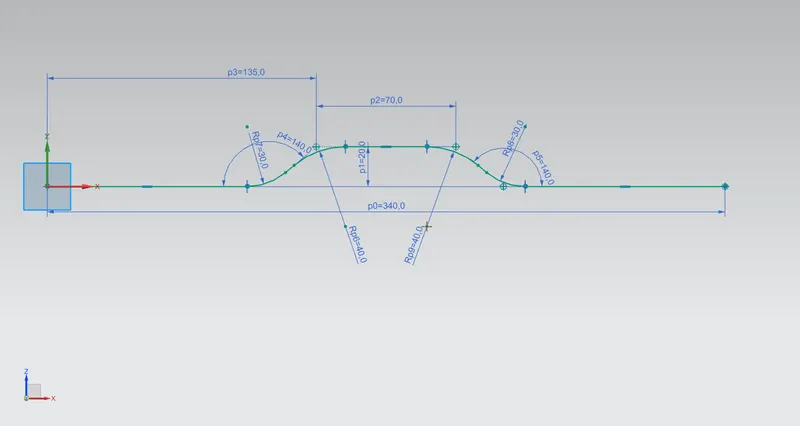
- SKETCH FOR CONTOUR FLANGE - XZ PLANE -
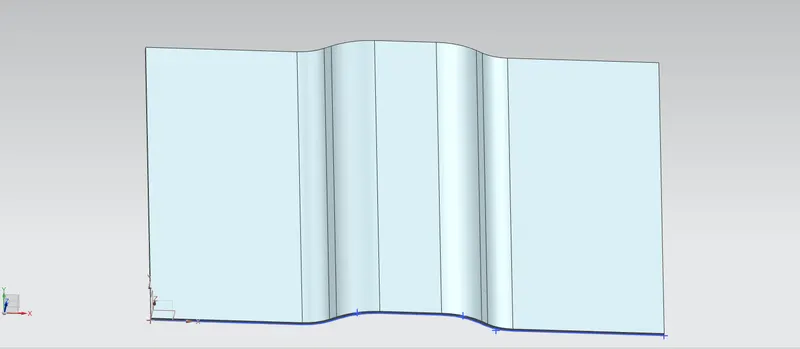
- CONTOUR FLANGE -
2. NORMAL CUTOUT :
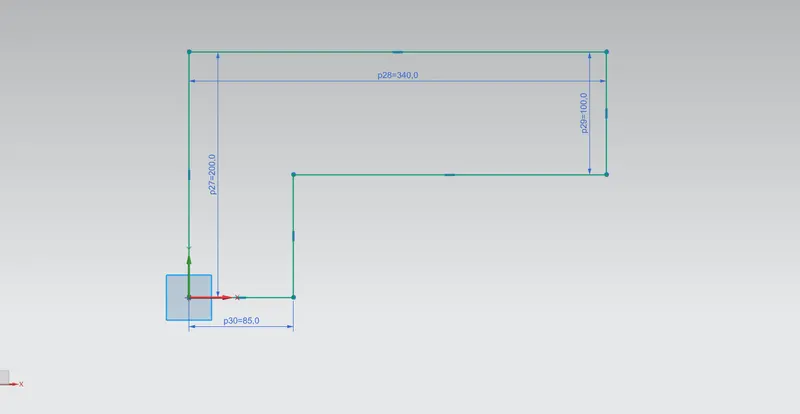
- SKETCH FOR NORMAL CUTOUT - XY PLANE :
- NORMAL CUTOUT :
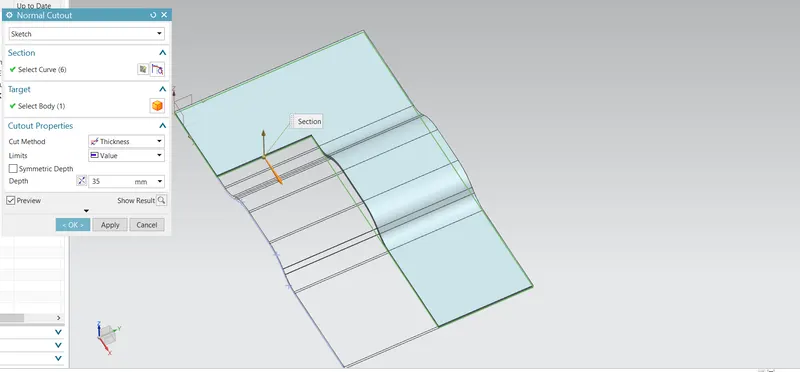
3. BREAK CORNER:
- OPERATION 1 BREAK CORNER :
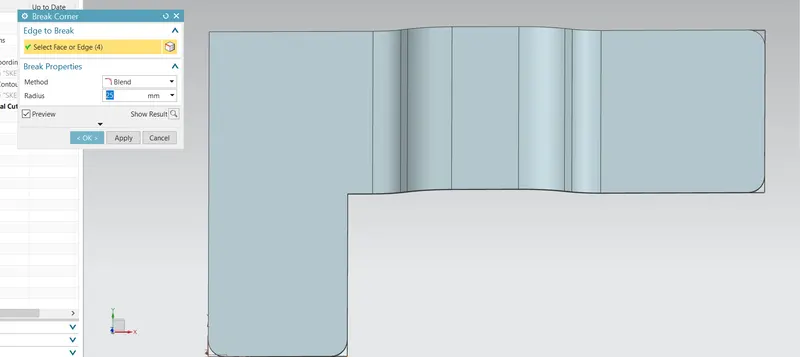
- OPERATION 2 BREAK CORNER :
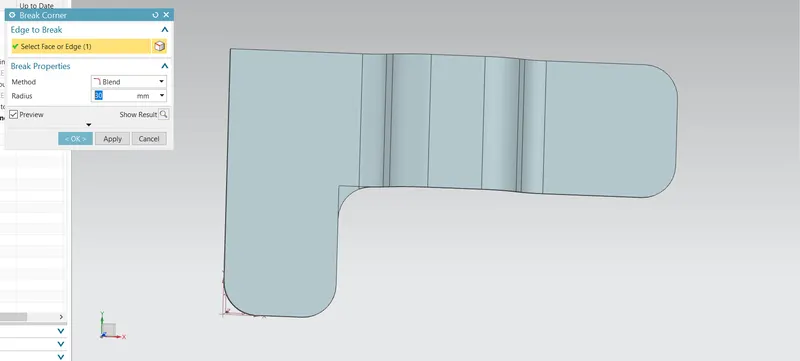
- OPERATION 3 BREAK CORNER :
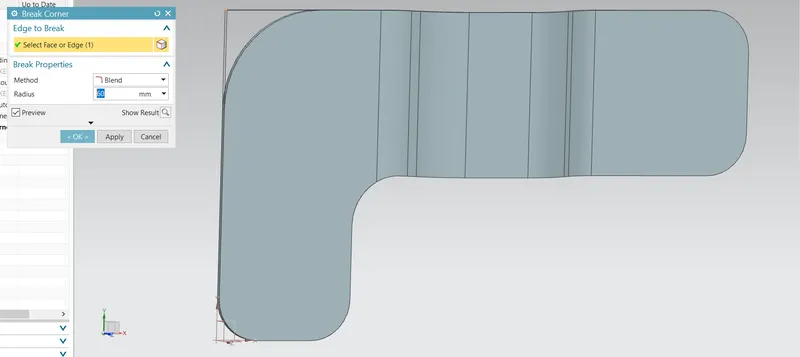
- RESULT :
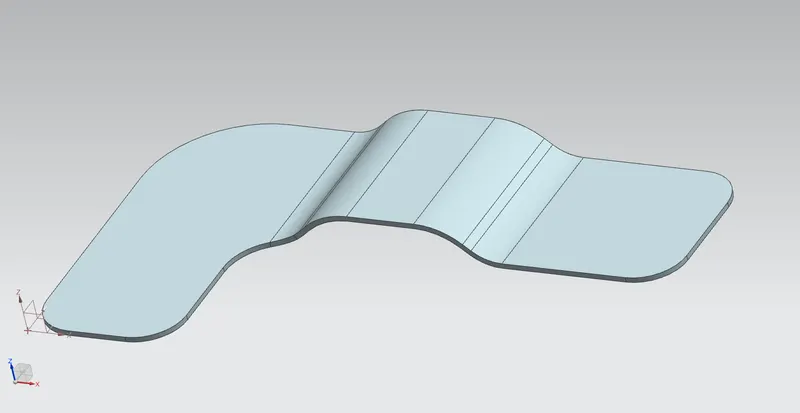
4. UNBEND :
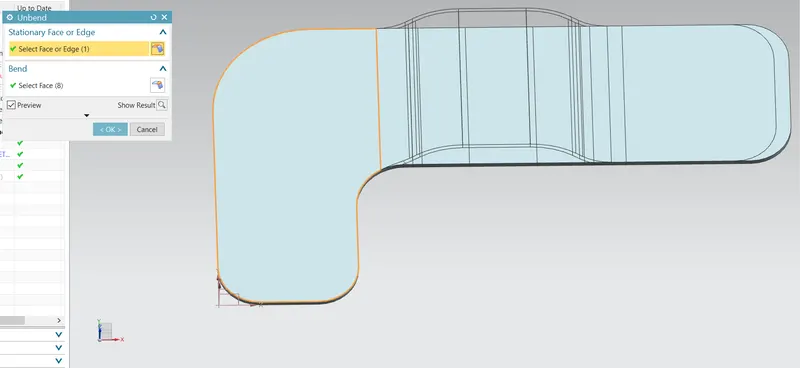
5.BEAD :
- SKETCH FOR BEAD :
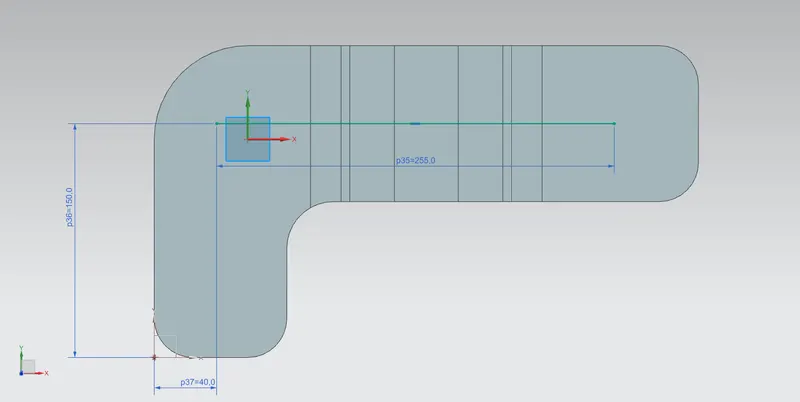
- BEAD :
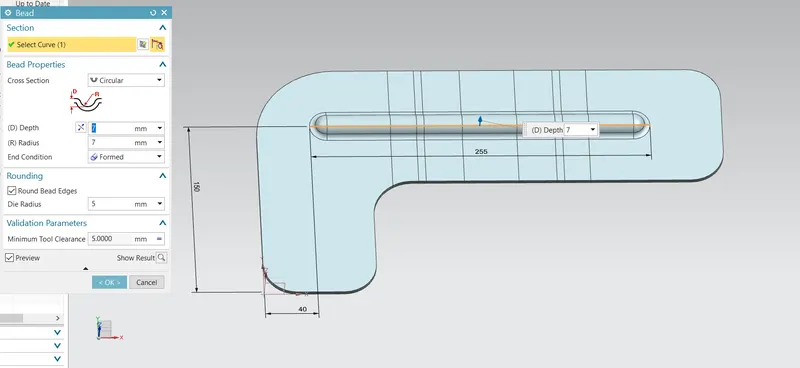
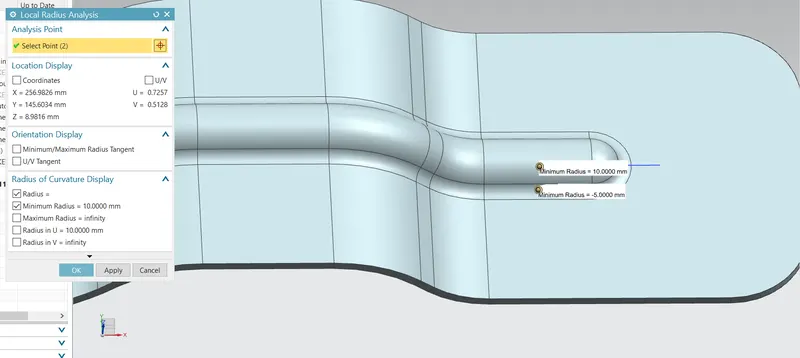
- LOCAL RADIUS :
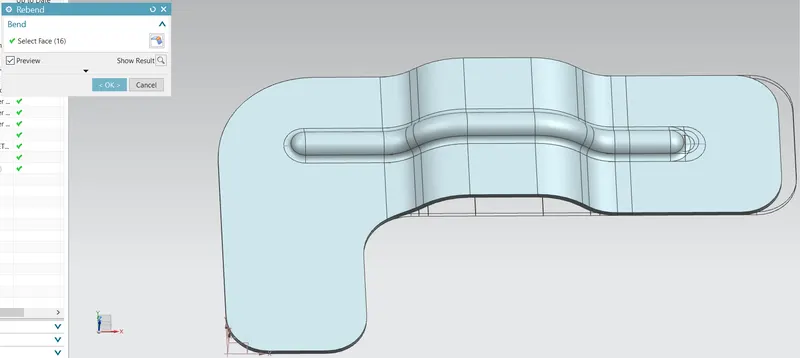
6. REBEND :
7. HOLE :
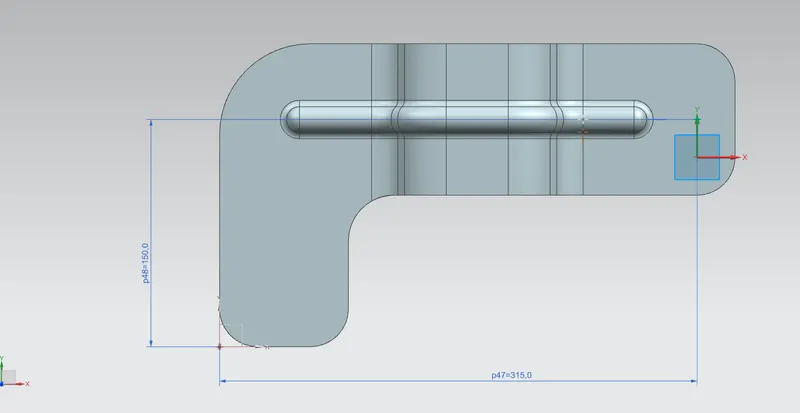
- SKETCH :
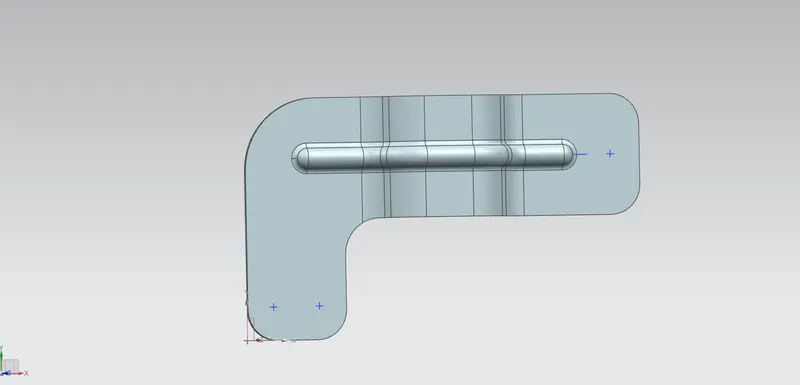
- HOLE :
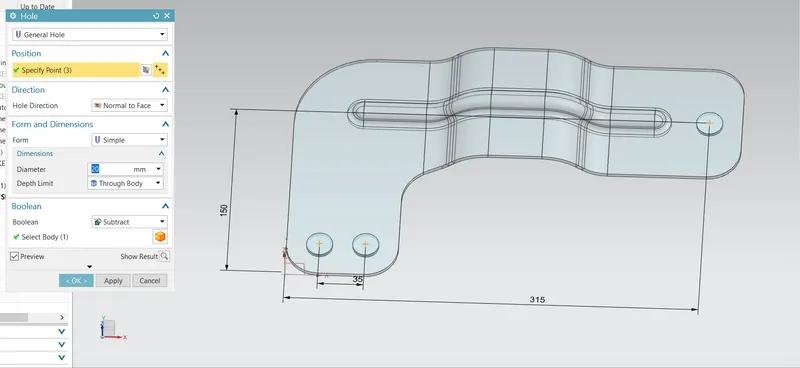
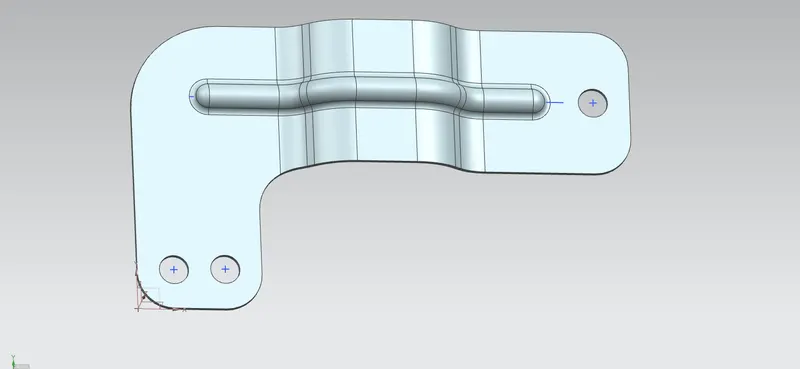
- HOLE DISTANCE MEASUREMENTS :
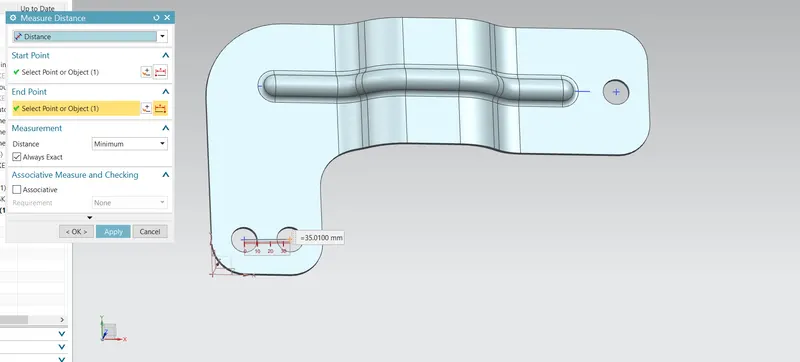
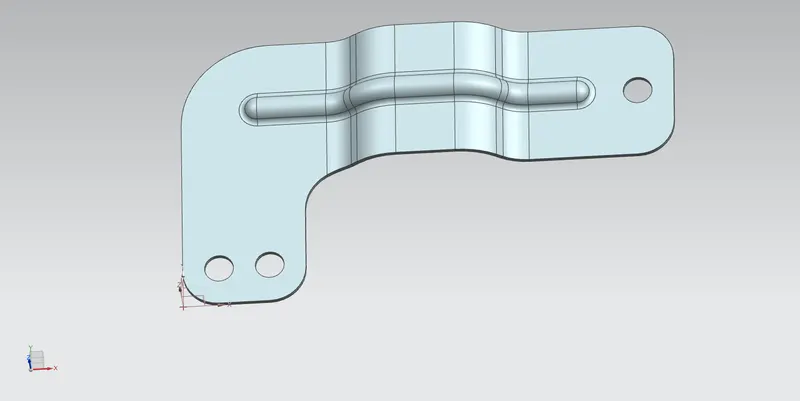
9. FINAL MODEL BRACKET :
10. VIEW :
- FRONT VIEW :
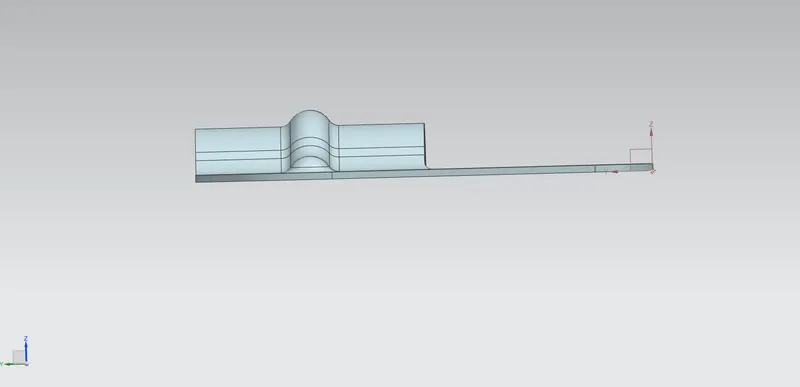
- TOP VIEW :
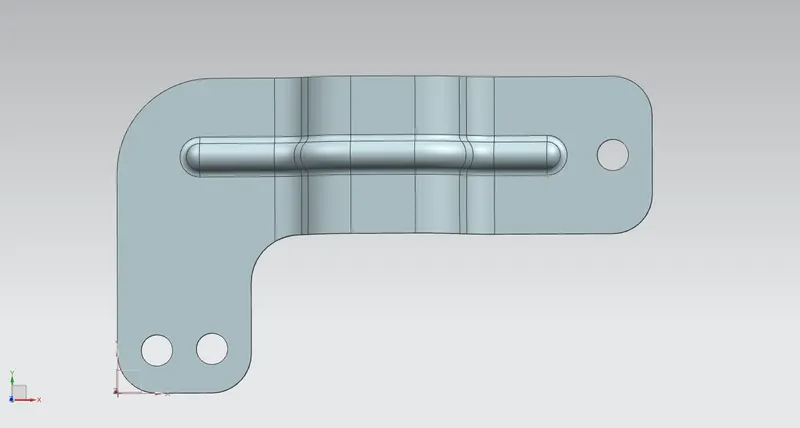
- SIDE VIEW :
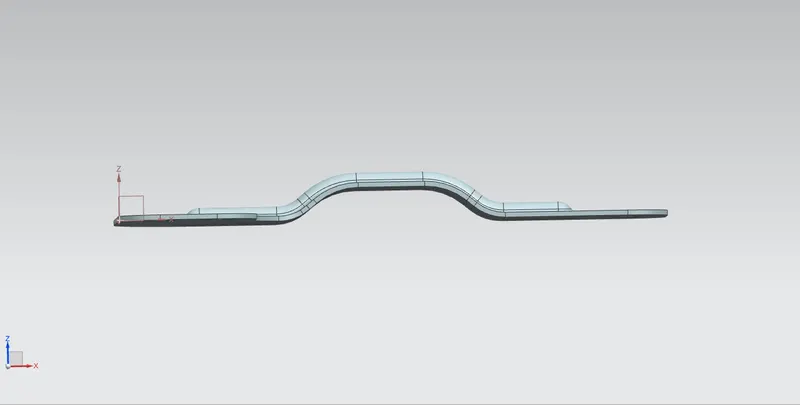
- BOTTOM VIEW :
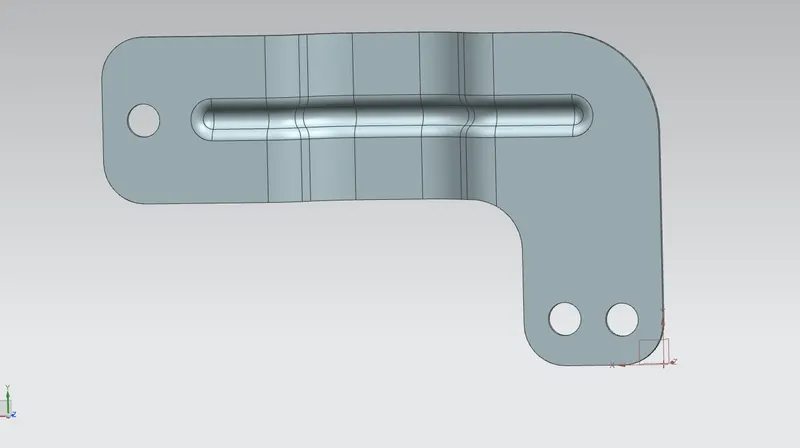
11. DRAFTING :
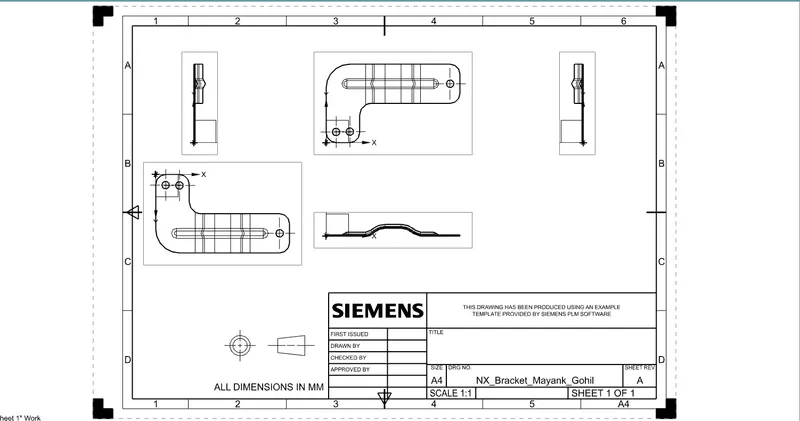
CONCLUSION :
- Learned all the functions or command of Advanced sheet metal designing - NX Cad.
- As per the given data have designed BRACKET & made flowchart to understand the flow of design process in future.
- Learned how to create detailed drawing using Drafting feature.