Advanced Sheet Metal Design Using NX Cad Challenge_6_Bracket
Objective:- To observe the model and design the sheet metal by using given dimesions and instructions.
Introduction:- Nx is widely used computer aided designing, engineering and manufacturing. It used in various fields for different works. Using different feature and methods we have designed here.
Design Methodology:-
- Sketching
- Contour Flange
- Normal Cutout
- Break Corner
- Unbend
- Bead
- Rebend
- Hole
Description
Sketching - Making a 2D drawing such as curves, arcs, circles, point, rectangles and many options to create a drawing or to create feature for upcoming designing.
Contour Flange - It is created by extending the sketch on its respective axis with thickness as required from the base.
Normal Cutout - It is used to create a cut portion or a gap on the sketch where there is a requirement.
Break Corner - This feature is for making the corner blend with some self dimensioned radius in order to makes the corner smooth.
Unbend - It is to flatten the bend sheet metal to form a flat sheet. it helps in making a extra feature like bead, normal cutout on the sheet metal after bending.
Bead - This is to create a counter shaped accoundingly to their sketch in the required direction with required punch/die radius.
Rebend - It is to make flat surface that is bend previously to do some extra feature like holes, bead back to its original form.
Hole - It is to create a hole on sketch or to create a counter bored, counter sink and several hole options to do.
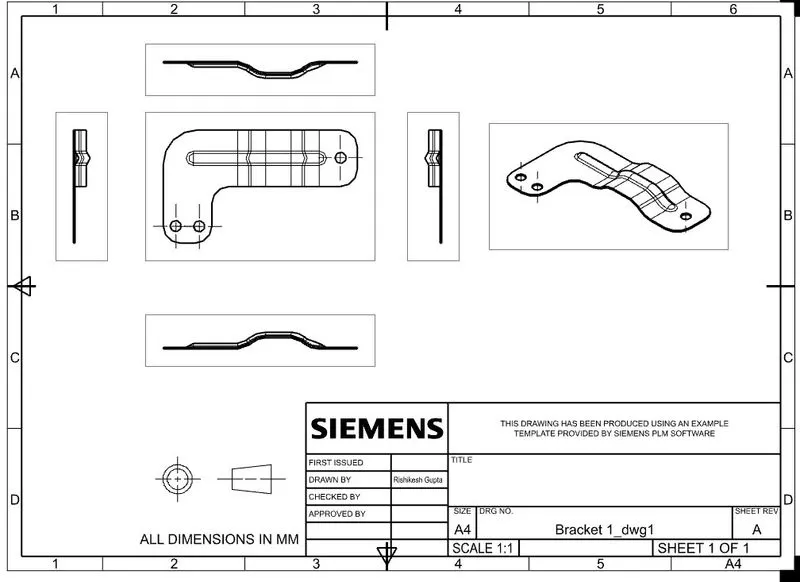
Different views of Bracket
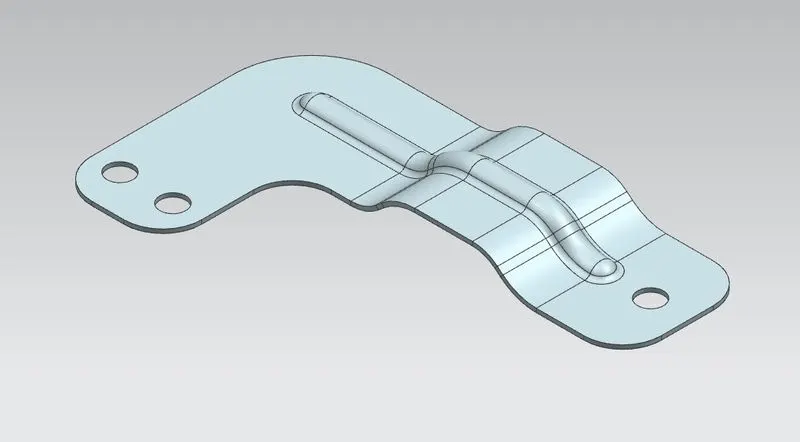
Isometric View
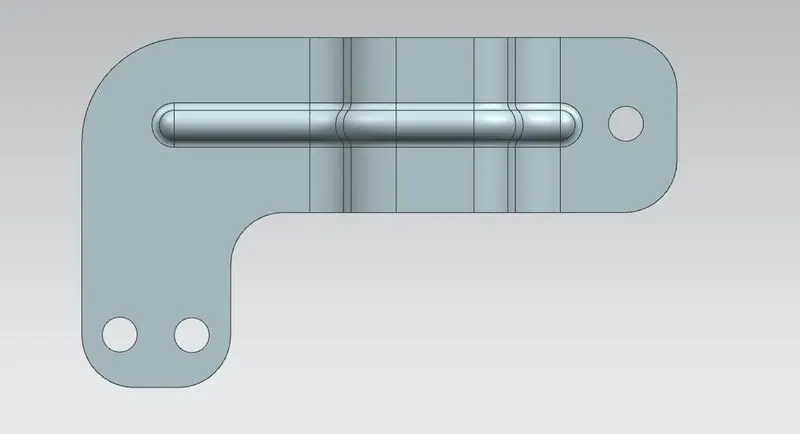
Top View
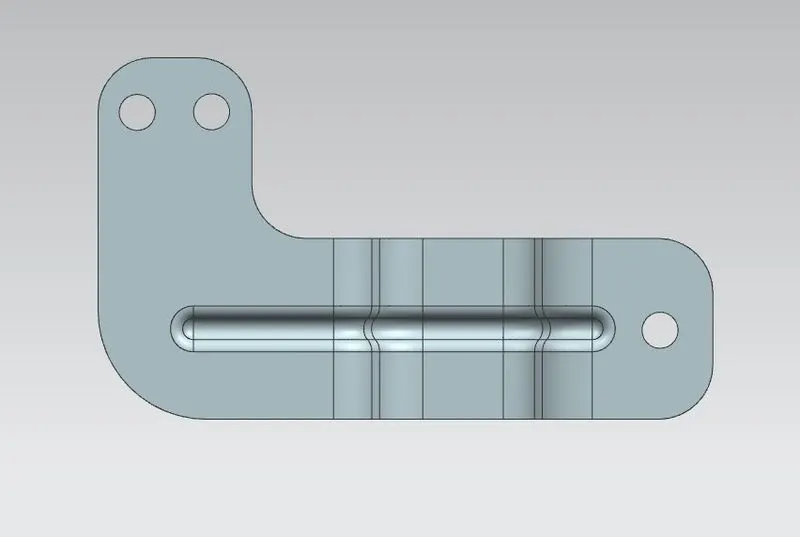
Bottom View
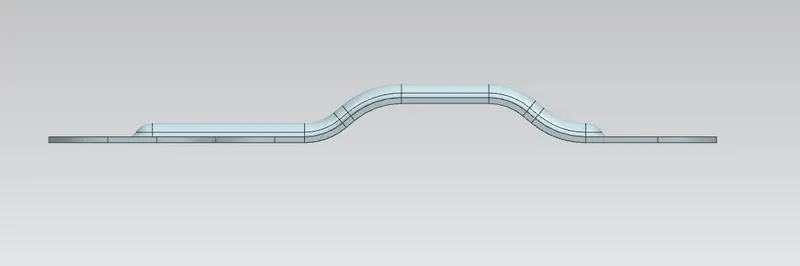
Front View
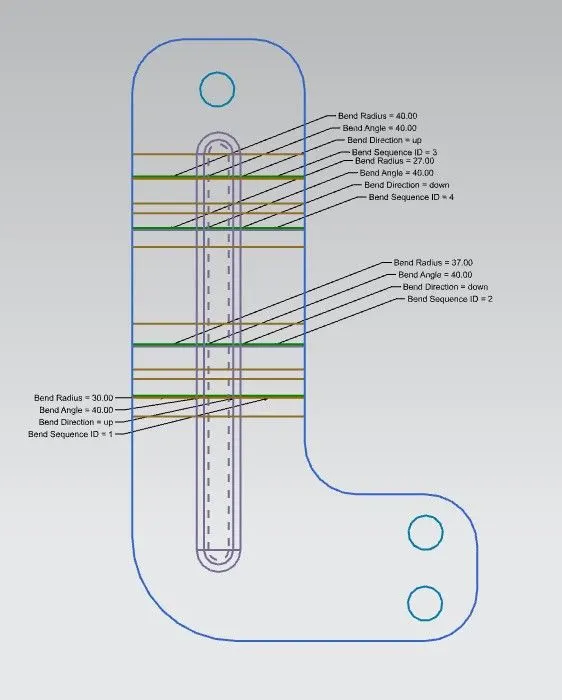
Flat Pattern
Drawing
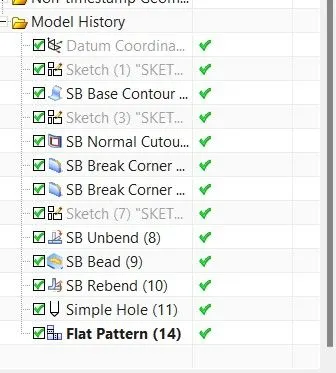
Feature Tree
Conclusion:- The model has been designed and dimensioned as given in the instruction with proper constrains.