Advanced Sheet Metal Design Using NX Cad Challenge_6_Bracket
BRACKET
Introduction:
It is very clear that this model is only for practice purposes, but in that practice, we have to learn very much.
On that basis, it is very useful to understand it.
Design Methodology:
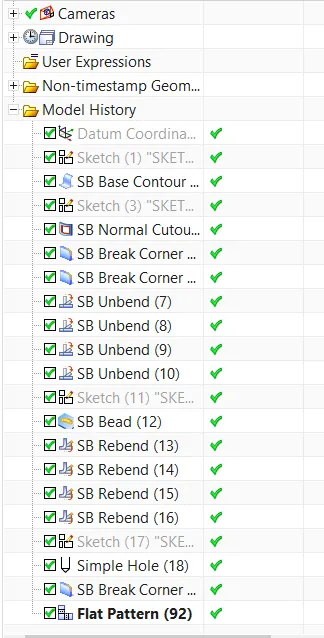
- First of all we have to draw a sketch for a given model.
- After that using contour flange we create the model base.
- After creating the model base again draw some sketches to do a normal cutout to get the required shape of the model.
- After that we apply the break corner command to nullify the corners.
- For bead operation we need to unbend the sheet.
- After unbending we have to draw a sketch for the bead.
- After getting the bead we rebend it.
- Then drawing required circles to get holes.
- Final step is that after getting the model we have to make
Description:
It is a very simple model to describe. First We draw the sketch for getting the model base and after that do contour flange on that. After getting base we have to do a normal cutout to get the original shape. And then after applying the break corners command we nullify the corners. Then we have to add a bead to that base that's why we need to unbend it and draw a sketch for that after adding bead we rebend it. After applying bead we need to add holes and for that, we draw circles. And finally doing so many operations our model is created.
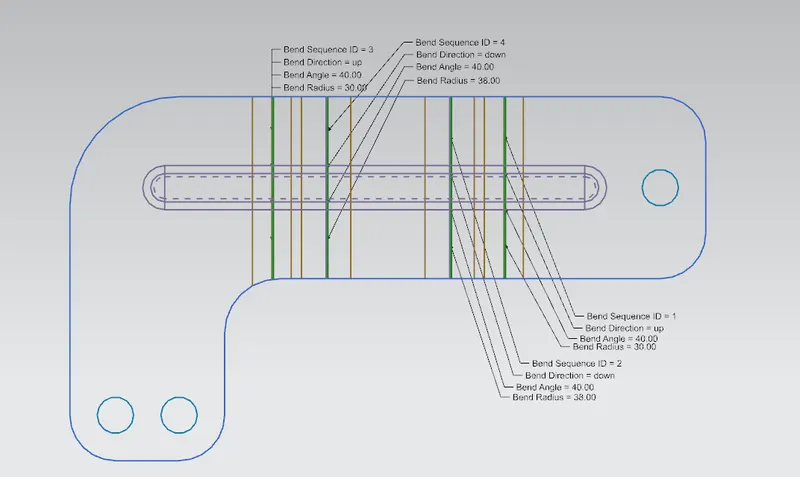
Images of Model:
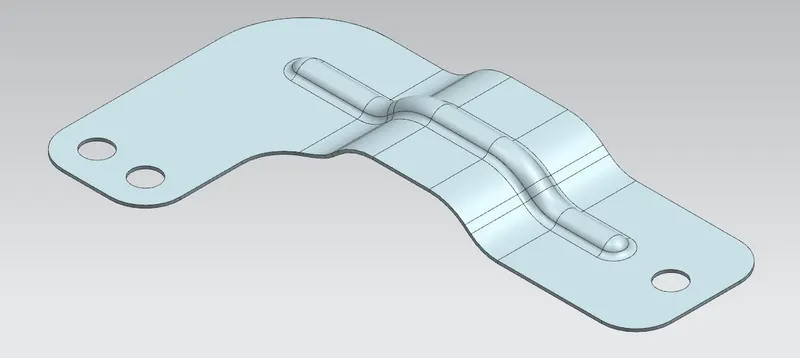

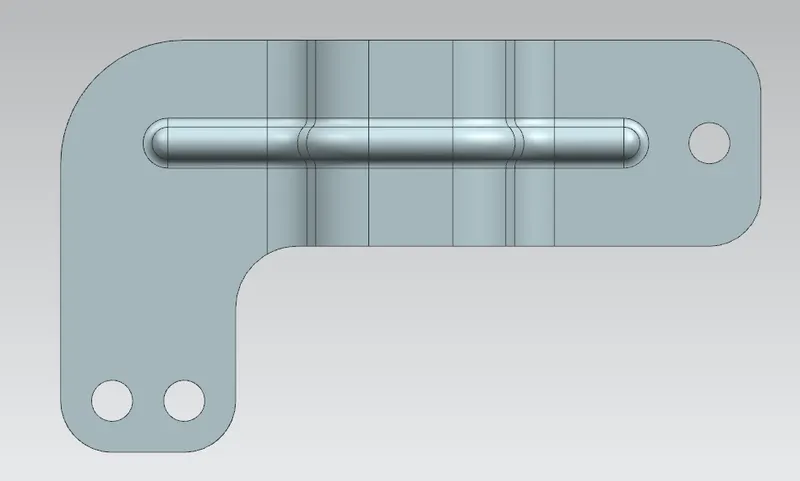
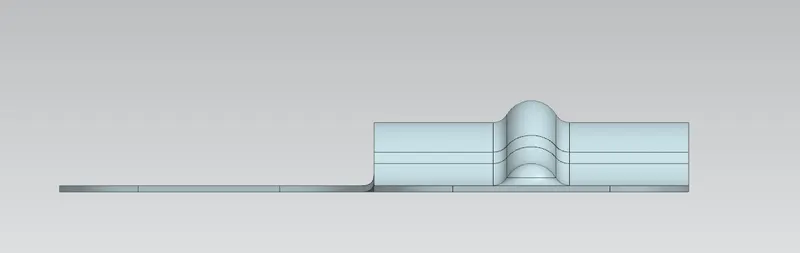
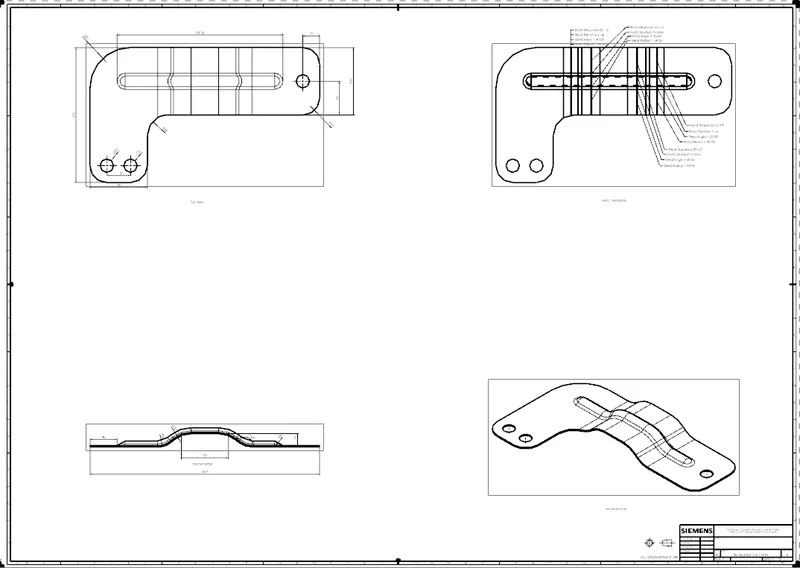
2D Drawing Sheet:
Conclusion:
It is very clear that it is a very good project for on learning stage. After completing it we Have learned so many things..