Advanced Sheet Metal Design Using NX Cad Challenge_1_Casing Design
NX CASING
Introduction:
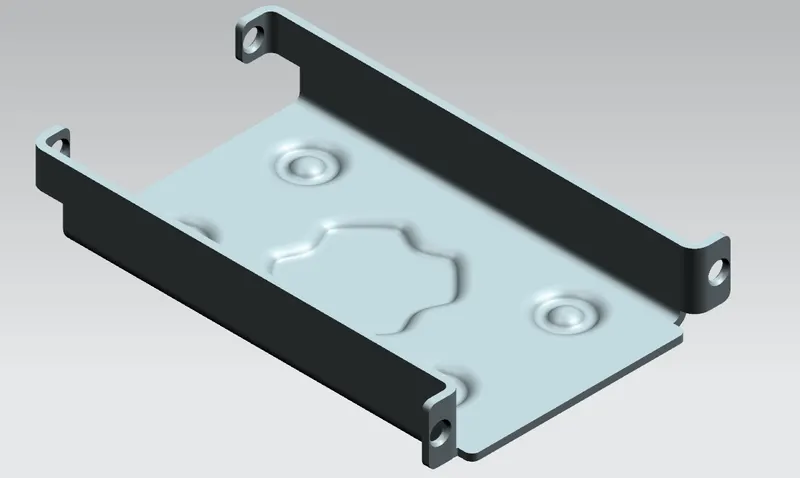
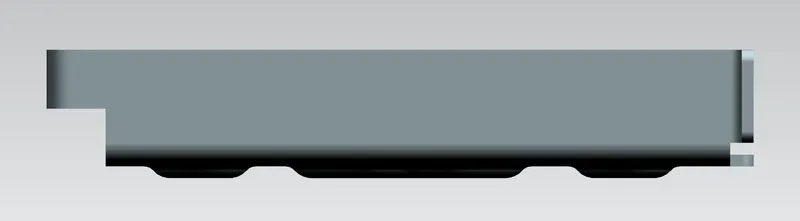
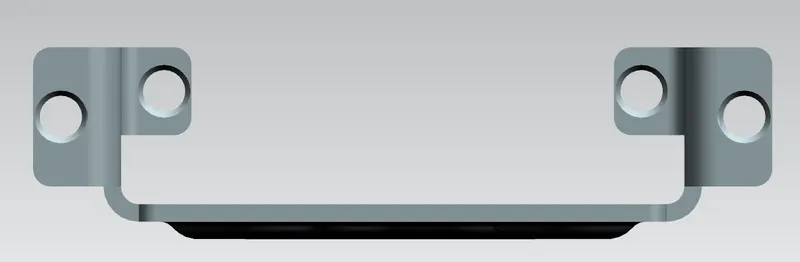
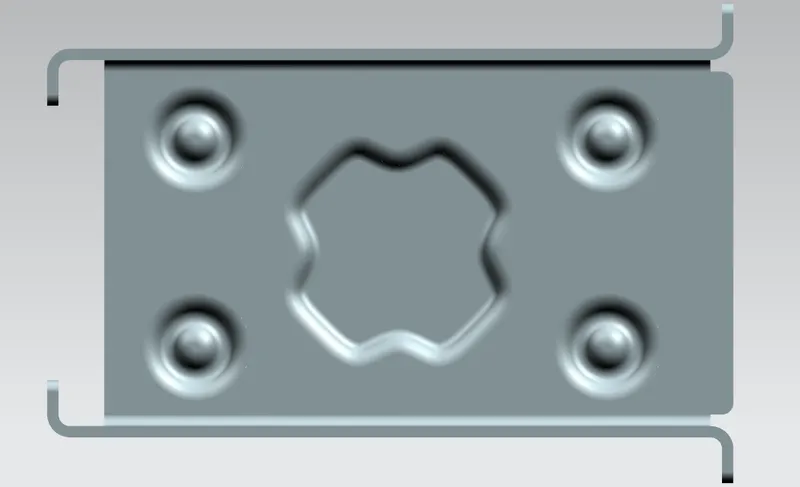
The casing is a sheet metal part that is created in Nx software. With various commands sheet has been created.
Description:
First of all, we created the sketch of a required tab. And then with the help of tab cammand ,we created a tab..
Then next we draw a sketch to do the normal cutout. After that, with help of a sketch for bend, we do apply the bend on the tab.
Then add flanges to the side edges of the metal sheet. After that, we break corners of the edge.
After that unbend feature applies to the sheet metal part for further operations. With the help of a sketch, we apply the holes command and do holes.
For dimple on the sheet, we need first to draw a sketch on the XY plane and after drawing the sketch we need to do add a studio spline on that sketch. And then with help of the move curve, the curve moved at 45 degrees angle. And then apply the Dimple command.
With the help of the given sketch draw circles and apply beads.
After that rebend it..
Conclusion:
It is clear to understand how create a sheet with required data..