Advanced Sheet Metal Design Using NX Cad Challenge_6_Bracket
BRACKET FROM 2D DRAWING
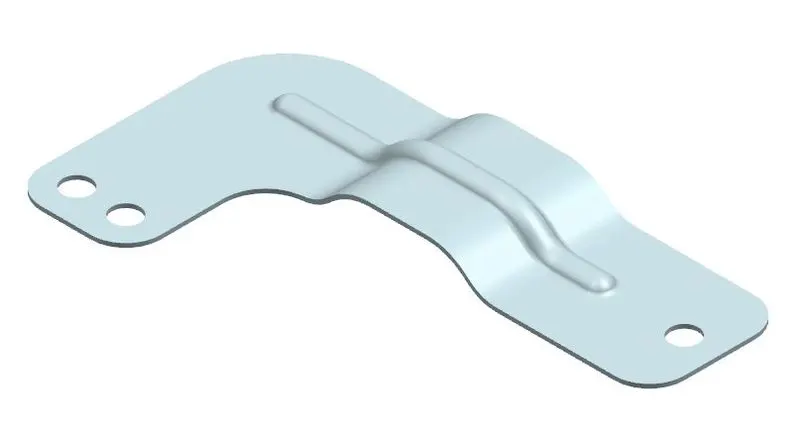
OBJECTIVE: - Practicing on command Beads and Gusset by creating a sheetmetal bracket use of 2D drawing.
INTORDUCTION: -Sheetmetal involves work piece with high ratio of surface area to thickness. Sheetmetal thickness is less than 6mm.Unigraphics CAD software highly preferable for sheetmetal designing due to its user friendly interface of modules.
In NX CAD sheetmetal module have many command for designing sheetmetal components.
- Bead
- Gusset
DESIGN METHODOLOGY AND APPROACH:-
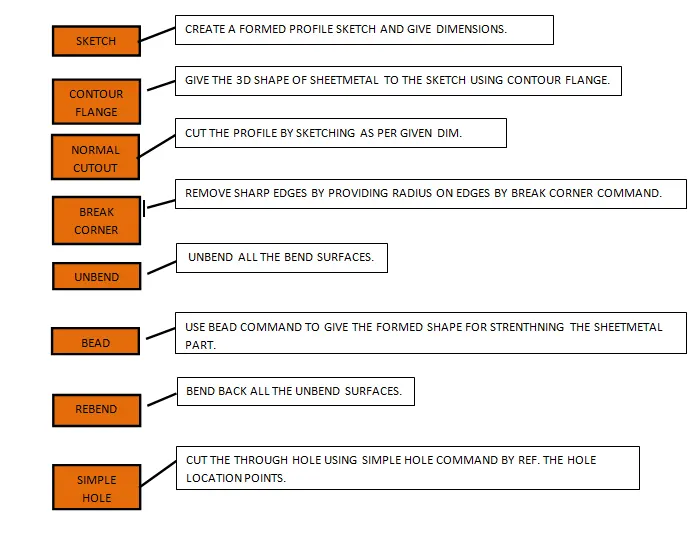
DESCRIPTION: -During the modelling of Bracket I have used many sheetmetal commands which are descriptions below:
- BEAD: - The Bead command creates a bead feature, which stiffens the sheet metal part.
- GUSSET: - Gusset command use for create a rectangular formed shape profile on bend for strengthening the sheetmetal part.
BRACKET SNAPSHOT'S:-
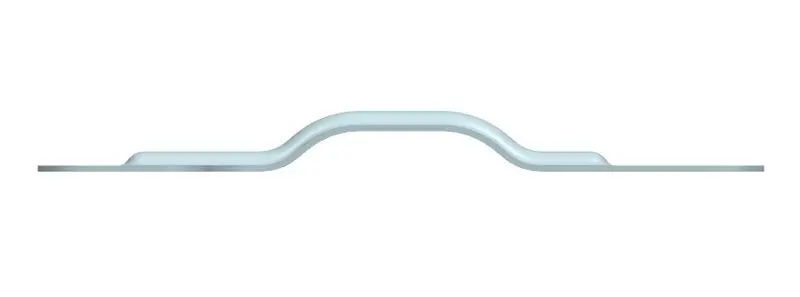
FRONT VIEW
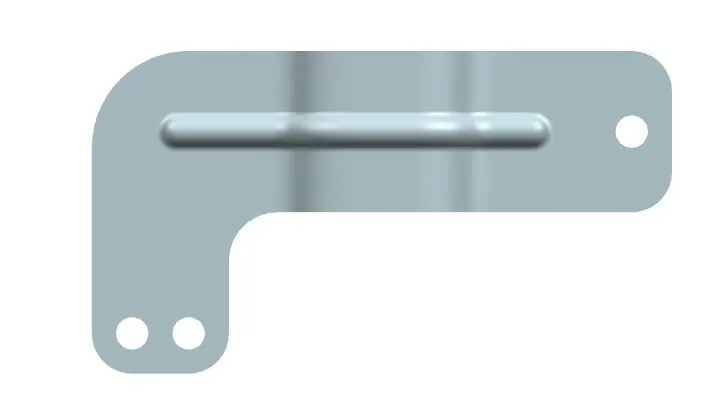
TOP VIEW
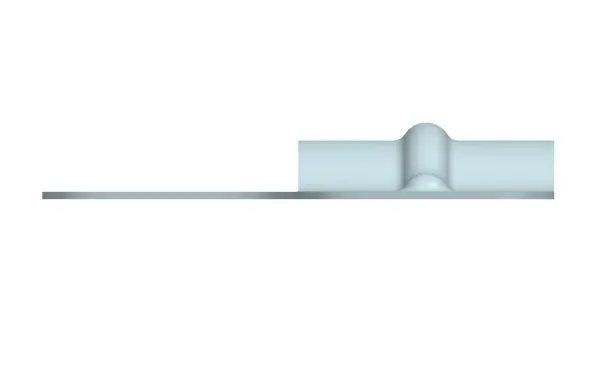
SIDE VIEW
ISOMETRIC VIEW
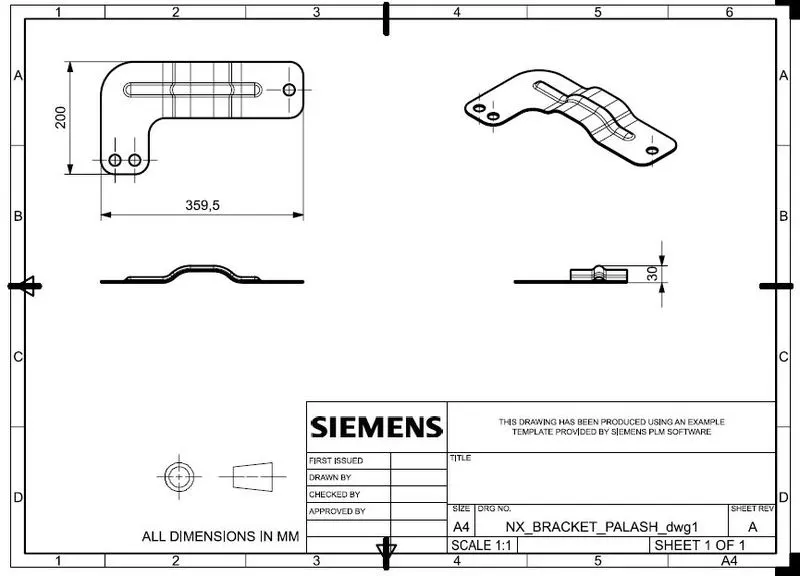
DETAILING VIEW: -
CONCLUSION: - After completing this project I have learned to create bead and gusset command in sheetmetal module of NX CAD.