Advanced Sheet Metal Design Using NX Cad Challenge_6_Bracket
CHALLENGE-2
ADVANCE SHEET METAL DESIGN USING NX CAD-BRACKET
Aim: Create a bracket design using the NX-CAD as per the provided dimension.
Introduction
A bracket is an intermediate component used to fix one part to another parts. Brackets can be made from a variety of metals, depending on certain factors, including the load it must support, surface finishing requirements, minimum and maximum thickness etc.
Design Procedure
1. Create a sketch as per the given dimension.
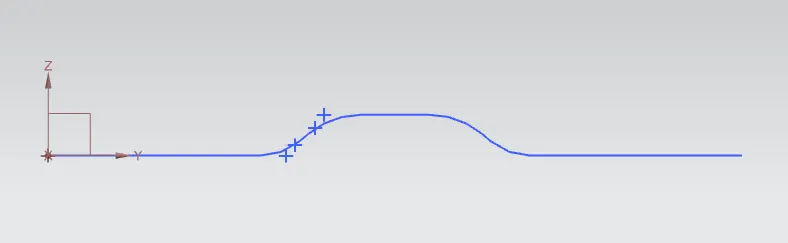
2. Use the contour flange commend to give the required thickness and width to the sketch.
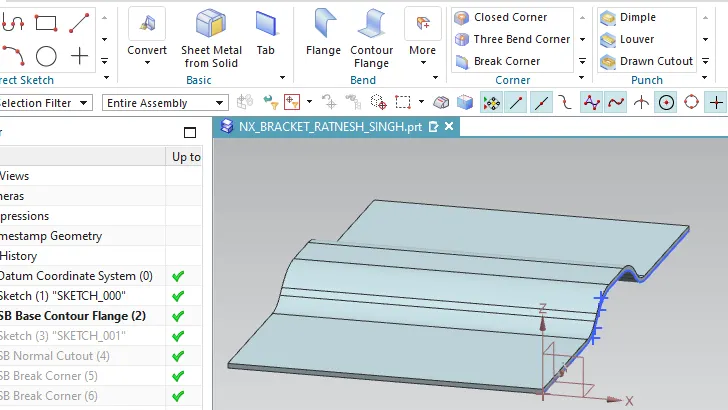
3.Create the sketch as given in the below figure and use the commend normal cutout to remove the material from the sheet metal.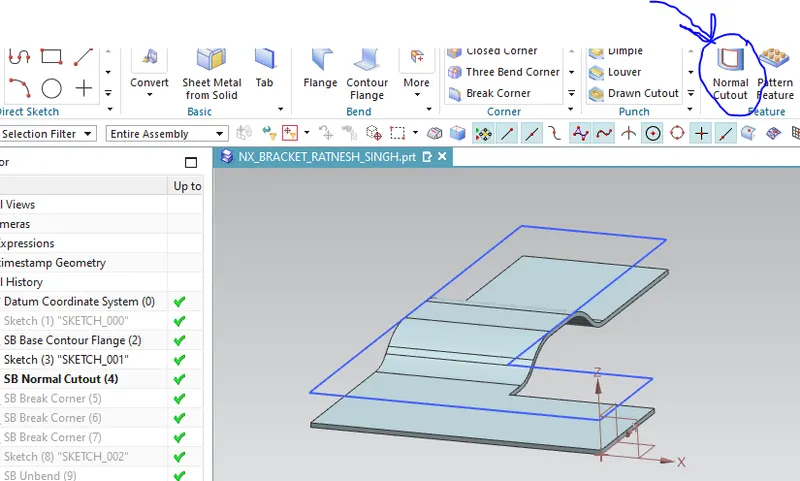
4.Use the break corner commend to remove the sharp/corner edges marked with the arrow in the below fig.
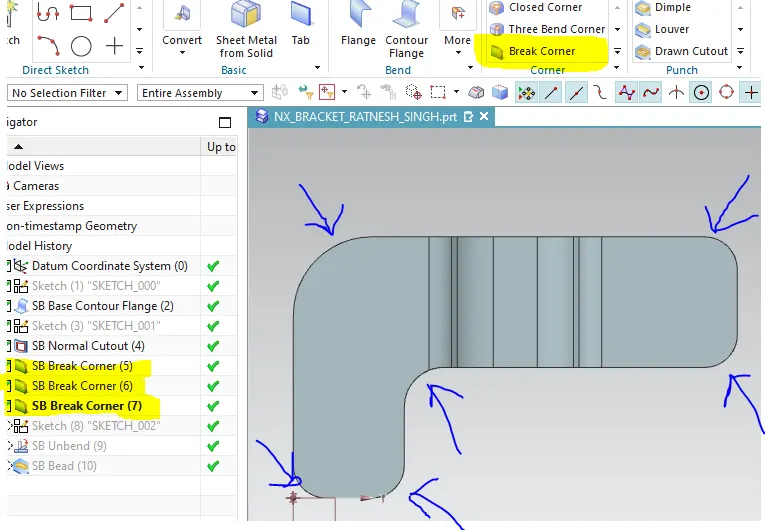
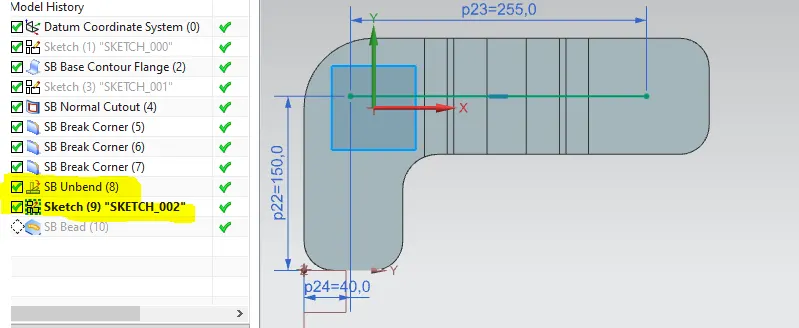
5. Before creating the bead on the surface, the sheet was unbended and sketch was created on the surface.
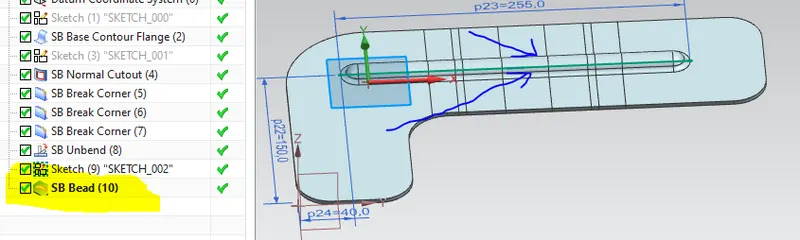
6. The rebend operation was done to get the actual design of the bracket.
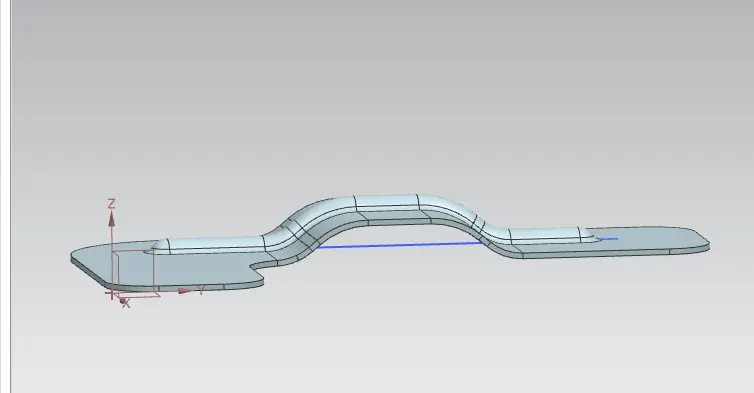
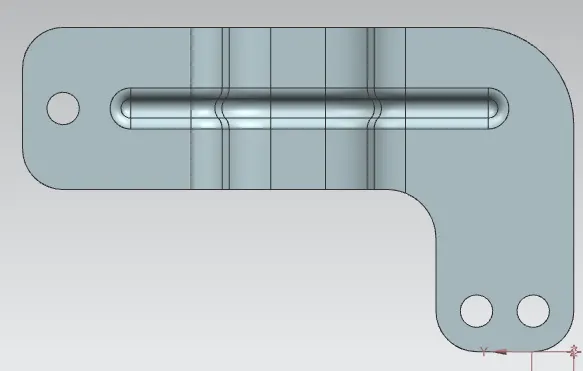
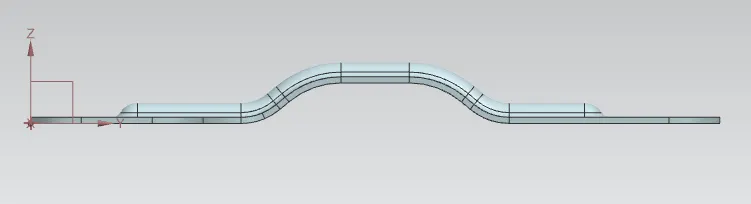
Different Views of the final model
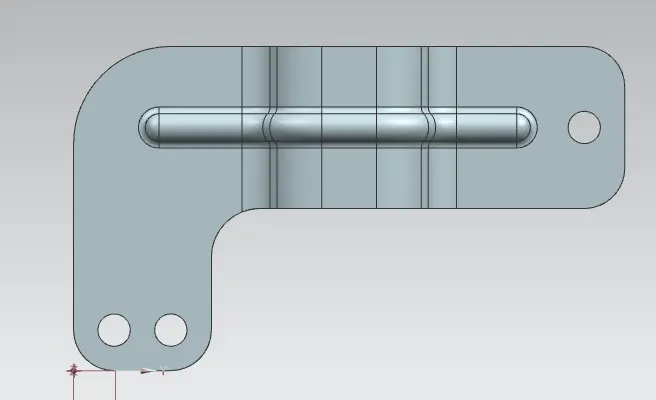
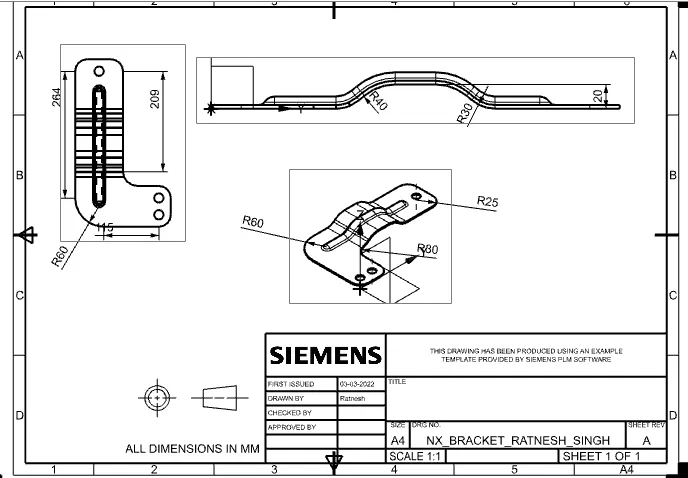
Drafting of the final model
Conclusion
As per the given dimension the bracket was designed and different view of the bracket were presented in the report. Under this challenge one can learn the uses of normal cutout, bead and contour flange commends.