Advanced Sheet Metal Design Using NX Cad Challenge_6_Bracket
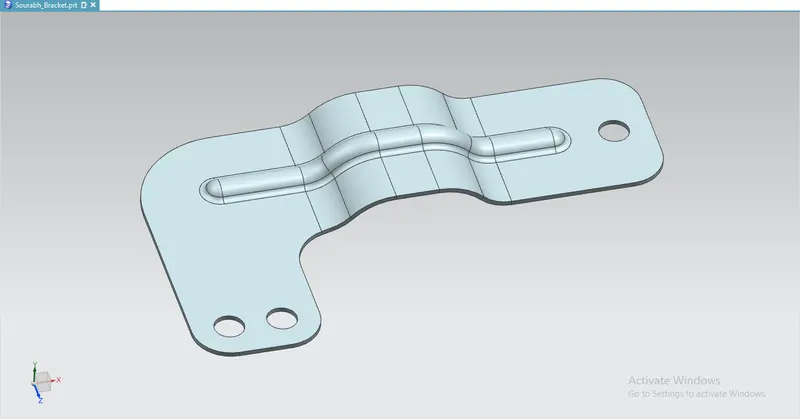
Title : To create a bracket using Siemen's NX Cad software.
Objective :
- To design a bracket using Siemens NX12 sheet metal Software.
Procedure :
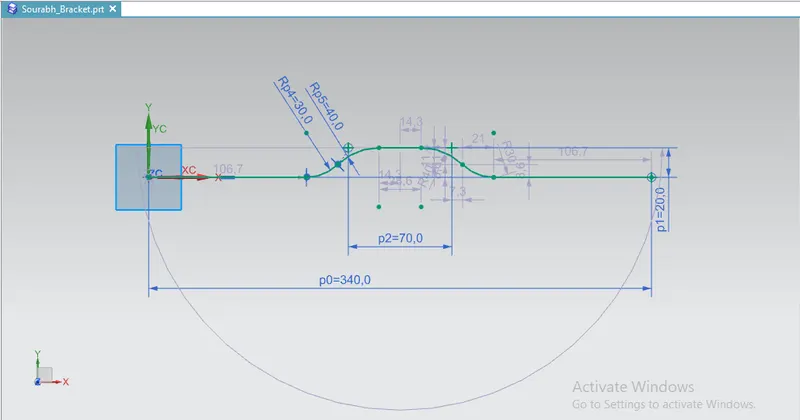
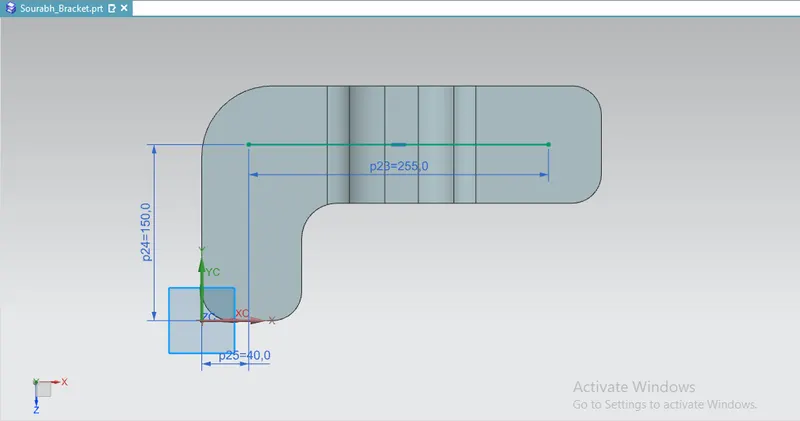
- Draw a sketch of given dimensions in the XZ plane.
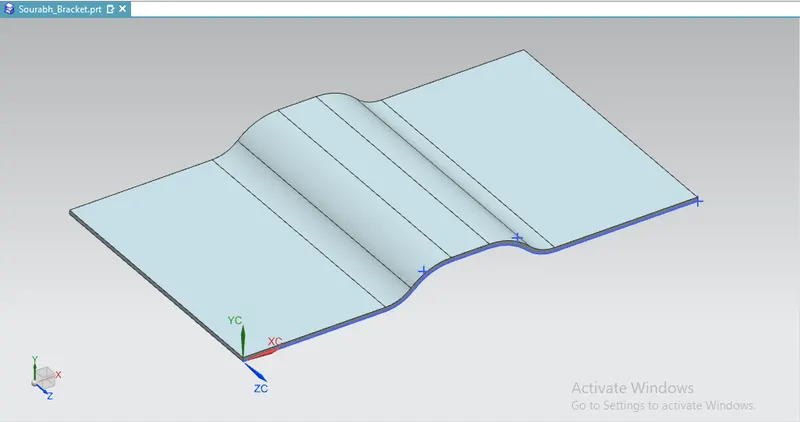
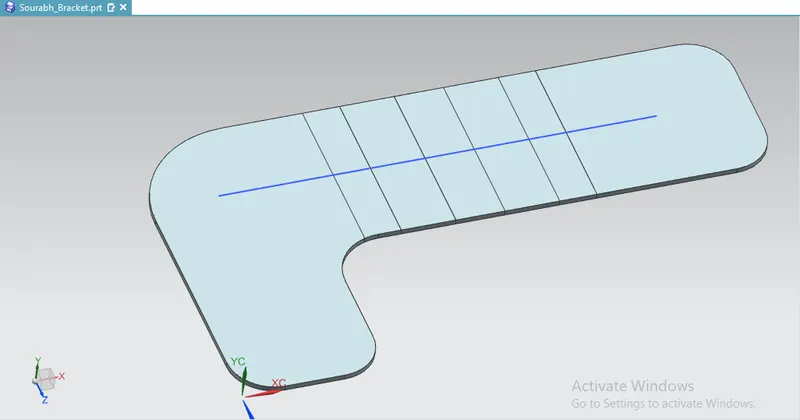
- Add a base to it of thickness 3mm.
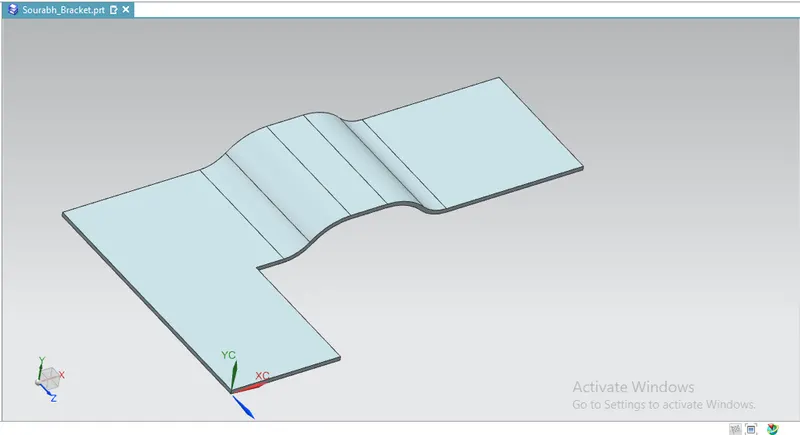
- Use the normal cut out feature to remove the unwanted material.
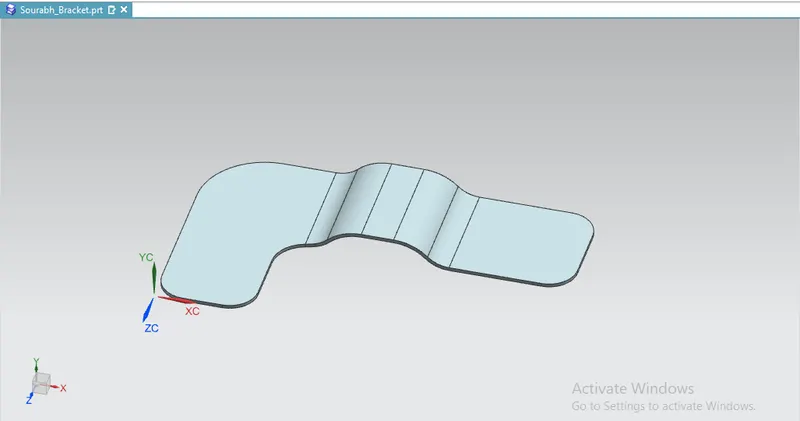
- Break the corners with a 25mm blend.
- Draw a sketch in the xy plane which will be the bead Centre line.
- Unbend the faces.
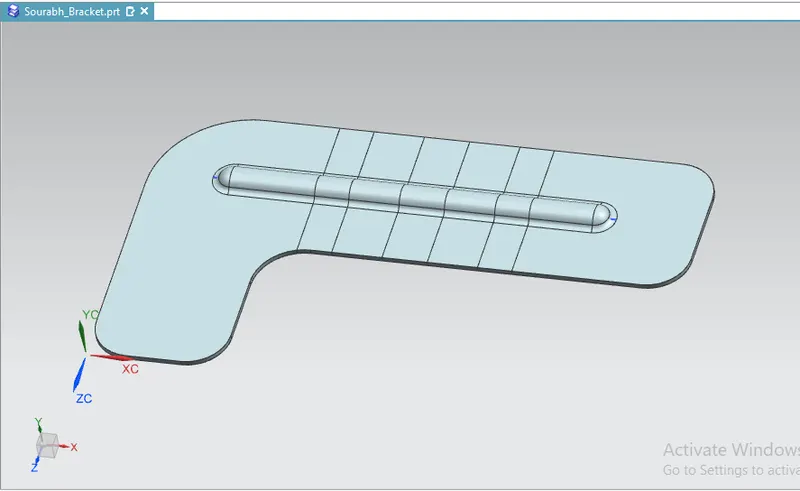
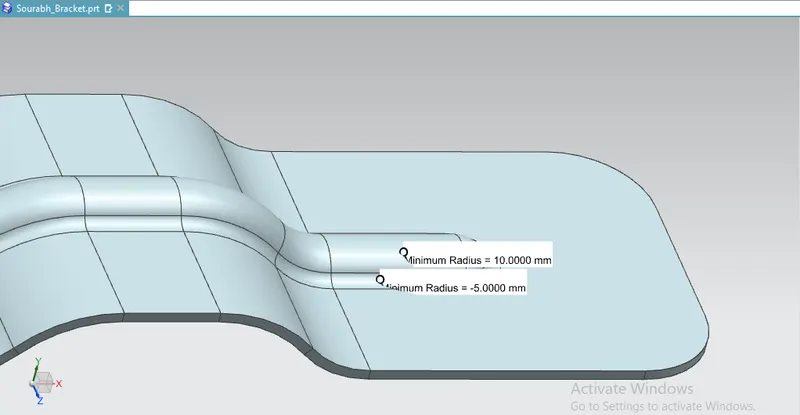
- Select the bead feature and give a depth of 7 mm and die radius of 5 mm.
- Rebend the faces.
- Make the holes of 20 mm diameter on the body.
Conclusion :
The sheet metal bracket of given dimensions is drafted by using Siemens NX Cad Software.