Advanced Sheet Metal Design Using NX Cad Challenge_6_Bracket
- Title of the project
Bracket
- Objective
The objective of this design is to create Bracket with the help of NX advance sheet metal.
- Introduction
Sheet metal forming is the process of turning a flat sheet of steel (or other material, such as aluminium or copper or titanium) into a complex 3D shape, such as those seen in vehicles or aircraft. Compare this to sheet metal fabrication, in which sheets of steel are bent or folded, into simple shapes, such as a folded box or enclosure.
- Design approach method
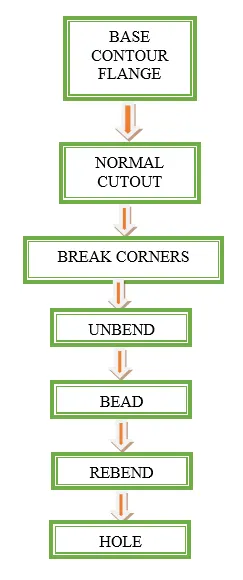
Descriptions of tools/ features
- Base contour flange
Creates a base feature by extruding a sketch along the vector, or adds material by sweeping the sketch along the edge or chain of edges.
- Normal cutout
Cuts material by projecting the sketch onto the model and then cutting it perpendicular to the face.
- Break corners
Creates a corner or chamfer to the tab or flanges.
- Unbend
Flattens the and the material which are adjacent to the bend.
- Bead
Lifts material along the contour of a sketch that simulates a stamping tool.
- Rebend
It restores the feature and comes back to previous bend state.
- Hole
For creating a screw type, screw size hole feature is used.
Screenshots of Model
Front View
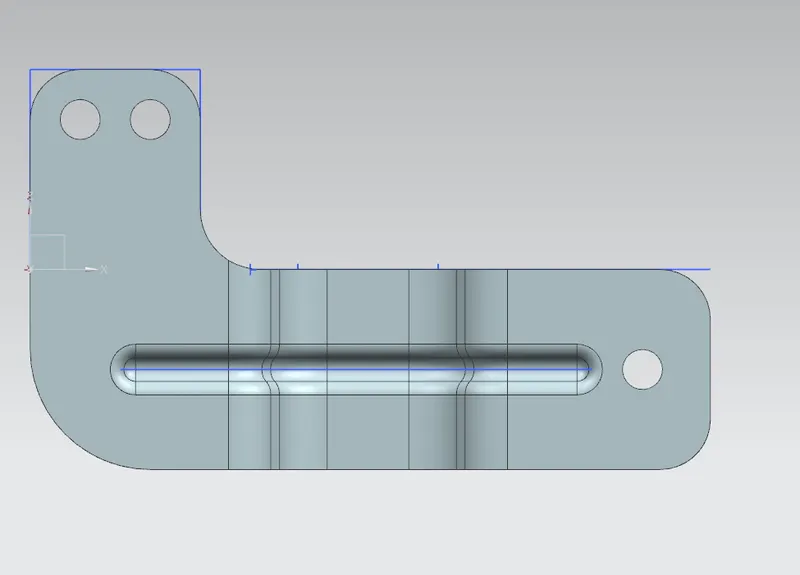
Side view
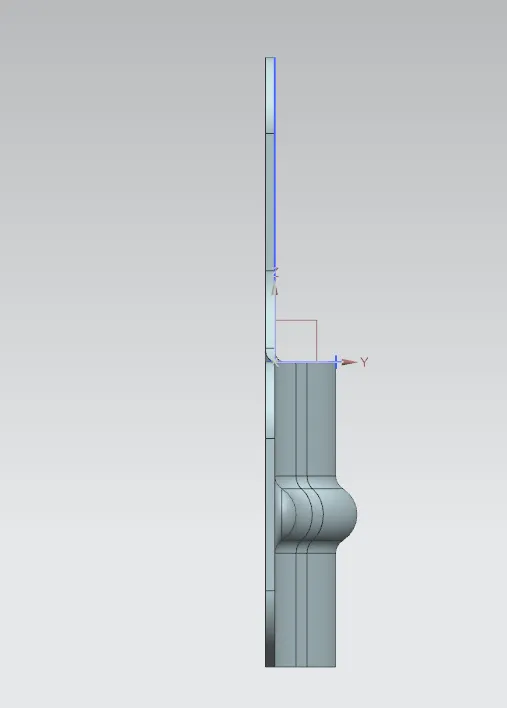
Top view
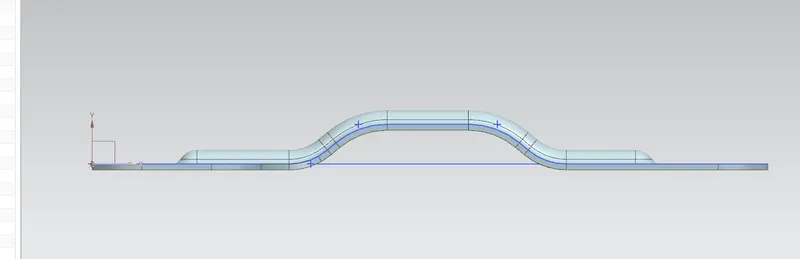
Isometric View
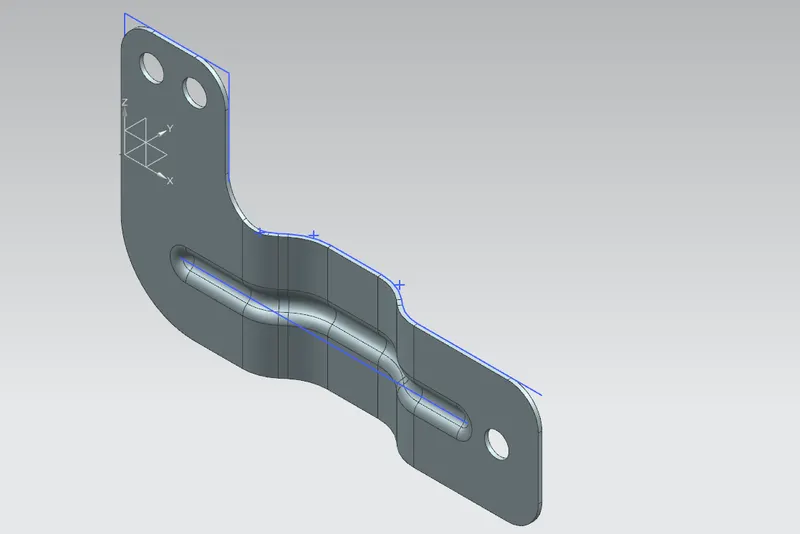
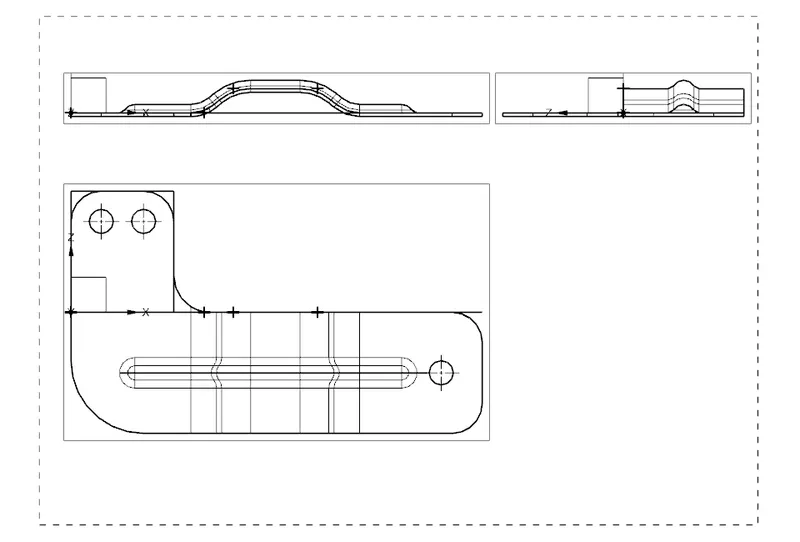
Drawing Sheet Image