DESIGNING OF METAL BRACKET IN NX CAD (2)
METAL BRACKET USING NX CAD:
Objective:
To design a sheet metal bracket using sheet metal application in NX CAD software.
Introduction:
NX CAD is a 3D modelling software for designers. It also contains Sheet metal, Surface modelling, drafting, Aero Sheet metal. etc., provinding wide variations in designing.
Design Methodology/Approach:
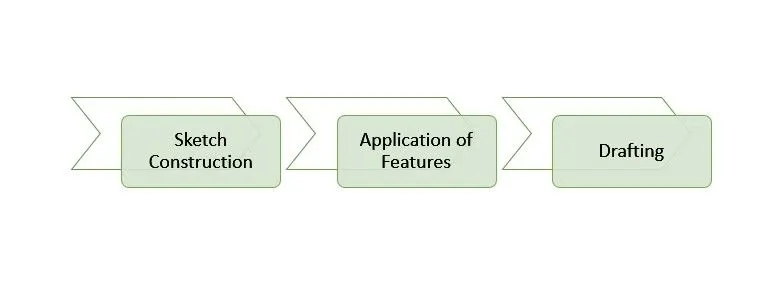
Features:
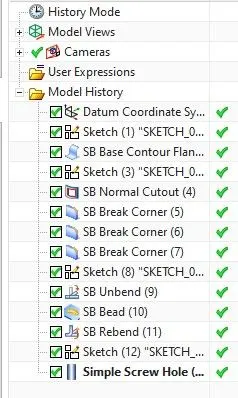
1. Contour Flange:
It is used to create an extrude feature using a open sketch.
2. Normal Cutout:
It is used to cut the sheet metal.
3. Break Corner:
It is usd to provide round corner to the edges.
4. Unbend:
It is used to flatten the sheet metal for adding more features.
5. Bead:
It is used to create a dimple like feature using any open sketch.
6. Rebend:
It is used to bring back the sheet metal into its original shape.
7. Simple Screw (Hole):
It is used to drill holes in the sheet metal.
8. Flat Pattern:
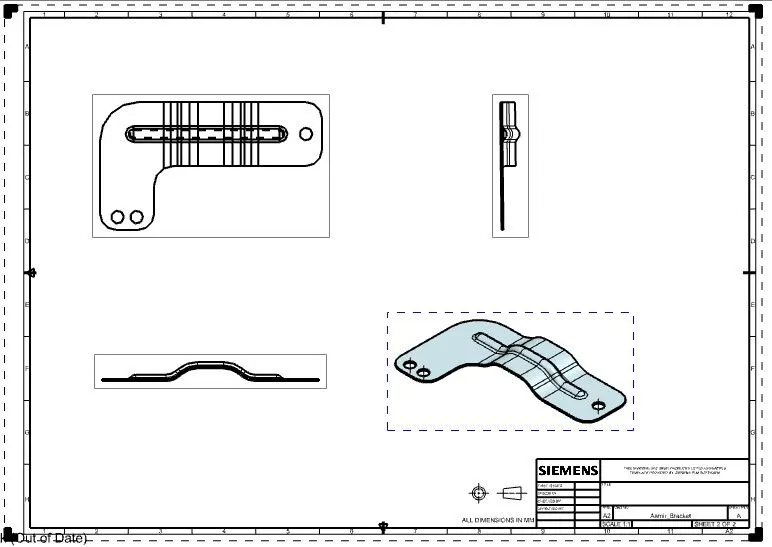
It is used to create a drafting sheet fir manufacturing purpose.
Images:
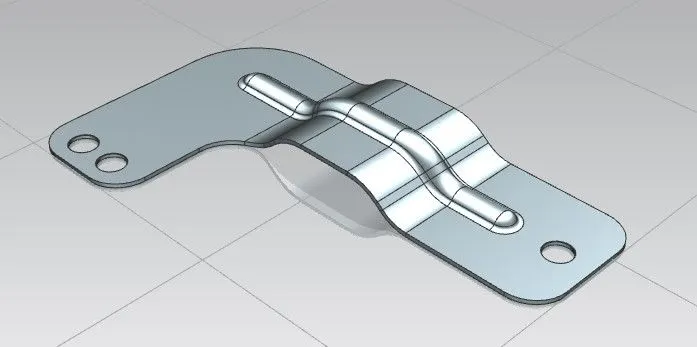
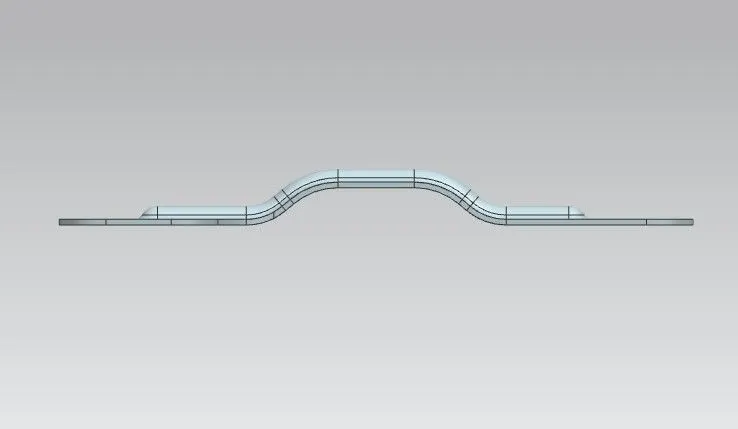
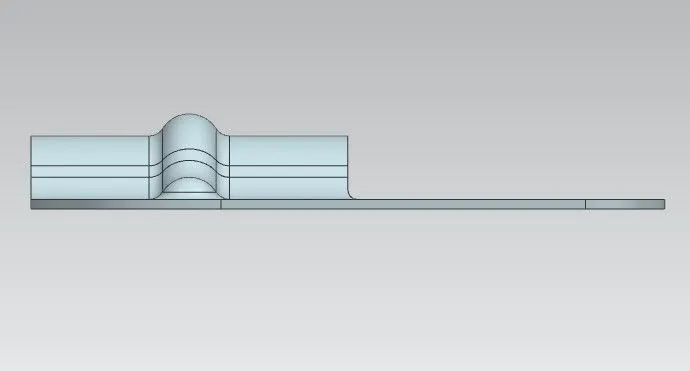
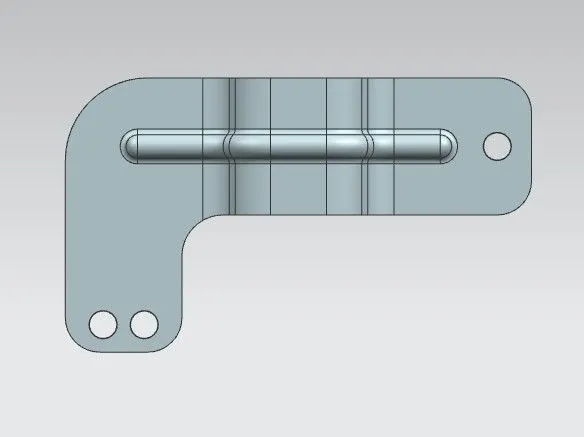
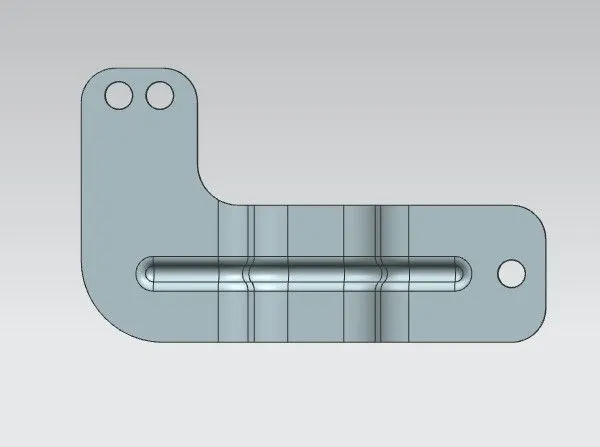
Drafting sheet:
Conclusion:
By using NX CAD software, the sheet metal bracket is sucessfully designed and drafted as per the required dimensions.