Advanced Sheet Metal Design Using NX Cad Challenge_5_Odd Shaped Enclosure
MODELLING OF AN ODD SHAPED ENCLOSURE USING SIEMENS NX
OBJECTIVE
The objective is to model a Odd Shaped Enclosure by using the application of Sheet Metal Design using SIEMENS NX 12 Software.
INTRODUCTION
The knowledge on the modeling of Sheet Metal plays a major role in the product design. Thus here is one of the application of sheet metal design is done using NX 12, where in different tools used for designing the sheet metal components are learnt, and here are some of tools used for designing the Odd Shaped Enclosure is discussed below.
DESIGN METHODOLOGY
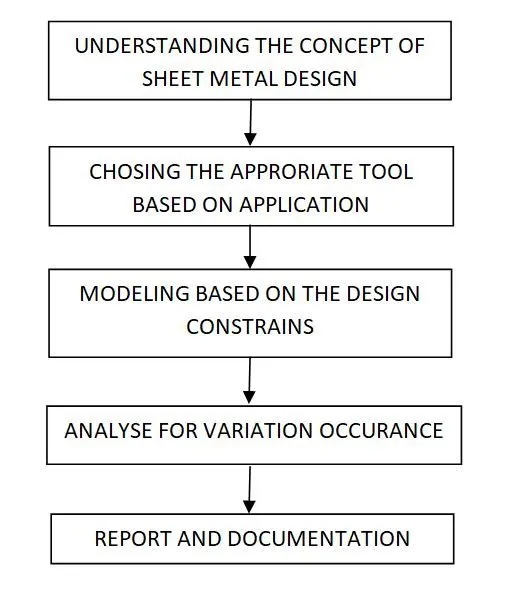
DESCRIPTION
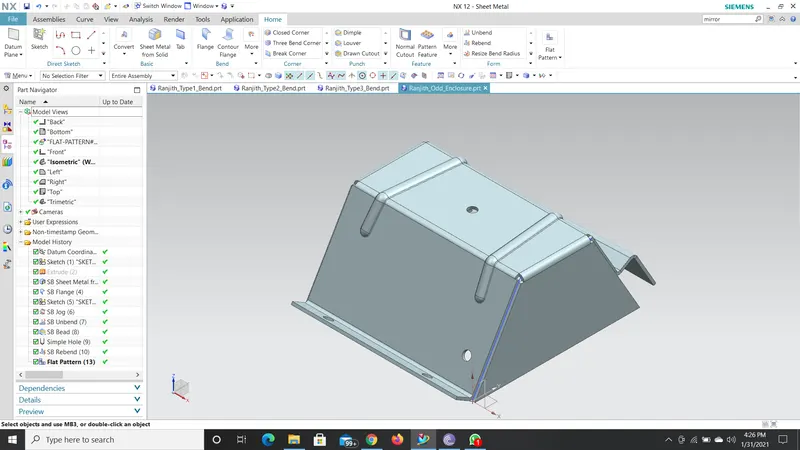
- At first a Solid Model is created by making a sketch and then extruding it to form the required shape.
- Then Sheet Metal from Solid option was used to convert the solid body into a sheet metal body.
- Then some Flanges were drawn on the down edges of the sheet metal and one Jog with the help of a sketch drawn.
- Then unbend option was used to draw some Beads on the top surface by sketching on it.
- Then some holes were drawn on the top surface with the Simple Hole option in order to make some mountings.
- Then Rebend option is used to get the required shape of the Sheet Metal body.
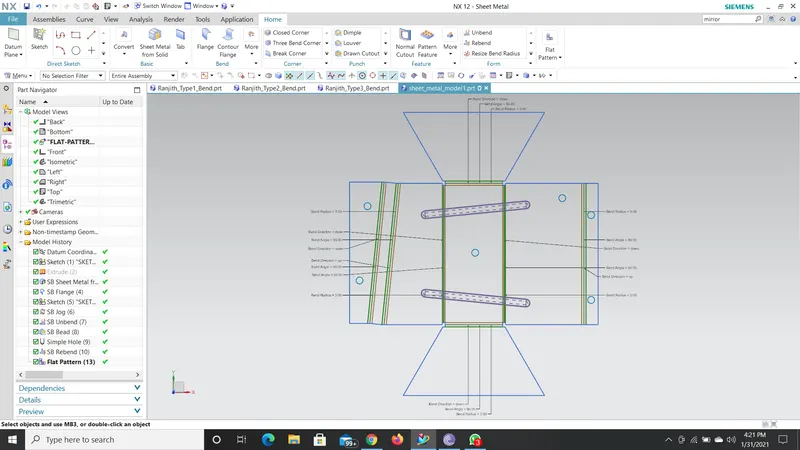
- Then Flat Pattern option was used to obtain the drawing sheet image of the model.
SCREENSHOTS
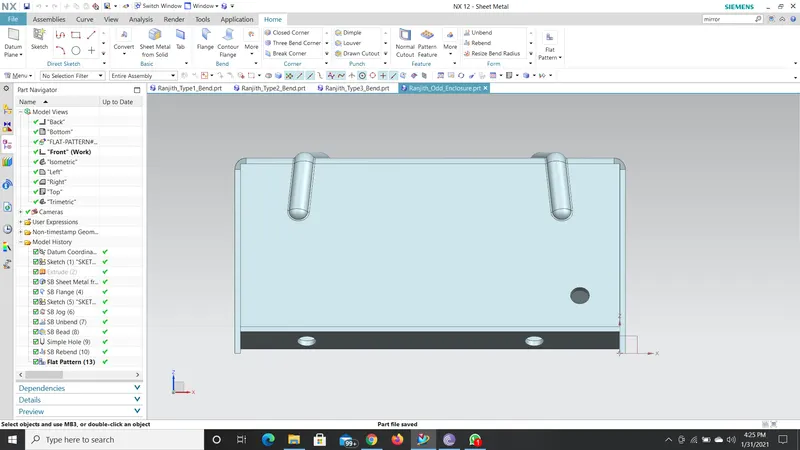
Front View
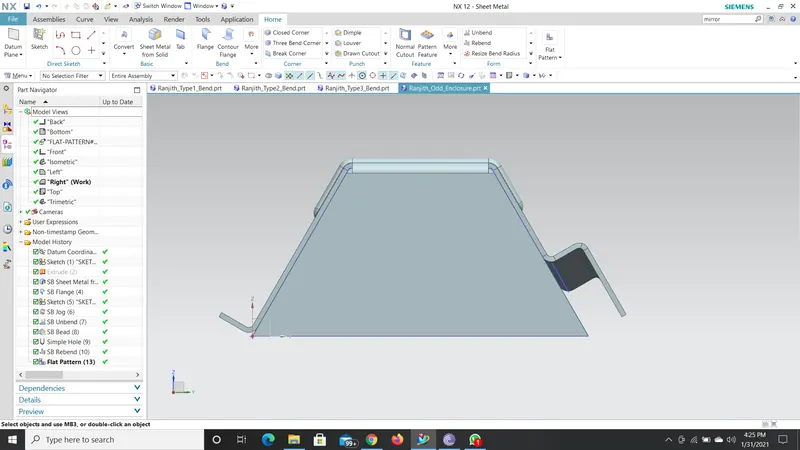
Right Side View
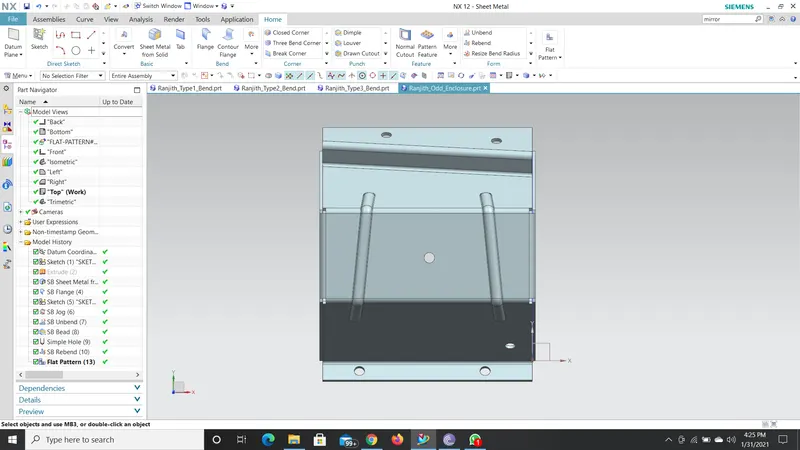
Top View
Isometric View
DRAWING SHEET IMAGE
CONCLUSION
Thus the modeling of an Odd Shaped Structure is completed using SIEMENS NX CAD 12.