Advanced Sheet Metal Design Using NX Cad Challenge_5_Odd Shaped Enclosure
Modelling and drafting of a sheet metal component from a solid body.
Objective
To design a sheet metal component from a designed solid body.
To create a flat pattern of the designed sheet metal component.
Introduction
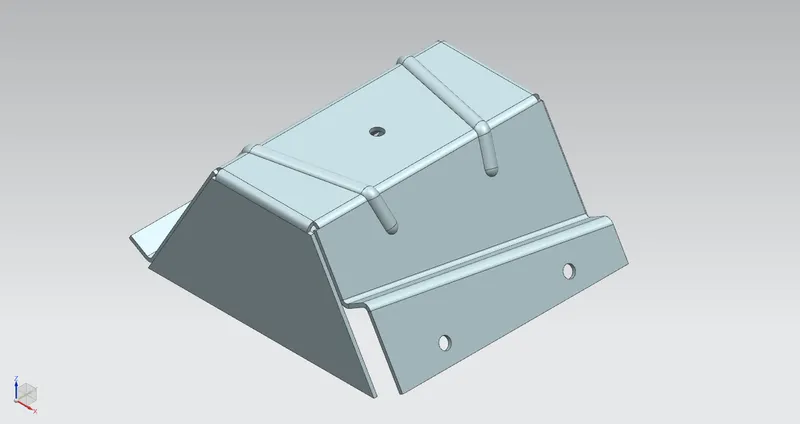
Our main aim is to design a sheet metal component from the designed solid body using, various tools and commands in NX CAD.
Creating a flat pattern of the designed sheet metal component by using NX CAD.
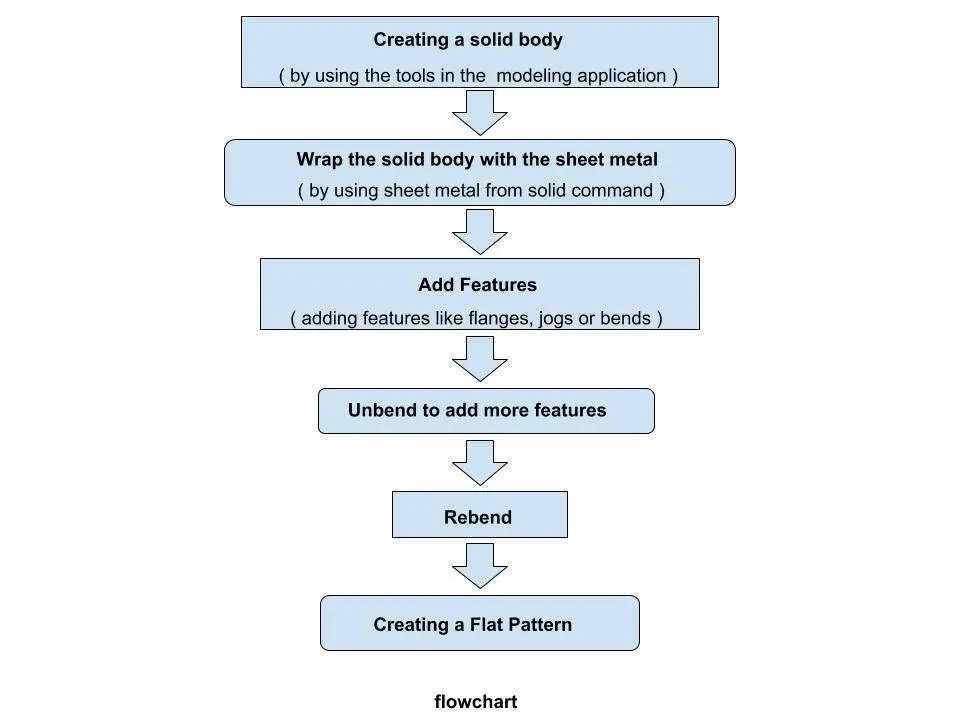
Flowchart
Description
The solid sheet metal component is designed by creating a solid and desired sheet metal component is wrapped up on solid by a simple command.
Even some commands need to be used to obtain the desired Sheet metal component.
Features used in creating the sheet metal component are
Sketch
Extrude
Sheet metal from solid
Flange
Jog
Unbend
Bead
Simple hole
Rebend
Flat Pattern
Sketch
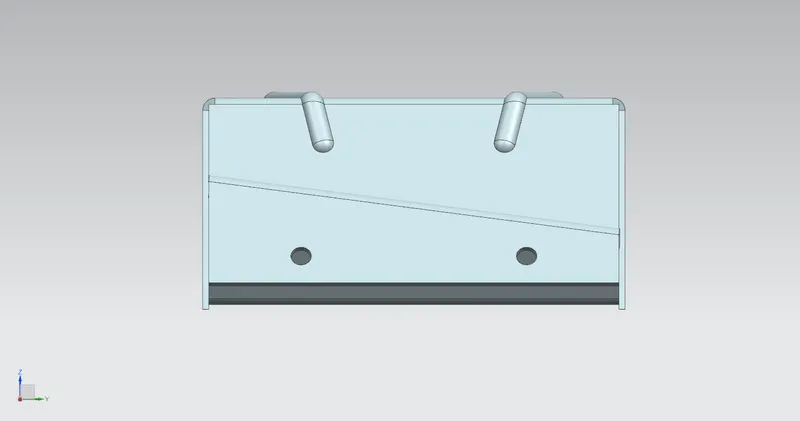
Creates a 2D sketch in the current application. Use the direct sketch tools to add curves, dimensions, constraints, etc.
Extrude
Creates a solid by extruding a section along a vector.
Sheet metal from solid
Builds a sheet metal model that takes its shape from a collection of planar faces.
Flange
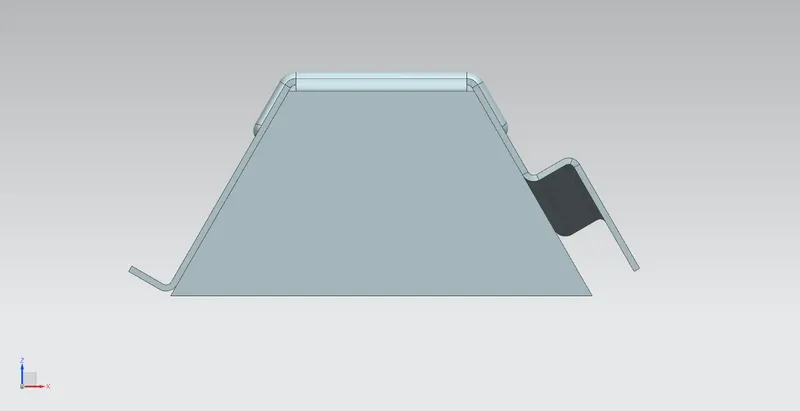
Adds a flat flange at an angle to a planar face and adds a bend between the two.
Jog
Jog command modifies the model by lifting material on one side of a sketch line, adding a flange between the two sides.
Unbend
Unbend flattens a bend and the material adjacent to the bend.
Bead
Bead command lifts material along the contour of a sketch that simulates a stamping tool.
Simple hole
Adds a hole to one or more solid bodies in a part or assembly with options for counterbored, countersunk, and threaded.
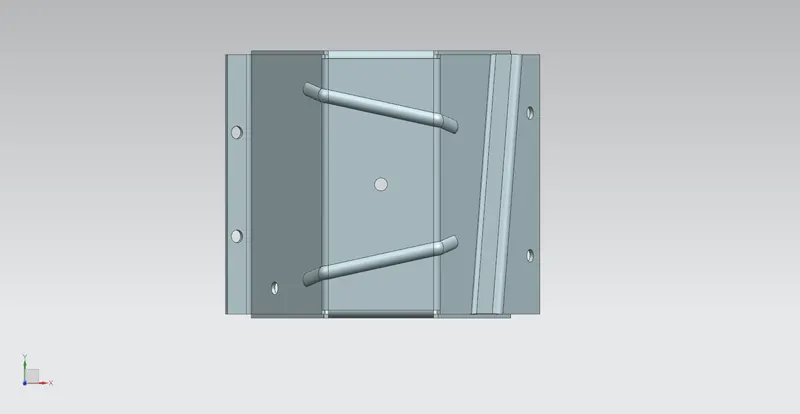
Rebend
Restores an unbend feature to its previous bent state, along with any features added after the unbend feature.
Flat Pattern
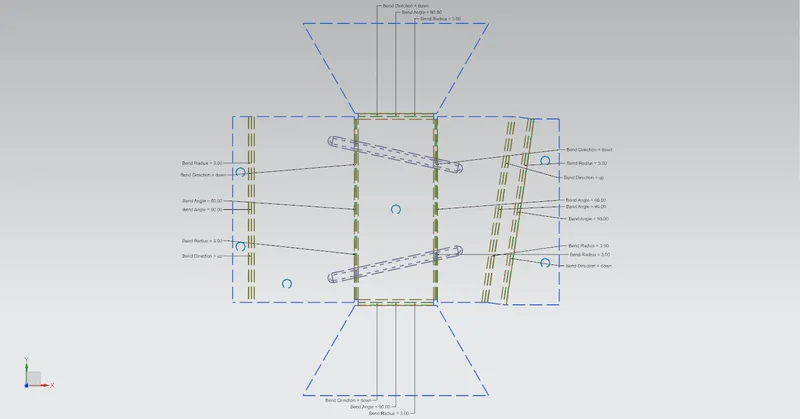
This command creates a flat pattern feature from the formed sheet metal part.
Conclusion
The sheet metal casting created from the solid body by using NX CAD.
The Flat Pattern of the designed Sheet metal component is created by using, NX CAD.