Advanced Sheet Metal Design Using NX Cad Challenge_5_Odd Shaped Enclosure
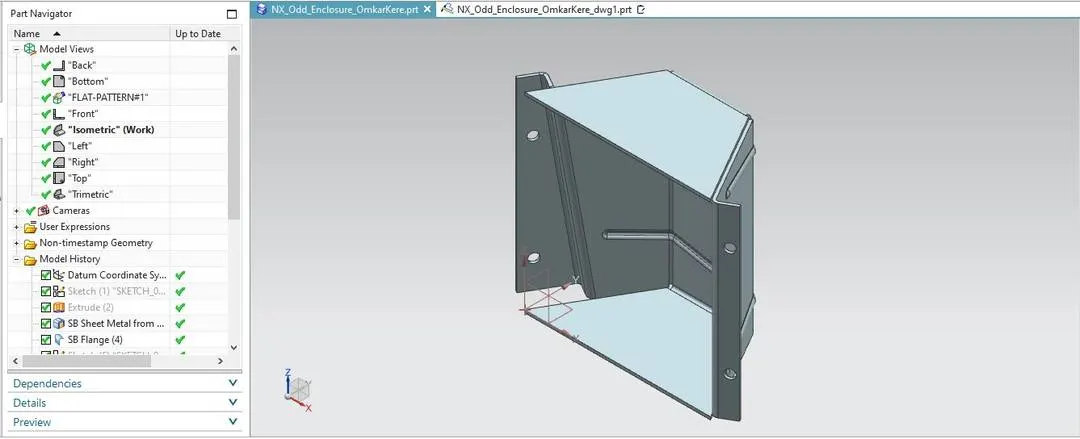
Design of odd shaped enclouser using NX CAD
Objective:
- To make Odd shaped enclouser using NX CADm
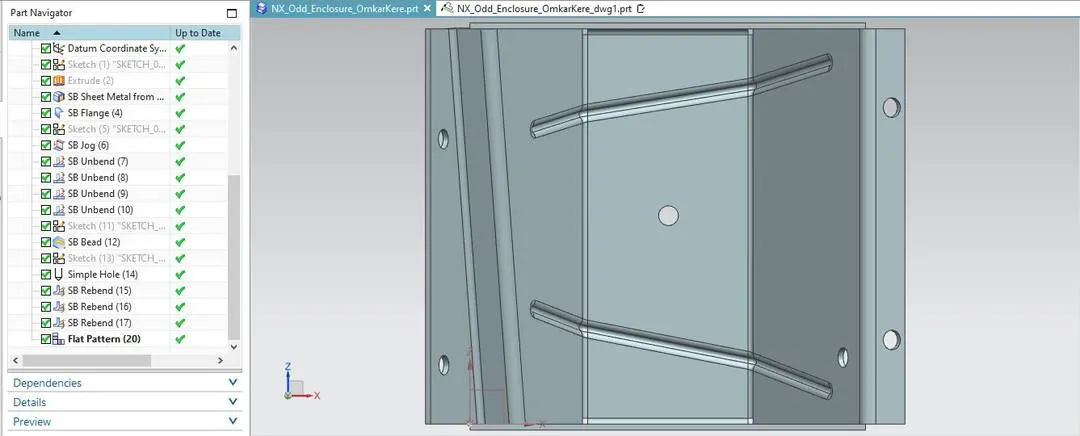
- Make a Flatpattern
Introduction:
In this I learn to design Different types of shapes in nx cad as well as different types of angles
Design methodology:
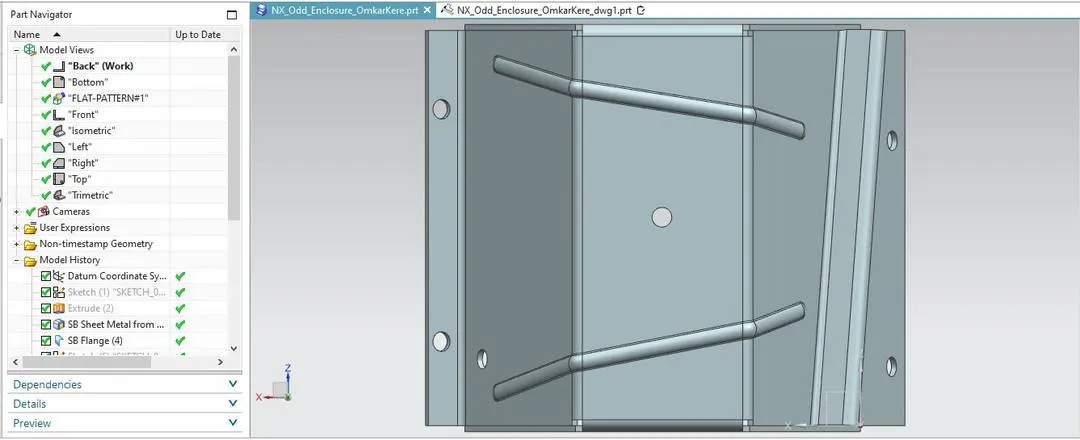
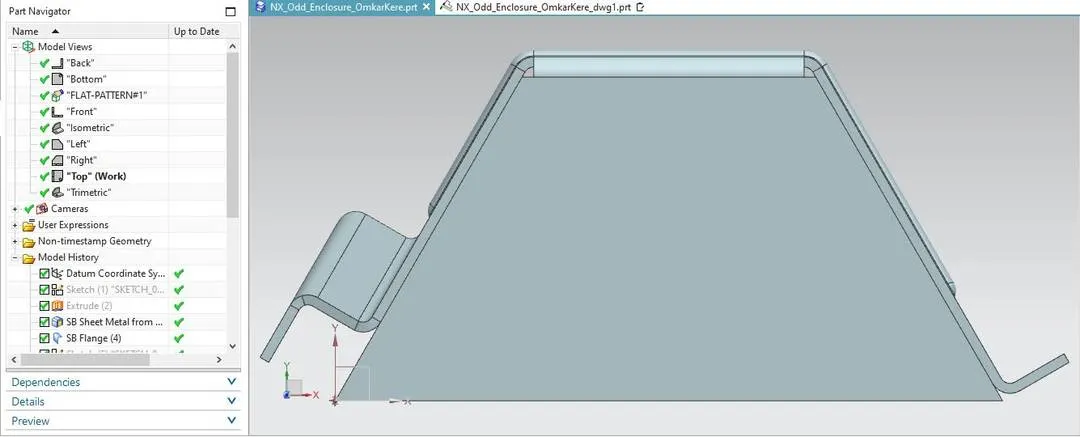
Make a new part in NX CAD --> Goto application --> select modeling --> Sketch a shape of polygon --> Base: 200mm; height: 100mm; angle between both sides and the base 60deg. --> Use Extrude to make a solid body --> Goto applications --> select Sheetmetal --> Select Sheetmetal from solid --> Select all the faces and the edges --> Thickness: 3mm --> Using Flange option add a flange --> Length: 20mm; width: full; Length reference: Inside; Inset: Material Inside --> Make a Jog using jog option --> draw a line at any angle --> Select the line and the face --> Height: 20mm; Height reference: Inside; Inset: Material inside --> Unbend the part using Unbend Option --> Sketch two lines at any angle --> Use bead command to make a bead on the part --> Cross-section: Circular; Deth: 3mm; radius: 3mm; End condition: formed --> Sketch points on the flat part --> Use hole command to make holes in the part -->make: general hole; Form: simple; Diameter: 10mm; Depth limit: Through body; Boolean: Subract --> Rebend the part using Rebend command --> Make a flatpattern using flatpattern command.
Description:
- Extrude: Turns a sketch into a solid body.
- Sheetmetal from body: This command turns a solid body into a sheetmetal.
- Flange: This is used for making flanges.
- Jog: This is used for making bends in the sheetmetal.
- Hole: This feature is used for making holes in the flatpattern
- Line: This is used for sketching lines.
- Points: This feature sketches points.
- Bead: This feature is used for making punch/beads in a flatpart.
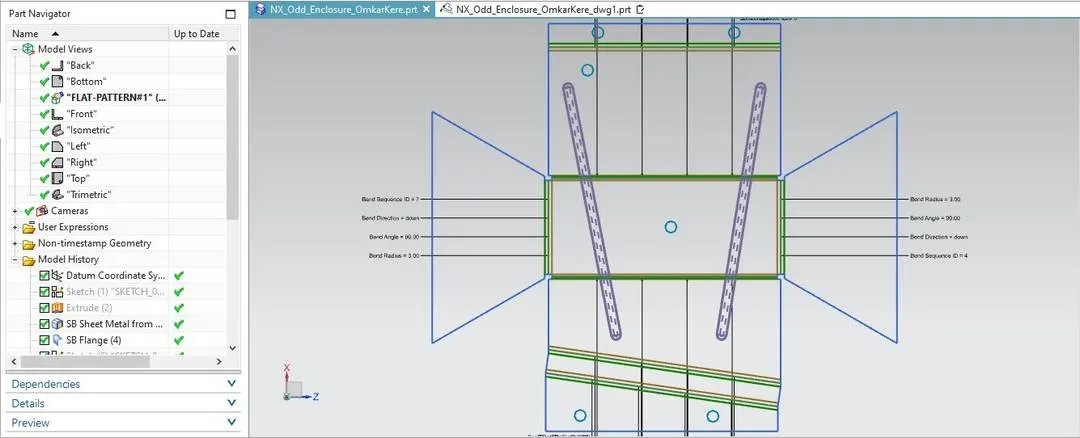
Flatpattern Image:
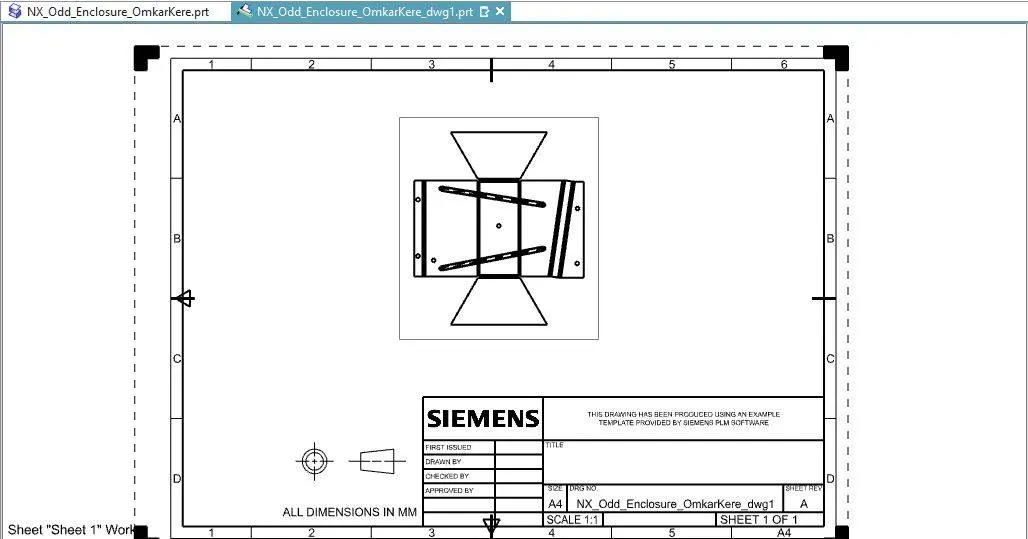
Drawing Image:
Conclusion:
The solid body was turnes into a sheetmeatl and Jogs, flanges, holes and beads were made on the part using NX CAD