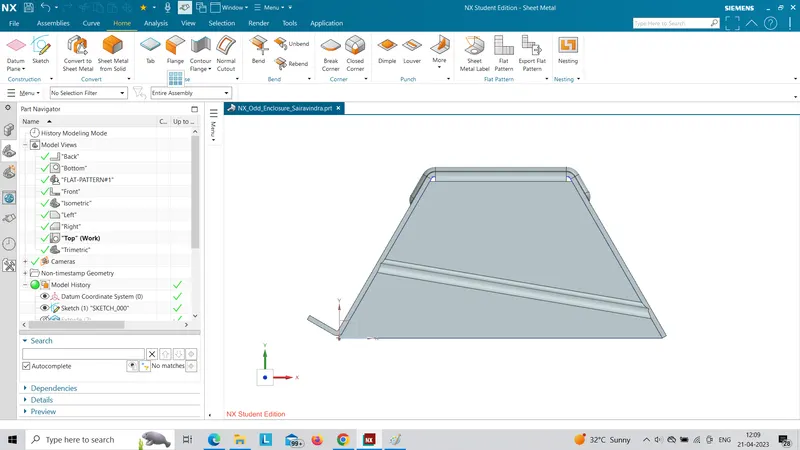
Advanced Sheet Metal Design Using NX Cad Challenge_5_Odd Shaped Enclosure
Title of the Project:
DESIGN OF SHEET METAL OF ODD SHAPED ENCLOSURE
OBJECTIVE:
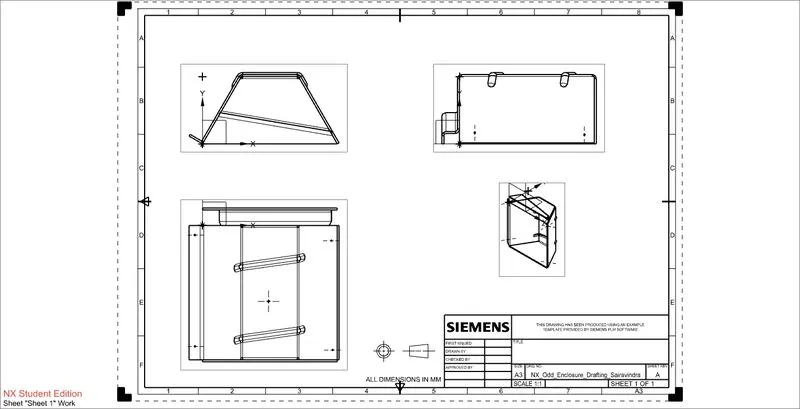
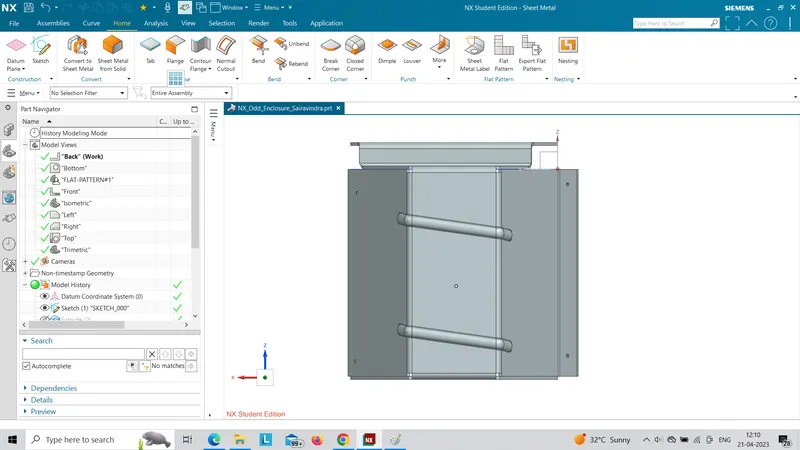
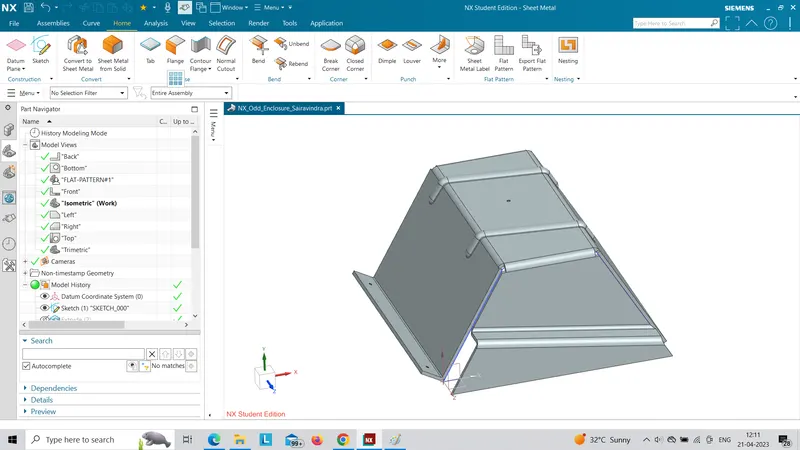
The main motive of this project is to design a sheet metal of odd shaped enclosure using sheet metal operations by NX software.
INTRODUCTION:
Sheet metal is simply metal formed into thin and flat pieces.It is one of the fundamental forms used in metal working,can be cut and bent into a variety of different shapes.some of the forming process of sheet metals are:
1.BENDING:
The equation for estimating the maximum bending force is as follows:
 ,
,
where k is a factor taking into account several parameters including friction. T is the ultimate tensile strength of the metal. L and t are the length and thickness of the sheet metal, respectively. The variable W is the open width of a V-die.
2.HEMMING:
Hemming is the process of folding the edge of the sheet metal onto itself to reinforce that edge.
3.PUNCHING:
Punching is performed by placing the sheet of metal stock between a punch and a die mounted in a press. The punch and die are made of hardened steel and are the same shape. The punch is sized to be a very close fit in the die.
4.PERFORATING:
Perforating is a cutting process that punches multiple small holes close together in a flat workpiece. Perforated sheet metal is used to make a wide variety of surface cutting tools.
5.ROLLING:
Rolling is metal working or metal forming process. In this method, stock is pass through one or more pair of rolls to reduce thickness. It is used to make thickness uniform. It is classified according to its temperature of rolling.
DESIGN METHODOLOGY:
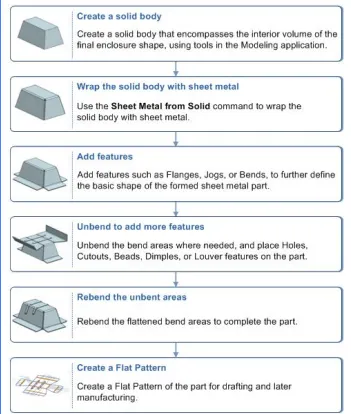
1.EXTRUDE:
The extrude command is used to extrude the selected sketch to a required dimensions.The extrude command is used to create as solid body which is later converted to sheet metal.
2.SHEET METAL FROM SOLID BODY:
Sheet metal from solid body is a command used to create sheet metal from the solid body by selecting the faces and the edges.This can be used to import the dum body and convert them to a sheet metal.
3.FLANGE:
This command is used to add a flat flange to the bend portion of the casing.It consists of 2 regions.They are:
I)Bend region
2)Web region
4.JOG:
Jog is a command used to create an offset or a step in a tab.NX creates the jog by lifting material on one side of the jog lineand adding a flange between the two sides.
5.UNBEND:
This is the next step followed while designing the odd shaped enclosure,the unbending is done to add other features like dimple,beads to the main face of the casing.
.
6.BEAD:
A Bead is a long,drawn out impression,which is impressed to increase stiffness in metal sheets or plates.It is also important that how the bead runs over the workpiece.
7.HOLES:
The holes of required diameter are applied to the end of the sheet metal portion which may come in contact with the other object for its support.
8.REBEND:
The rebending is the next step in the design of sheet metal of odd shaped enclosure where after applying the Bead features the Casing will be bent back to the original position in the reverse manner.
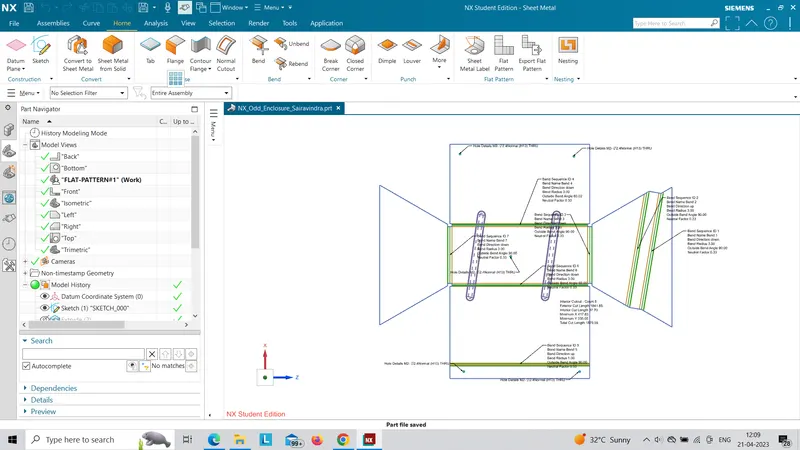
9.FLAT PATTERN:
The Flat pattern is the last step for creating the sheet metal casing where the required information will be displayed for the Manufacturing purposes.