Advanced Sheet Metal Design Using NX Cad Challenge_5_Odd Shaped Enclosure
1.Title of the Project:
Odd Shape Encloser
2.Objective:
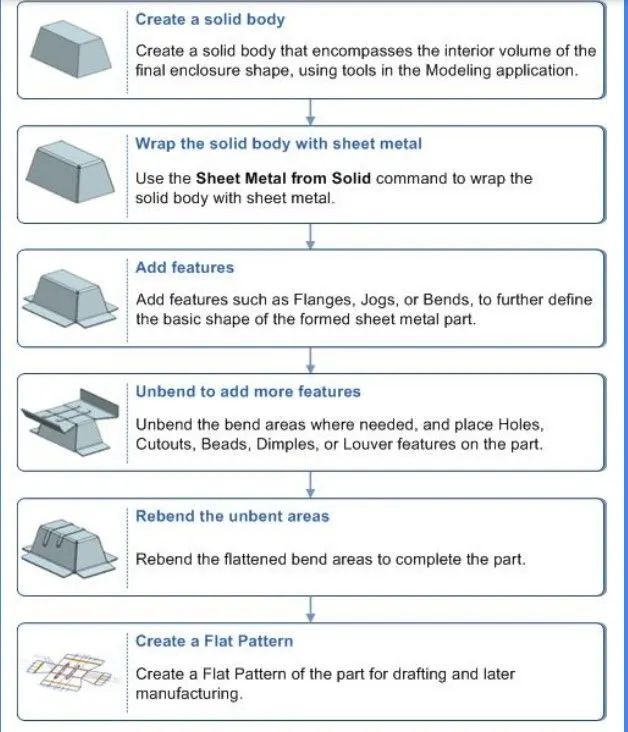
Recommended workflow to create enclosures
with odd shapes or angles.
To design odd Shaped enclosure using through NX cad Sheet metal applications and learn how various features of NX applications can be used for Sheet metal design in industries.
3. Introduction:
Sheet metal is one of the most important materials used in manufacturing industries . It made of steel, aluminium, brass.
The metal formed by an industrial process into thin, flat pieces. Sheet metal is one of the fundamental forms used in metal working, and it can be cut and bent into a variety of Shapes.
Here we will learn the recommended workflow procedure to design a
‘Sheet Metal part for odd shapes’ using Siemens NX Sheet Metal Application.
4. Design methodology / approach:
5.Description (Need to explain tools/ Features used while designing:
1. Extrude :
Extrude command is used to make an sketch into thicken shape or enlarge the sketch.
2. Sheet Metal from Solid:
Use the Sheet Metal Command to wrap the solid body with Sheet Metal.
3. Flanges:
A flange feature consists of a face and bend connected to an existing face along a straight edge. To add a flange feature, you select one or more edges, and specify the size and position of the material added.
4. Jog:
A Jog feature is an offset in sheet metal. The most common use of this feature is to create an overlap of two parts or two edges.
5. Bead:
This command is used to lift material along contour of a sketch that stimulates a stamping tool. Bead can also be created to stiffen shhet material. Datum Plane: This feature is used to project the plane at a certain distance by giving the distance.
6. Unbend:
It’s an command used to flatten the created 3d model taking one face as a stationary face.
7. Hole:
It’s an command used to create different type of hole like tapping and normal drilling, on the Surface of an Sheet metal.
8. Rebend:
This command used to re bend the already flattened sheet metal.
9. Flat Pattern:
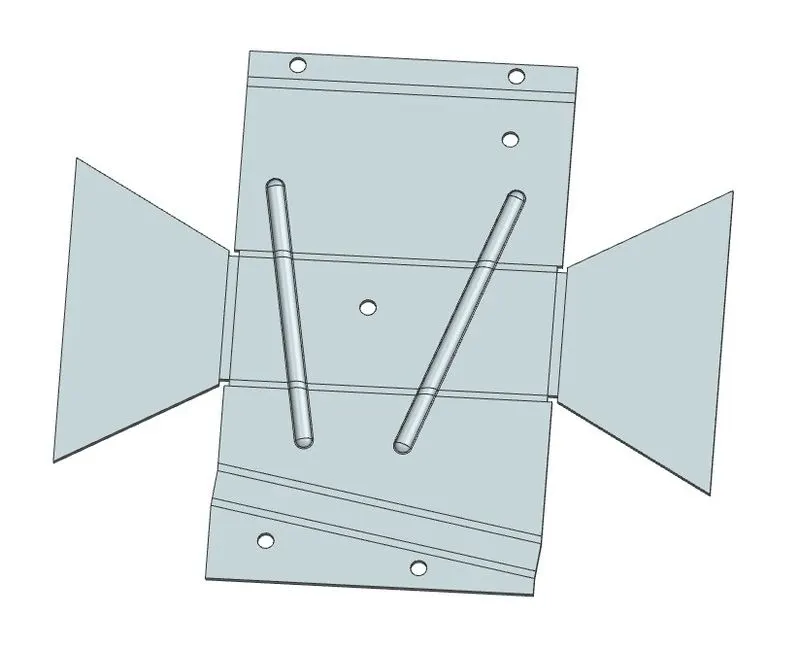
Create a flat patternfeature from the formed sheet metal part.
PROCEDURE:
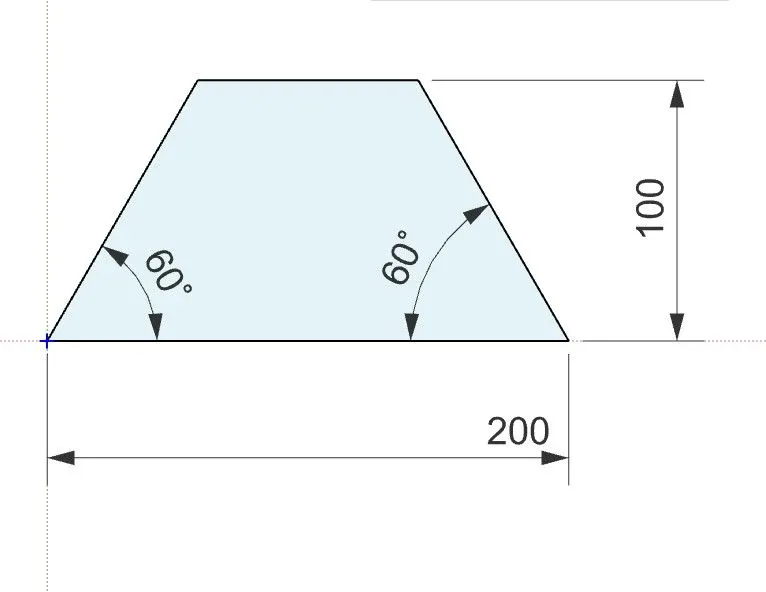
- First we need to create an sketch by giving proper dimensions.
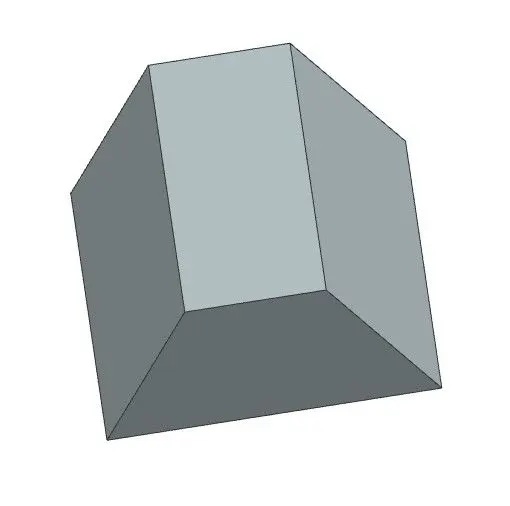
- Now use the command called Extrude and apply extrude to the sketch.
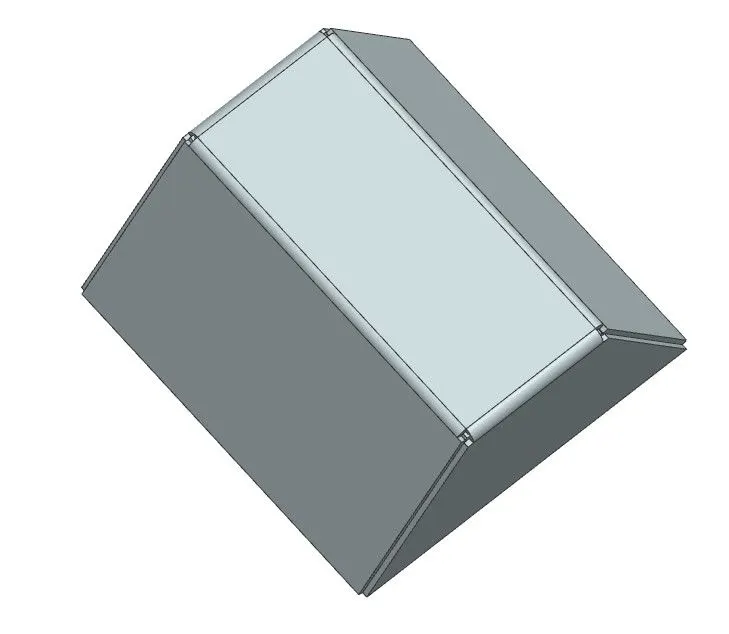
- Here we need to change the Sheet metal to solid.
- Now apply the features like Flanges, Jog, Bead to get required shape.
- Now use the command called Unbend and unbend the sketch.
- After completion of unbend use the command call Hole to creat holes.
- Now again Rebend the Sketch.
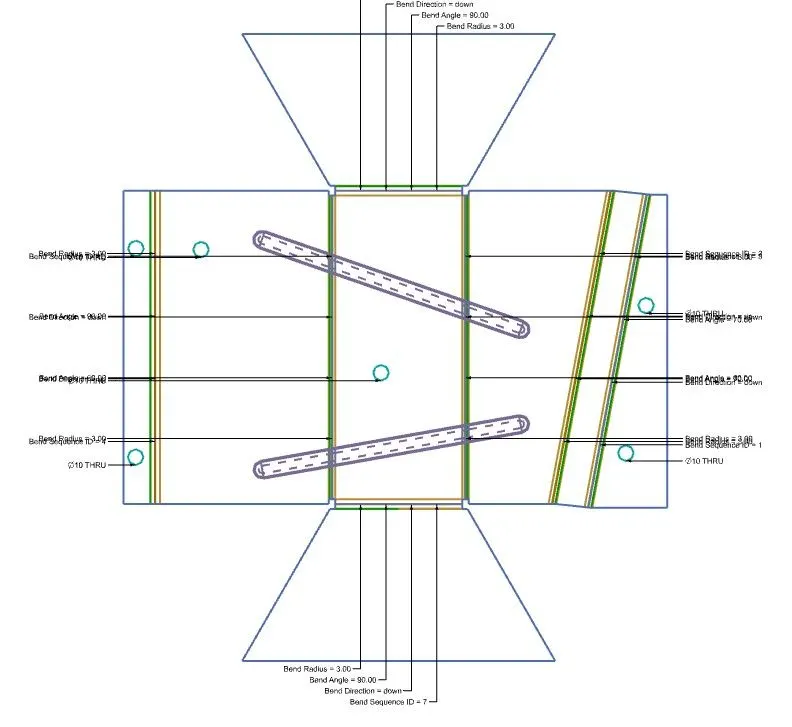
- Finally apply the Flat Pattern command to find the exact sheet metal to make an part.
Sketches:
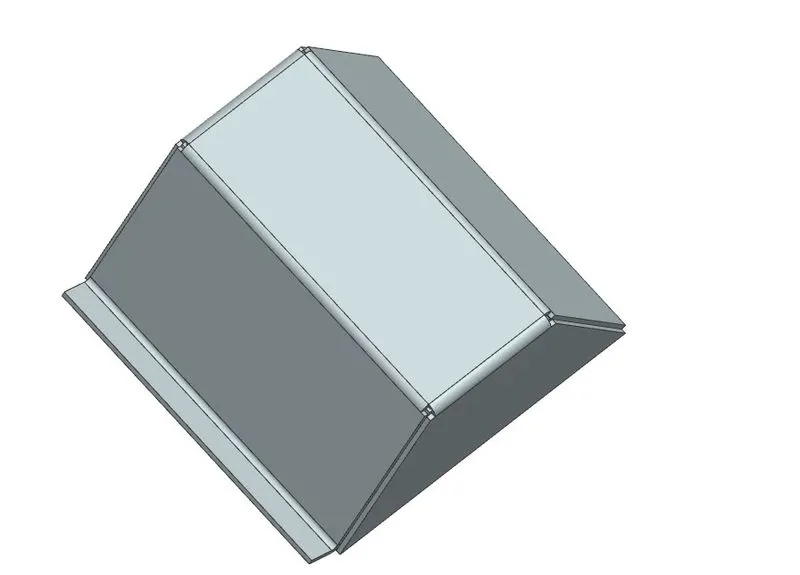
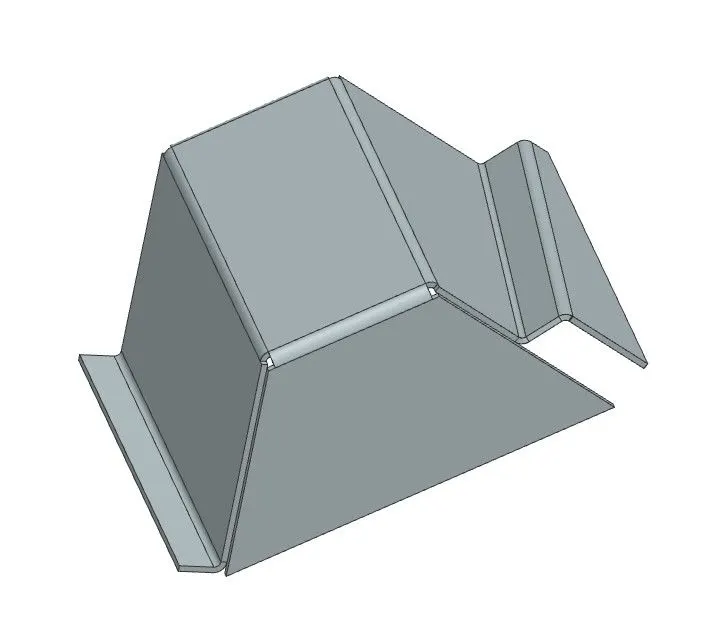
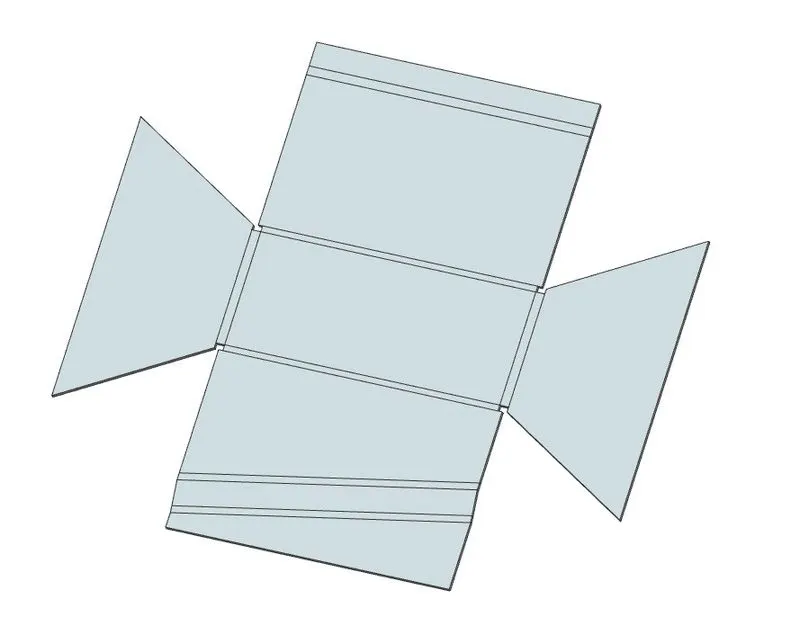
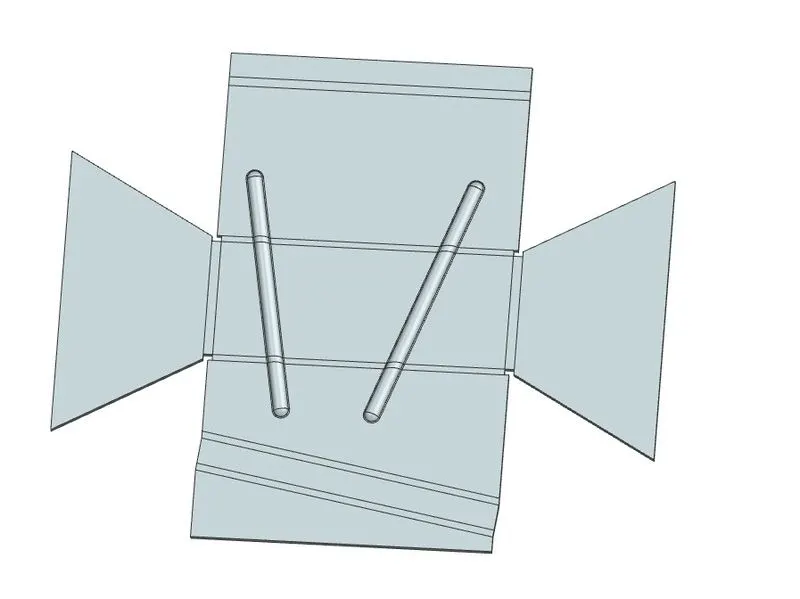
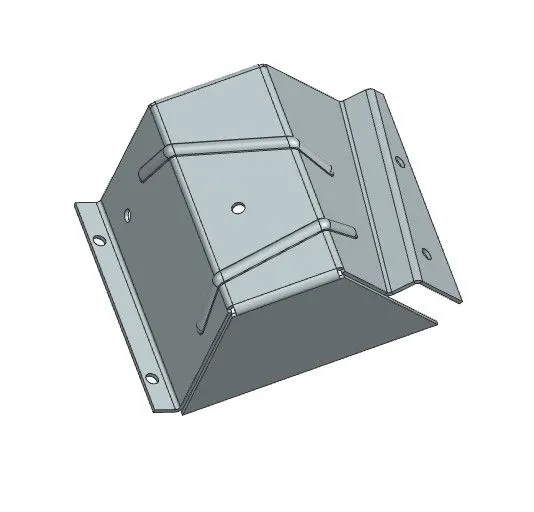
VIEWS:
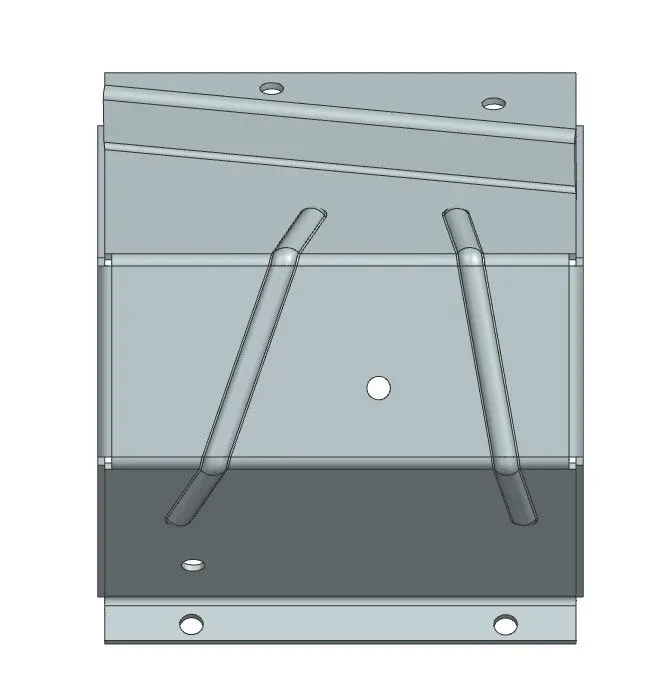
TOP VIEW
FRONT VIEW
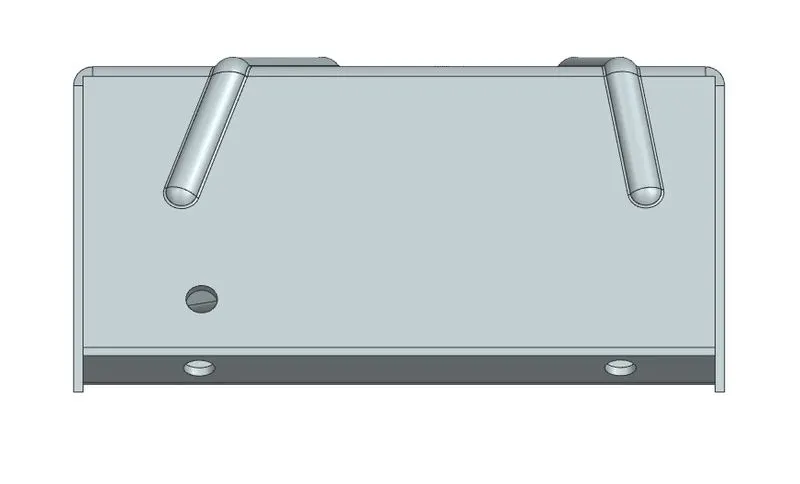
LEFT SIDE VIEW
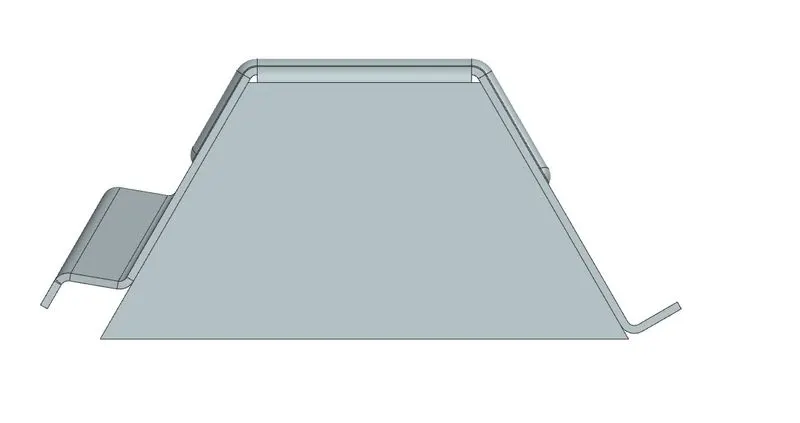
ISOMETRIC VIEW
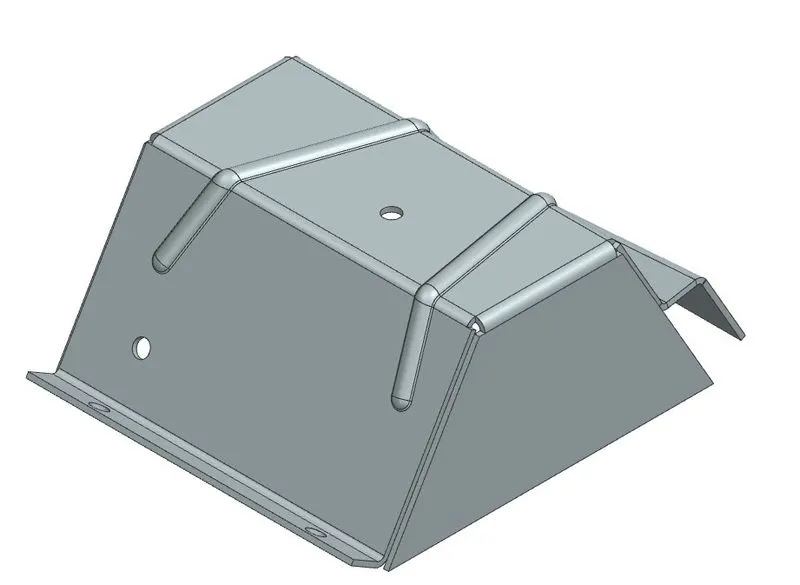
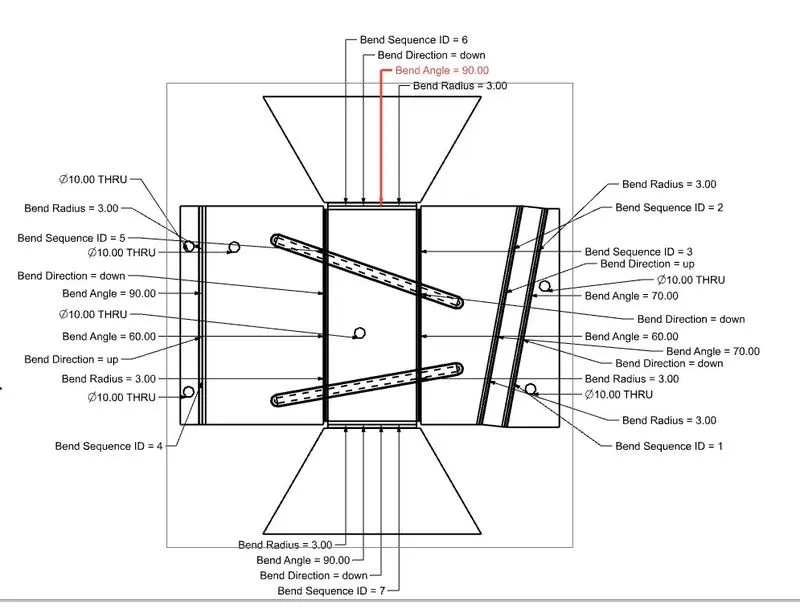
FLAT PATTERN:
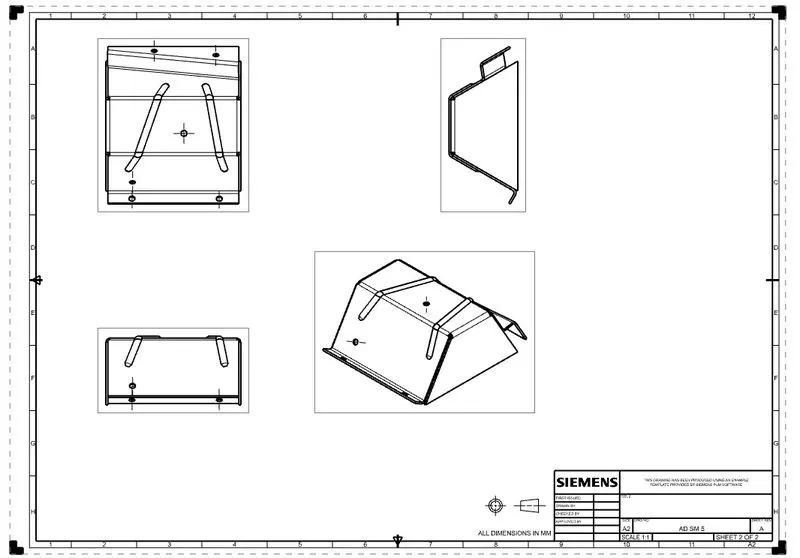
DRAWING SHEET:
CONCLUSION:
By conclusion this task, I have learn how to design an Odd shaped enclosure using extrude, feature flange, jog, hole, bead, Rebend, unbend, flat pattern and sheet metal from solid by creating an odd shaped enclosure.