Advanced Sheet Metal Design Using NX Cad Challenge_5_Odd Shaped Enclosure
Using the Siemens NX Sheet Metal Application, create a sheet metal part for an unique shape.
Objective: To create a sheet metal enclosure component with a different of odd shapes.
Introduction: Sheet metal is used to shape objects from a metal sheet via punching, cutting, stamping, and bending. Sheet metal components are perfect for end-use applications due to their durability (e.g. automotive applications). The most cost-effective parts are those utilised in low volume manufacturing runs and high volume manufacturing runs due to high initial setup and material expenses. "Sheet metal" refers to any metal that may be formed into flat pieces of various thicknesses. Plates are substantial metal objects. The sheet metal industry uses a variety of metals, including cold-rolled steel, mild steel, stainless steel, tin, nickel, titanium, aluminium, brass, and copper. To design the sheet metal, we employ programmes like Creo, NX, Catia, and others of a comparable nature. The NX design environment's NX Sheet Metal provides a set of tools that make creating sheet metal components quick and simple. The bodywork of cars and trucks (lorries), large appliances, aeroplane fuselages and wings, tinplate for tin cans, roofing for structures (architecture), and many other things are made of sheet metal.
Design methodology:
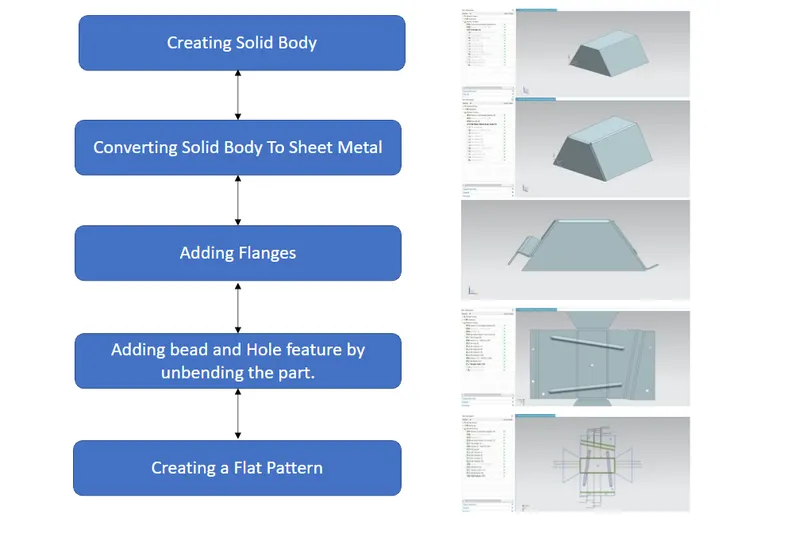
Description: Odd Shaped Enclosure
Step 1: Creating Solid Body
Tools Used:
Sketch: Sketch generates a 2D visual for the model when there are many sketch commands present, such as lines, rectangles, circles, etc.
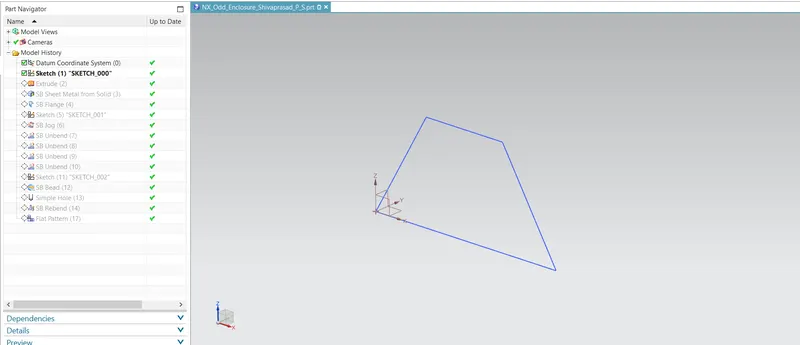
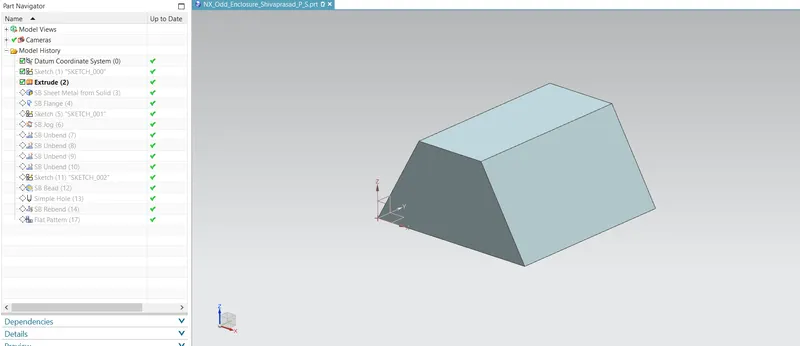
Extrude: Extruding a feature along a vector to create a feature.
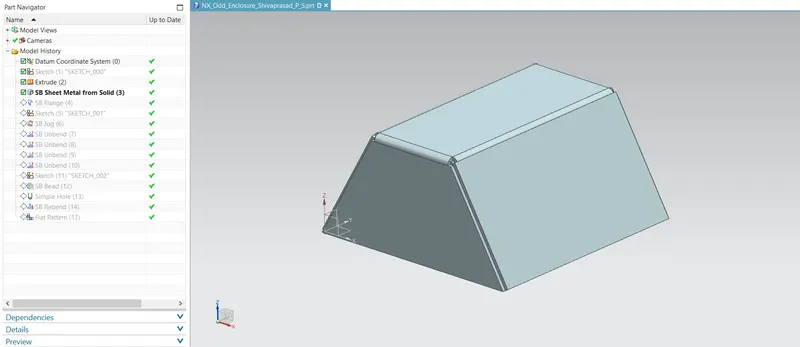
Step 2: Converting Solid Body To Sheet Metal
Sheet Metal from Solid: It constructs a sheet metal model whose shapes are derived from a set of planar faces.
Step 3: Adding Flanges
Flange: By adding a flat flange at an angle to a planar face, the sheet metal flange command in Siemens NX may combine two surfaces.
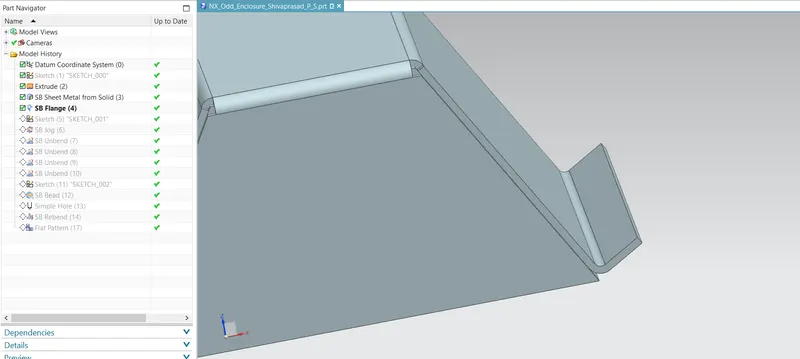
Sketch: Sketch generates a 2D visual for the model when there are many sketch commands present, such as lines, rectangles, circles, etc.
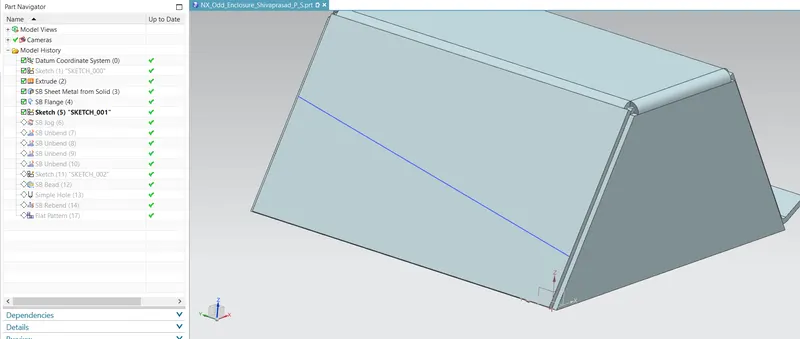
Jog: adds a flange between the two sides and modifies the model by lifting material on one side of a sketch line.
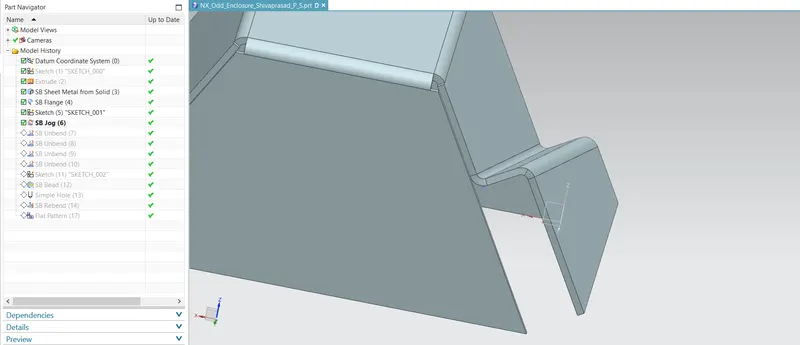
Step 4: Adding bead and Hole feature by unbending the part.
Unbend: Bent metal can be flattened with this feature. To add features to the bent part, we must unbend the body.
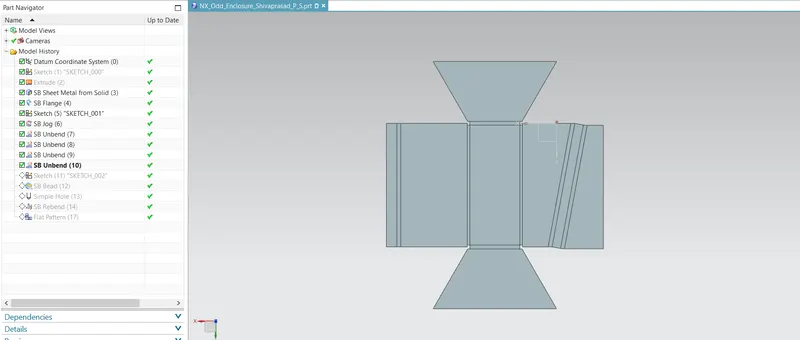
Sketch: Sketch generates a 2D visual for the model when there are many sketch commands present, such as lines, rectangles, circles, etc.
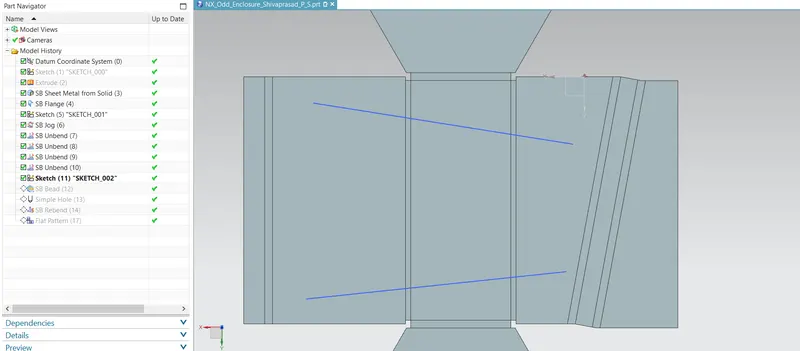
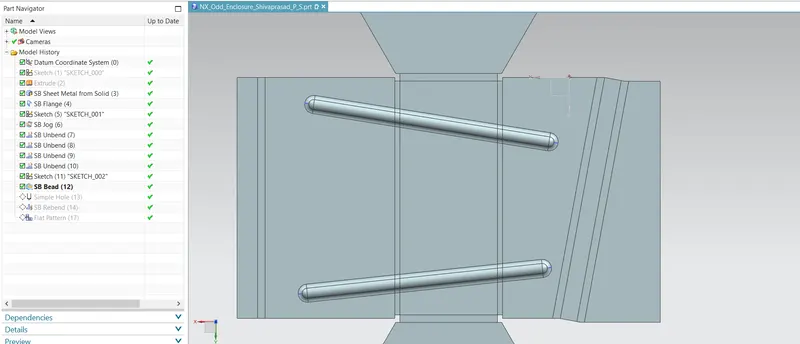
Bead: lifts materials in a stamping-like motion along the outline of a sketch.
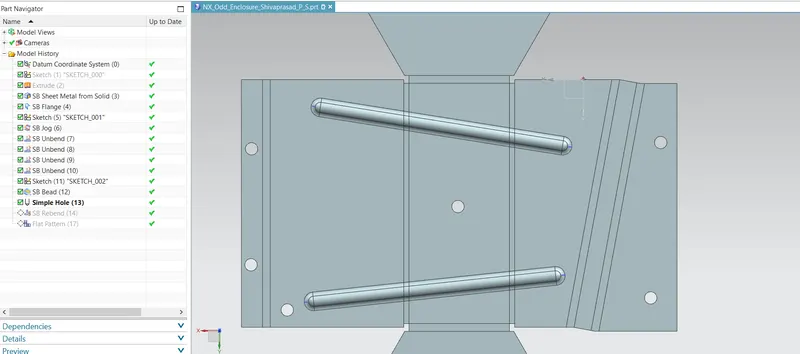
Hole: On the sheet metal model, holes of various shapes are made using hole.
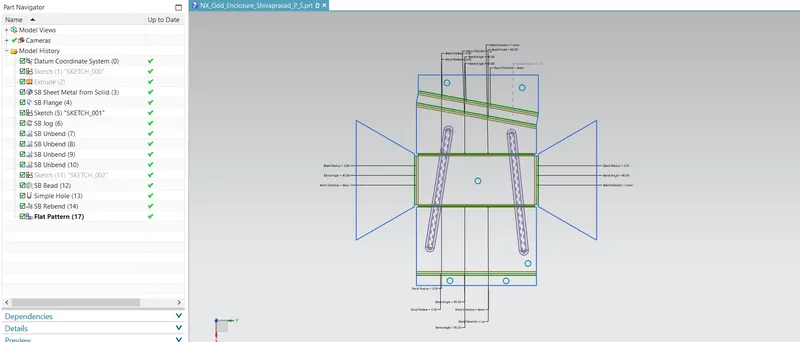
Step 5: Creating a Flat Pattern
Flat Pattern: A flattened pattern of the sheet metal item is made to be used in drafting.
Views:
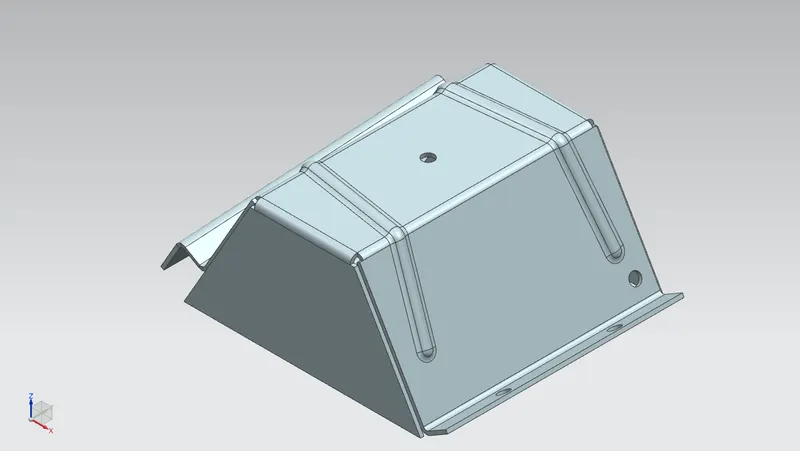
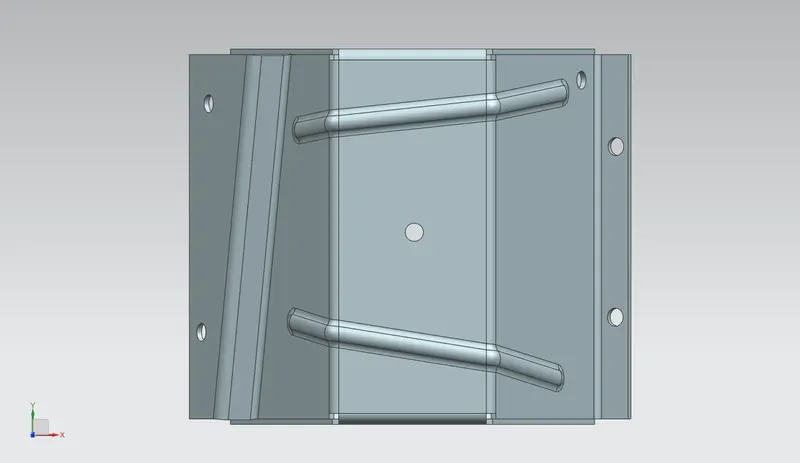
Isometric Views
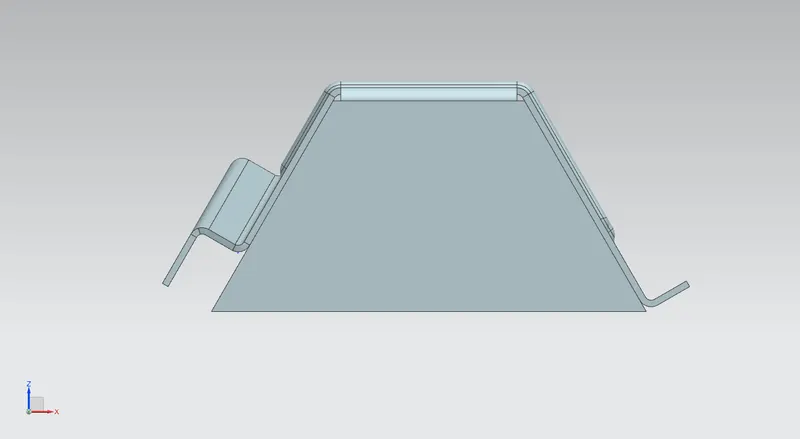
Front Views
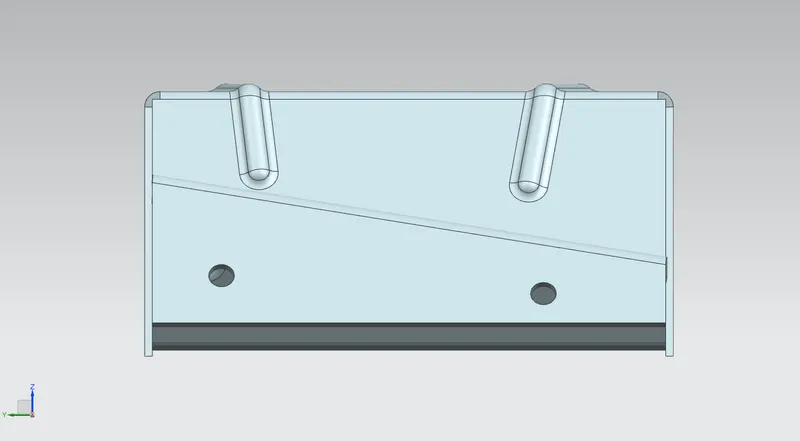
Left Views
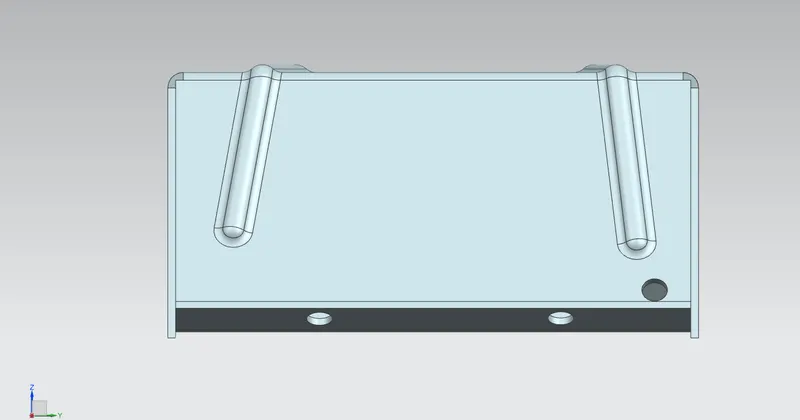
Right Views
Top Views
Drafting:
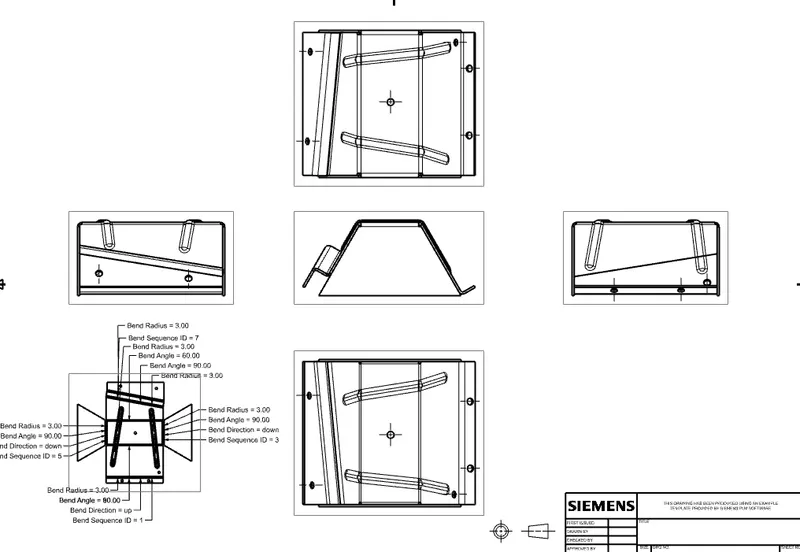
Conclusion: As a result, NX is used to create features in the enclosure like solid to sheet metal, flange, jog, and bead.