Advanced Sheet Metal Design Using NX Cad Challenge_5_Odd Shaped Enclosure
Odd Shaped Enclosure using NX
Objective
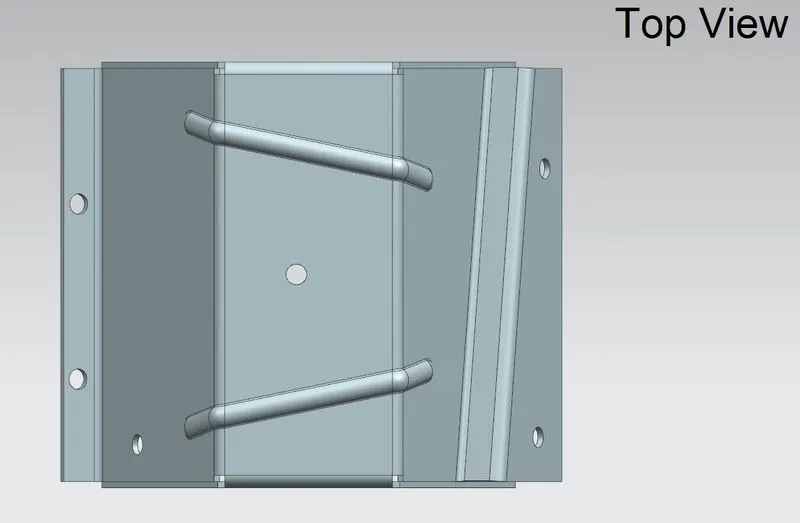
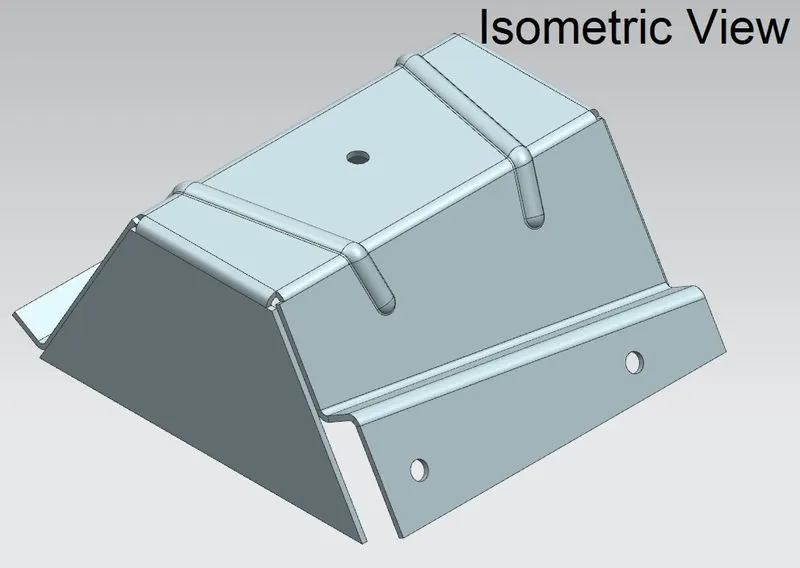
To design an odd shaped enclosure in sheet metal application and to draft the model in NX and learn different features used in sheet metal.
Introduction
Sheet Metal can be defined as the metal which is thin in thickness, generally ranging between 0.6mm to 6mm. Sheet Metal are generally of uniform thickness sheets.
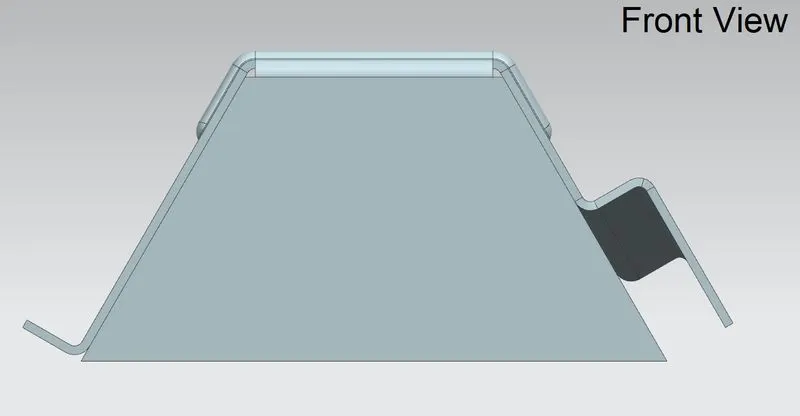
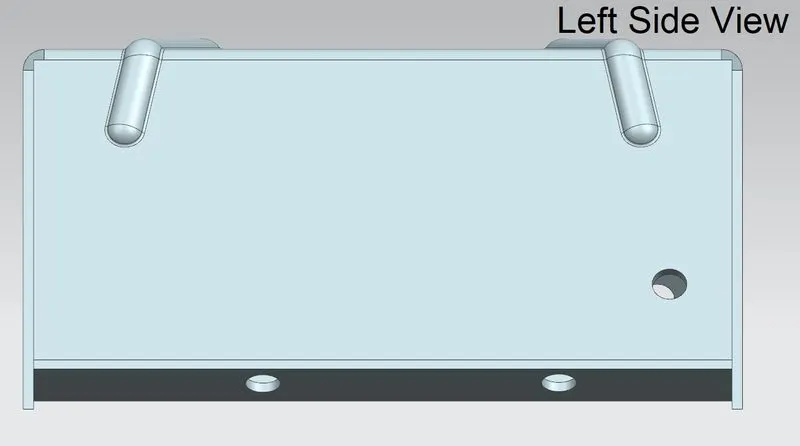
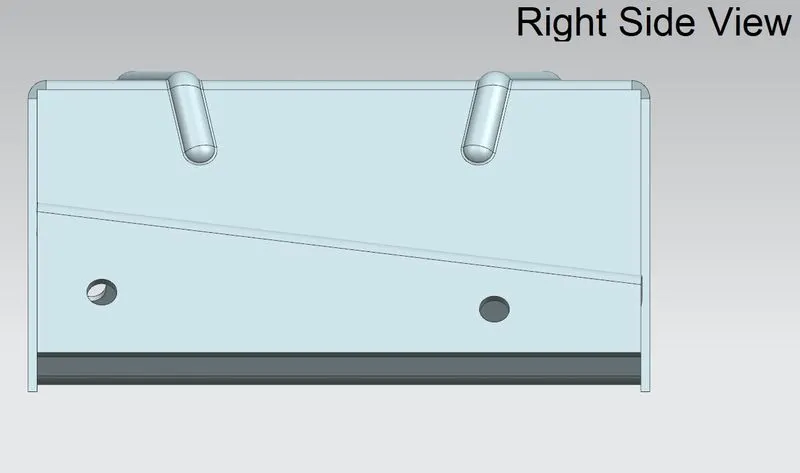
In this challenge we have designed aa odd shaped enclosure using various sheet metal tools such as bend, unbend, flange, jogs, mirror feature, etc.
Design Methodology
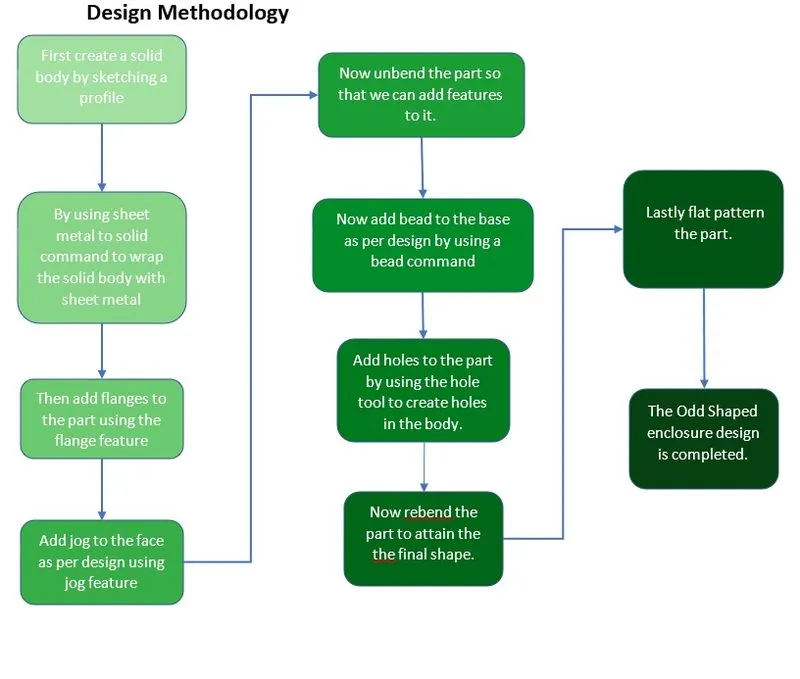
Description
- Sketch
Sketch is a tool used to draw a 2d model so that we can convert the 2d model into the 3d model by using the sketch references.
- Extrude
Extrude is a modelling tool which is used to create a solid body with the help of a sketch.
We can create 3D models by using extrude feature.
- Sheet Metal from Solid
This feature is used when we want to create the sheet metal part using a 3d model. By using sheet metal from solid feature we can wrap sheet metal onto the solid body.
- Flange
Flange can be defined as a tool which is used to add flange on the base part. To create a flange, we need a base part.
- Jog
Jog is a feature inside the bend group. It is used to create a flange at certain height from the base surface on which we are sketching the line for jog.
- Unbend and Rebend
Unbend tool is used when we want to unbend the bended regions. Rebend feature is used when we want to rebend the unbended regions by simple selecting a base face as reference and then selecting face that we want to rebend.
- Bead
This tool is used to create bead feature on the part by selecting the curve created in a sketch tool. It lifts the material along the selected sketch and creates a bead with selected cross section like circular, U-Shaped, V-Shaped.
- Hole
Hole is a command as name suggests is used to create holes on the part by giving the sketch as input for the location of hole.
- Flat Pattern
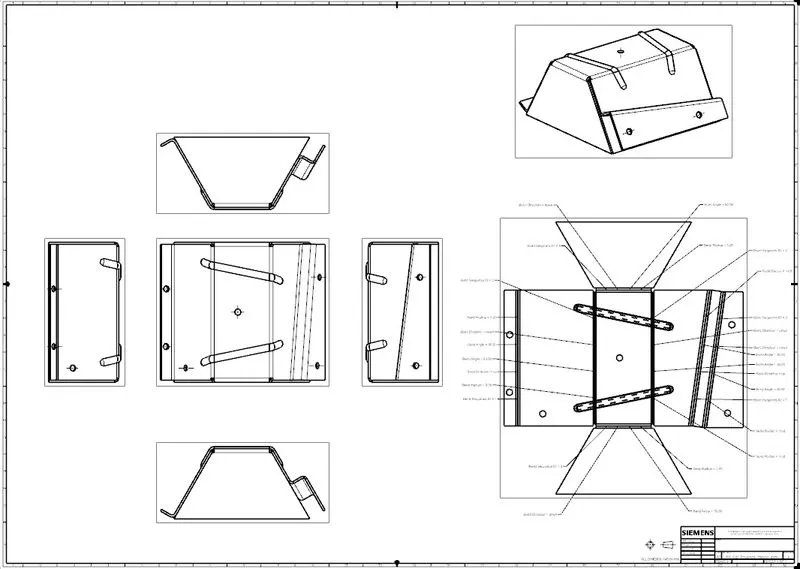
Flat pattern is a feature used to flatten out the formed sheet metal.
- Drafting
Once the modelling part is done then drafting tool is used to create detailing drawings of the part.
Conclusion
We have successfully learned and created an Odd Shaped Enclosure in sheet metal design and drafting.