Advanced Sheet Metal Design Using NX Cad Challenge_5_Odd Shaped Enclosure
Title: Advanced sheet metal design using SIEMENS NX CAD -ODD SHAPED ENCLOSURE.
OBJECTIVE: To convert the solid body or parametric body into a sheet metal part using NX CAD.
INTRODUCTION:
SHEET METAL:
Sheet metal is a metal formed by various processes into thin,flat pieces.A metal sheet whose thickness is 6mm is called sheet metal and various processes are carried out on these sheet metal like Blanking,punching or piercing,coining etc.
Usually sheet metal is available in the form of flat sheet plates; these flat sheets will undergo different processes based upon the requirement.
NX CAD:
Here in this course we are using SIEMENS NX by which we are going to model some sheet metal parts.
NX CAD has its own advantage over many other CAD software in the market,because it is capable of converting the non parametric body into a parametric body,and can produce sheet metal parts from the solid body.
Sheet Metal Wizard:
- In Nx Cad we can convert the solid body into sheet metal using sheet metal wizard.
- Sheet metal wizard consists of Edge rip,Cleanup utility, optimize face.
- Edge rip is used to cut the corner edges of the solid faces; without this step it is impossible to flatten the sheet metal.
- The cleanup Utility is used to make uniform thickness across the sheet metal part.
COMMANDS USED:
1.Sheet metal from the solid:
In this we need to provide the base face and bend edges to make a sheet metal to wrap across the solid body.
2.Unbend
The sheet metal can be made flat by giving the fixed face and specifying the bends.
3.Rebend
The rebend works opposite to the Unbend which is used to bring the original shape of sheet metal.
4.Datum plane
It creates a plane along an xy,yz,zx at an offset distance.
5.Bead.
It lifts the part of the sheet metal with a given sketch.
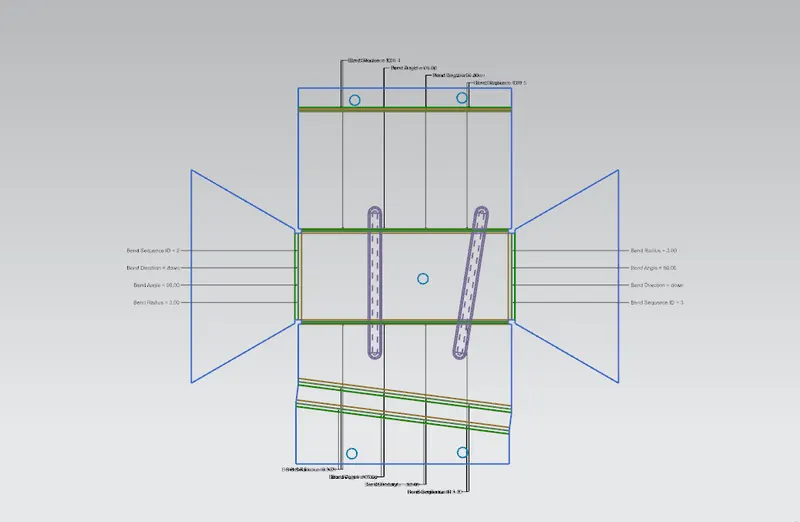
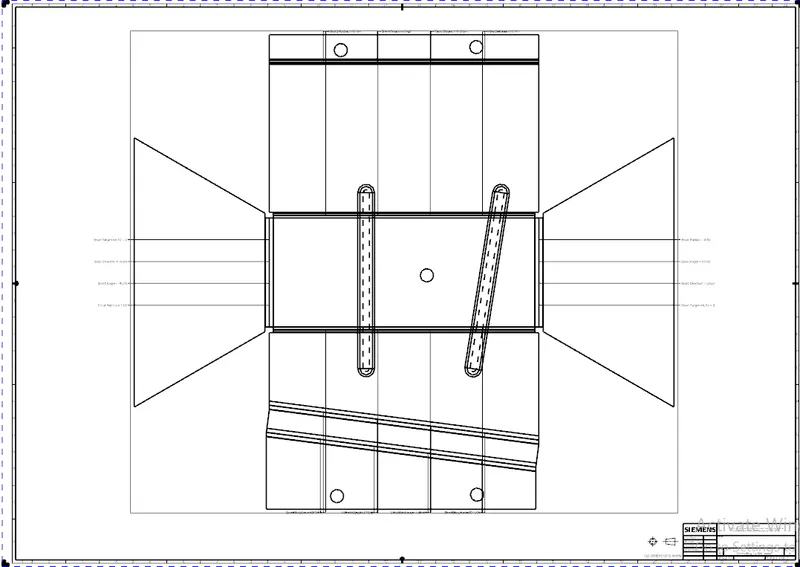
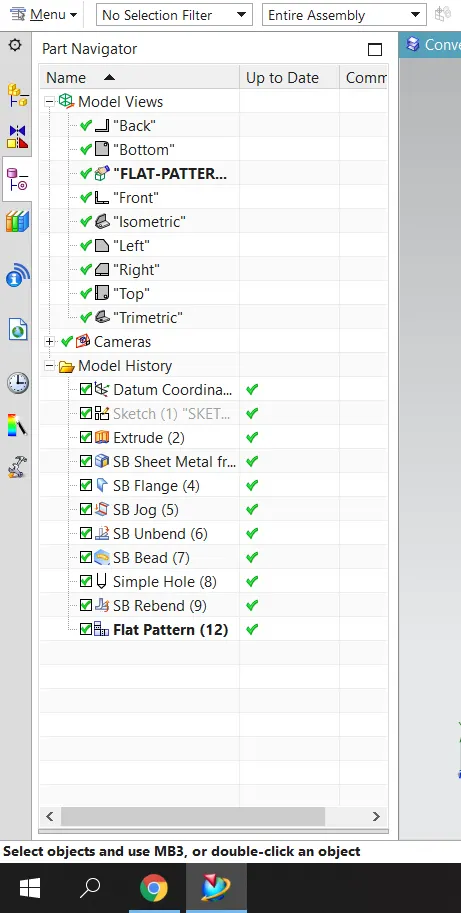
6.Flat Pattern
It creates a flat pattern from the formed sheet metal part.
DESIGN METHODOLOGY:
|
IMPORT SOLID OR PARAMETRIC BODY. |
↓
|
SHEET METAL WIZARD. |
↓
|
EDGE RIP FOR SHARP CORNERS. |
↓
|
CLEANUP UTILITY.(FOR UNIFORM THICKNESS) |
↓
|
SHEET METAL IS FORMED. |
↓
|
UNBEND FOR ADDITIONAL FEATURES. |
↓
|
REBEND. |
↓
|
FLAT PATTERN. |
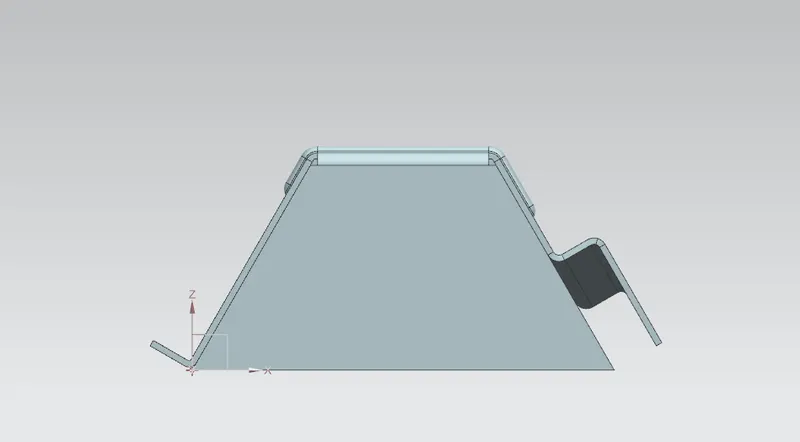
FRONT VIEW:
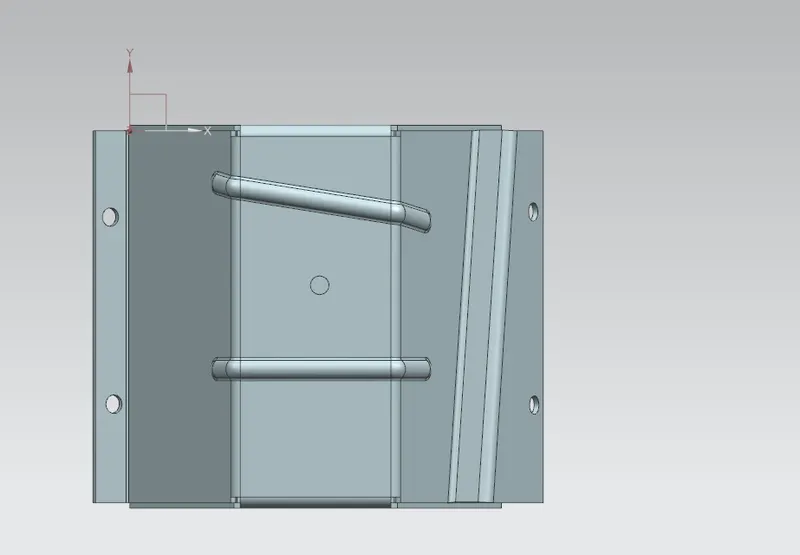
TOP VIEW:
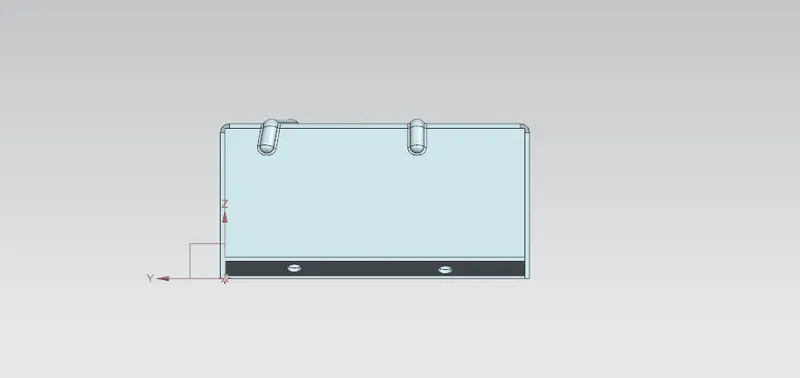
SIDE VIEW:
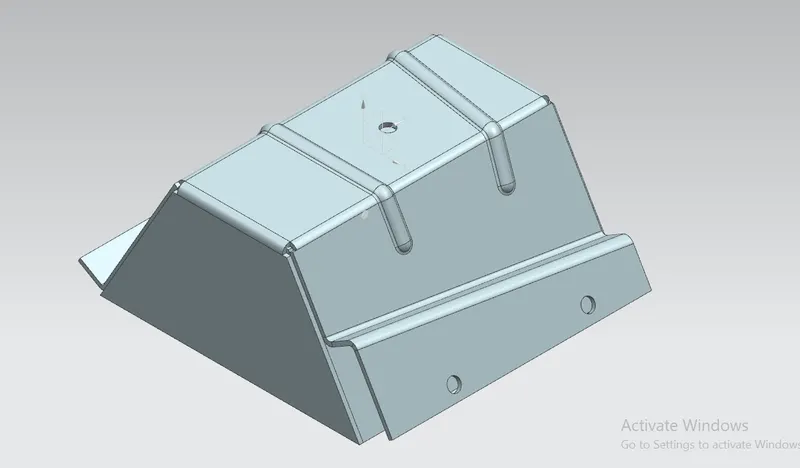
ISOMETRIC VIEW:
FLAT PATTERN:
CONCLUSION:
By following the above steps we can convert a solid body into sheet metal body in NX cad using sheet metal wizard.