Advanced Sheet Metal Design Using NX Cad Challenge_5_Odd Shaped Enclosure
CHALLENGE-5
ADVANCE SHEET METAL DESIGN USING NX CAD-ODD SHAPED ENCLOSURE
AIM: By using the NX-CAD generate a Odd shaped enclosure.
Design procedure
1. Create the sketch as per the given dimension.
2. Use the extrude commend to generate a solid body.
3. Use the commend sheet metal from solid under sheet metal to convert sheet form from solid.
4. Use the flange and jog commend to generate complex shape to the sheet metal part.
5. After completing the design use the unbend operation to create the flat sheet metal and to get the actual dimension of the sheet metal.
5. Further Bead commend was used to give support to the model
6. At the end create the required hole for the connection and rebend commend to rebend the sheet metal in the actual form.
7. Flat pattern operation used for the drafting of the sheet metal.
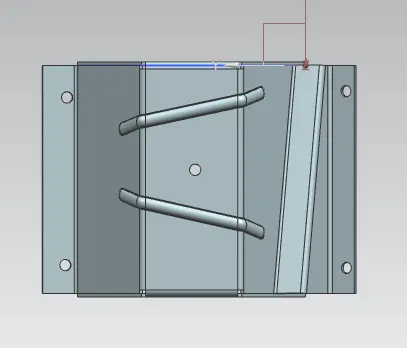
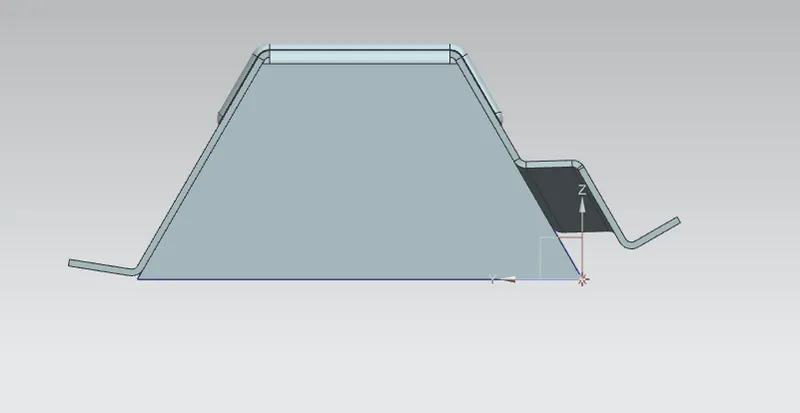
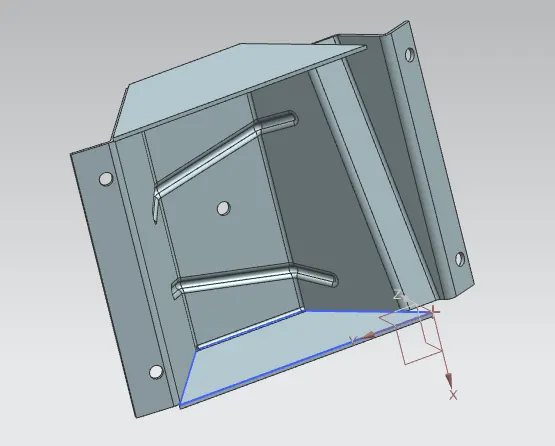
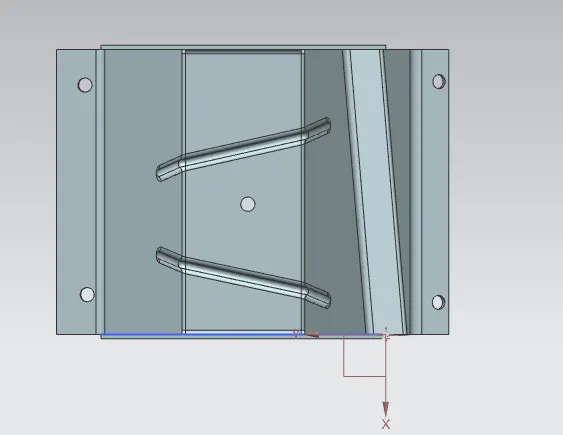
Different Views of the model
Drafting
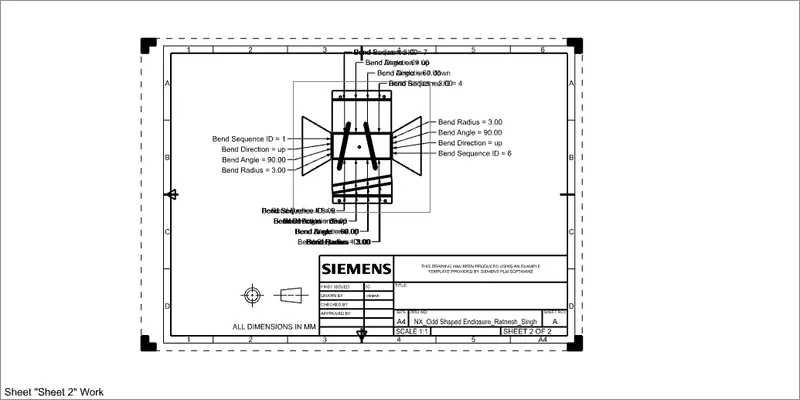
Coclusion: Using the NX CAD, odd shape enclosure was created. Under this one can learned how to convert the solid model to sheet metal.