Advanced Sheet Metal Design Using NX Cad Challenge_5_Odd Shaped Enclosure
Design a sheet metal part of odd shapes
Objective : In this challange going to learn the recommended workflow procedure to design a sheet metal part for odd shapes using NX sheet metal application.
Introduction: It's a very useful tool for making a drawing on NX siemens software .i am going to learn this feature with making some kind of drawing.solid body to sheet metal body conversion is very useful for industry .
Design Methodology:
Description:
Skatch one rectangular body with the angle of 60 degree. Length 200mm width 100 mm
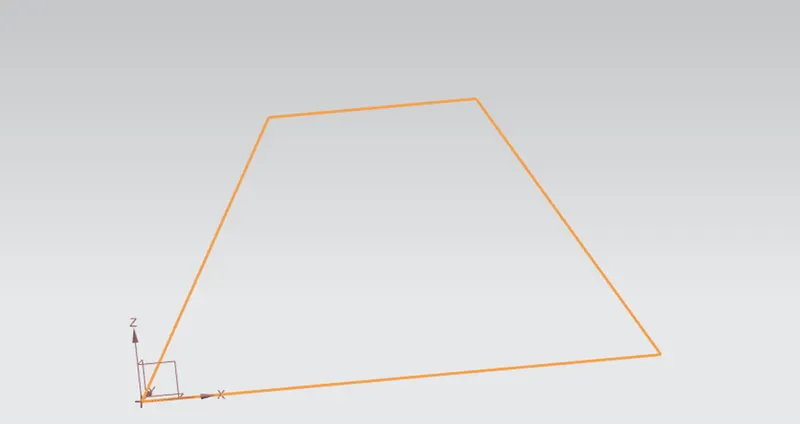
Extrude :Craete a feature by extruding a section along a vector.
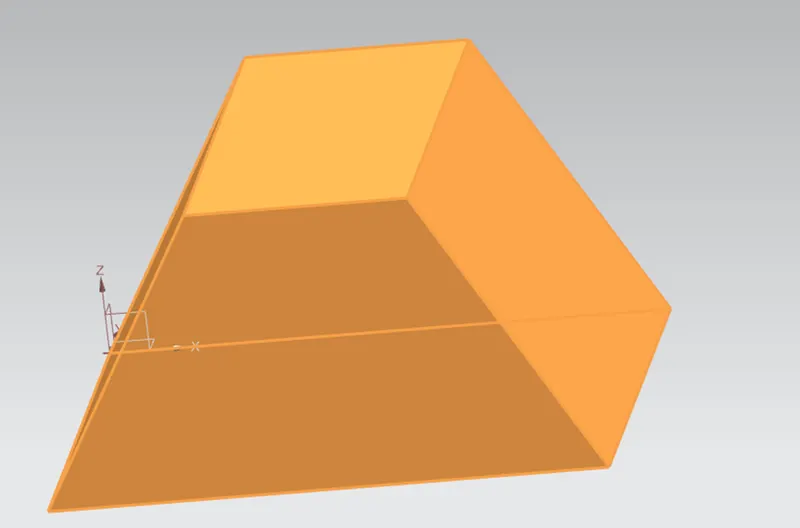
Used Sheet Metal from solid Feature .
Add feature :
- Features such as Flange ,Jogs or Bends to further define the basis shape of the formed sheet metal part
Flange : Length:20mm ,Angle :90degree
Jogs: Height:20mm
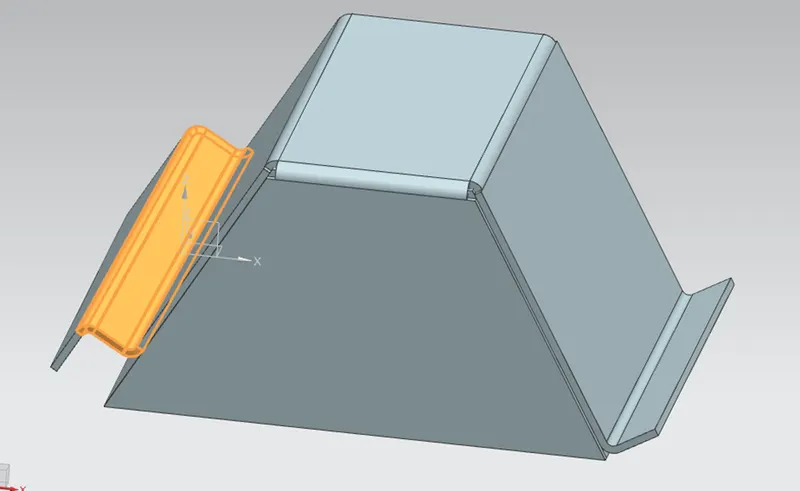
Unbend:
Unbend the Bends area where needed and place holes , Beads feature on the part
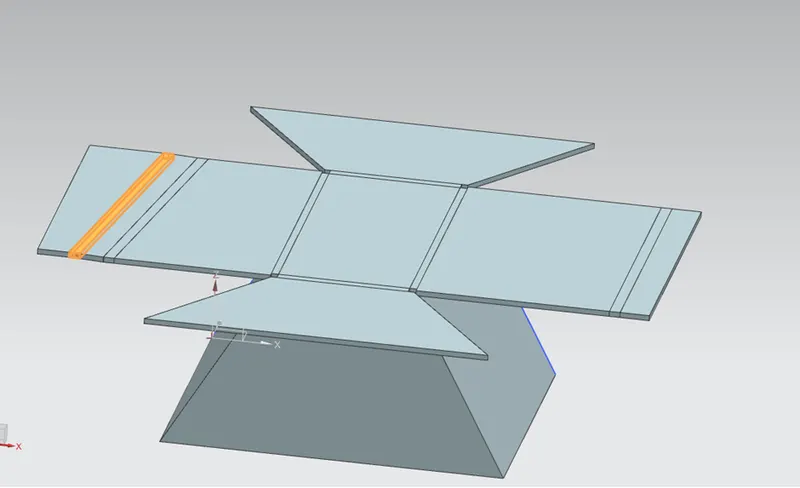
Five Number general Hole added with diameter 10mm.
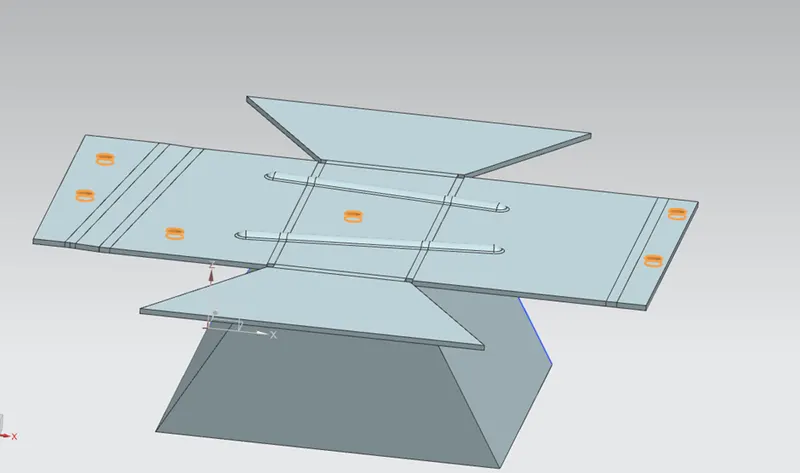
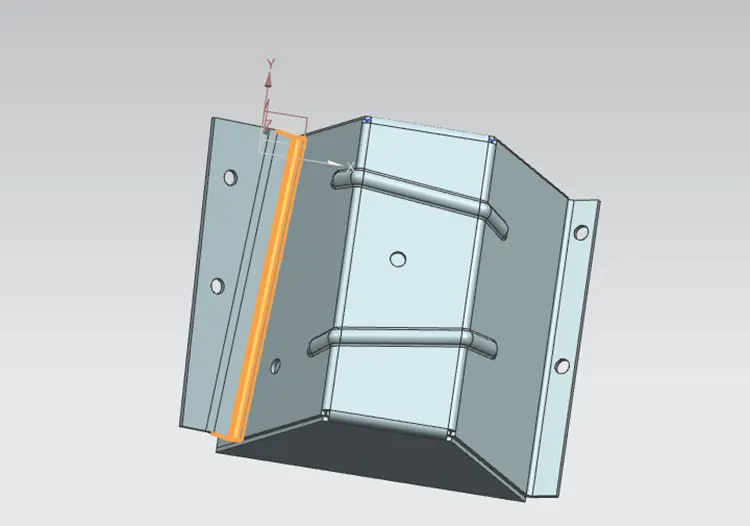
Rebend :
- Rebend the flattened bend areas to Complete the parts
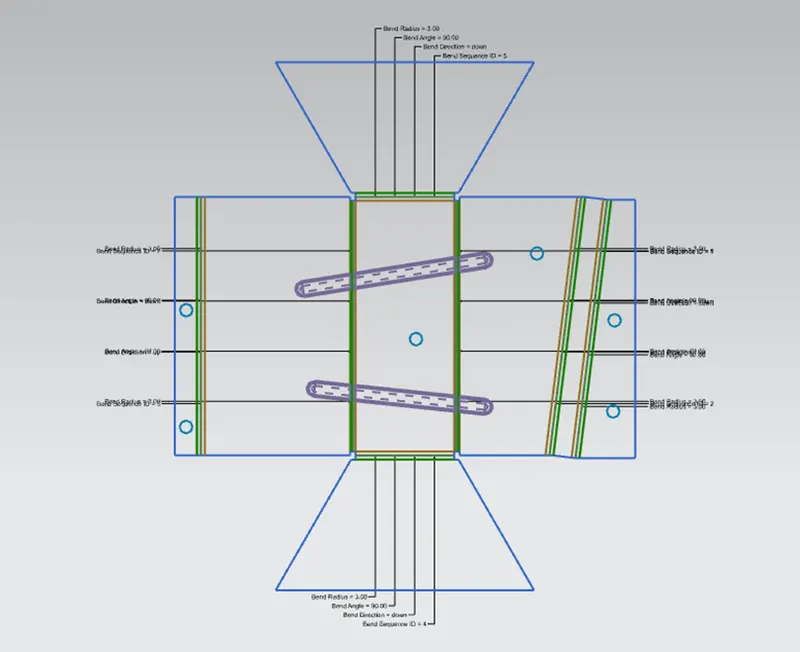
Flat Pattern:
Create a flat pattern of the part for drafting and later manufacturing.
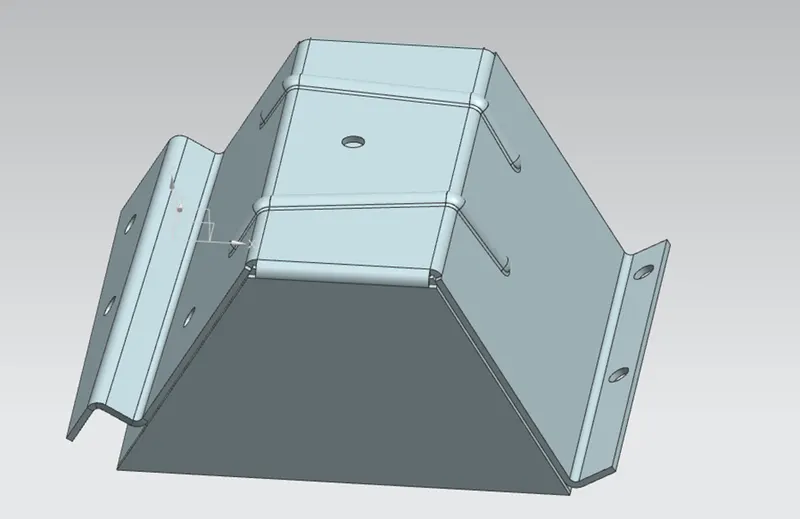
Isometeric View:
Right View:
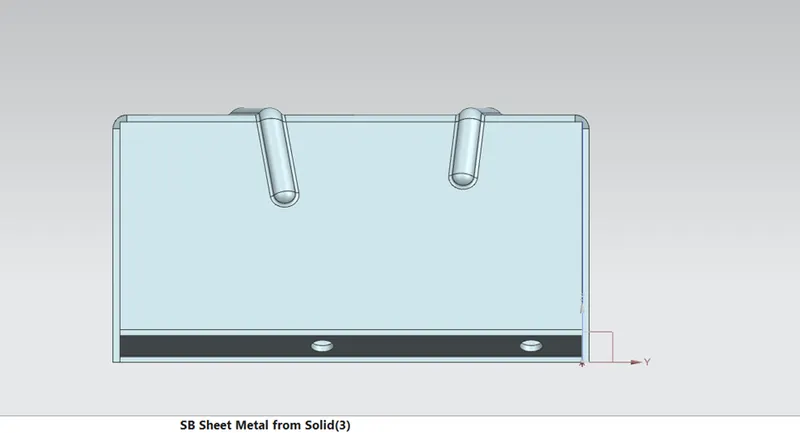
Front View:
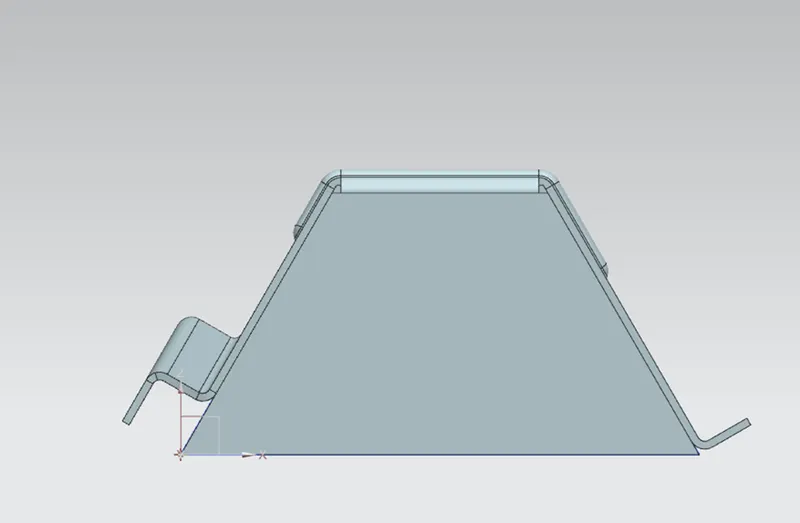
Top View:
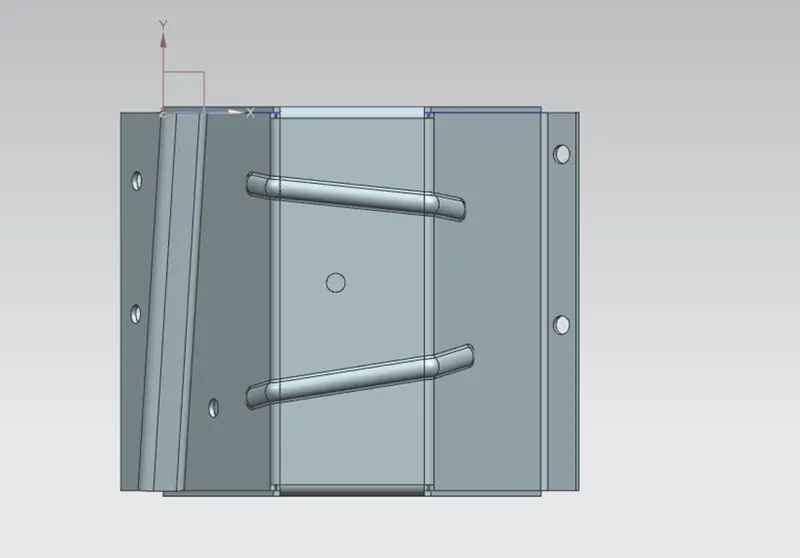
2D Drawing View:
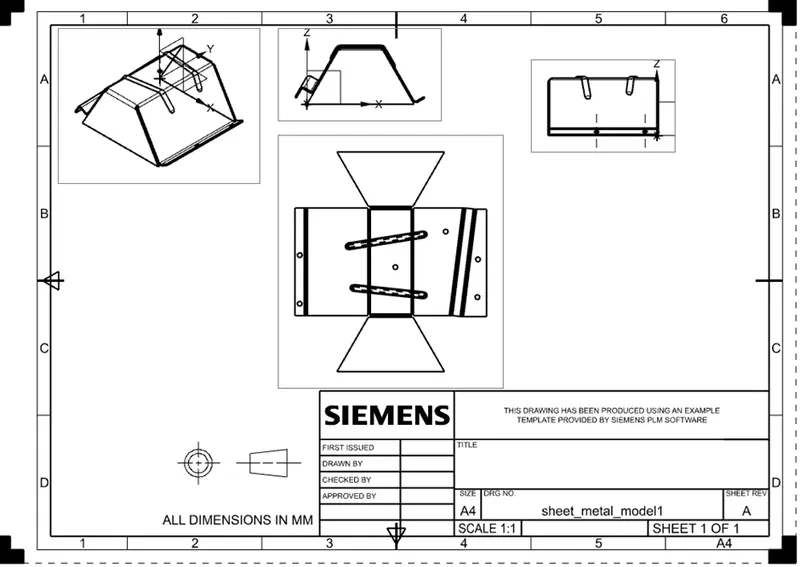
Conclusion: I have learned convert from solid body to sheet metal throughout this skatch.