Advanced Sheet Metal Design Using NX Cad Challenge_2_Box Assembly
Advanced Sheet Metal Design Siemens NX_Box Assembly
Objective :In this challange need to perform Box Assembly by help of NX Siemens software.
Introduction: Metal inclosed box used for serveral industry for verity of object.In this box very easily we can open and close.some of industry using this box type trolly for movement of parts and other material also.Performing this activity with the help of NX software
Design methodology :
Design Methodology explain below :
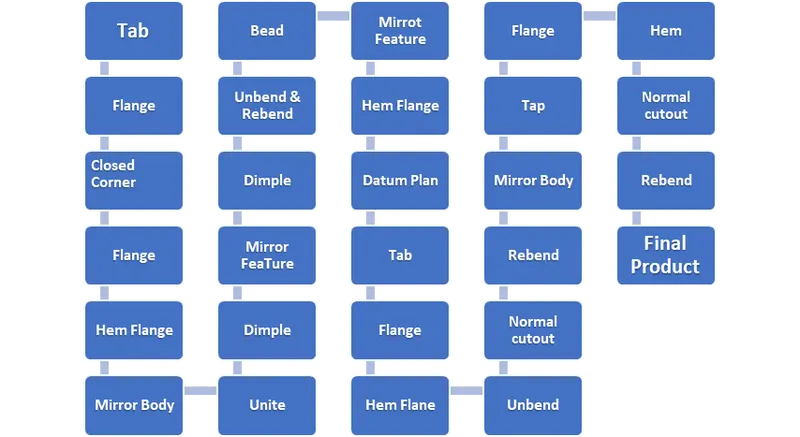
Description :
Tap:Creates a base feature by extruding a sketch along a vector by a thickness value or add material to a planer face .additional planer selection can be added to generate bends as part of the base feature .
Base taken as 200*150mm on a XY plan , After draw rectangelura skatech on XY plan used Tap Feature with 1mm thickness
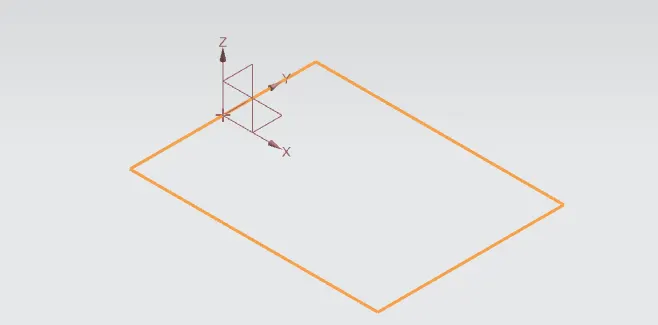
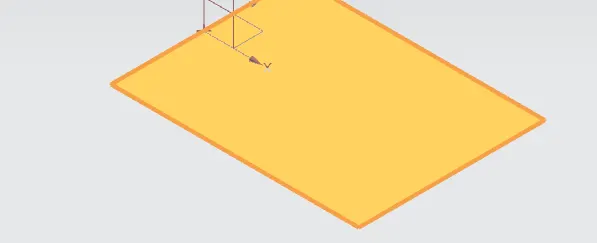
Flange :Adds a flat flange at the angle to a planer face and adds a bend between the two.
Flange length 200mm & Radius taken as 10mm created on XY paln.
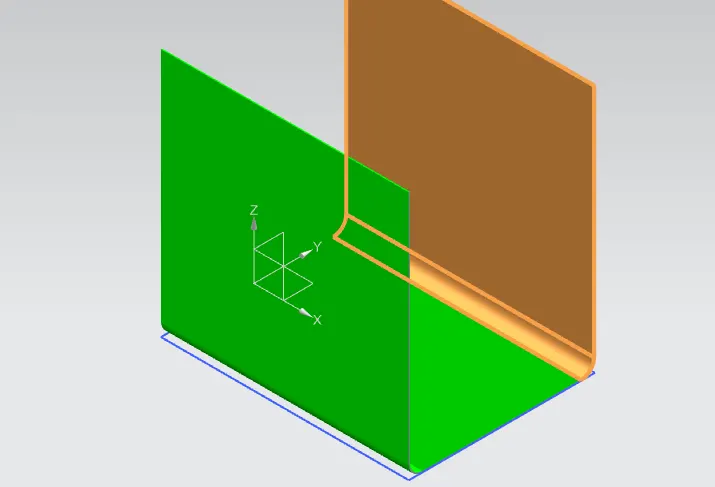
Again Normal Flange draw on XZ plan ,Length taken as 70mm and Radius 10mm.
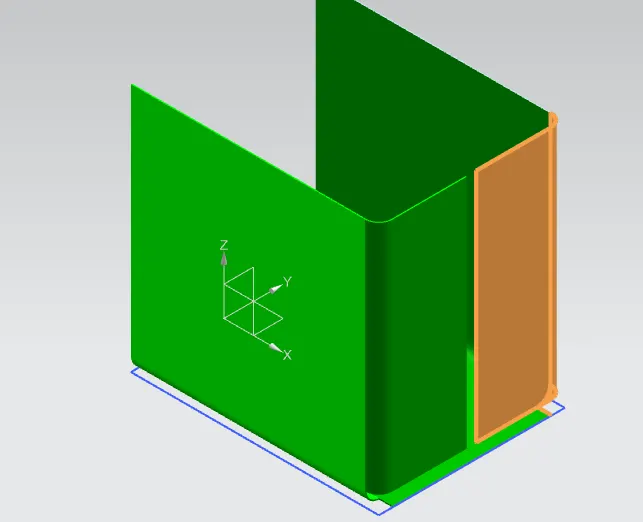
Closed Corner: Closes a corner where two adjacent flanges meet by extending the bends and Flanges.
Below showed two corner seleted for this fetures .
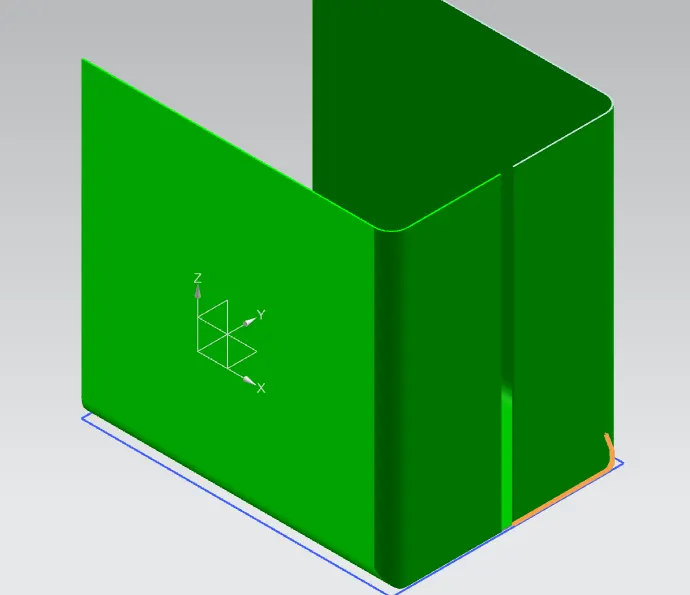
Flange: Used Flange with Bend Radius 0 and Length 0.001999mm
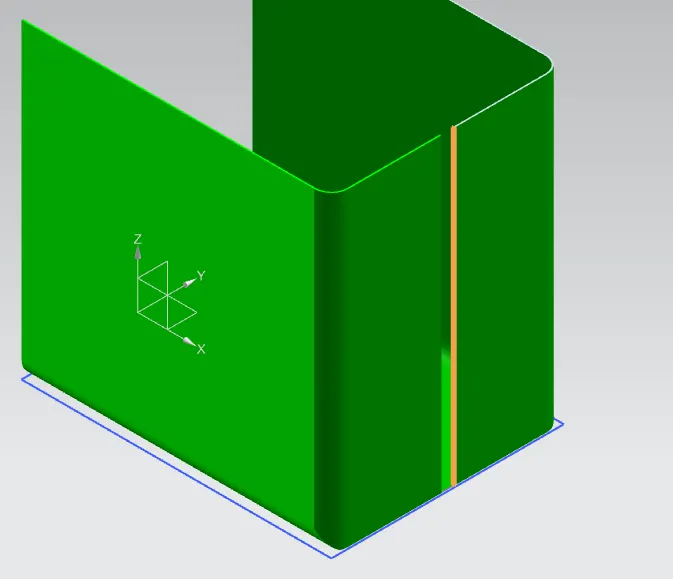
Flange: Created Flange With Bend Radius 0.5 and length 6.5mm .
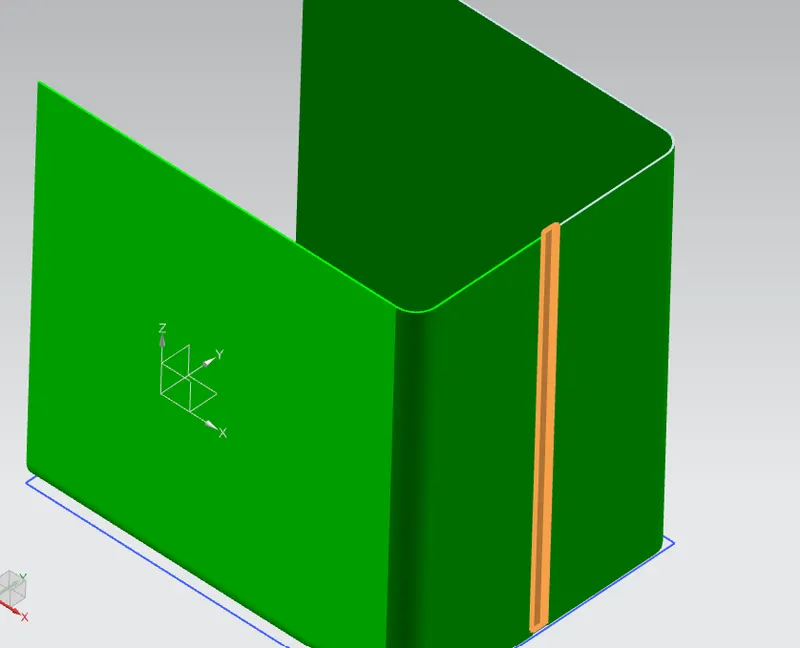
Same Process followed one more time but this time Flange length References Web .Length taken as 6mm and Bend Radius 0.5mm.
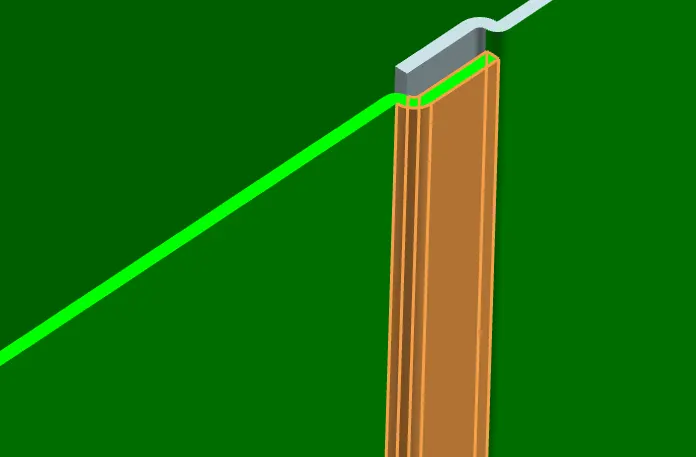
Hem Flange : Modifies the model by folding the edge of a sheet metal flange over onto itself for the purpose of safe handling or to increase edge stiffness.
Used Hem Flange with bend radius 0.5mm and length 5mm.
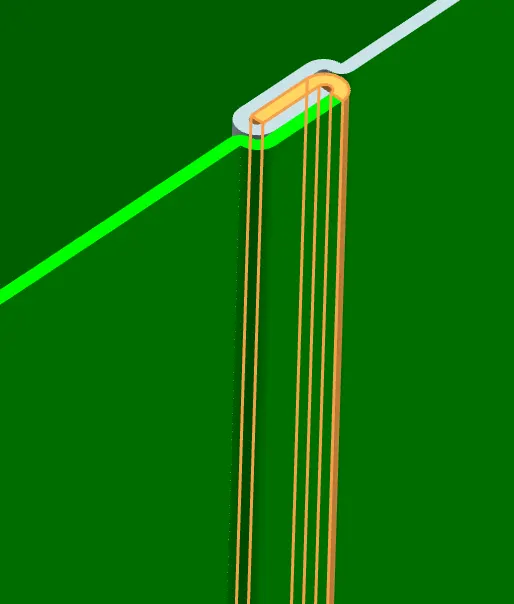
Mirror Body: Copies a body and mirrors it across a plane.
Mirror Body Featured used help of YZ axis reference.
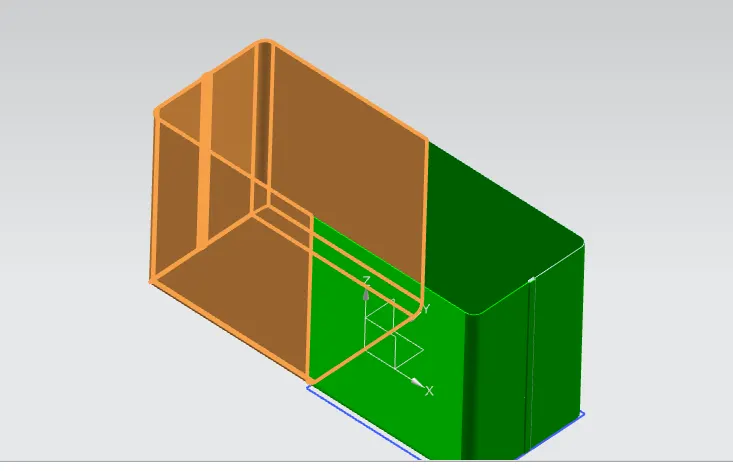
Unite:Combine the volume of two or more solid bodies into a single body.
After used this feature made sigle body .
Dimple:Lifts an area of the model inside a sketch that simulates a stamping tool.
Used Dimple feature XZ plan with 10 mm Radius .
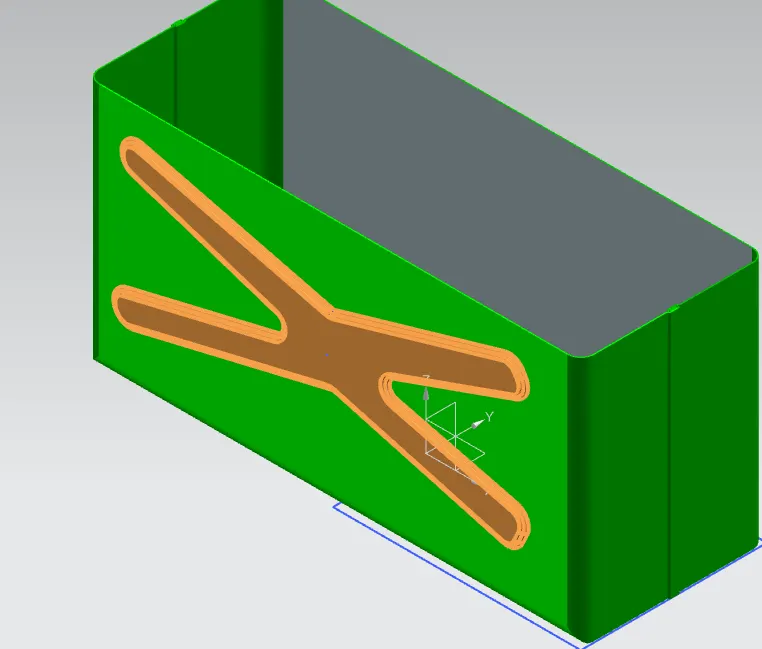
Mirror Feature:Used mirror Feature to Copy this Dimple other side of the object.
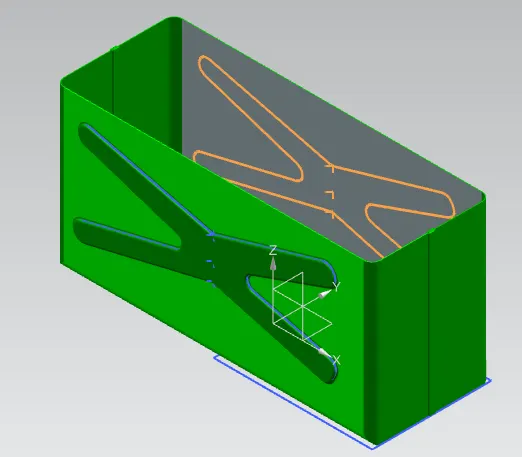
Used dimple Feature to careted one more dimple at the lower position of the body,Bend radius as 10mm.
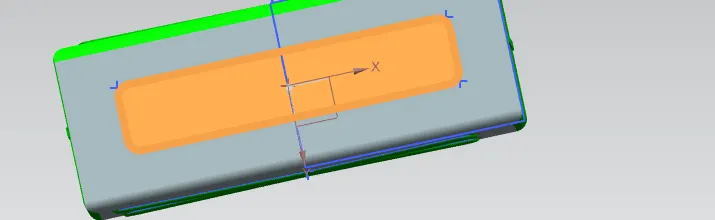
Bead:Lifts material along the countour of a sketch that simulates stamping tool. Diameter=15mm.
After Bead used mirror Feature to create Four bead as that paln.
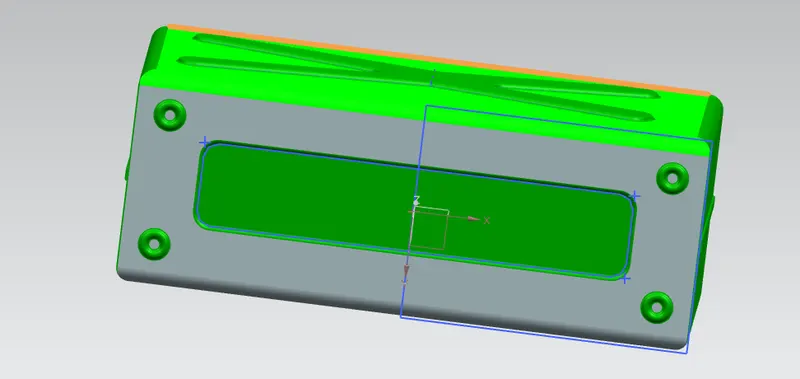
Used Hem Flange all the Four edge with 2mm Flage Length After that used datum plane Feature to crated one more base on the XY plan on the top. datum Plane Length taken as 203mm.
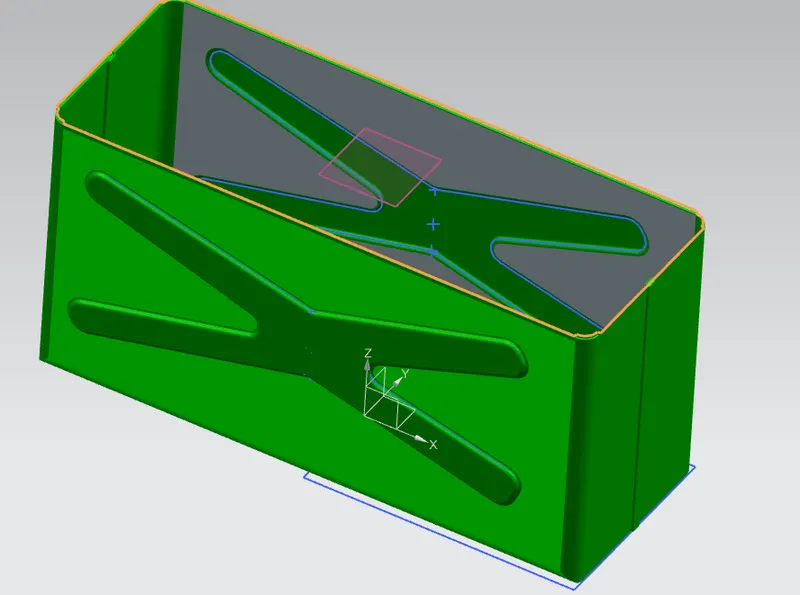
Designed the Lid skated on the new plane.After used Tap feature with 2mm thickness.
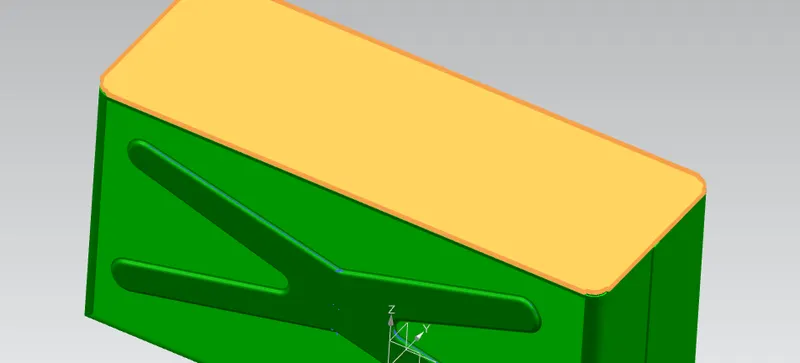
Used Flange with bend radius 0.5 and length 3mm.
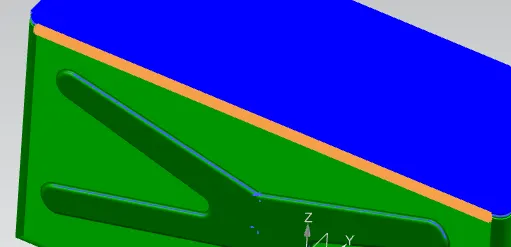
Used Tap 55*20mm with 1mm thickness.one corner edge used 10mm radius also.
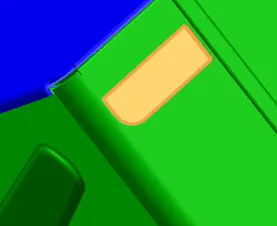
Flange & Hem Flange both are used for next operation. Flange length 5mm and angle given 40 deg on web as 0.5 radius .Hem flange Bend Radius 5mm and sweep angle 325 deg.
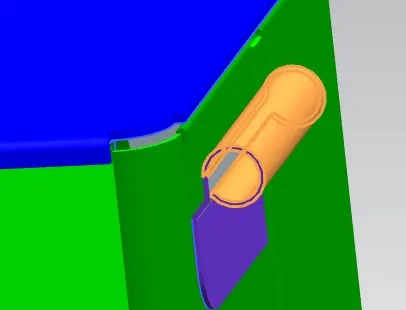
Unbend Feature used for making section on that plan .Two cross section made on that body as width 14mm then used Normal cutout feature.
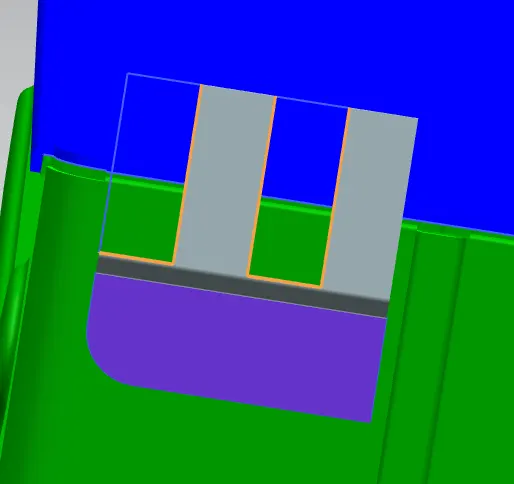
Used mirror body feature after completing Rebend .Top of the plane also created one more Tap feature with two corner 10mm radius .
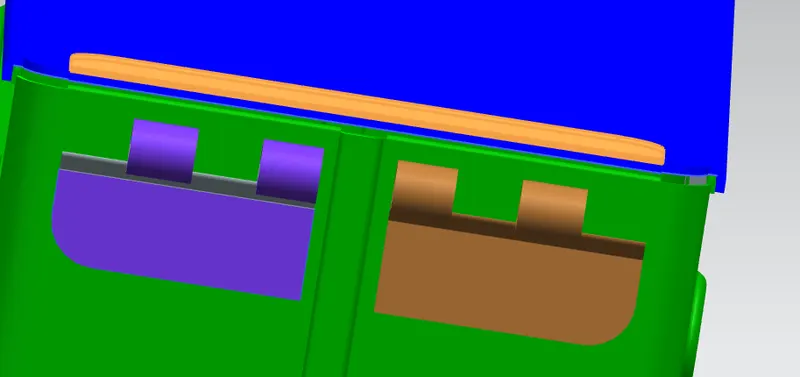
On that Tap Plane Fleange Feature used with Bend Radius 1mm and legth 13mm ,angle 39 deg.
On the Flange Hem Flange feature used with 5mm Bend Radius ,sweep angle 325 deg.
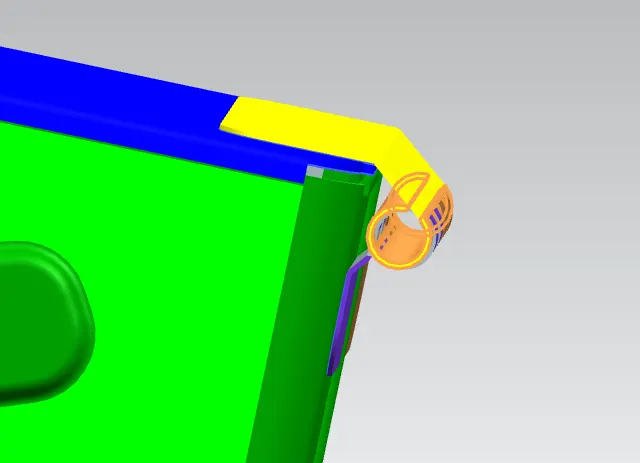
Normal cutout after unbend.
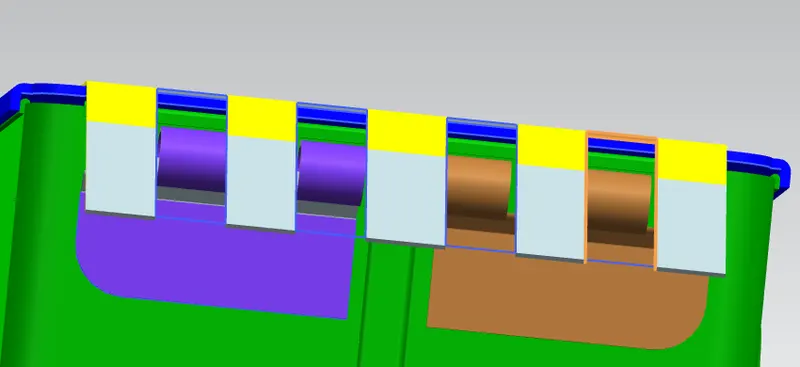
Final Assembly
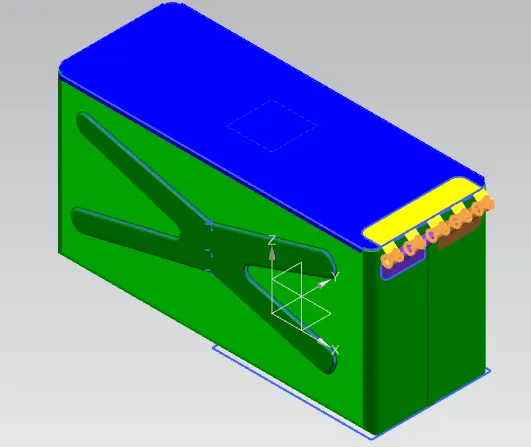
Front View:
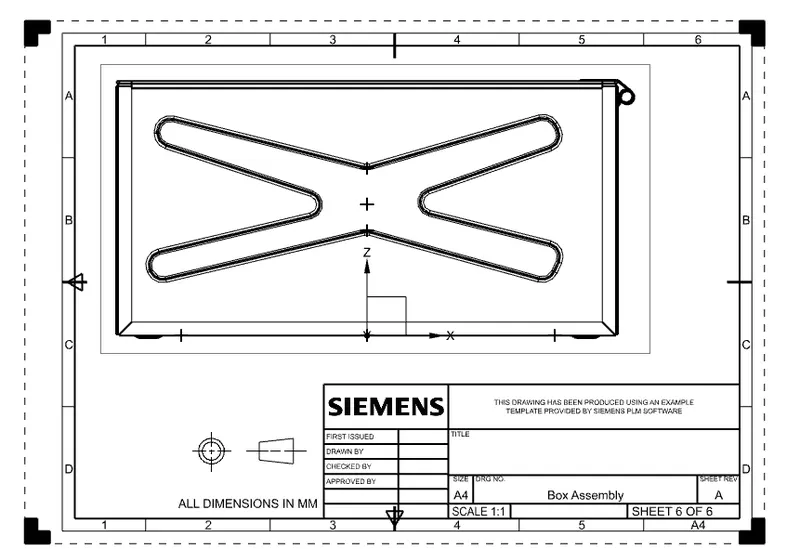
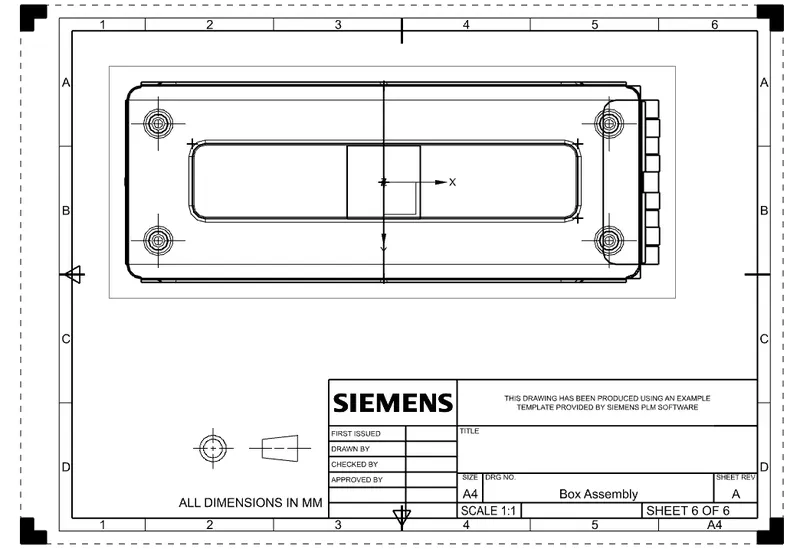
Top View:
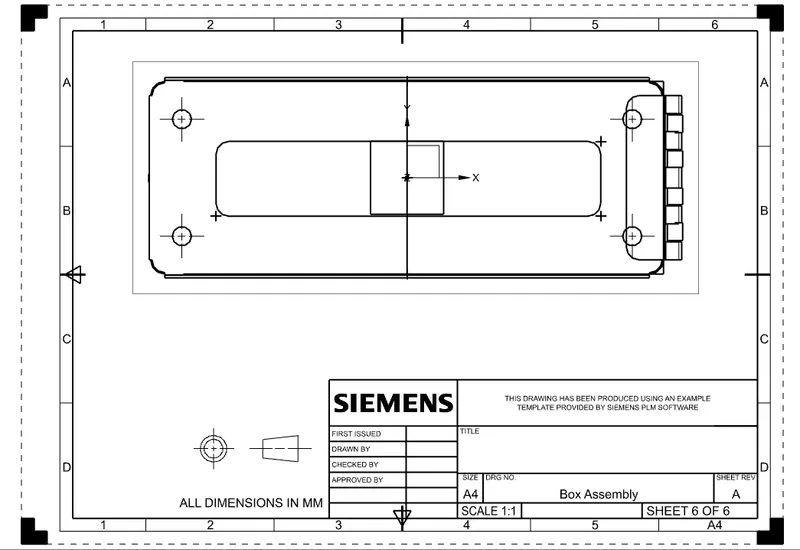
Right View:
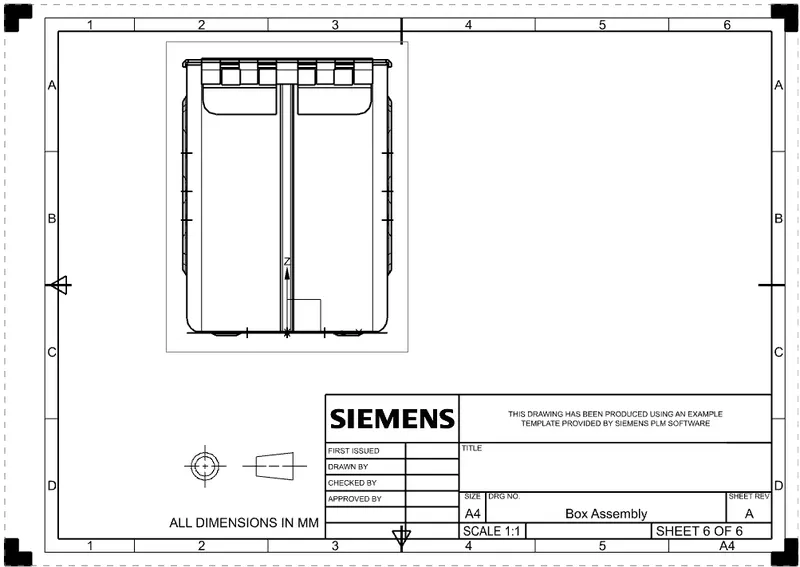
Bottom View:
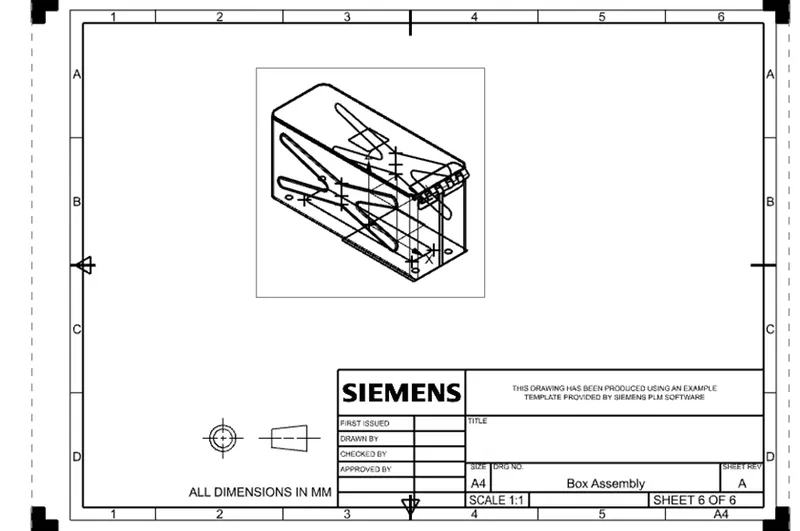
Isometric View:
Conclusion: I have learned lot of fetaure and tool througout this drawing.This pratices helped me to upskill into the NXsoftware.