Advanced Sheet Metal Design Using NX Cad Challenge_6_Bracket
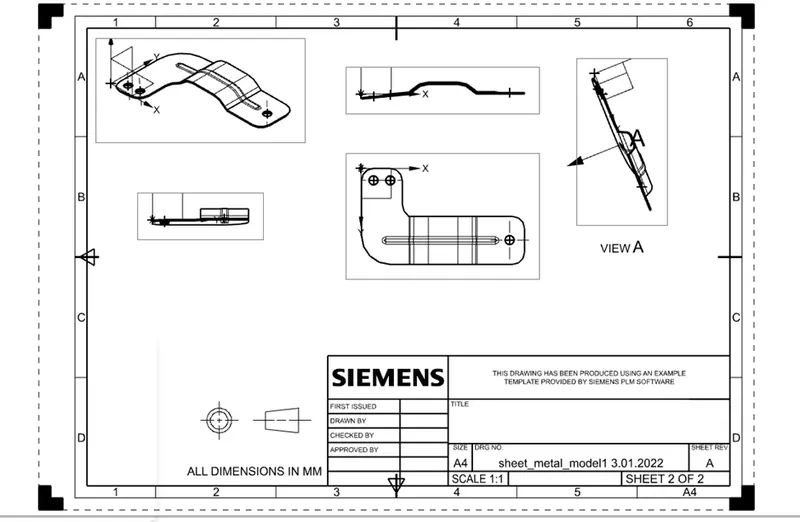
Bracket -2D drawing
Objective:: In this challange going to learn the step by step procedure to create “Bracket” frothe given 2d Drawing.
Introduction:It's a very useful tool for making a drawing on NX siemens software .i am going to learn the step by step procedure to create “Bracket” for the given 2d Drawing.This type of product heavly use in the industry also.
Design methodology :
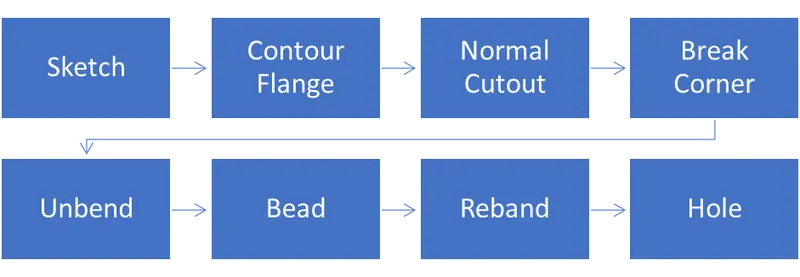
Description:
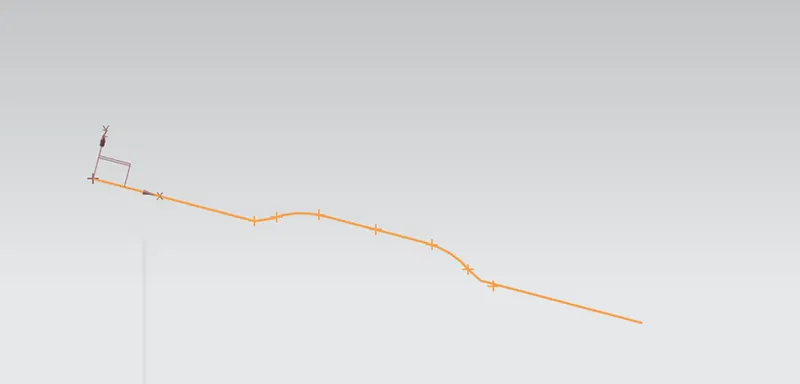
Skatch one line length of 340mm on XZ Plane.
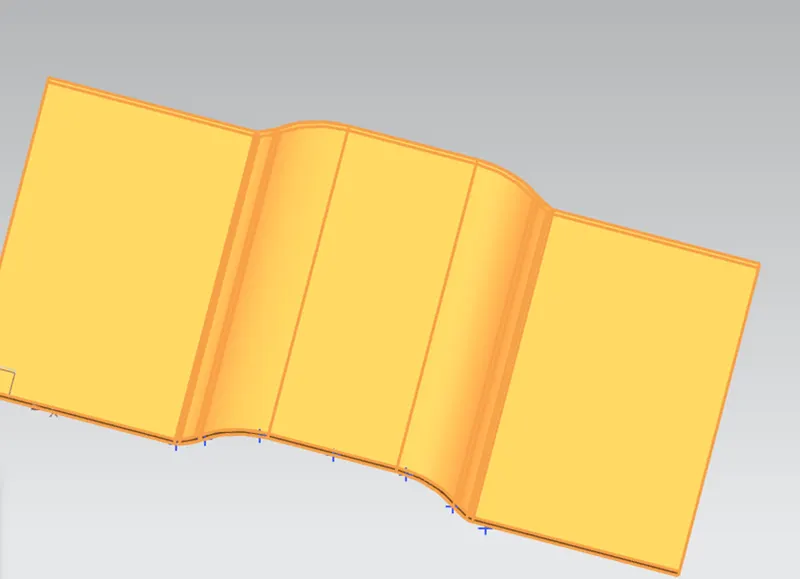
Contour Flange :
Creates a base feature by extruding a skatch along a vector or adds material by sweeping a skatch along an edge or chain of edges.
Contour Flange thickness 3mm Width 200mm.
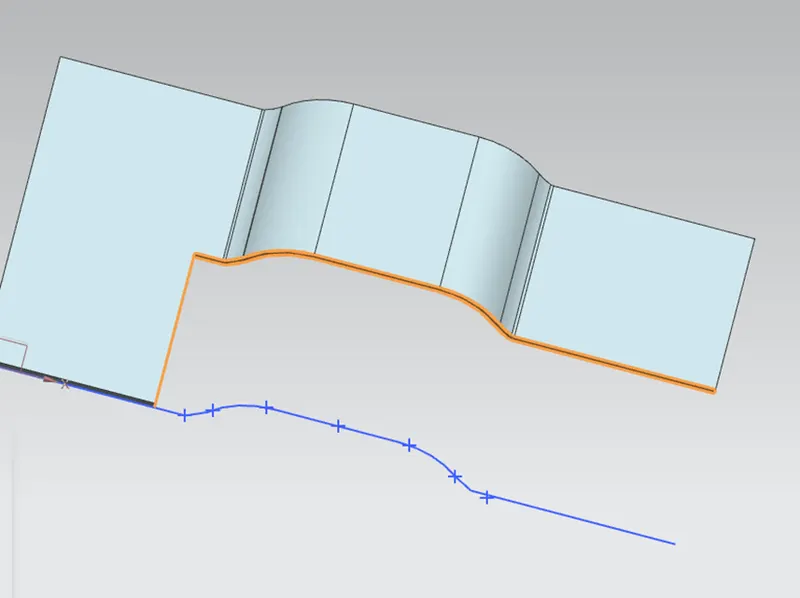
Normal cutout:
Cuts material by projecting a skatch onto the model and then cutting perpendicular to the faces intersected by the projection.
Drawn skatch on top of the body with 360mm length ,width 100mm.
Break corner:
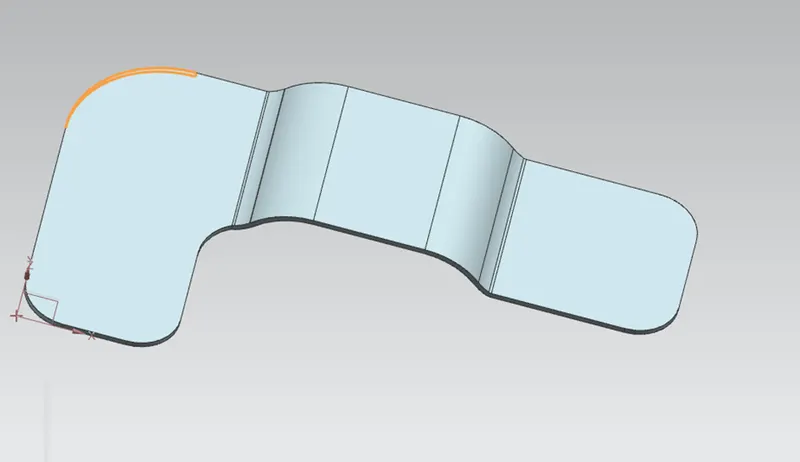
Rounds or chamfer a sharp corner of a tab or flanges.
Brake corner taken 25mm for below mentioned three corner.
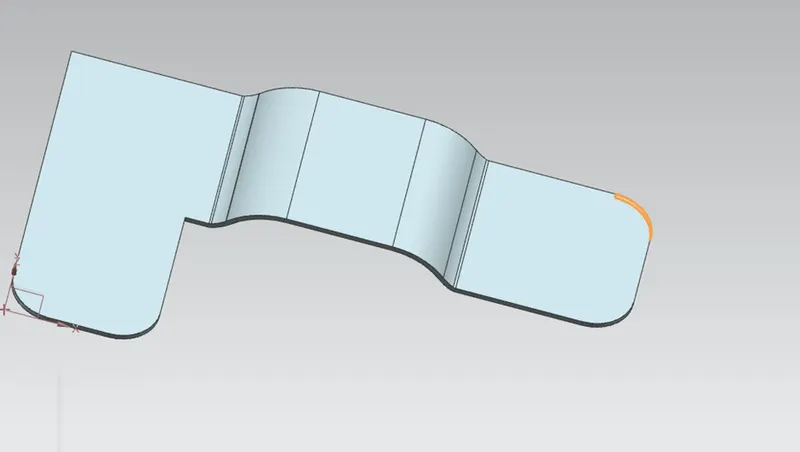
One corner Radius taken as 30mm ,orther one 60mm radius.
Unbend: Used unbend feature for making beads and hole on the skatch .
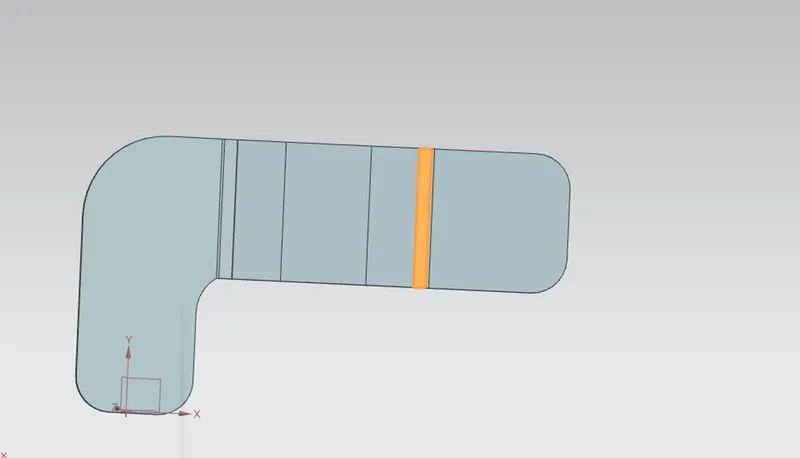
Beads: Lifts material along the contour of a skatch that simulates a stamping tool.
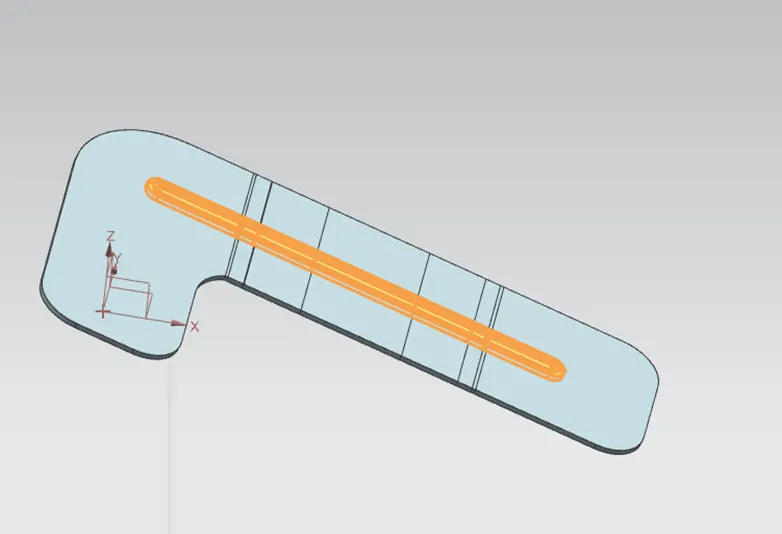
Rebend done taking this skatch into original shape , after used hole feature with 20mm diameter.
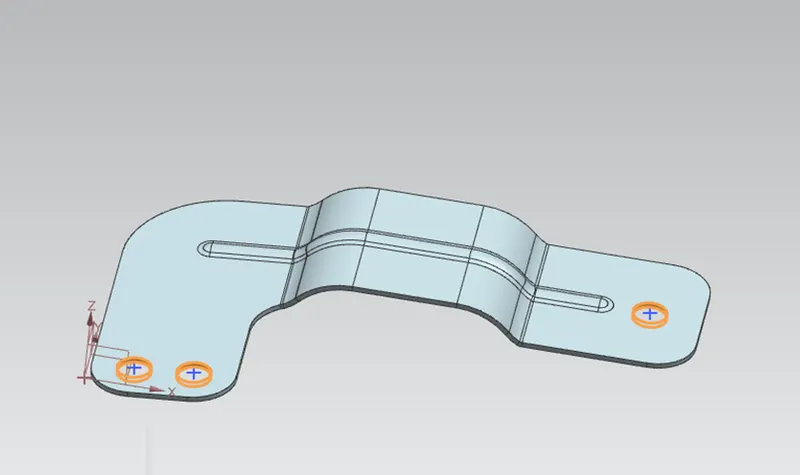
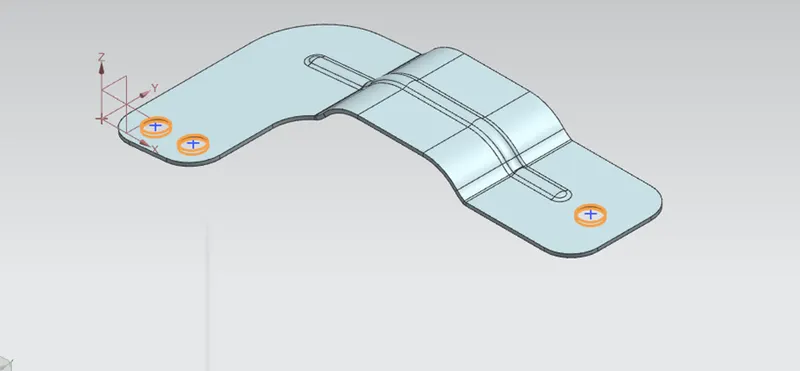
Isometric View:
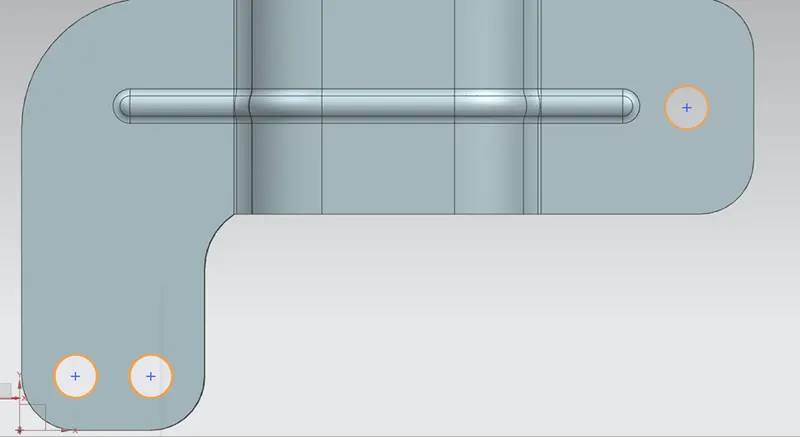
Top View:
Front View:
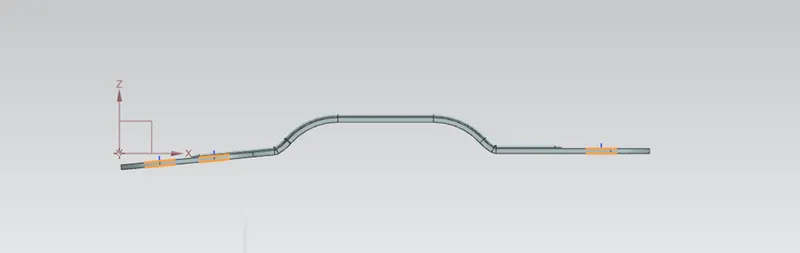
Bottom View:
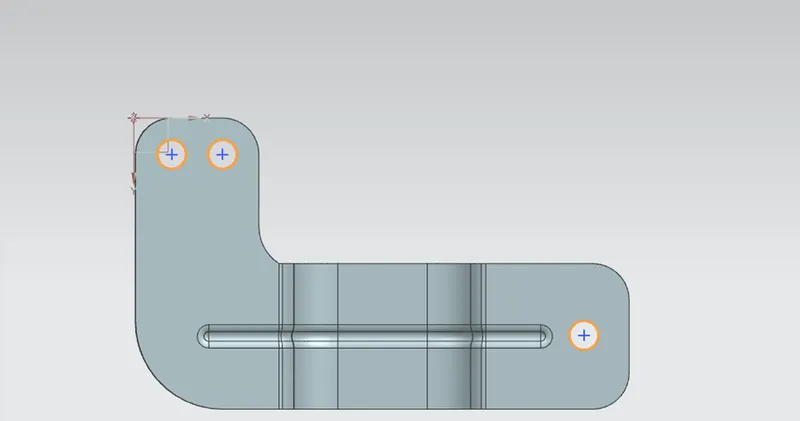
2D drawing View: