Advanced Sheet Metal Design Using NX Cad Challenge_5_Odd Shaped Enclosure
ODD ENCLOSURE
OBJECTIVE:-
To create a Odd Enclosure using a different sheet metal command that will help to know about every single command in detail.
INTRODUCTION:-
In this project we learn about how to design Odd Enclosure and what commands we are used to design this part and it help to make solid body into sheet metal and also learn about how to design complex sheet metal parts.
DESIGN METHODOLOGY/APPROACH:-
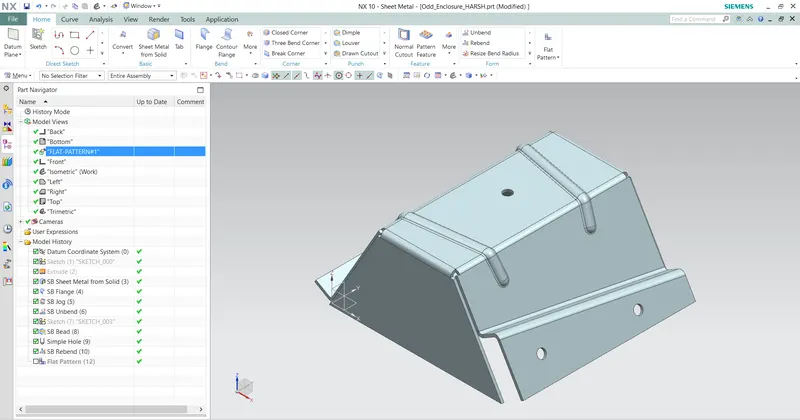
This is the approach that show in part navigater to design Odd Enclosure.
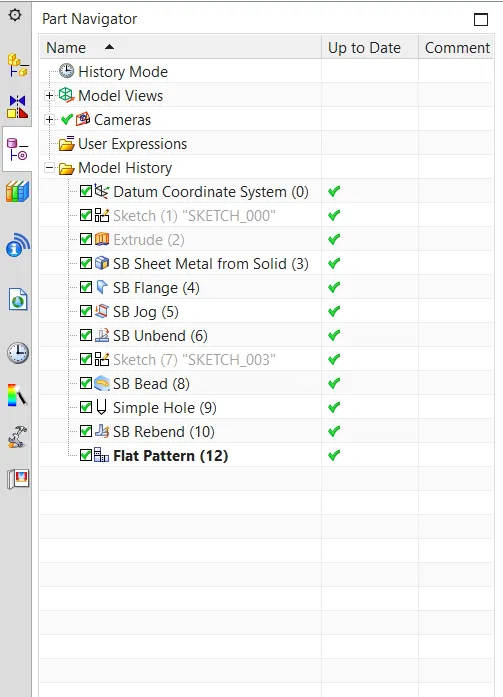
Part Navigater
DESCRIPTION:-
To make the Odd Enclosure these commands are used :-
- Extrude:- This command is used to create a fexture by extruding a section along a vector.
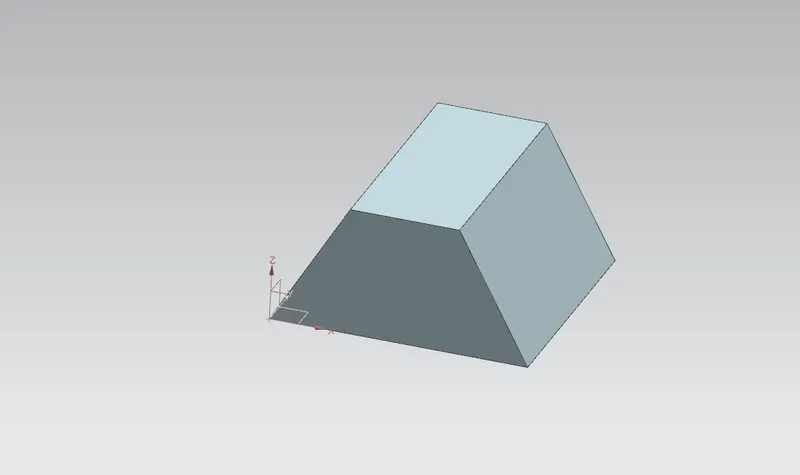
Extrude
- Sheet Metal from solid:- This command is used to create a solid part into sheet metal.
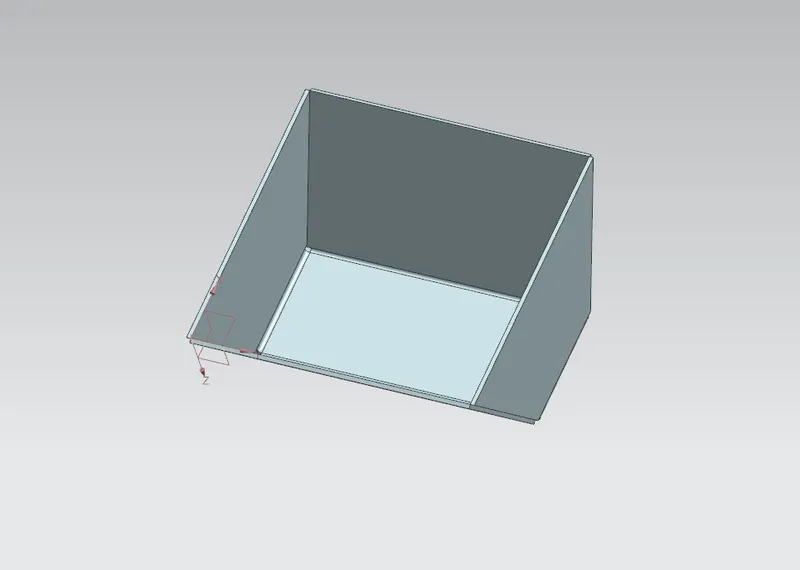
Sheet Metal from solid
- Flange:- This command is used to make flange at any direction in any angle. Flange basiclly create a bend between to faces.
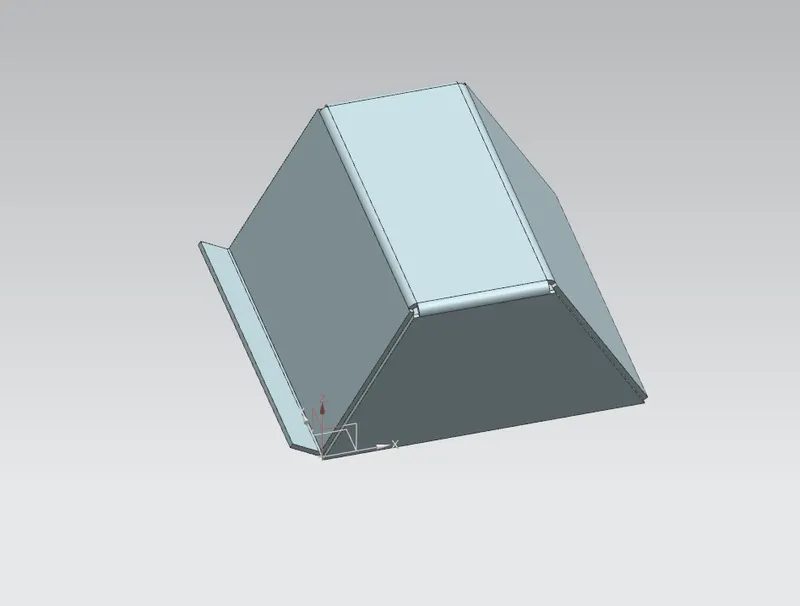
Flange
- Jog:- This command is modify the model by lifting material on one side of a sketch line and adding a flange between the two sides.
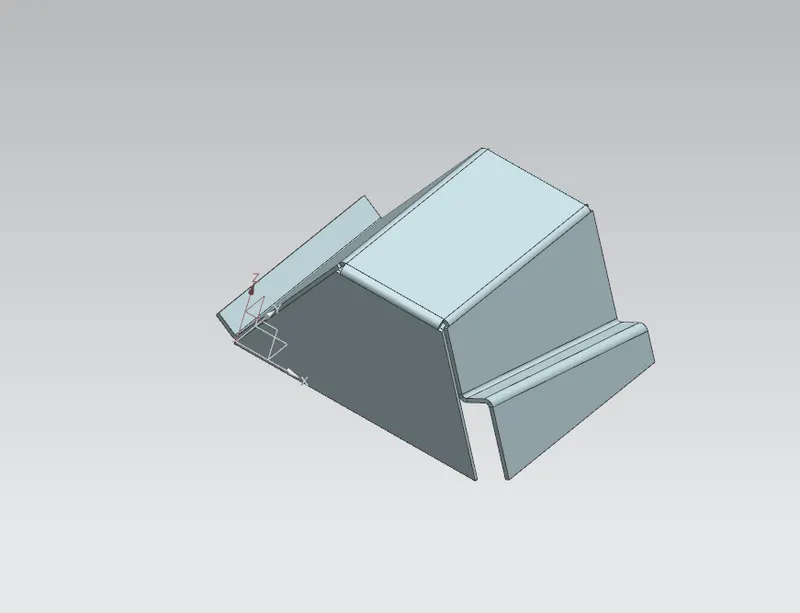
Jog
- Unbend:- This command used for to unfold the part.
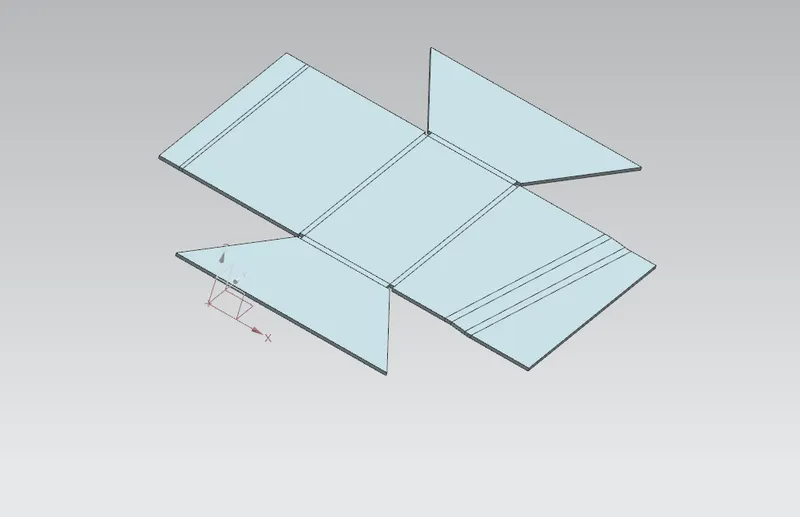
Unbend
- Bead:- This command is used to lift the material along the contour of a sketch that is simillar to the dimple command .
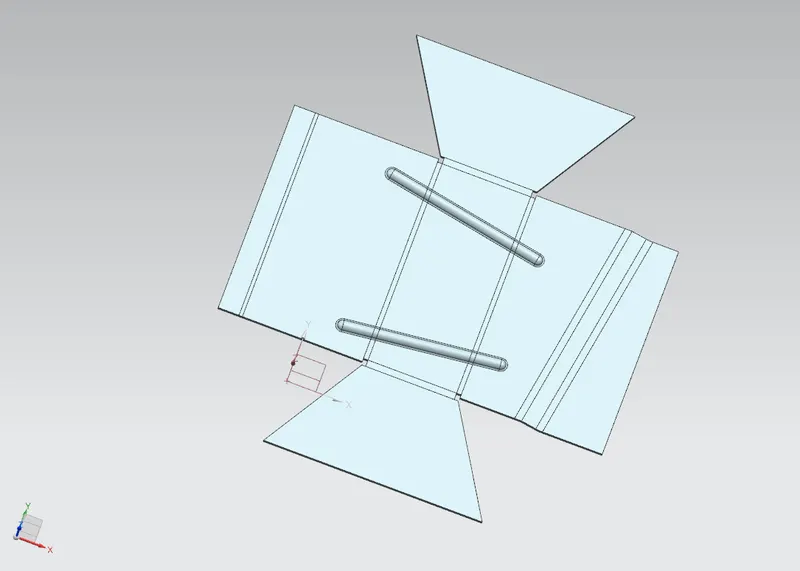
Bead
- Hole:- This command is use to make the diffront types holes.
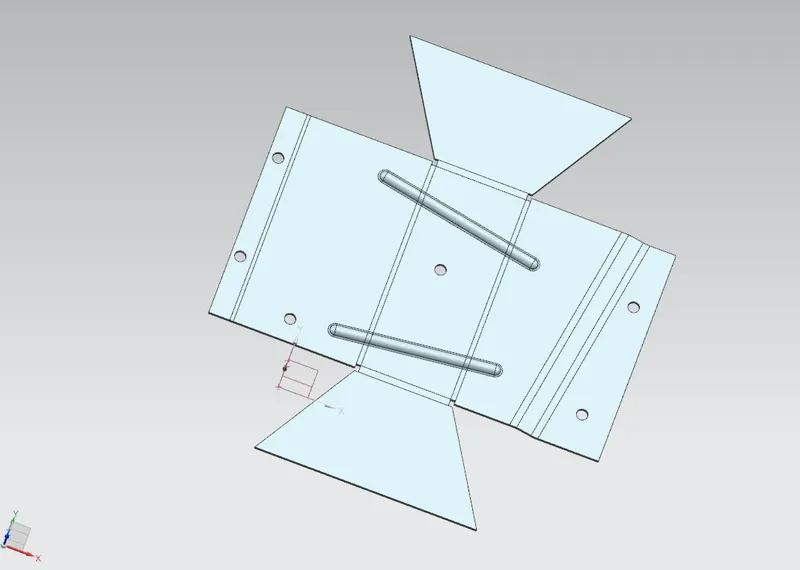
Hole
- Rebend:- This is used to unfolded part to make folded part.
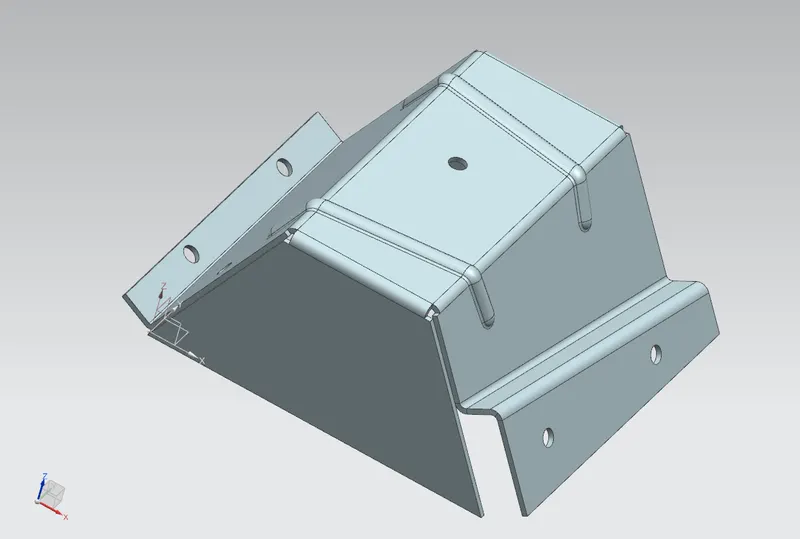
Rebend
- Flat Pattern:- This is final process to get the Flat pattern of the sheet metal part.
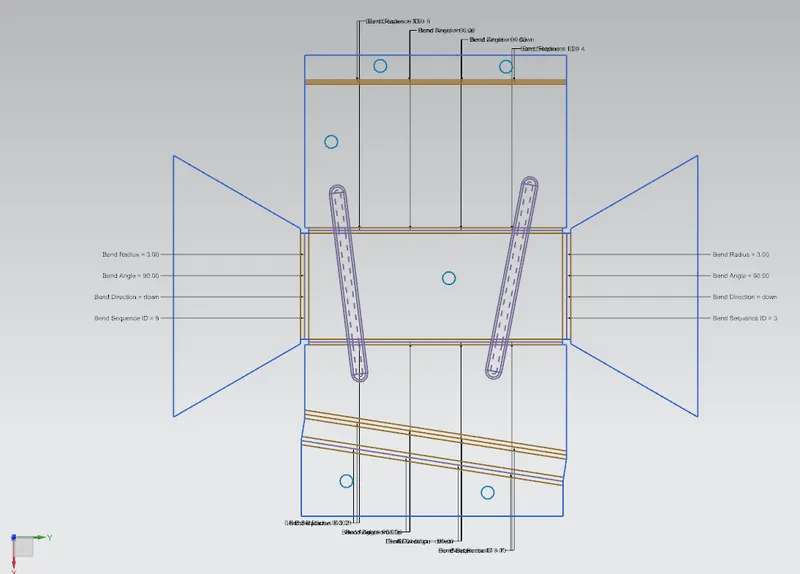
Flat Pattern
MODEL REPORT:-
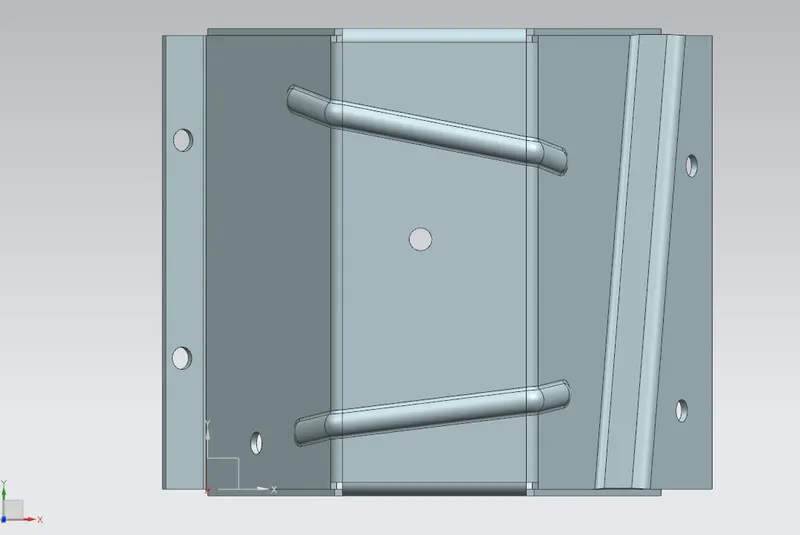
Top View
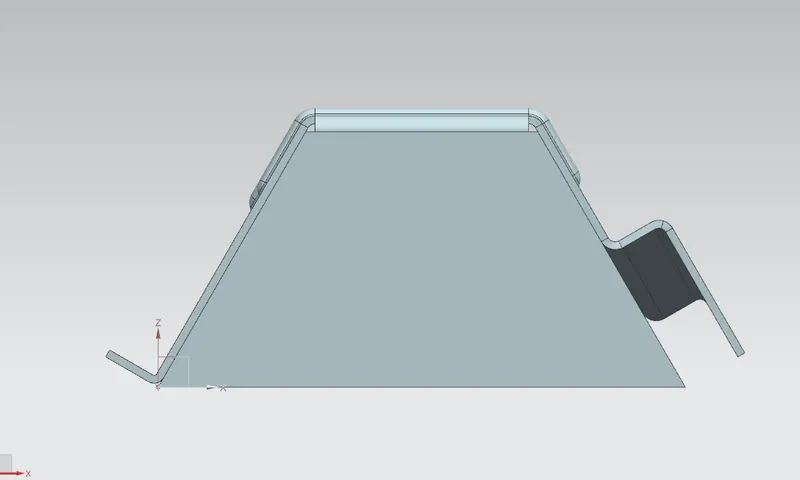
Front View
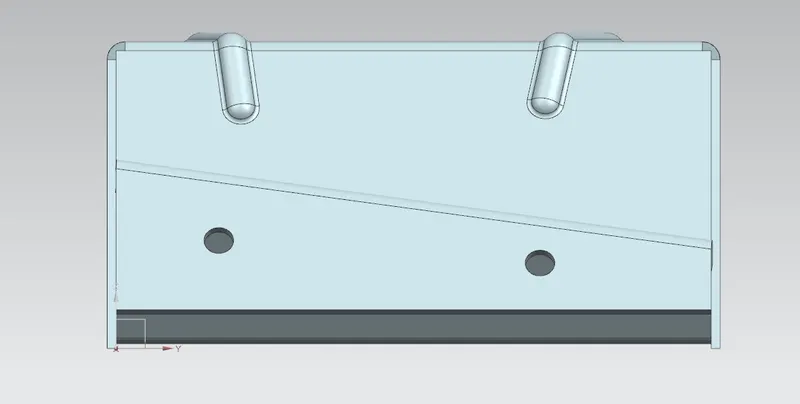
Side View
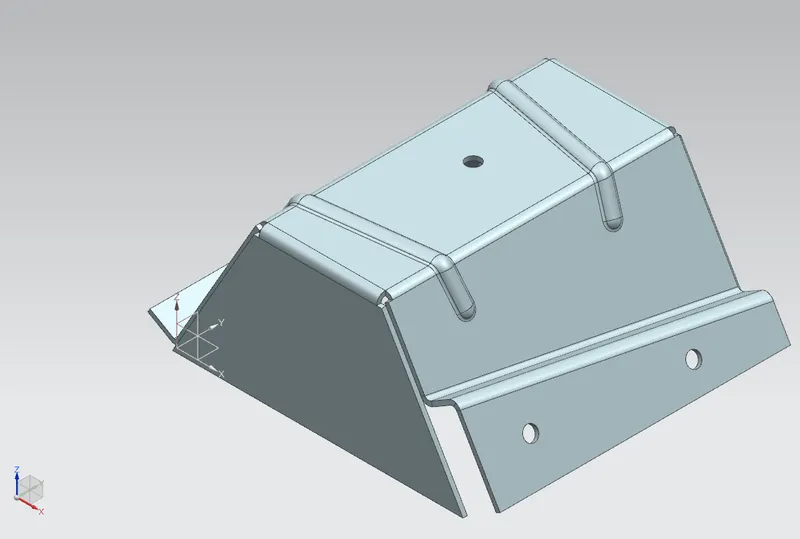
Isometric View
DETAILED DRAWING:-
CNCLUSION:- In this project we learn about workflow procedure to design a sheet metal part for odd shaps.