Advanced Sheet Metal Design Using NX Cad Challenge_5_Odd Shaped Enclosure
Objective:
To design an odd-shaped enclosure using NX Cad.
To learn the features involved in creating in the odd-shaped enclosure.
Introduction:
NX Sheetmetal environment can be used to create sheet metal design with all the manufacturing considerations.
The odd-shaped enclosure design is obtained by using NX sheetmetal workbench. It can be created by using various features such as tab, flange etc.
Design Tree:
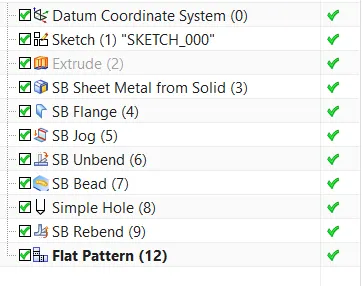
Description of the features:
Sketch: It is the basic feature for any kind of operation.
Tab: a base feature by extruding a sketch along a vector by a thickness value or adds material to a
plane face.
Extrude: It is used to convert 2D sketches into 3D objects.
Sheetmetal form solid body: It is used to convert the solid body into sheet metal shape by Wrapping on it.
Jog: It is used to create jobs along the curve.
Bead: Lifts a material along a counter of the sketch that simulates stamping a tool
Bend: Modifies the model by bending material on one side of a sketch line adding a bend between the two sides
Flange: angle to a planar face and add a bend between the two
Unbend: Flattens a bend
Hole: Create a hole
Rebend: Restores a bend
Images
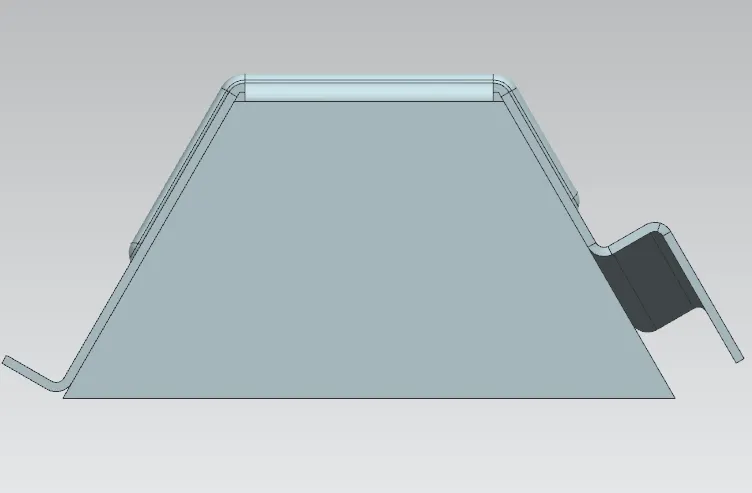
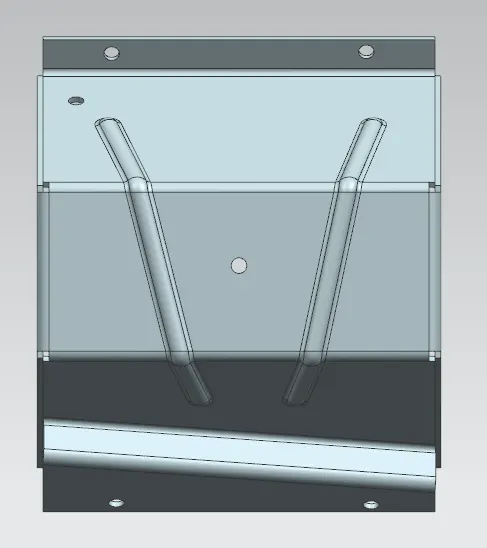
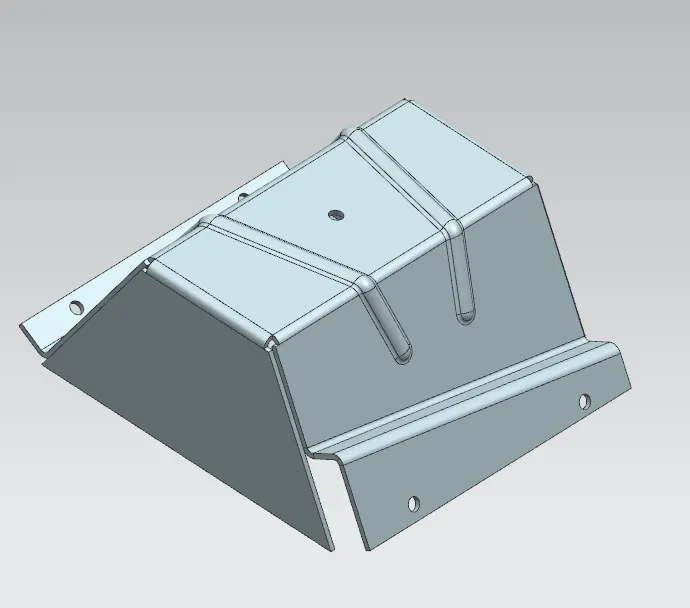
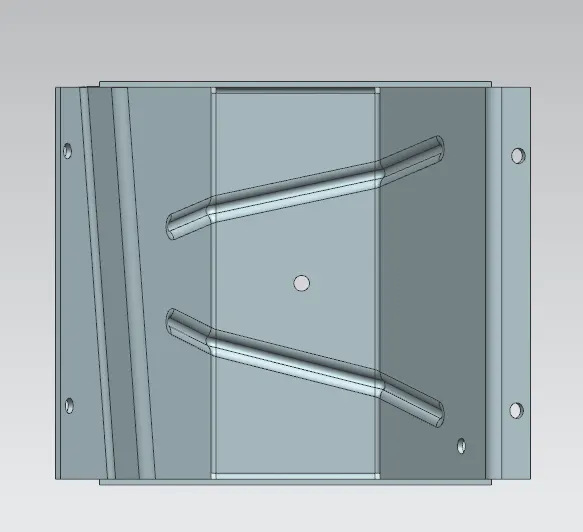
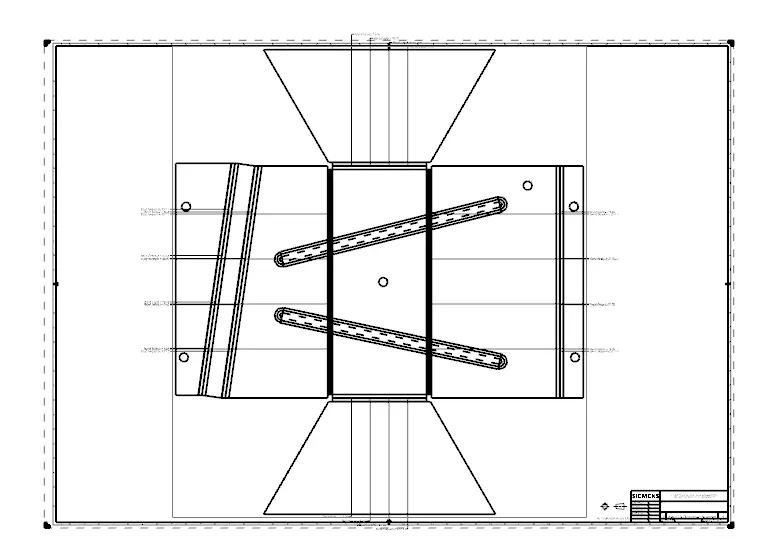
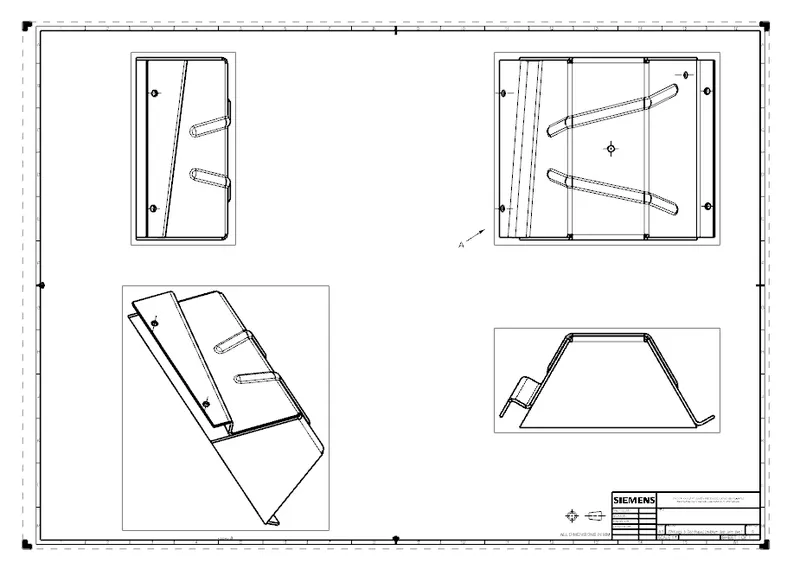
- Mukesh Psir, how to getNX CAD software