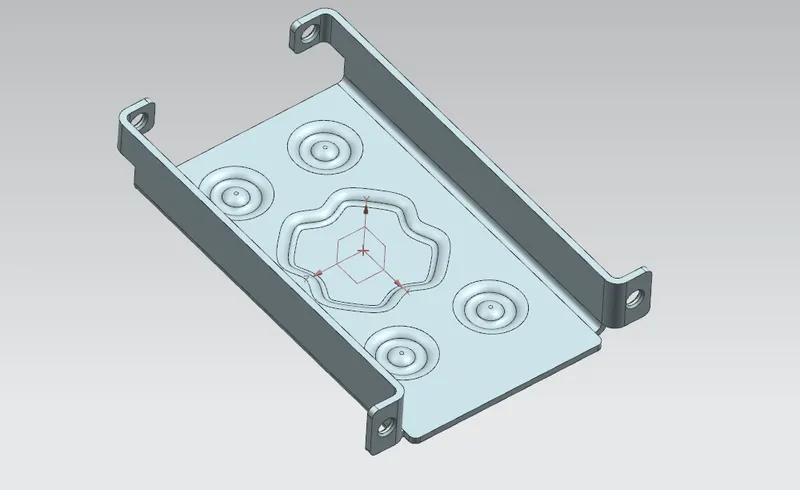
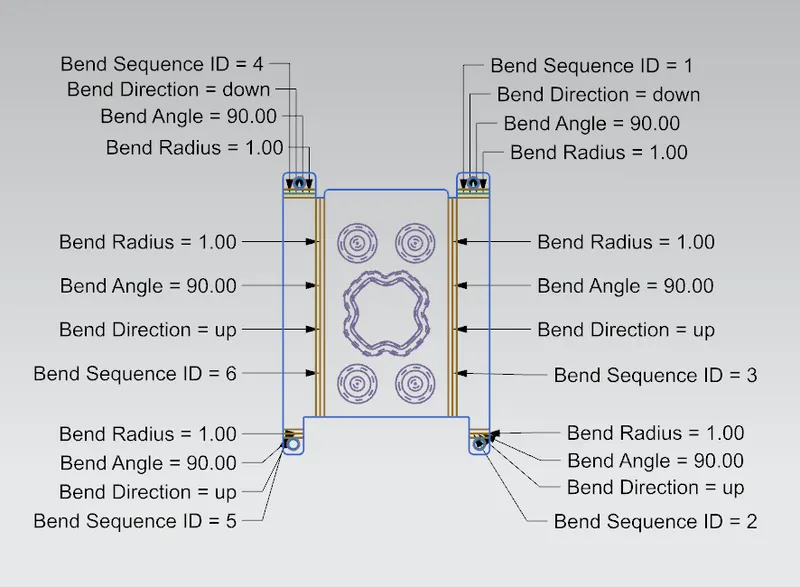
Advanced Sheet Metal Design Using NX Cad Challenge_1_Casing Design
Casing Design
Objective- Application of Sheet Metal modelling tools
Introduction- Design of casing using sheetmetal commands by adhering to standards
Design feature tree
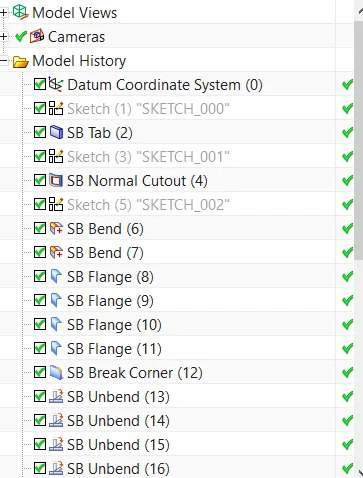
Tools used-
Tab:- This command is used to make a sheet metal base part.
Normal cutout:- This command we use to cut the sheet metal parts. Normally this command is preferred to cut the sheet metal parts.
Bending:- This command is generally used for bending the sheet metal parts.
Flange:- This command is used to create a new flange in any direction at any angle.
Break Corners:- This command is used for cutting the sharp corners or edges
Unbend:- This command is used to unfold the part.
Hole:- This command is used to make the different types of holes.
Dimple:- This command is used to lift the area of a model inside using a sketch.
Bead:- This command is used to lift the material along the contour of a sketch and is similar to the simple command.
Rebend:- This is used to unfold part.
Flat Pattern:- This is the final process to get the Flat pattern of the sheet metal part.
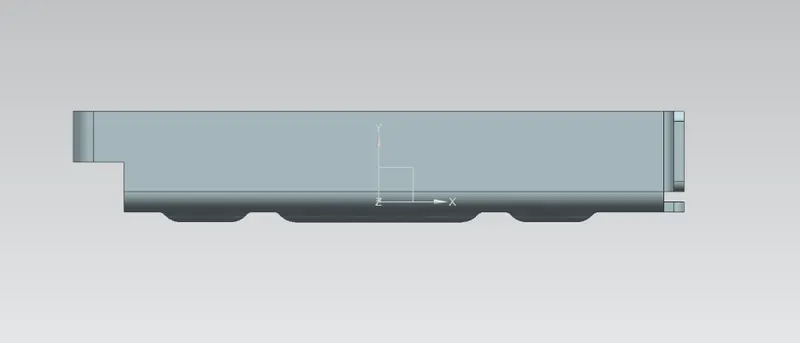
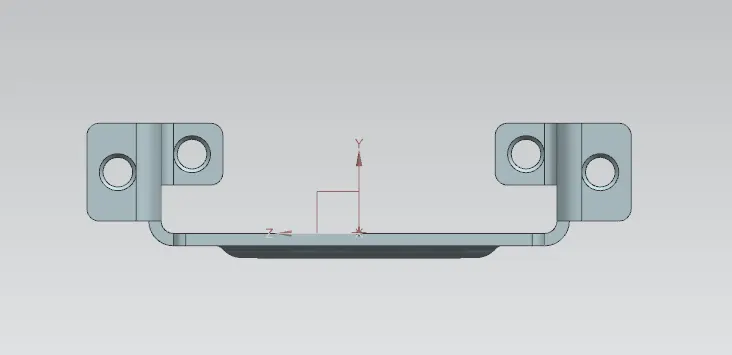
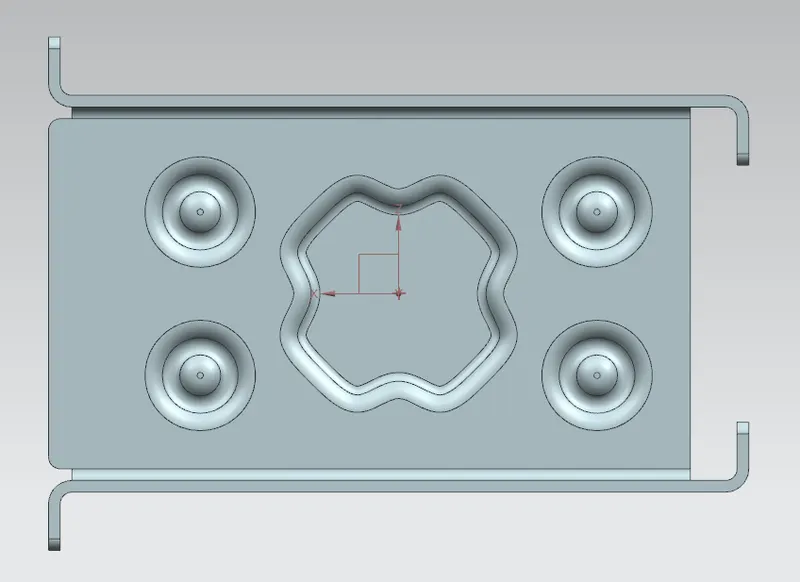
Images