Advanced Sheet Metal Design Using NX Cad Challenge_5_Odd Shaped Enclosure
Title of the project: Designing odd shaped enclosure using NX Cad.
Objective:
- To design an odd shaped enclosure using NX Cad.
- To learn the features the involved in creating in the odd shaped enclosure.
Introduction:
- NX Sheetmetal environment can be used to create sheetmetal design with all the manufacturing considerations.
- The odd shaped enclosure design is obtained by using NX sheetmetal workbench. It can be created by using various features such as tab, flange etc.
Design Methodology:
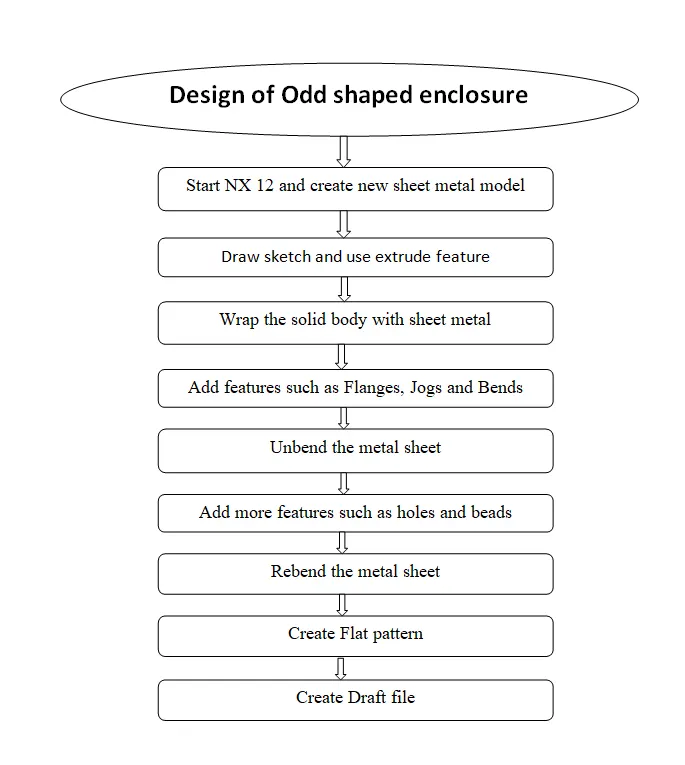
Description of the features:
Sketch: It is the basic feature for the any kind of operation.
Tab: a base feature by extruding a sketch along a vector by a thickness value or adds a material to a
plane face.
Extrude: It is used to convert 2D sketch into 3D object.
Sheetmetal form solidbody: It is used to convert the solid shaped body into sheetmetal shape. By Wraping on it.
Jog: It is used to create jod along the curve.
Bead: Lifts a material along a counter of sketch that simulates stamping a tool
Bend: Modifies the model by bending material on one side of a sketch line addinga bend between the two sides
Flange: flange to an angle to a planar face and adds a bend between the two
Unbend: Flattens a bend
Hole: Create a hole with the circle created
Rebend: Restores a bend
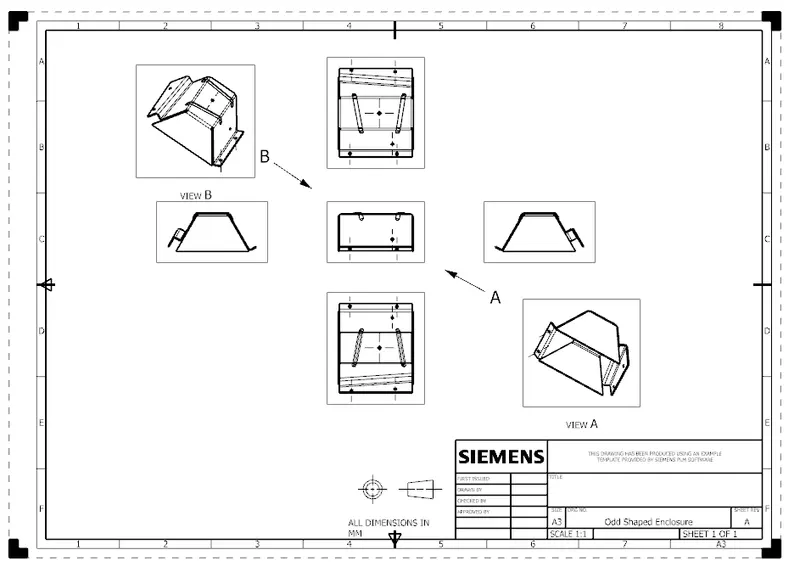
Drafting: It is the creation of drawing for the purposes of determining how the device should
be created.
Flat Pattern: It is used to create flat pattern for tooling technician for manufacturing purposes
Procedure
Step 1: Create a sketch in front plane with the necessary dimension and convert in 3D part by extruding it with the distance of 200mm.
Step 2: Then wrap the solid with the sheetmetal by using the feature sheetmetal form body with the thickness of 3mm and bend radius 5mm by selecting the top surface
Step 3: Create a flange on one side of the large surface with the length of 20mm and then create a bend by using jog line feature on the other side with the 20mm.
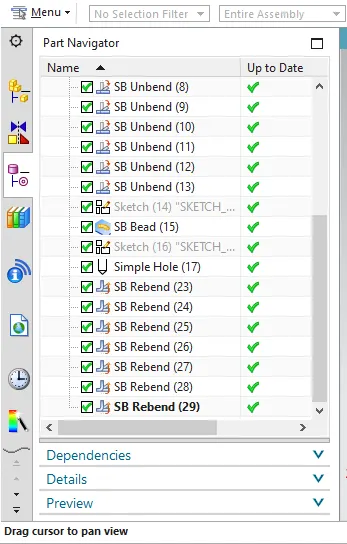
Step 4: Unbend all the bended syrfaces.
Step 5: Create a bead feature on the top surface by create a sketch and provide the bead radius of 3mm to it
Step 6: Then create a hole on the top surface with the circle diameter of 10mm.
Step 7: Rebend all the surfaces
Step 8: Create a flat pattern with respect to the top surface.
Step 9: Save the file.
Views:
Isometric view
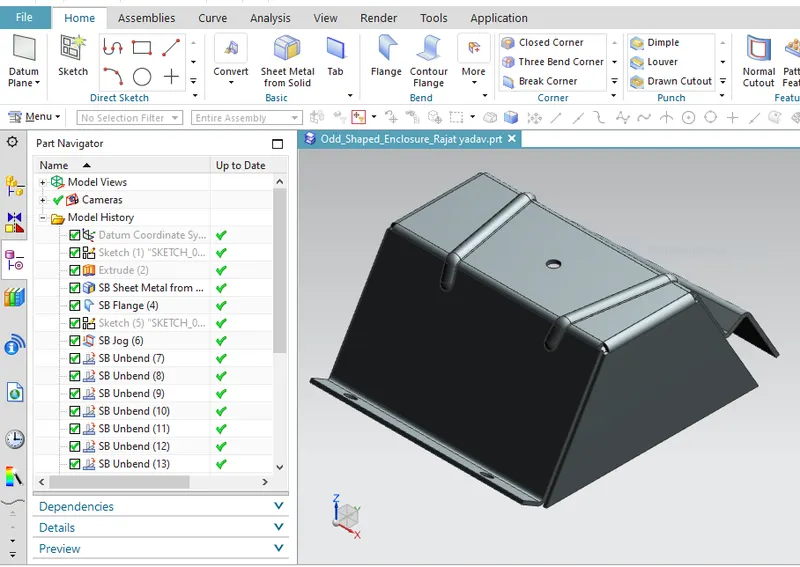
Front View:
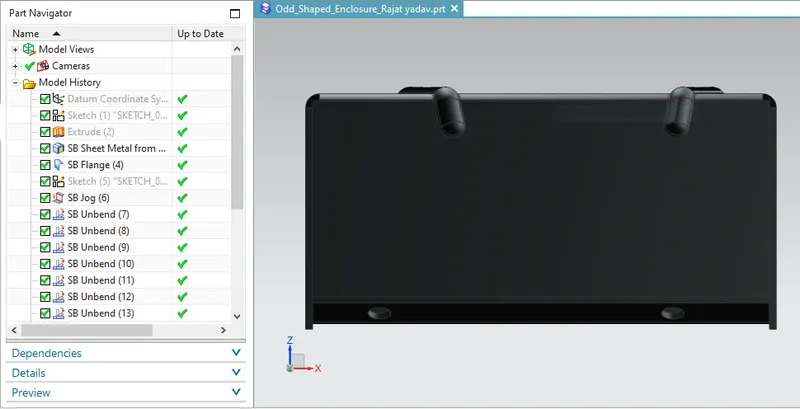
Bottom View:
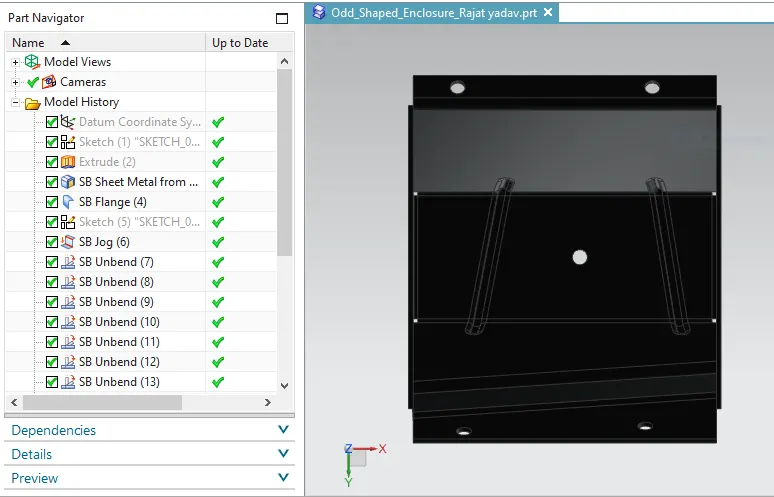
Back View
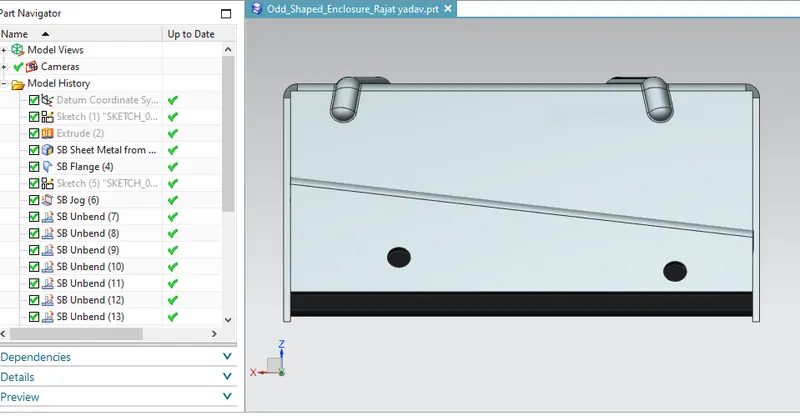
Left View
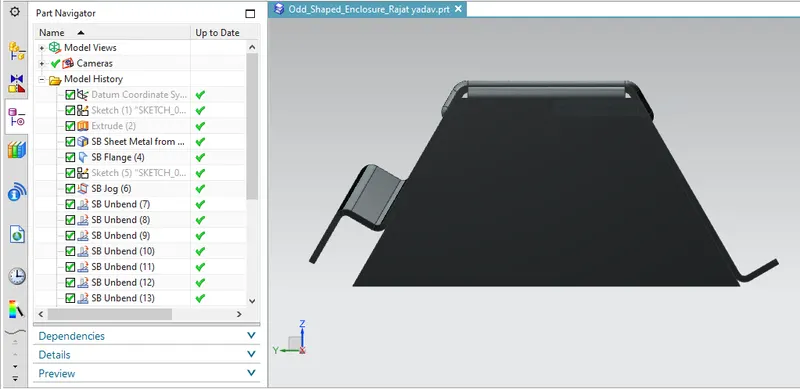
Top View
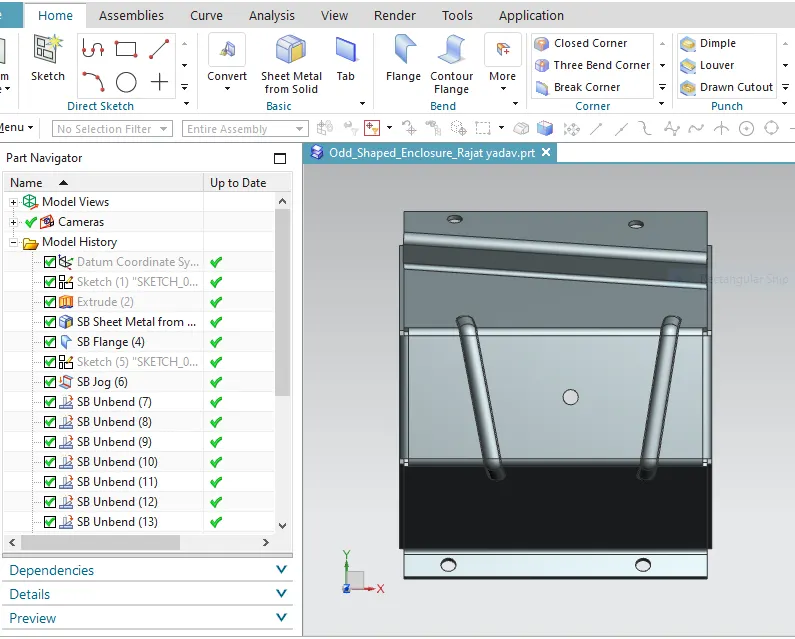
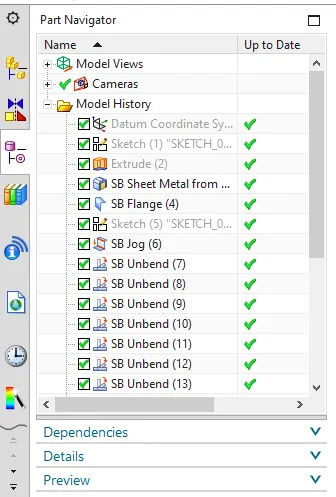
Feature Tree
Drawing Sheet :
Conclusion:
The structure of odd shaped enclosure is obtained by using NX CAD.