Advanced Sheet Metal Design Using NX Cad Challenge_5_Odd Shaped Enclosure
NX_Odd_Enclosure_Hanmantu
OBJECTIVE: the objective of the this task is to completeing the odd_enclosure image with the given dimensions.
INTRODUCTION: The introduction of the odd_enclosure what are the commannds are used in the making of the odd_enclosure image .in this total image making we used the few commands that are tab,skech ,holes ,bead,bean,ect
the main command is used in the making of the odd-enclosure is the sheet metal from to solid this command will used to making of the sheet metal to solid form.that will help to go with the next steps in the odd_enclosure,after conveting into the solid form we need add the flanges on the edges of the odd encloser one that the flange will be fromed. we need to creat thebean on the surface of the odd-enclosure one than the we need to unbend the total surface toform the shape on the odd_enclosure surface;after that the bean will be fromed on the surface of the odd_enclosure making the some holes on the surface ,and with the given dimensions
DESING METHODOLOGY:
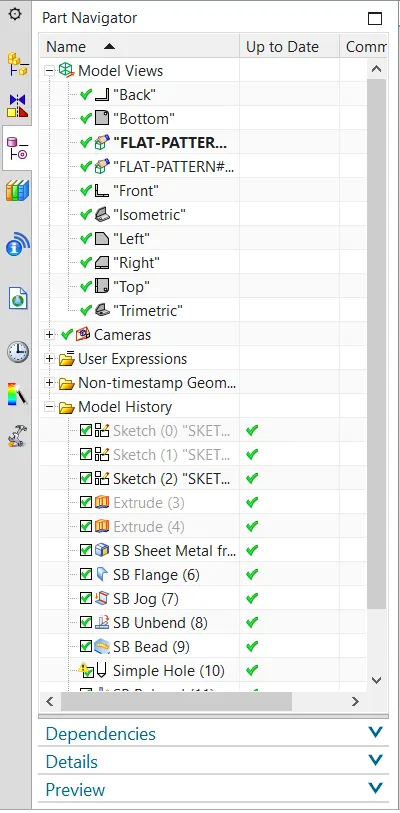
this will give the total fiowchat like model to the odd_enclosre one
DESCRIPTION:The description will used to give the commands which are used in the odd_enclosure.
TAB : this is the first command which is used in the top bar tools the command we can see in sheet metal command
SKECH: this will used for the making of any different shapes as requied
EXTURED: it will used to covert thealmost like solid model
HOLE ; this commands is used for the making of the holes on the surface wre it be pointed during the selection of the hole it will ask the points to fix on the surface
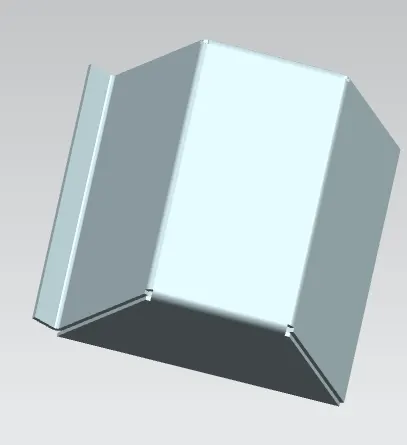 after the flange
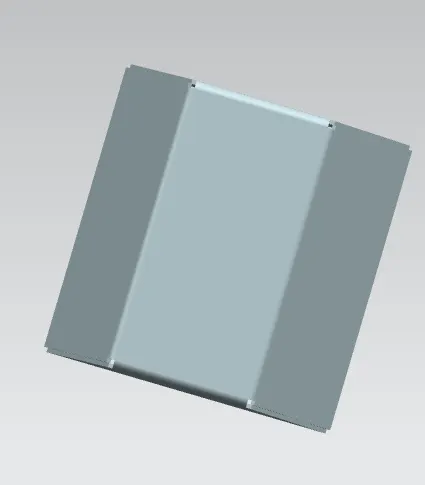 this is before the flange
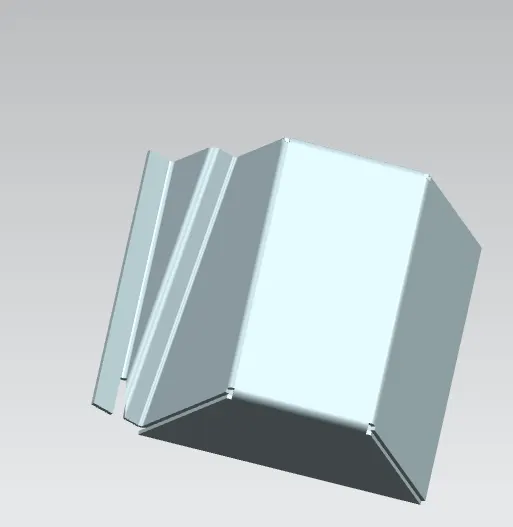 after the jog
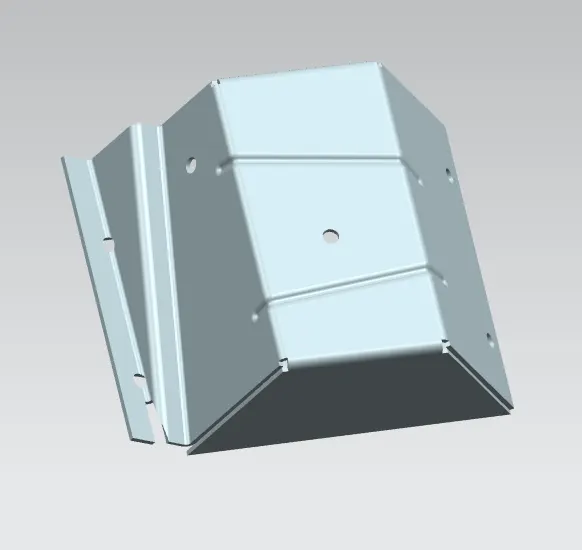
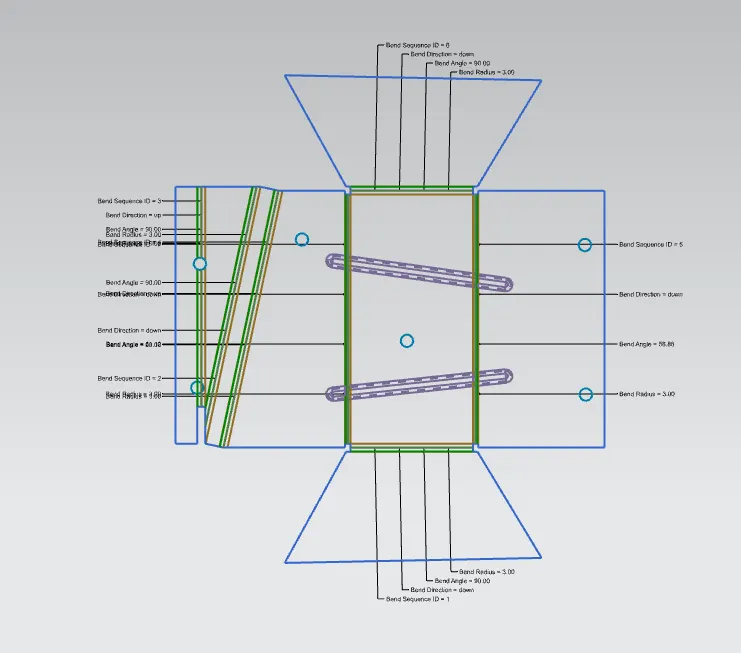 THIS IS THE FULL IMAGE OF THE FLAT PATTERN AND THE FINAL IMAGE TO
COMCLUSION:fromation of the total odd_enclosure