Advanced Sheet Metal Design Using NX Cad Challenge_1_Casing Design
NX_CASING _HANMANTHU
CAsing_desing is the name of the model 1 is the part name
OBJECTIVE : the objective of the modal is we cretaed the modal of the casing desing by using the few commands ,and finayi creating the modal of the casing desing
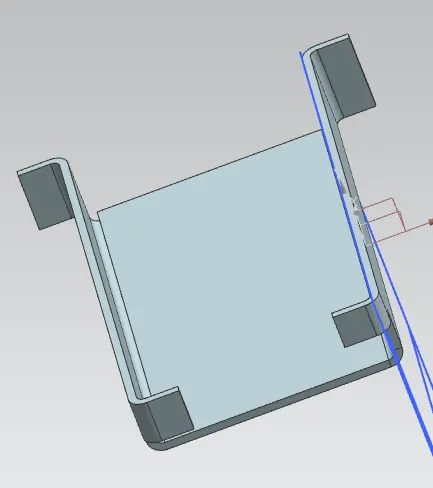
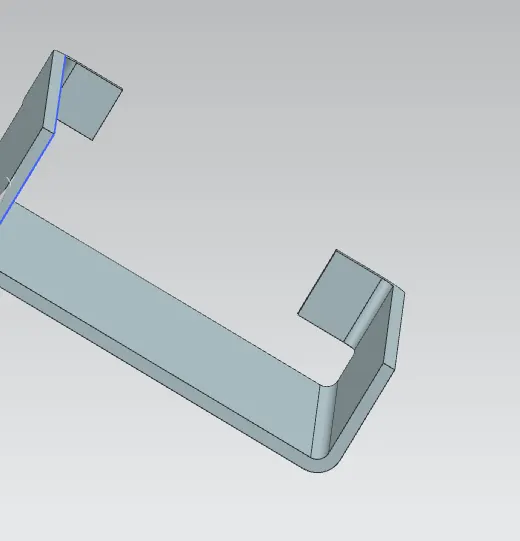
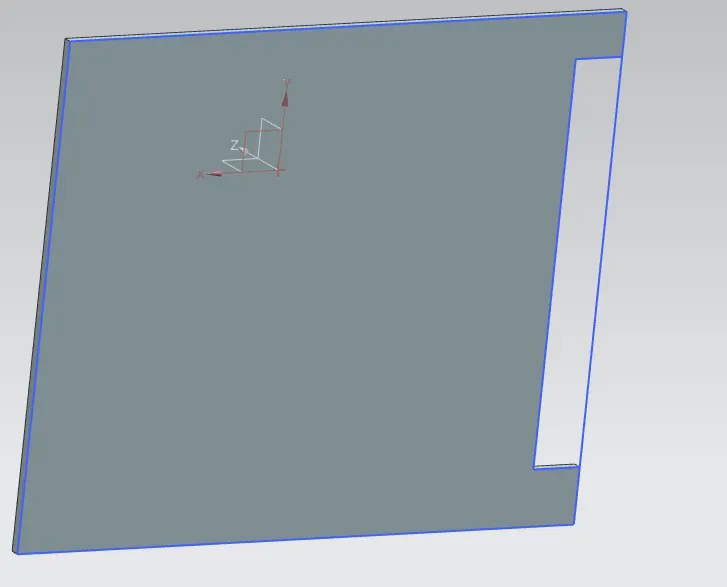
INTRODUCTION : THE introduction of the modal is about the making of the casing desing.first we need to creat the new page by using the (ctrl+n) which is used to creat the new file to save the image.we nee to selected the onplane in the skech commoand than we get the x-yand the z cooridations the skech is start on the x-cooridation. we need to creat the rectangle with the given dimansions x=60mm,y=50.after the creating the rectangle tab is need to creat with the given dimension thinkness of 1=mm,than the flange is created no the edges of the tab when the flange is need.like that the flange is created on the tab.
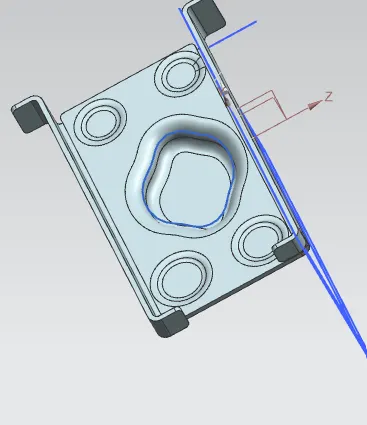
THERE is a new commands are be used accroding to the requiment of the diagrame here wre using the DIMPLE command to create the dimple surface the importan one is the dimple surface is created with the when the image is unbend coditions.this command will be used to convert the bend surface to unbend surface.than the dimple command will be work on the surface of the image after the dimple codition we can rebend the total surface of the image tihis all commands will be shoow no the top of the screen
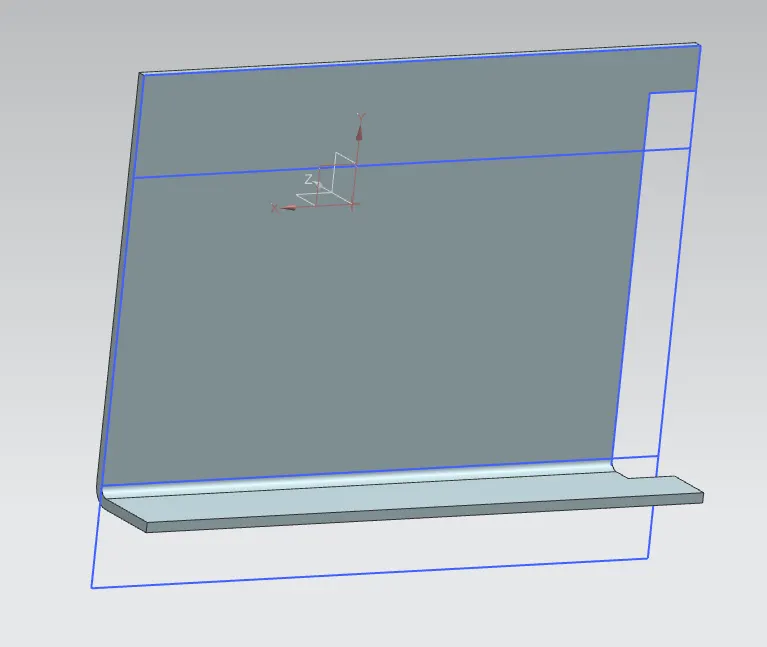
unbend,rebend to will using during the dimple codition . the image will be convert into the different shape during the dimple command the dimensions will used is 1mm depth
we are using the holes to make of the edges of the surface of the image to make the hole we need to use the hole command on the surface of the edge selecetd the surface and created the skech on the surface than then this command will ask the depth of the hole accroding to the given dimensions we need to give the 1mm depth to the hole . this command will be created no the four surface of the image with the same condition which is used to the first hole than the four holes will be created on the surface.
we are creating the spline. to start the spline we need to cerated the skech no the surface than the spline will be create faster after the spline we need to use the dimple command to creat the spline image on the surface this will be happen when the ubend need to do first than the dimple command than the image of the spline will be formad on the syrface that will be seen on the surface of the image
we are using the different commamds to form the total image there are the commands will be used to the image formation is :
tab ,flange,unbend,rebend,dimple,hole, ect .
DESING METHODOLOGY:
the desing methodology will be used according to the given parameters and the dimensions,the commands approch will be taken as step by step to completed the total image the desing approach will we good to understand the toatl image of the body in the desing approach we used the different commands that will help as to completed the total image
| COMMANDS | ROLE OF THE COMMAND | USE | |
| 1 TAB | WITHE RECTANGEL WE CAN CREATE THE TAB | DIMENSIONS WILL BE USED AS THE GIVEN DATA 1MM THICKNESS | |
| 2 FLANGE | THIS COMMAND WILL VE SHOW NO THE TOP | THIS WILL HAVING THE DATA | |
| 3 UNBEND | THIS WILL BE USED FOR THE UNBEND THE TITAL SURFACE | ||
| 4 REBEND | THIS IS FOR REBEND | ||
| 5 DIMPLE | FOR THIS COMMAND WE NEED TO USE THE UNBEND ,REBEND | THICKNESS OF 5MM |
DESCRIPTION :in this we are explaining the use of the commands
tab this commands will be cerated after the rectangle selection form the skech ,flange this will be the after the tab we will apply the flange commands on the tab coeners of the tab we can see this in the image ,dimpale is used for the cerateing some face on the tab and flange surface,unbend is used form the unbend the total surface of the image ,rebend will be used to rebend the object which is done by the unbend ,hole this will used to making of the holes on the surface with the requied dimensions,bead thsi command will be used .
CONCLUSION :the conclusion is to make the casing desing with the given dimensions by usein the commands