Advanced Sheet Metal Design Using NX Cad Challenge_5_Odd Shaped Enclosure
Title: Odd shaped encloser using NX CAD.
Objective: To create odd shaped encloser using NX CAD.
Introduction:
Creation of odd shaped encloser i have used different features in NX CAD such as sheet metal from solid, extrude, unbend, flange, jog, bead. rebend, hole and flat pattern.
Design methodology:
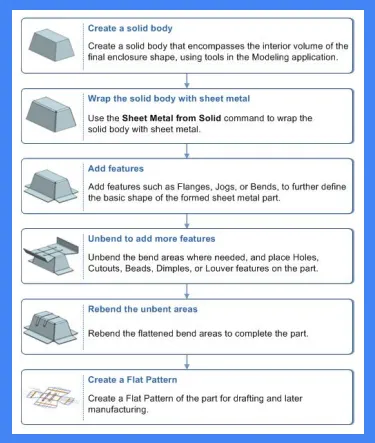
Description:
Extrude:
Extrude is a method of defining 3D geometry by translating a 2D sketch normal to the sketch plane.
Sheet metal from solid body:
This tool is used to convert solid body to sheet metal.
Flange:
Its add flat surface or an angular surface on the edge of the surface to create an extended surface.
Jog:
The jog is used to create a flange by lifting the material on one side of the sketch profile.
Unbend:
It is used for unbend the corner of the body.
Bead:
It is used to create a conture shape according to the sketch in the required direction with required punch/die radius.
Hole:
A hole feature is used to create holes in the body.
Rebend:
It is used for bending corners of ther unbend body.
Flat pattern:
Flat pattern is used to create flat pattern view which is used for drafting purposes.
Different views of odd shaped encloser
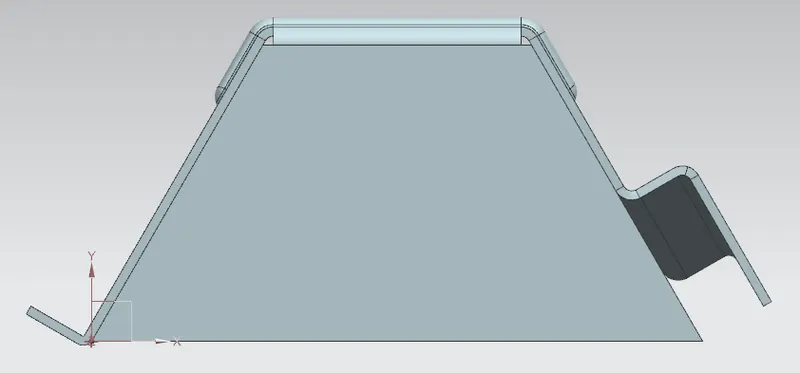
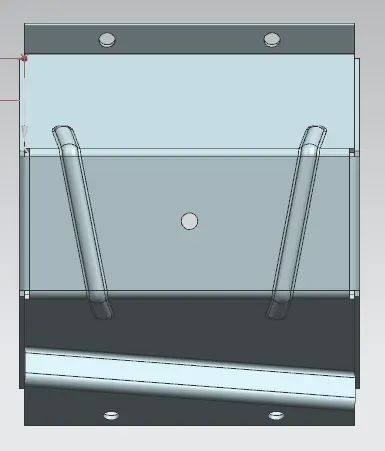
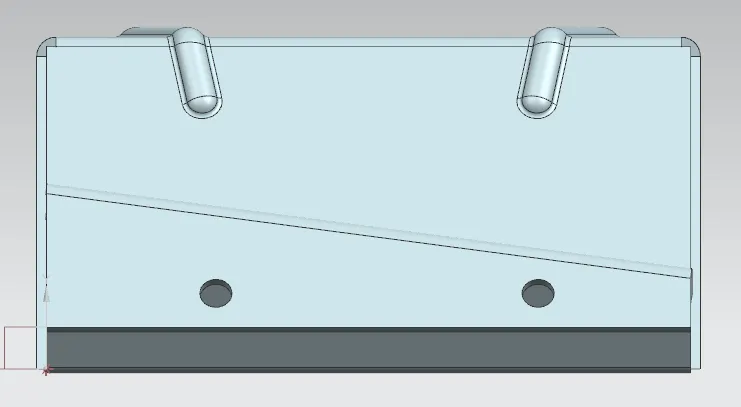
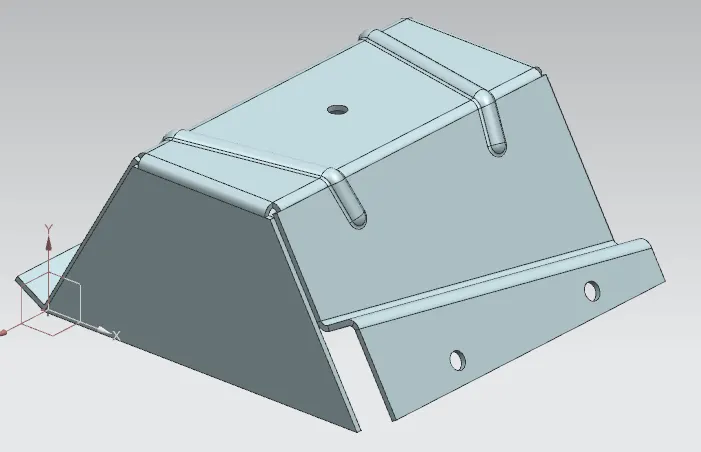
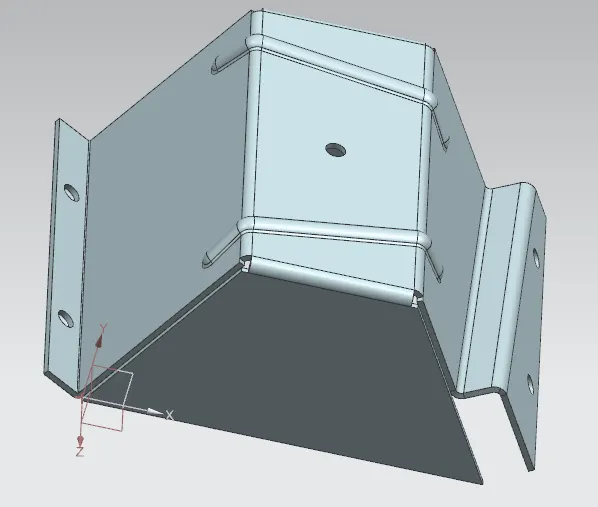
Detailed drawing sheet image:
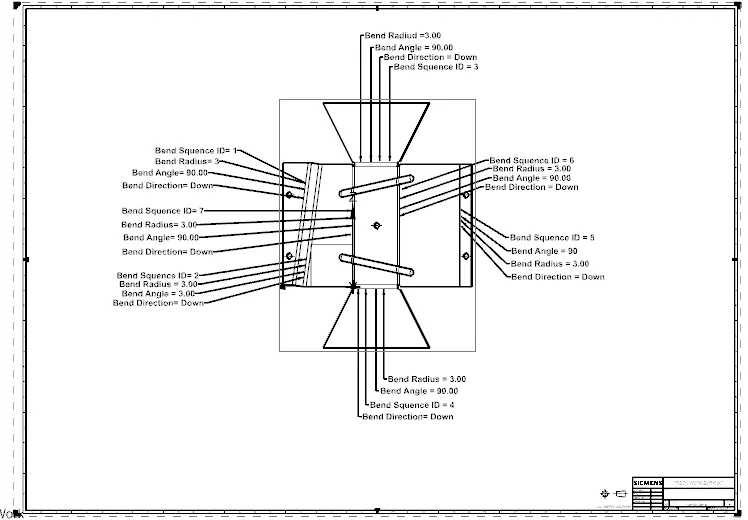
Conlusion:
The designing of a sheet metal odd encloser by using NX CAD softwear and detailed drawing sheet is created with proper parameters.