Advanced Sheet Metal Design Using NX Cad Challenge_5_Odd Shaped Enclosure
Designing of odd shaped Enclosure
Objective
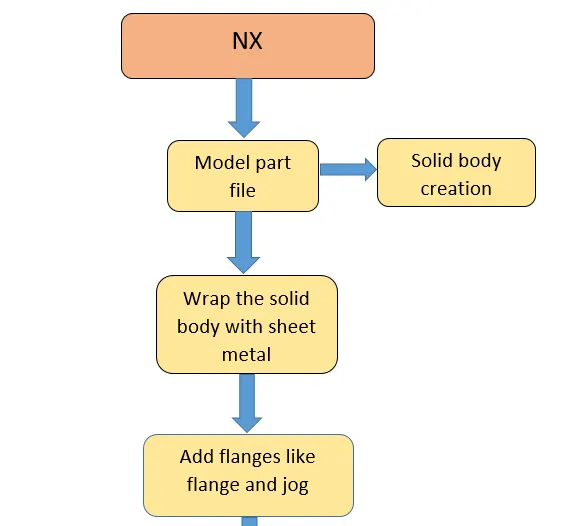
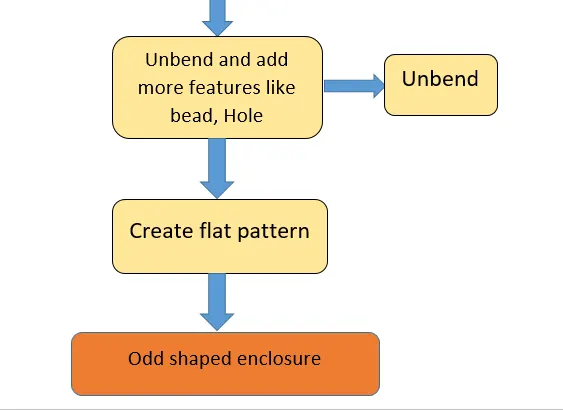
In this project we are going to design odd shaped enclosure in NX.
Introduction
Sheet metal refers to metal that has high surface area volume ratio. Sheet metal work stock, used for sheet metal processes, is usually formed by rolling and comes in coils.
Design Methodology
Description
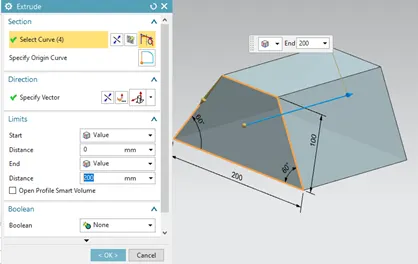
1.Extrude
Creates a feature by extruding a section along its vector.
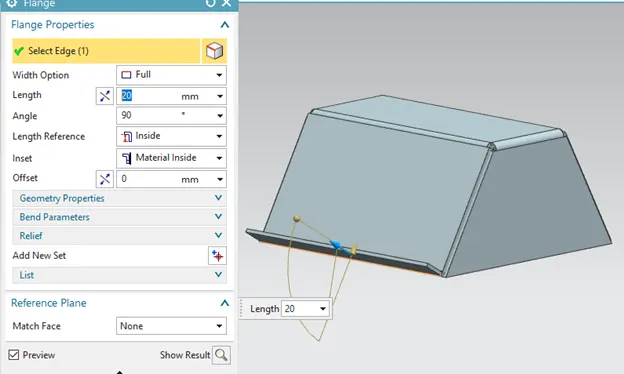
2. Flange
It is used this command to add a flat flange at an angle to a planar face and add a bend between the two. A flange consists of a bend region and a web.
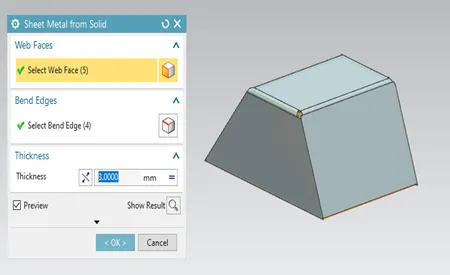
3.Sheet metal from solid
Use the convert to sheet metal wizard to convert a non sheet metal part from a valid sheet metal part by ripping edges and cleaning up geometry.
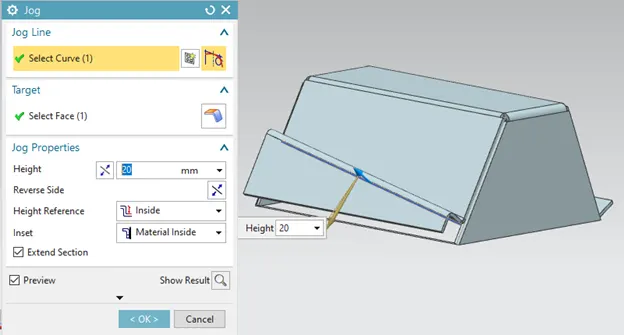
4.Jog flange
Use the jog command to create an offset or a step in a tab. you can use small jogs to provide clearance or rigidity to a part, the section for the jog must consist of a single line accross a planar face. NX creates the jog by lifting material on one side of the jog line and adding a flange between the two side.
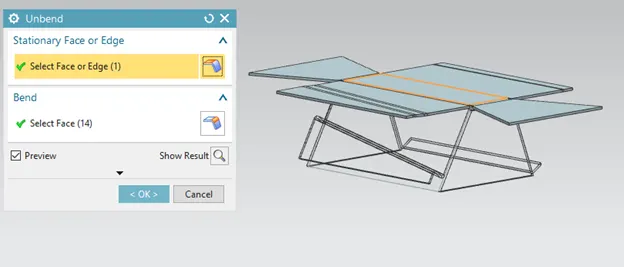
5.Unbend
It is used for unbending corners of the body.
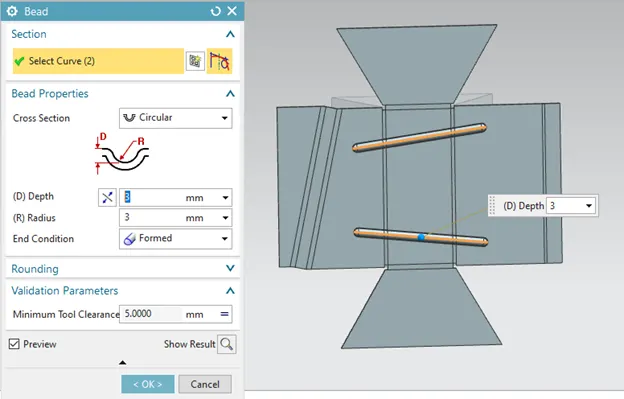
6. Bead
lifts a material along the contour of a sketch that simulates a stamping tool.
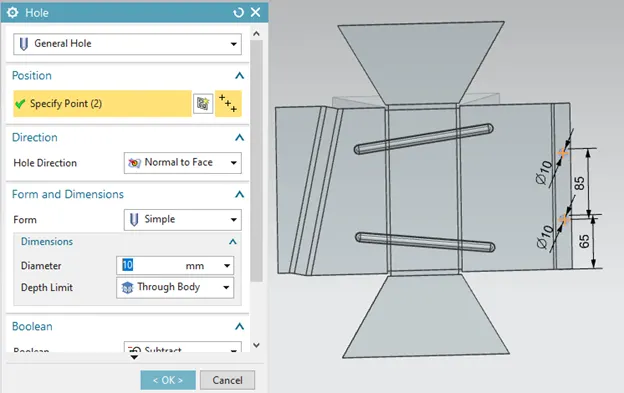
7.Hole
Adds a hole to one or more solid bodies in a part or assembly with the options for countersink, counterbored and threaded.
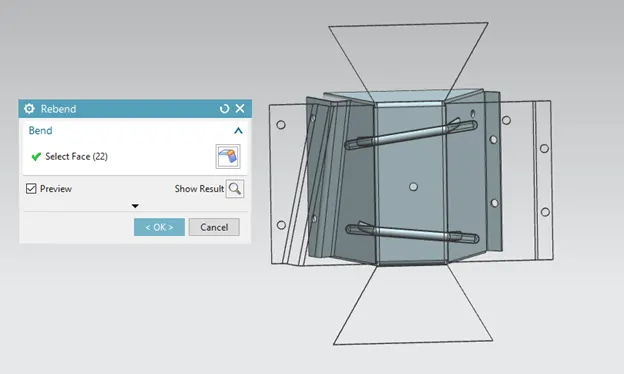
8. Unbend
It is used for unbending corners of the body.
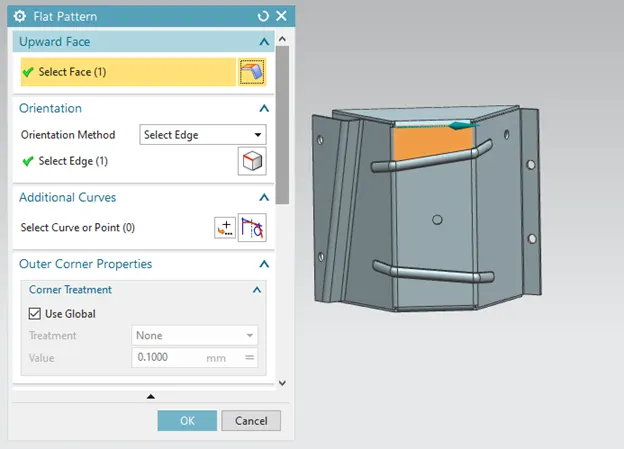
9.Flat pattern
Creates a flat pattern from the foemed sheet metal part.
 \
\
Screen shots of images
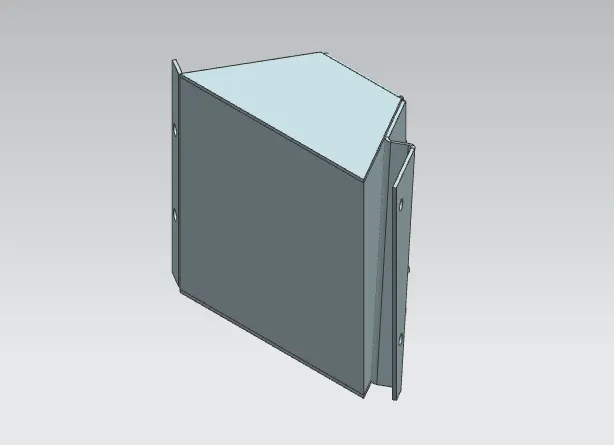
1. Isometric
2.Front view
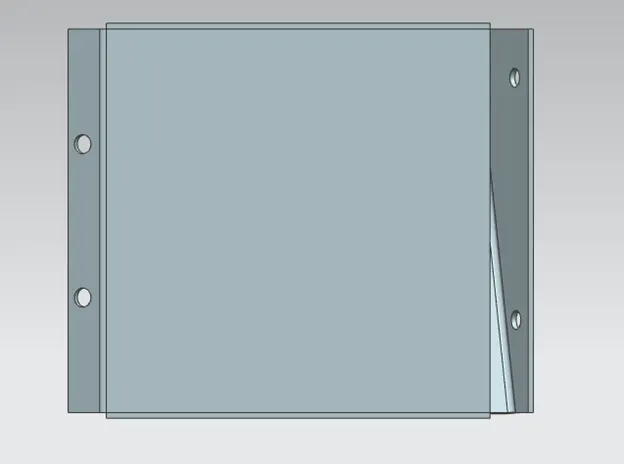
3.TOP VIEW
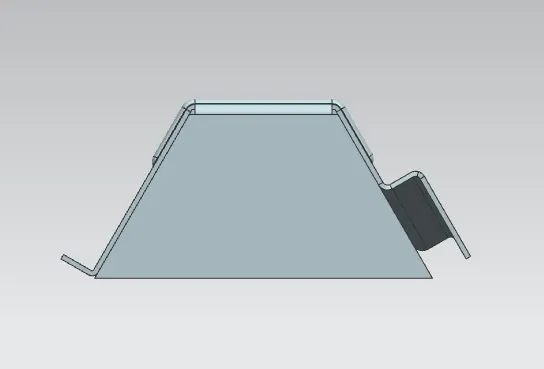
4. Right view
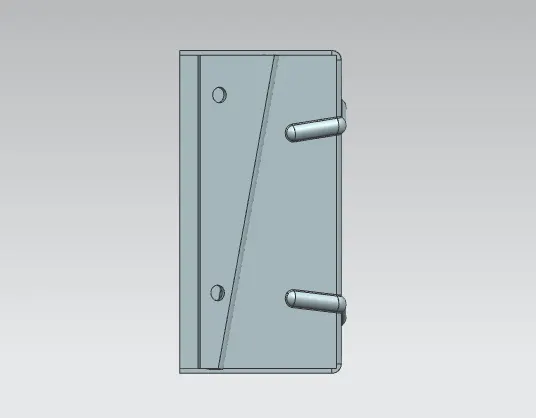
5. Flat pattern
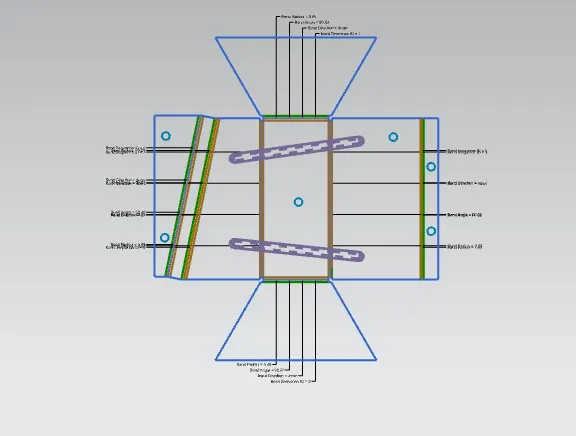
6. Drafting
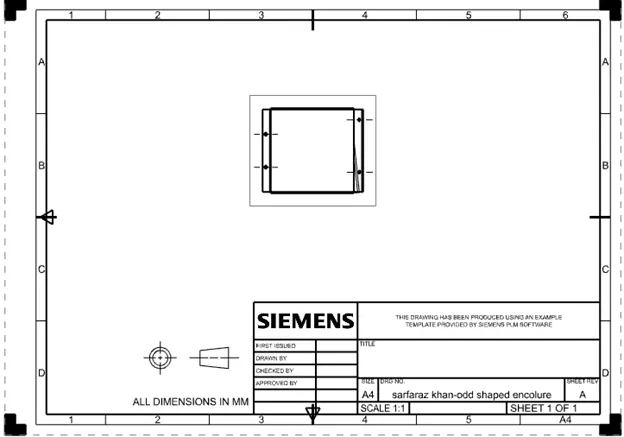
Conclusion
Thus the project has been completed by designing a sheet metal enclosure with odd shape using the sheet metal application in siemens NX and tthe required dracreated wing sheet were using the drawing application in NX.