Advanced Sheet Metal Design Using NX Cad Challenge_5_Odd Shaped Enclosure
Design Of Odd Shaped Enclosure Using Simens NX CAD
Introduction
- We will create an odd shape enclosure using NX CAD
- We will convert a solid material into sheet metal.
Objective
The objective of the design is to show how to convert a solid into sheet metal and can be added with various features in sheet metal.
In the sheet metal design, it may be difficult to draw a complex sketch & to tab the sketch.
But it can be easy to make a complex sketch in solid design with extruding features.
After creating a solid design, we can switch to the sheet metal application and add the sheet metal feature to it.
Design Methodology
- First, we will create a solid model using the modeling application.
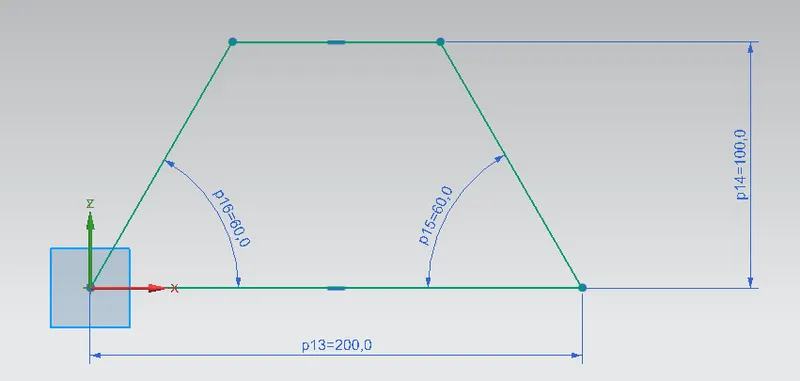
- The dimensions will be 200mmx100mm and the angles will be 60degree.
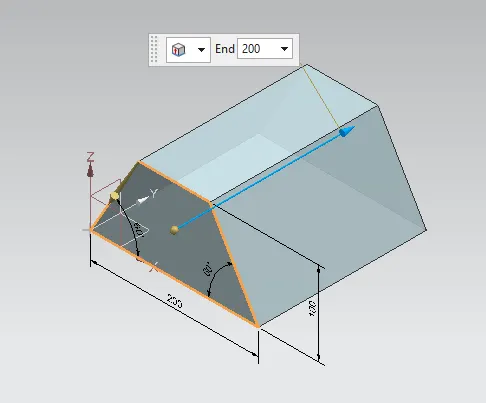
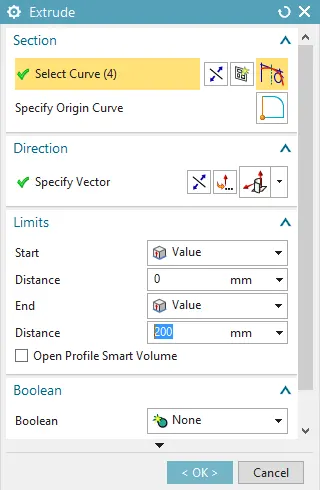
- Then create a extrude with a value of 200mm.
- Now it's time to convert the solid into sheet metal for which we have to switch to the sheet metal application.
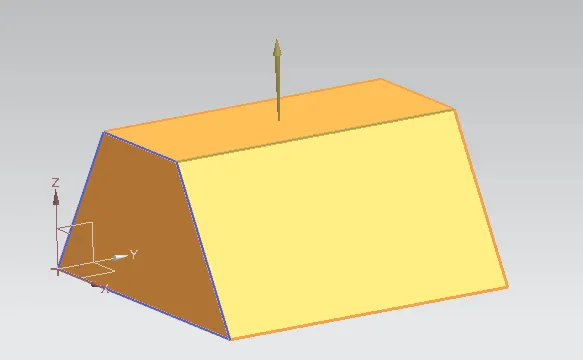
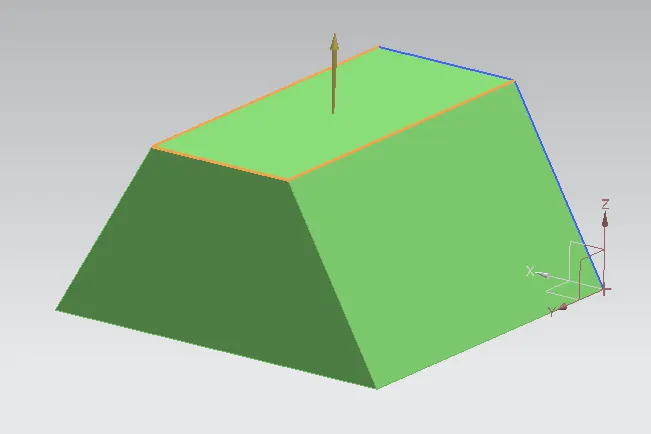
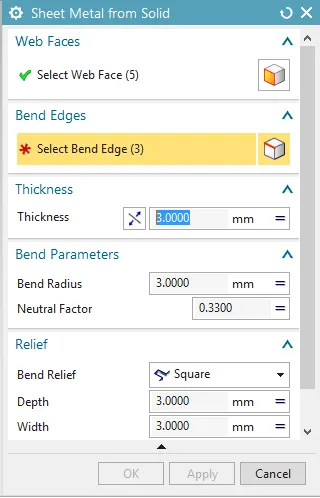
- To convert a solid into sheet metal we have to select those faces, which we want to keep as sheet metal and also its adjacent edges.
- As in the image, the orange faces are the web faces and the orange edges are the bent edges.
- After the process is complete, the solid body has to hide.
- Then a flange has created with a length value of 20mm and the angle value is 90 degrees.
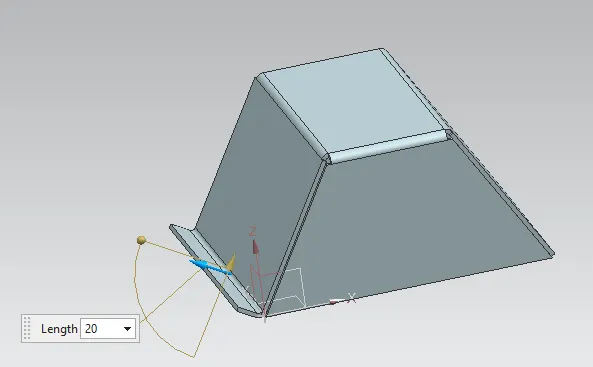
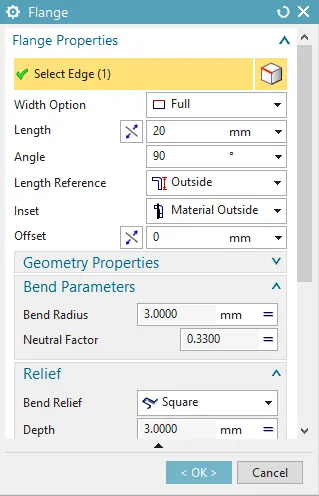
- Another jog will be created on the opposite side of the edge with a jog value of 20mm.
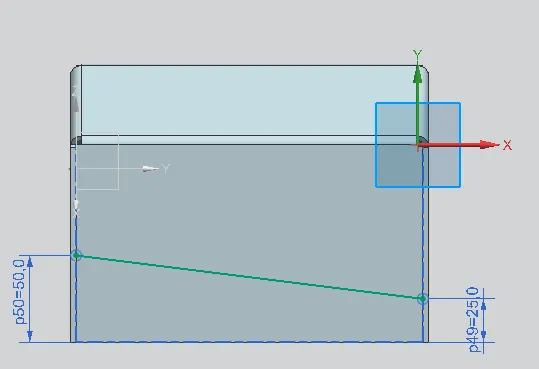
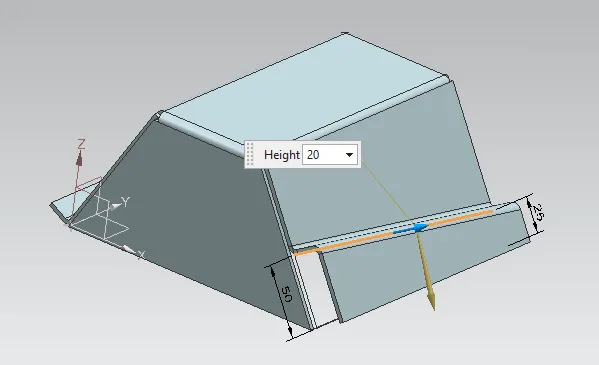
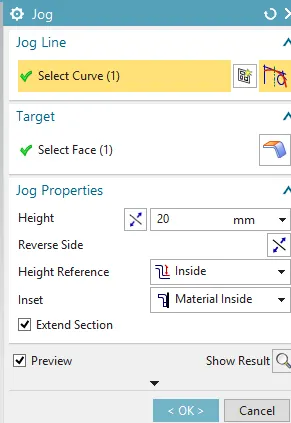
- We can see the jog has been created.
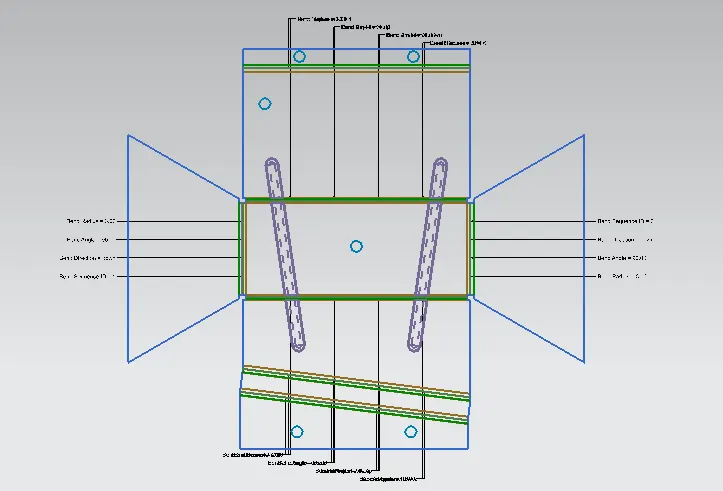
- Now another step is to create a bid on the top of the face, but for that, we have to unbend the model.
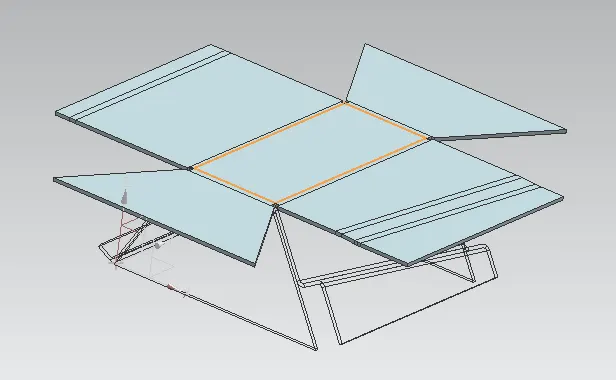
- We will draw 2 lines with the given dimension, then the bid will be created with a depth value of 3mm.
- Some points we have to add for the hole.
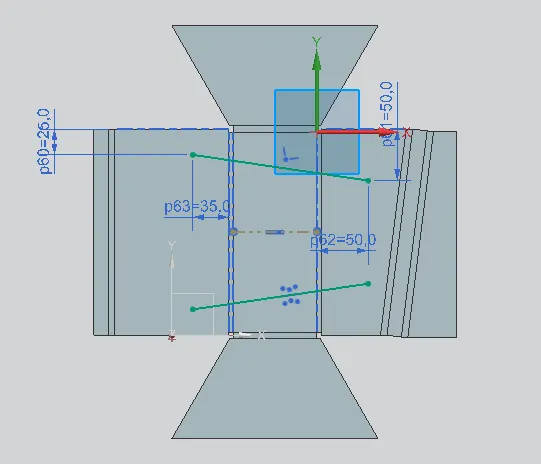
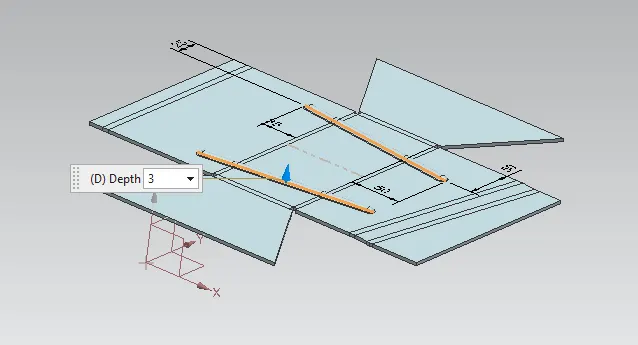
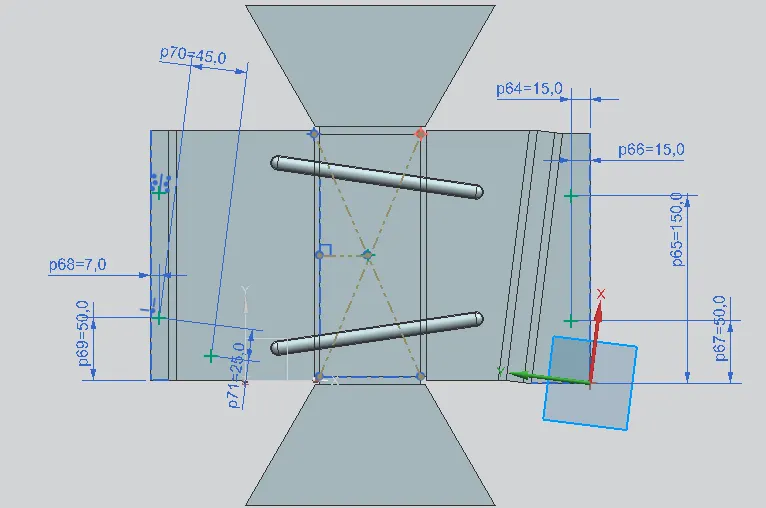
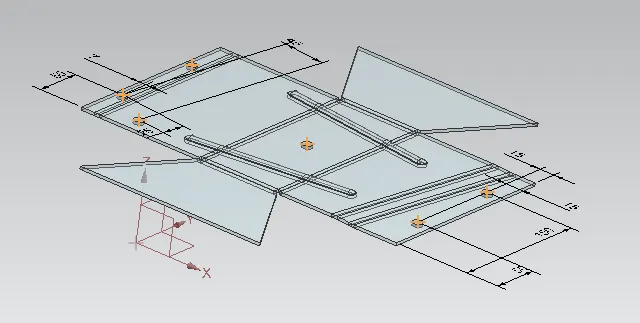
- After creating the holes, again we will re-bend the model to finish our sketch.
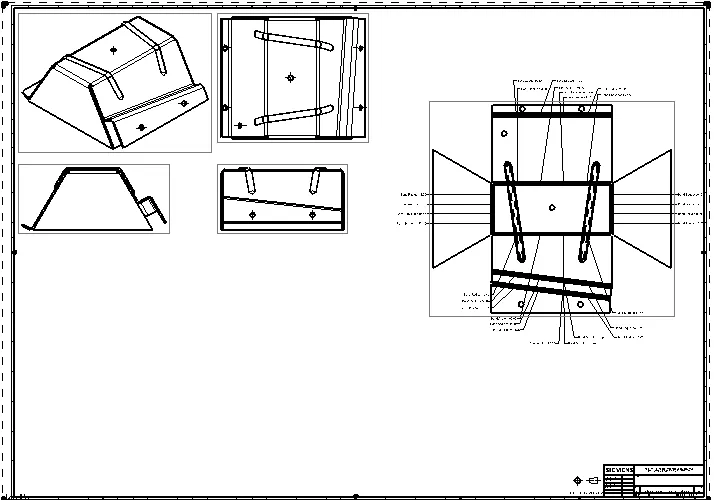
Different views of the model
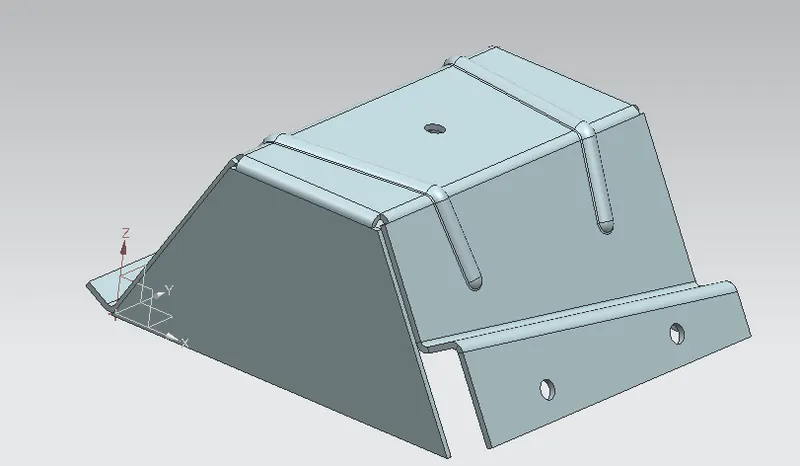
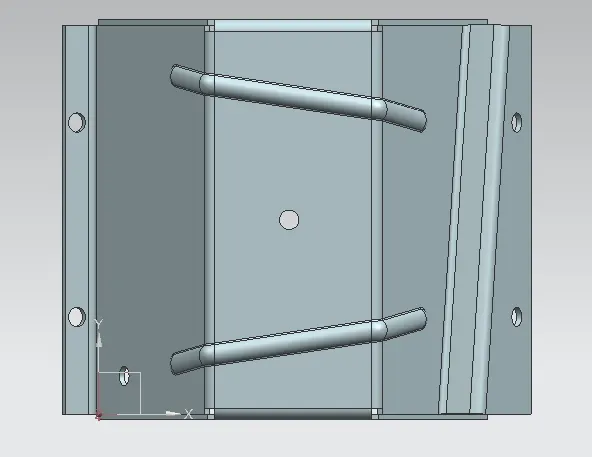
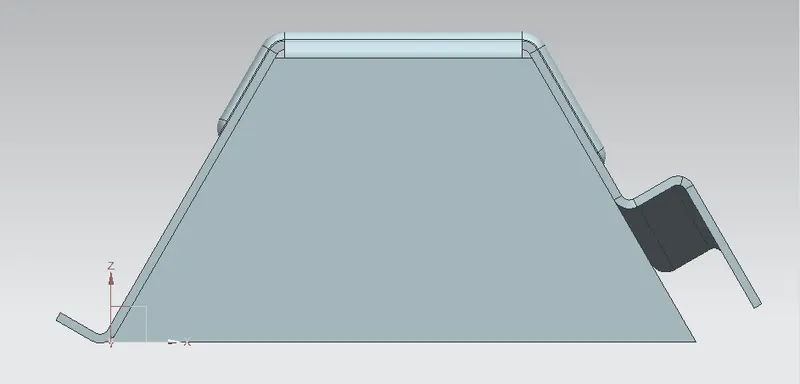
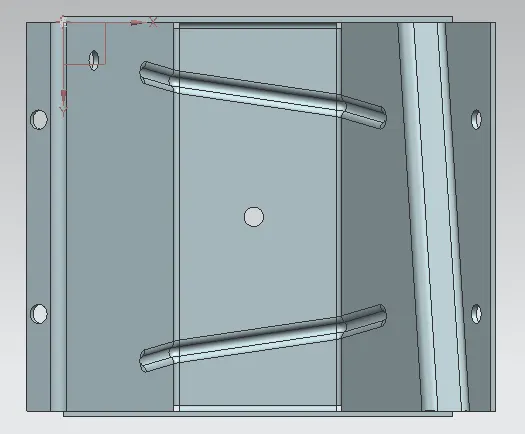
Drafting of model
Conclusion
We have successfully created our model
In this model, we have learned and used different tools like
- Extrude
- Convert to sheetmetal
- Jog
- Unbend
- Rebend
- Bead
- Simple hole
Finally, I would like to thank MR. NIRMAL SIR for giving me time and for his assistance.