Advanced Sheet Metal Design Using NX Cad Challenge_5_Odd Shaped Enclosure
Design of Old Shape enclosure using NX sheet metal application.
Objective:
To design a Old Shape enclosure by using Siemens NX sheetmetal Application.
Introduction:
NX Siemens contains a series of applications that support different workflows, such as creating parts, building an assembly, or producing a drawing. And NX Siemens sheetmetal application provides an environment for the design of sheetmetal parts used in Machinery, Automotive industry and Aerospace etc.
Design Of Methodology:
Work flow to design a Box Assembly.
- Sketch the 2D shape of the Old Shape enclosure .
- Construct the solid body using extrude.
- Covert sheet metal from solid body.
- Add Flange & Jog feature.
- Unbend the part and add other features such as hole and beads.
- Rebend the part after applying of required features
- Create flat pattern.
- Create a drawing sheet by using of drafting.
Description:
Tools used:
- Sketch: Used to create a 2D sketch on the plane.
- Line: Used to draw a line.
- Point: Used to create a point in the sketch.
Features Used:
- Extrude: Creates a solid body.
- Sheet Metal from Solid: We can create sheet metal from a solid body or non-sheet metal part to a valid sheet metal part.
- Flange: Use to add a flat flange at an angle to a planner face & add a bend b/w the two.
- Jog: By using jog feature we can create or bend twice using these feature
- Hem Flange: use to modify an edge of a sheet metal part by folding it onto itself for the purpose of safe handling or to increase edge stiffness.
- Bend: It is used to bend the material by projecting a sketch on the model perpendicular to the faces intersected by the projection.
- Unbend: It is reverse of bend feature , used to add some more feature.
- Hole: Use to create a hole in the body using standard valves.
- Bead: use to lift the material along the contour of a sketch that simulates a stamping tool.
- Rebend: Use to gain the original position.
- Flat Pattern: Used to create a flat pattern feature form the formed sheetmetal part.
- Base View: Creates the model based view on the drawing sheet.
Images:
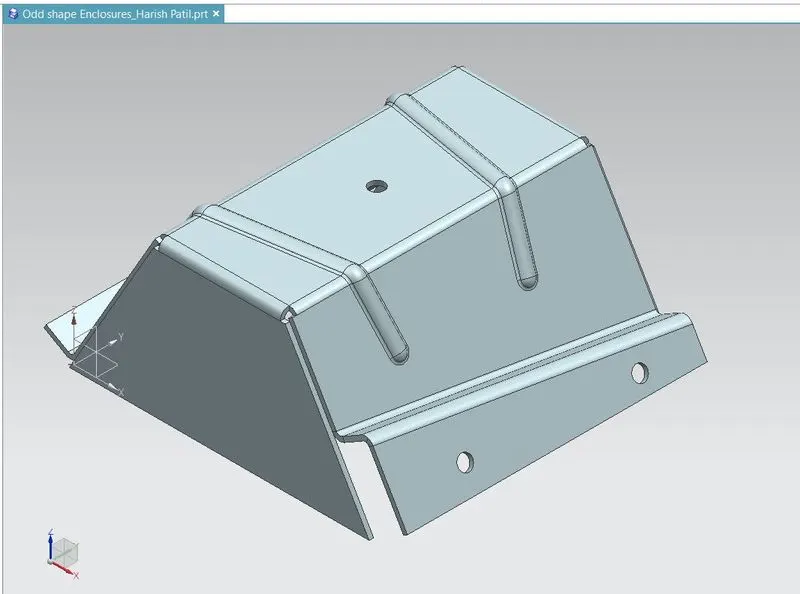
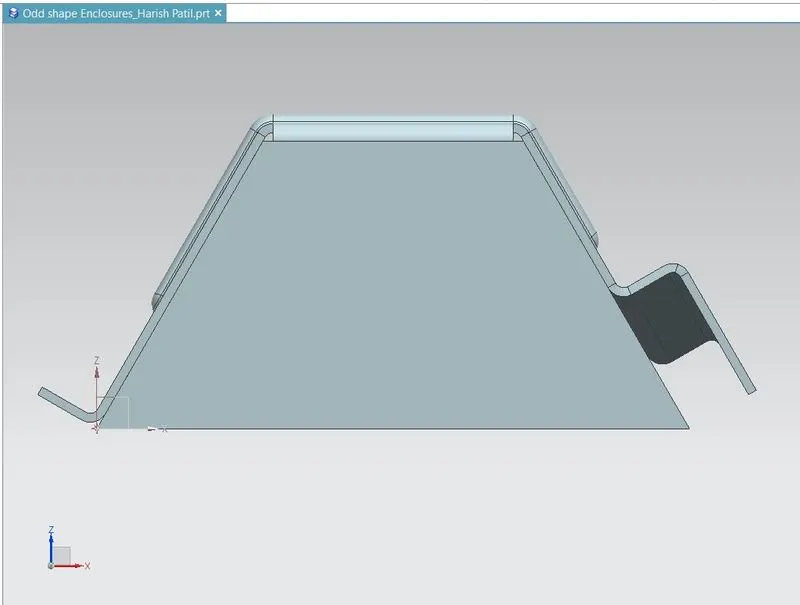
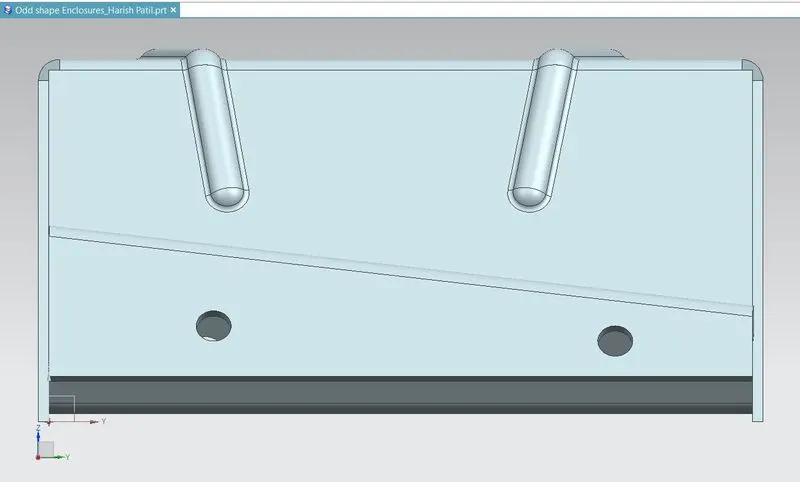
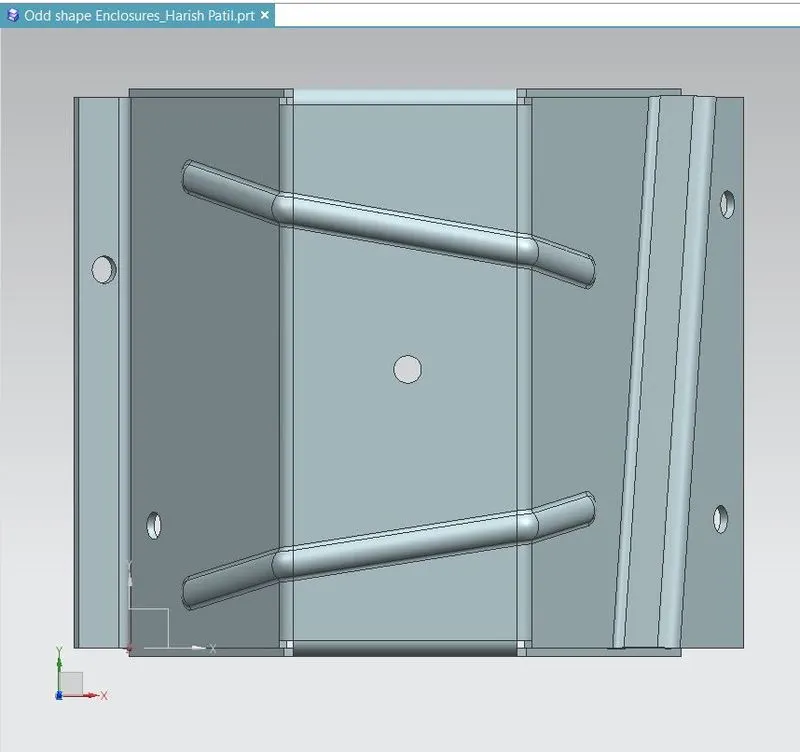
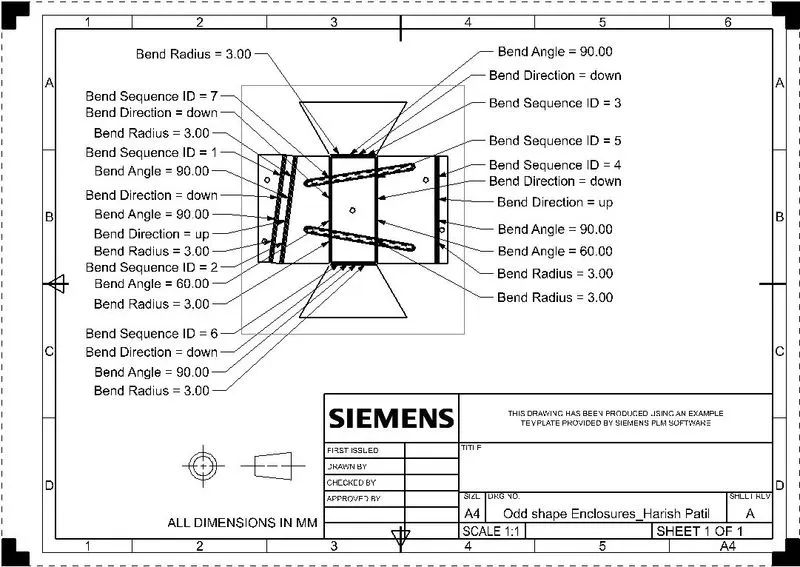
Conclusion :
Design Old Shape enclosure using sheet metal in NX & view the drawing using drafting application.
Converting solid or Non sheet metal part to sheet metal part.