Advanced Sheet Metal Design Using NX Cad Challenge_5_Odd Shaped Enclosure
ODD SHAPED ENCLOSURE
OBJECTIVE:
To design a ‘Sheetmetal odd shape enclosure’ using Siemens NX Sheetmetal application.
INTRODUCTION:
Sheet metal is one of the more versatile materials in the manufacturing industry. The sheet metal ranges in thickness from 0.5mm to 6mm. And sheet metal casing is an enclosure, normally used for keeping the machine parts protected. Using Siemens NX Sheet metal application features are using by Tab, Bend, Flanges, Holes and Flat pattern.
DESIGN METHODOLOGY:
- CREATE SOLID BODY USING EXTRUDE FEATURE
- SHEET METAL FROM SOLID
- FLANGE
- JOG
- UNBEND
- BEAD
- SIMPLE HOLE
- REBEND
- FLAT PATTERN
DESCRIPTION:
CREATE SOLID BODY USING EXTRUDE FEATURE
To create a solid or sheet body by selecting a section of curves, edges, faces, sketches, or curve features and extending them a linear distance.
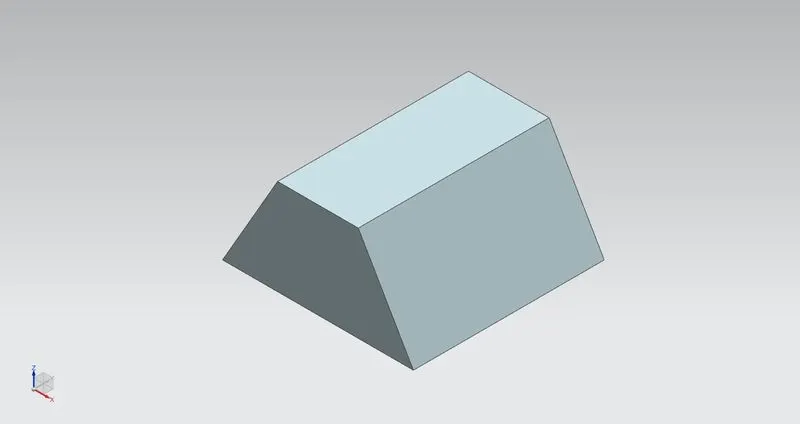
SHEET METAL FROM SOLID
To create a sheet metal part using a solid to model it. The solid represents the inner void of an enclosure. You select the faces from the solid to be panel (web) faces, and edges between the faces to be bend regions. You specify bend properties, or use the ones you established in the Sheet Metal Preferences dialog box. NX creates the model based on your inputs. You can then treat this part as you would any other sheet metal part.
FLANGE
To create a single flange instance or multiple instances by selecting a single or multiple base edges.
JOG
To create an offset or a step in a tab. You can use small jogs to provide clearance or rigidity to a part. The section for the jog must consist of a single line across a planar face. NX creates the jog by lifting material on one side of the jog line and adding a flange between the two sides.
UNBEND
Unbend commend to be used flatten the material for create holes, cutout shapes in unbend material.
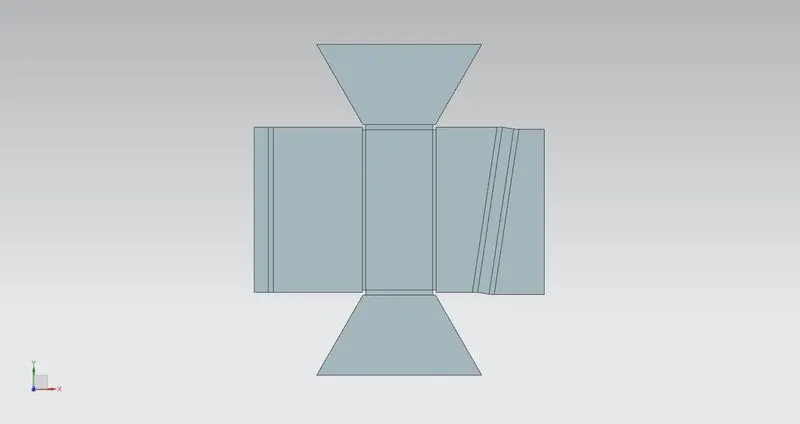
BEAD
Use the Bead command to lift material along the contour of a sketch that simulates a stamping tool. Beads can also be created to stiffen sheet metal parts. And also create beads on deform features in sheet metal parts.
SIMPLE HOLE
To create a simple hole command using by hole feature
REBEND
Use the Re-bend command to return an unbend feature to its previous bend state. Any features added after the unbend operation are properly repositioned during the re-bend operation.
FLAT PATTERN
Flat Pattern tool is used to automatically create a flattened version of a sheet metal part and prepare the model for manufacture. The Flat Pattern feature remains the last feature in the Model tree and maintains the flat model view.
DRAFTING
Which provides tools to create and maintain drawings of the design pattern.
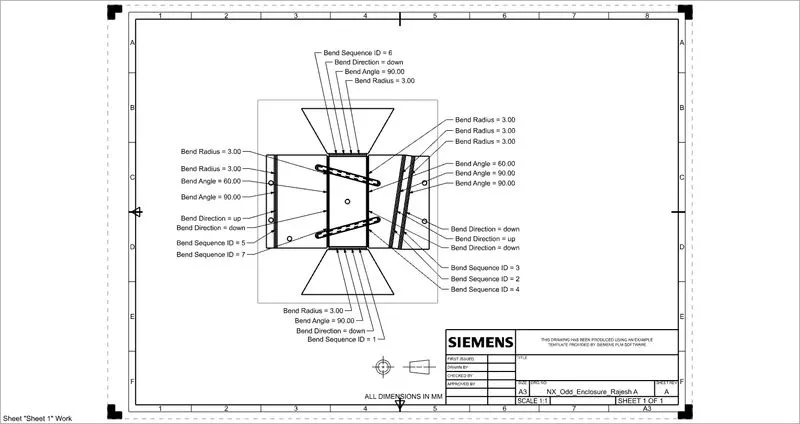
MODEL VIEWS:
FRONT VIEW
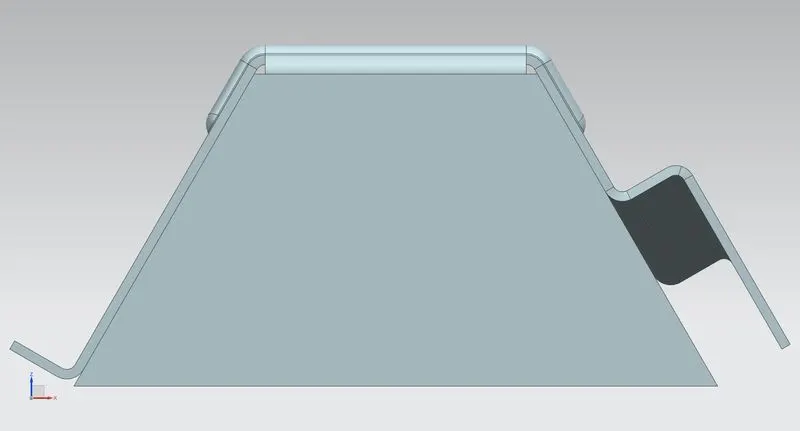
TOP VIEW
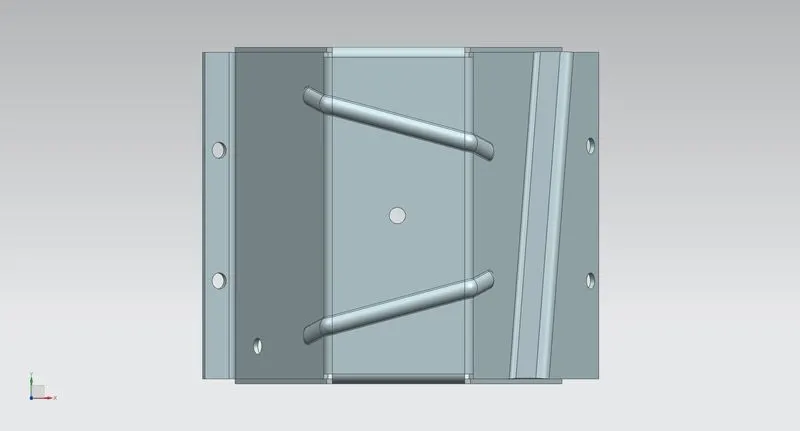
RIGHT SIDE VIEW
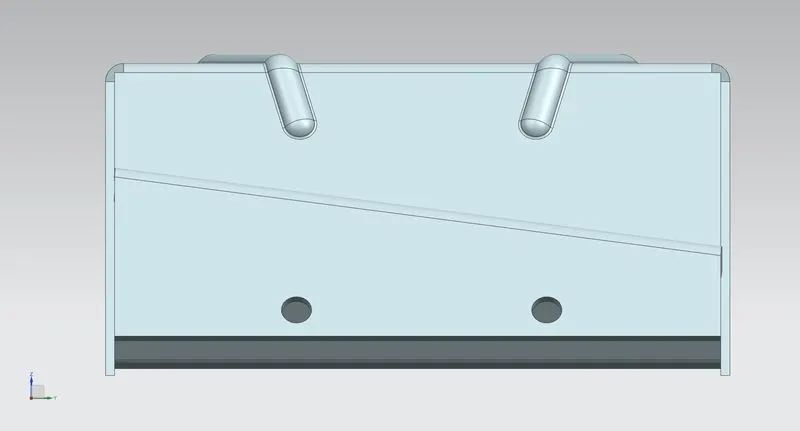
BOTTOM VIEW
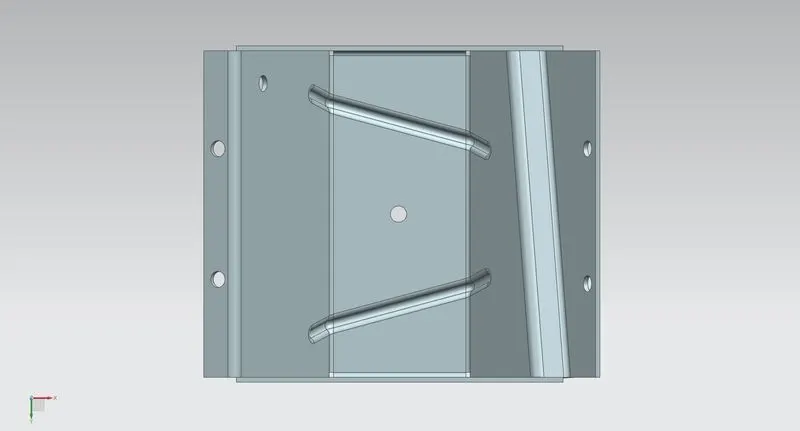
ISOMETRIC VIEW
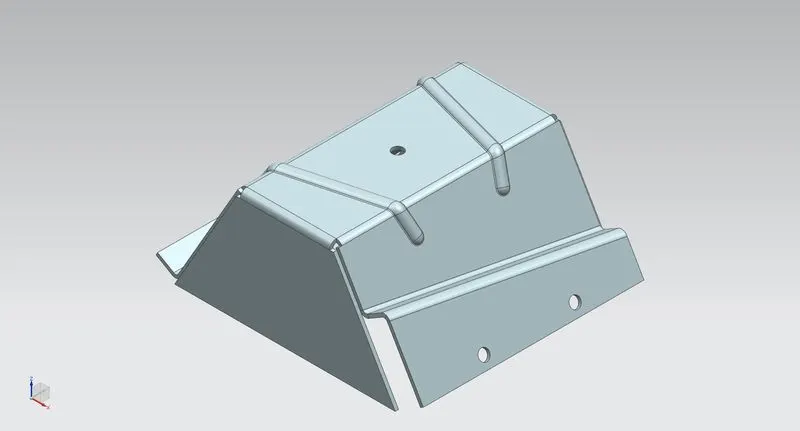
CONCLUSION:
Thus the ‘Sheetmetal odd shape enclosure’ design using NX sheet metal application and the results are obtained.