Advanced Sheet Metal Design Using NX Cad Challenge_2_Box Assembly
Advanced Sheet Metal Design Using NX Cad Challenge_2_Box Assembly
Objective- To design a box assembly and create a draft sheet using Siemens NX.
Introduction-
NX sheet metal design software incorporates material and process information in sheet metal-specific modeling features: bends, flanges, tabs, cutouts, beads, dimples, louvers, corner and edge treatments, patterns and other formable features. You can also quickly convert solid models to sheet metal components, and create sheet metal parts that enclose other components.
NX Sheet Metal-specific features such as flanges, tabs, jogs, corner conditions, and drawn cutouts & many more along with productivity enhancements such as automatic bend reliefs.
The software also provides common modeling features typically used in sheet metal design, such as holes and slots, as well as other essential capabilities such as copy, paste, and mirror.
The application provides defaults for sheet-metal-specific properties such as material – thickness, bend radius, and bend relief. You can easily change these defaults.
Design methodology-
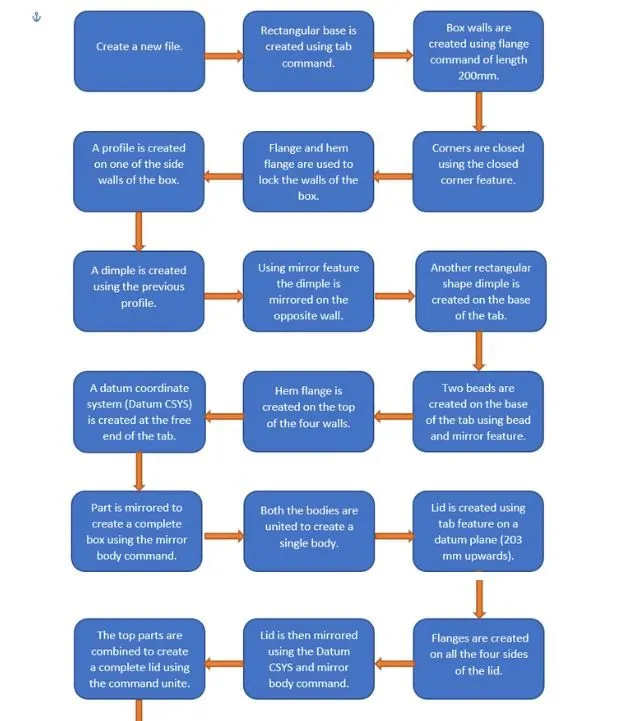
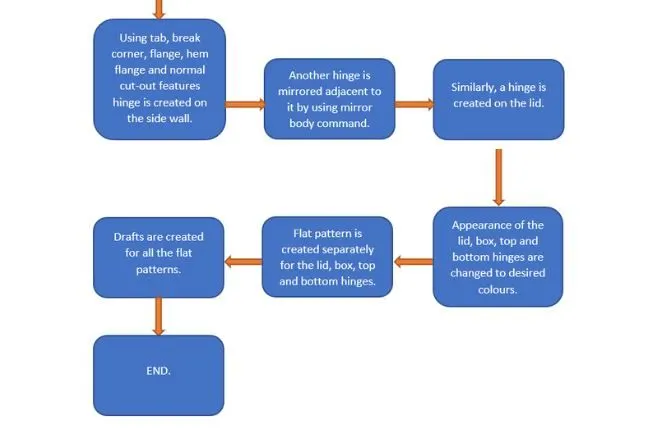
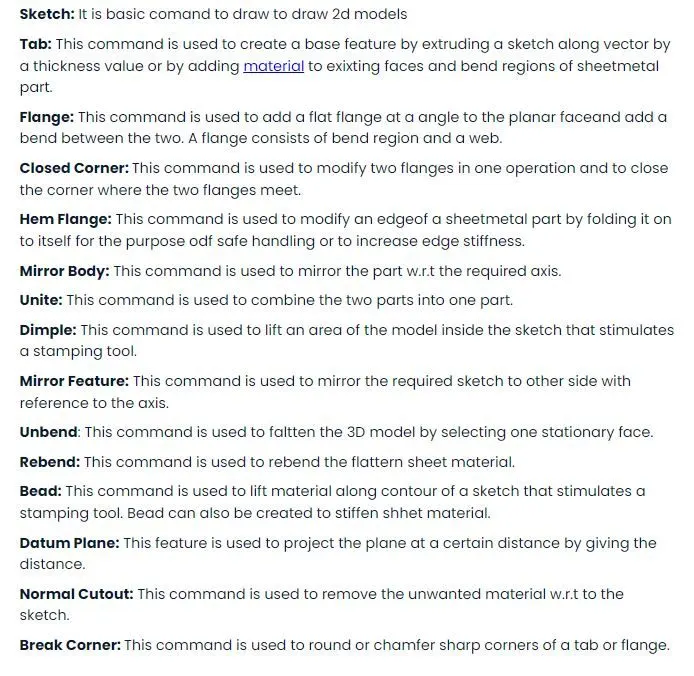
Description (tools/ Features used while designing)-
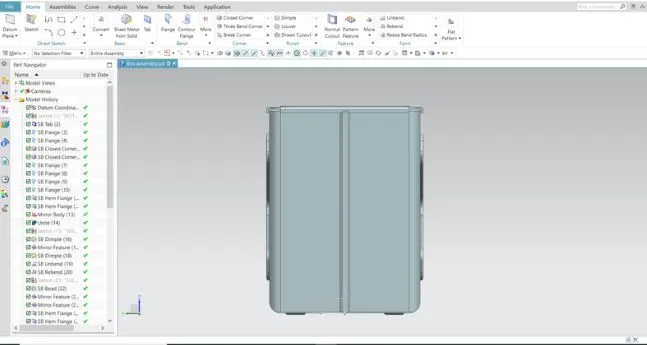
Front View-
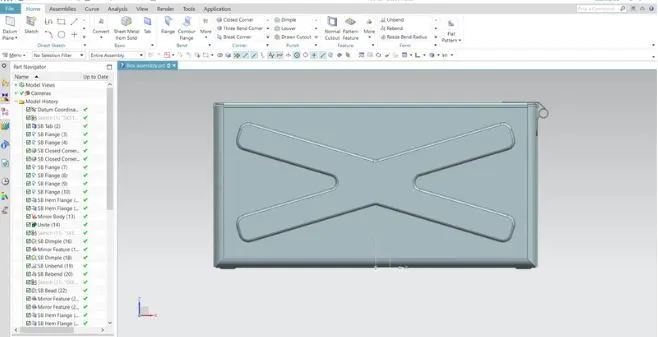
Side View-
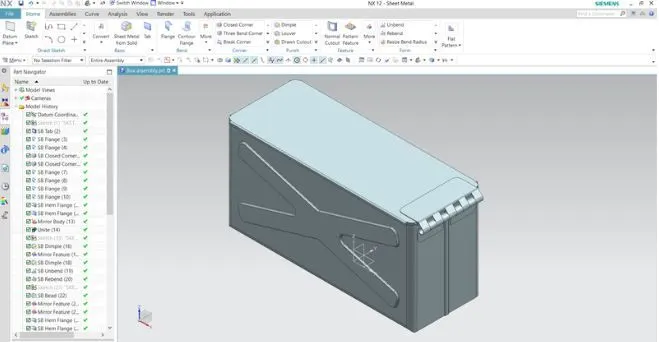
Isometric View-
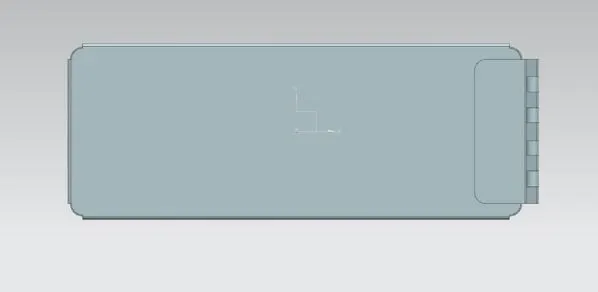
Top View-
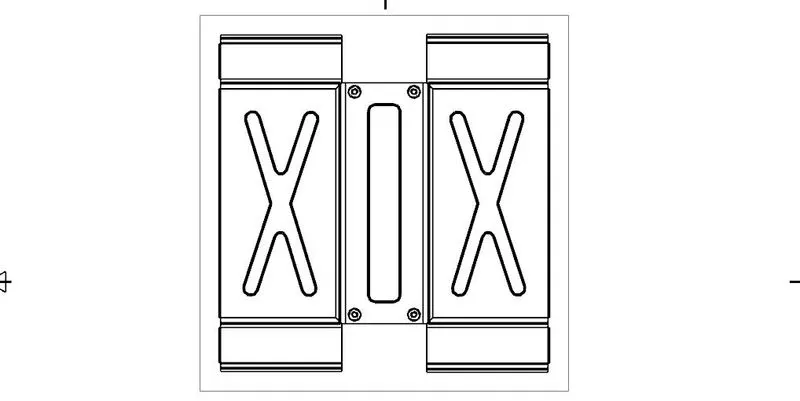
Drawing Sheet-
Conclusion- All the objectives have been achieved and zip file is also uploaded.