Advanced Sheet Metal Design Using NX Cad Challenge_1_Casing Design
SHEET METAL CASING USING NX
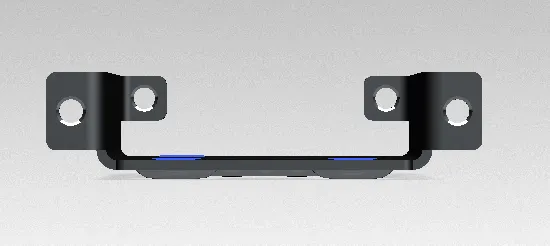
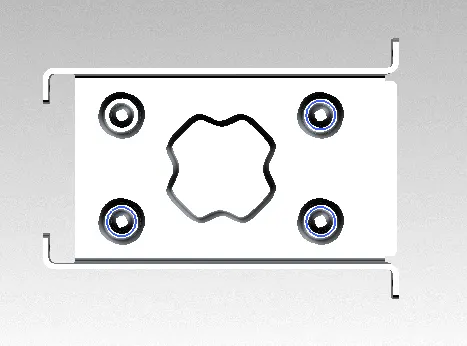
Objective: Main objective of this project is to create sheet metal casing using NX.
Design Methodology:
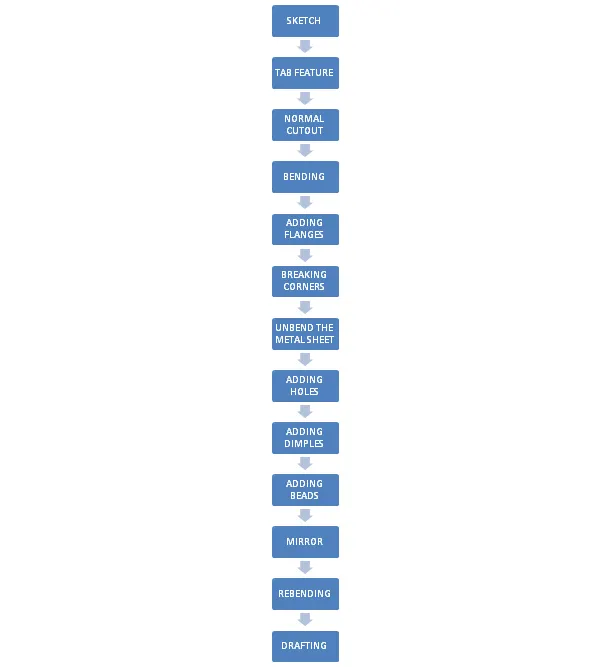
FEATURES DISCRIPTION:
TAB:
Tab is feature is used to convert 2D sketch in to sheet of required thickness.
NORMAL CUT:
Normal cut is another cool feature which helps to remove material from metal sheet.
BEND:
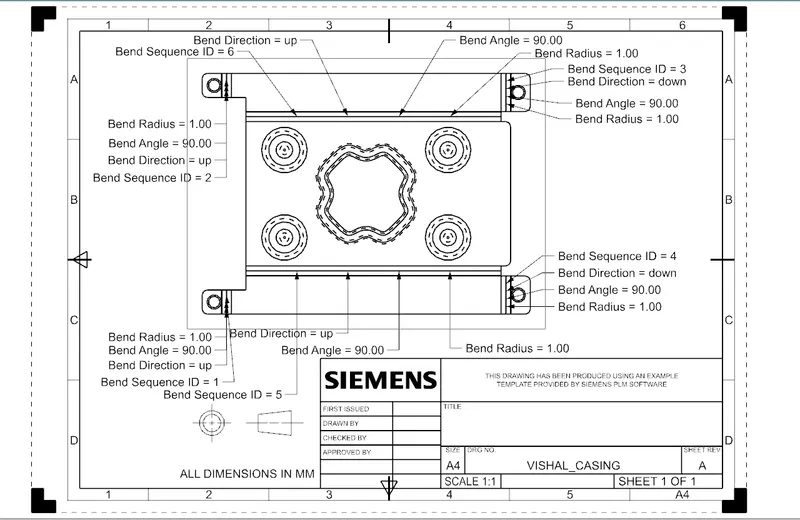
Bend is the feature used to modifies the model by bending material on one side of sketch line adding bend between the two sides.
FLANGE:
Adds a flange to an angle to planar face and adds a bend between the two.
BREAKING CORNER:
This feature used to round a sharp corner.
UNBEND:
This feature used to flatten the bend.
HOLE:
Hole feature is used create hole.
DIMPLE:
This feature used to lifts an area of the model inside a sketch that simulates stamping a tool.
BEADS:
This feature used to lift a material along counter of sketch that simulates stamping a tool.
MIRROR:
Mirror feature used to mirror sketch or feature.
REBENDING:
Feature used to restore a bend.
FLAT PATTERN:
Flat pattern is one of cool feature which used to flat the model which is further used to drafting.
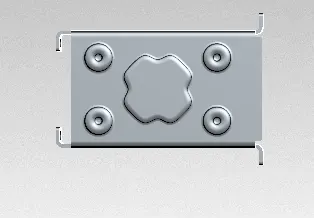
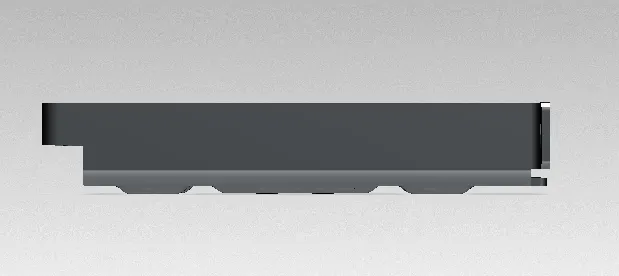
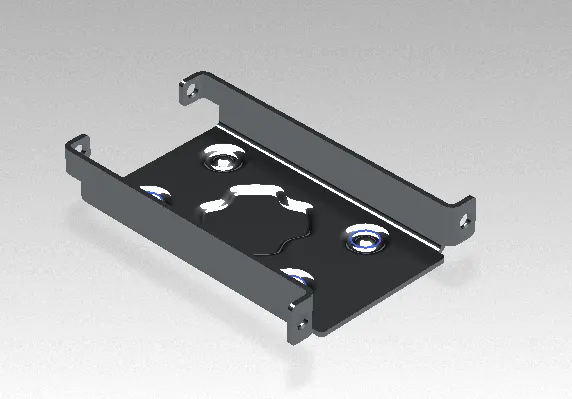
CONCLUSION:
- Sheet metal casing is created using NX
I would like to thanks to my mentor Mr. NIRMAL sir for constant support and guidance which was of great help to complete project successfully.