Advanced Sheet Metal Design Using NX Cad Challenge_1_Casing Design
CASING DESIGN
OBJECTIVE:-The objective is to design casing with proper dimensions using sheet metal.
INTRODUCTION:- Casing is a covering that protects something
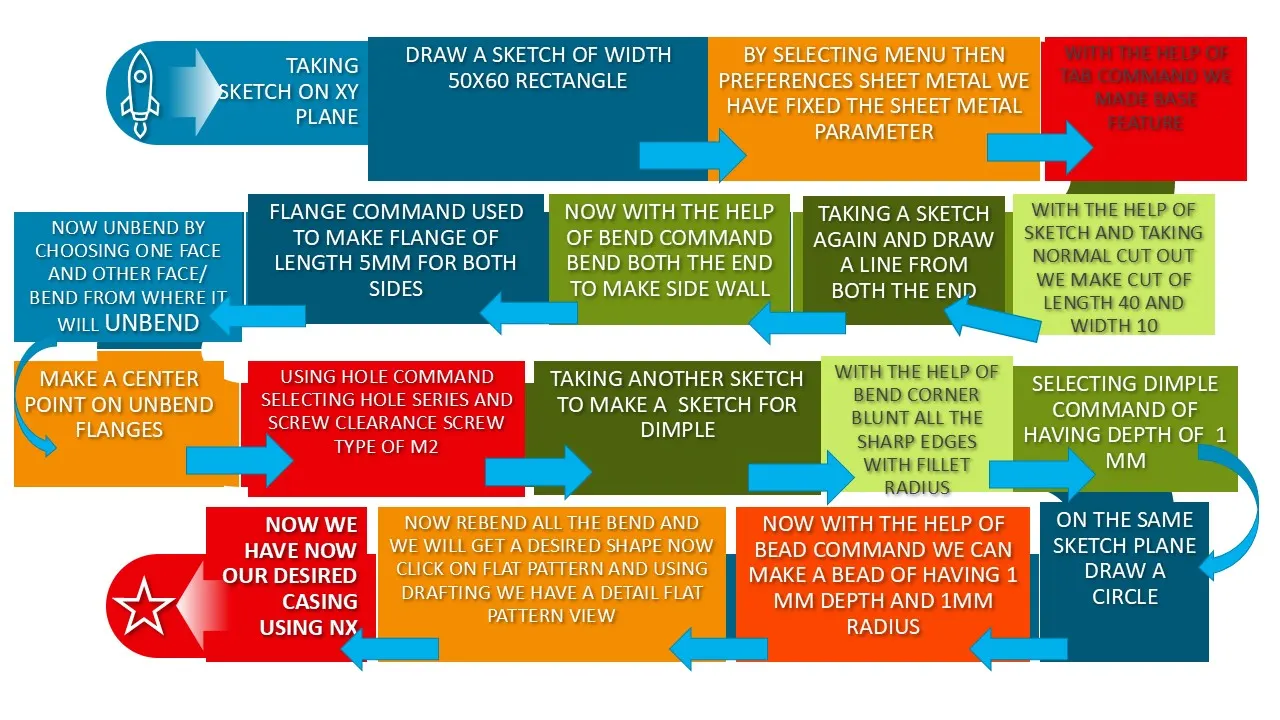
FLOW CHART
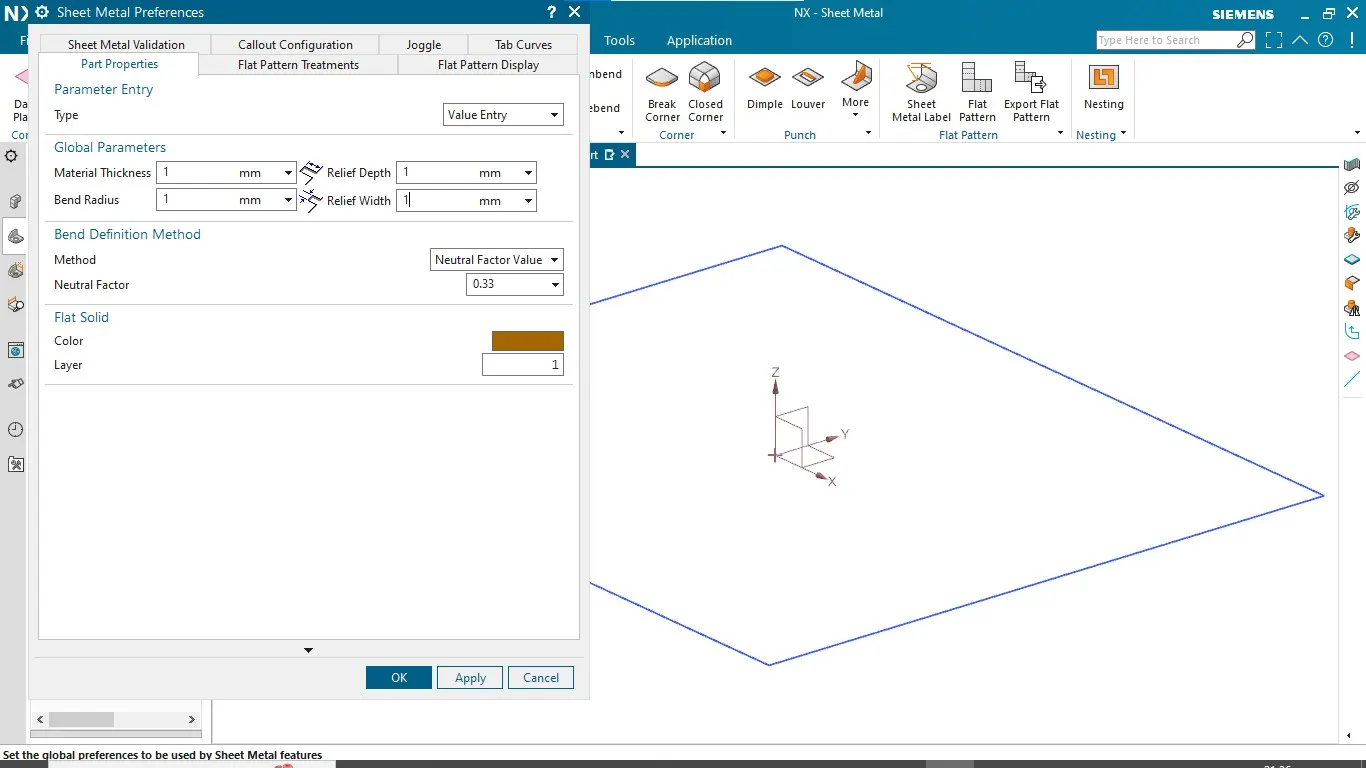
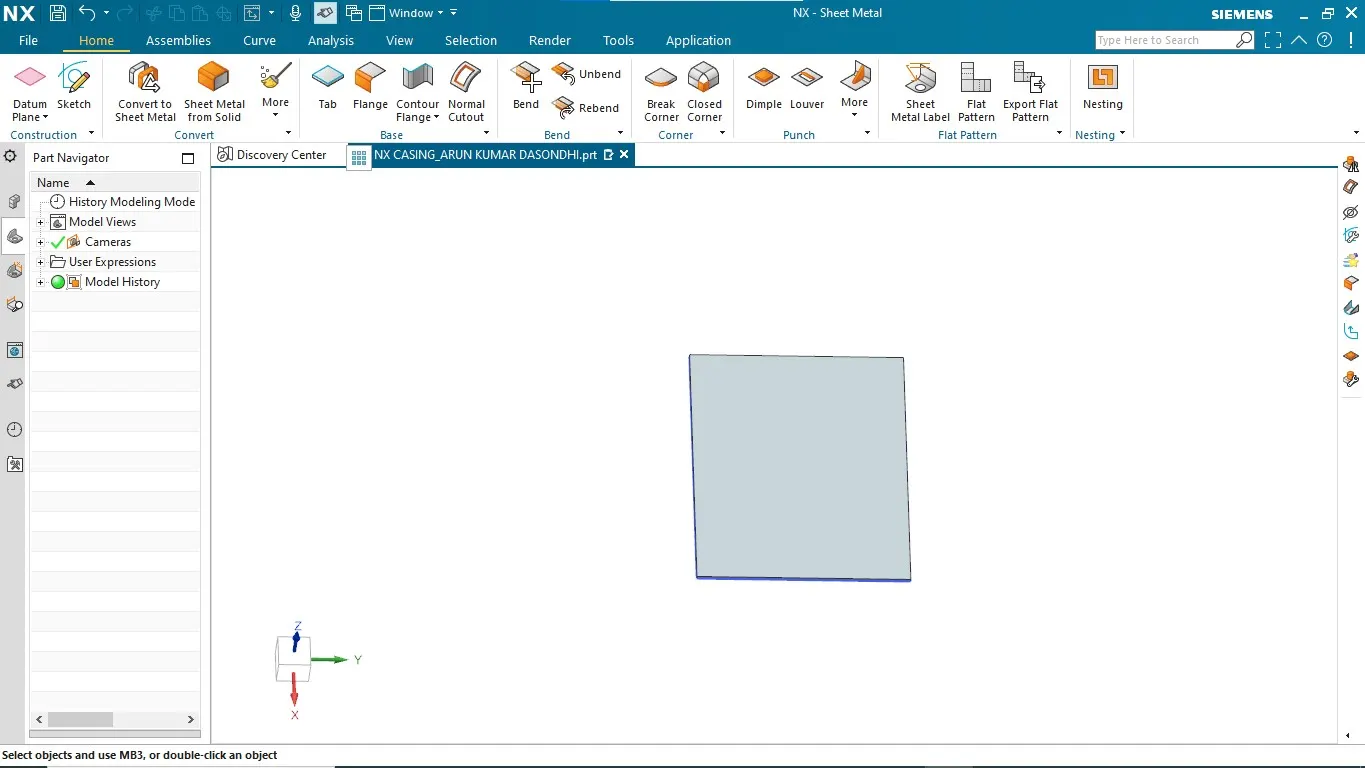
TAB:- Tab command is used to make a base sketch into a sheet of specific parameter i.e of having specified thickness decided when fixing sheet metal parameters.
TAB COMMAND WILL LOOK LIKE AS BELOW
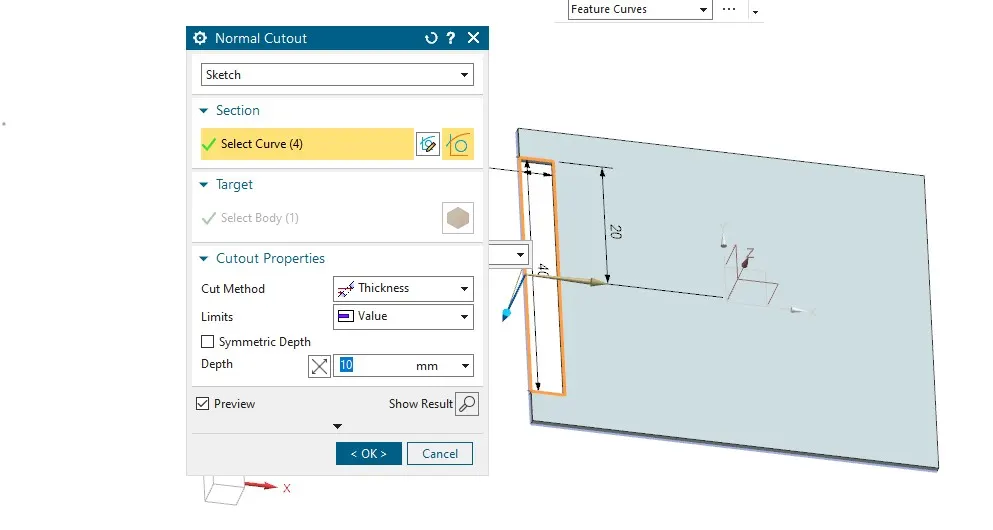
NORMAL CUT OUT:- On selecting plane and draw sketch on that plane which is use to make a cut along a normal vector from surface
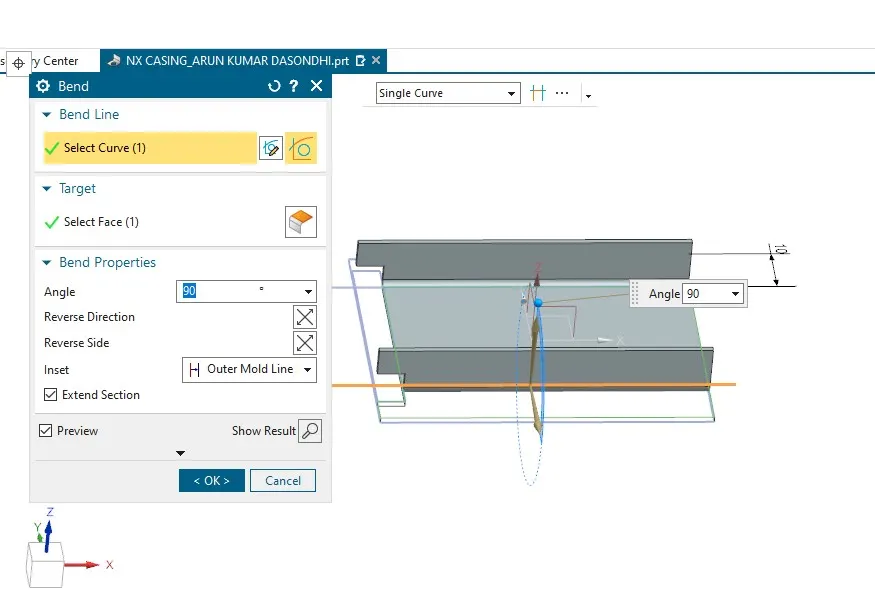
BEND COMMAND :- is use to make bend sheet metal with the help of sketch as shown below we have to enter angle and select face to bend sheet metal
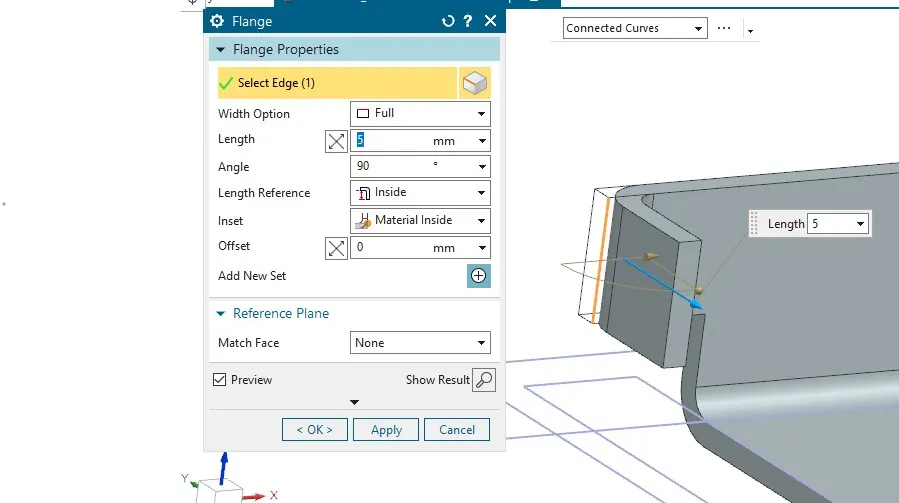
FLANGE COMMAND:- Flange command is use to make side wall with a specified edge blend & angle that we want to make from tab surface and also we can decide that length reference that we
want to make is from inside or outside
UNBEND COMMAND:- This command is use to unbend by selecting the face and edge of the bend to unbend sheet metal after un bend the sheet metal will look like as below 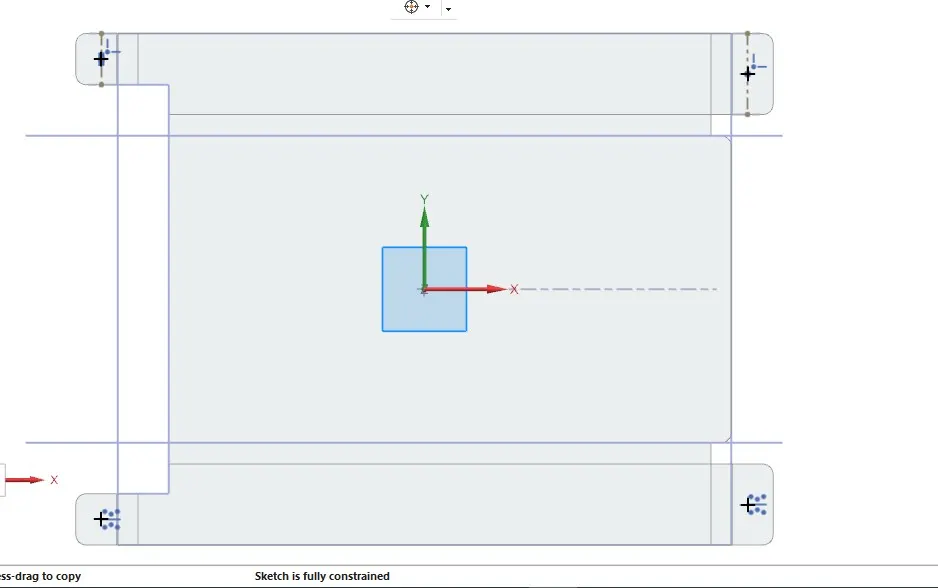
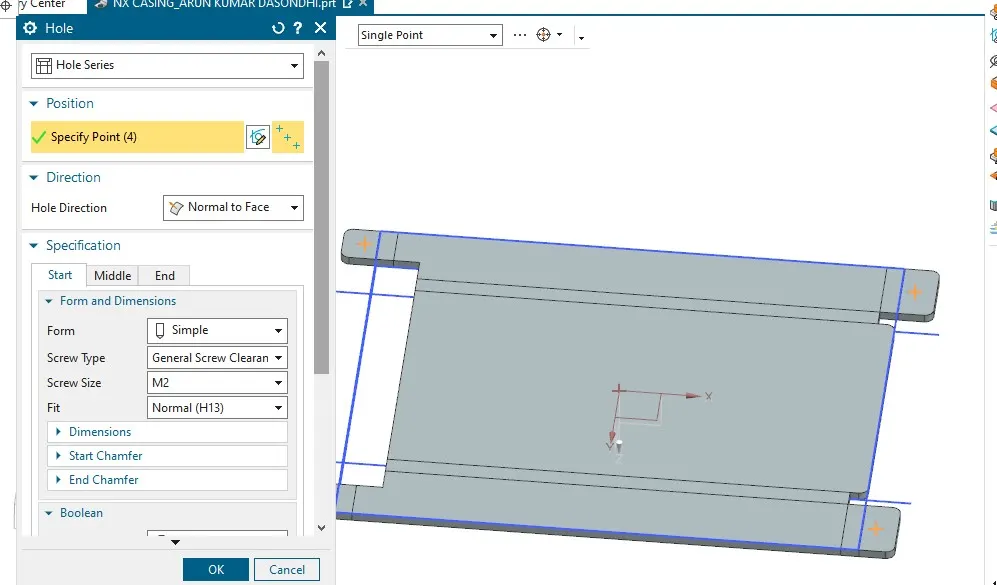
HOLE COMMAND:- After unbending hole is given it is advisable that it should be greater than the sheetmetal thickness
DIMPLE COMMAND: Dimple is given to sheet metal to increase strength, reduce weight and aesthatically looks good
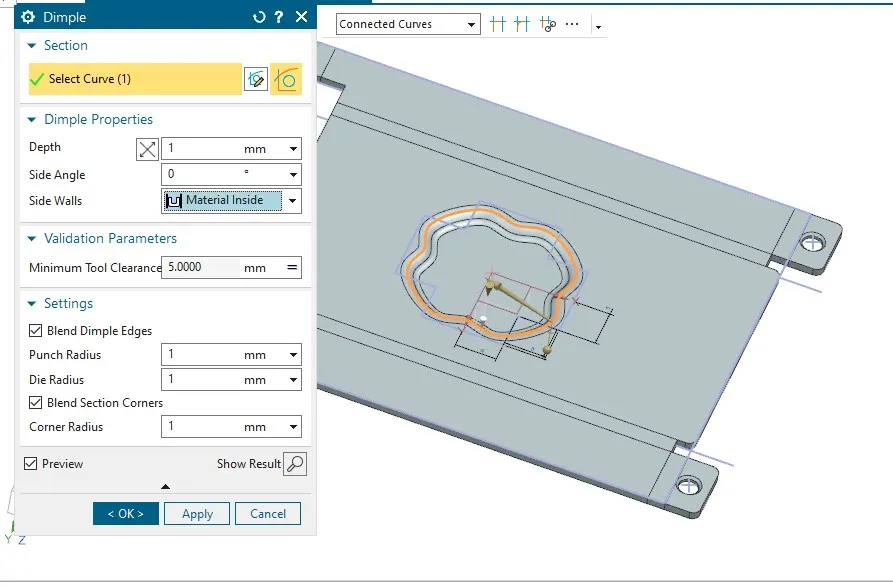
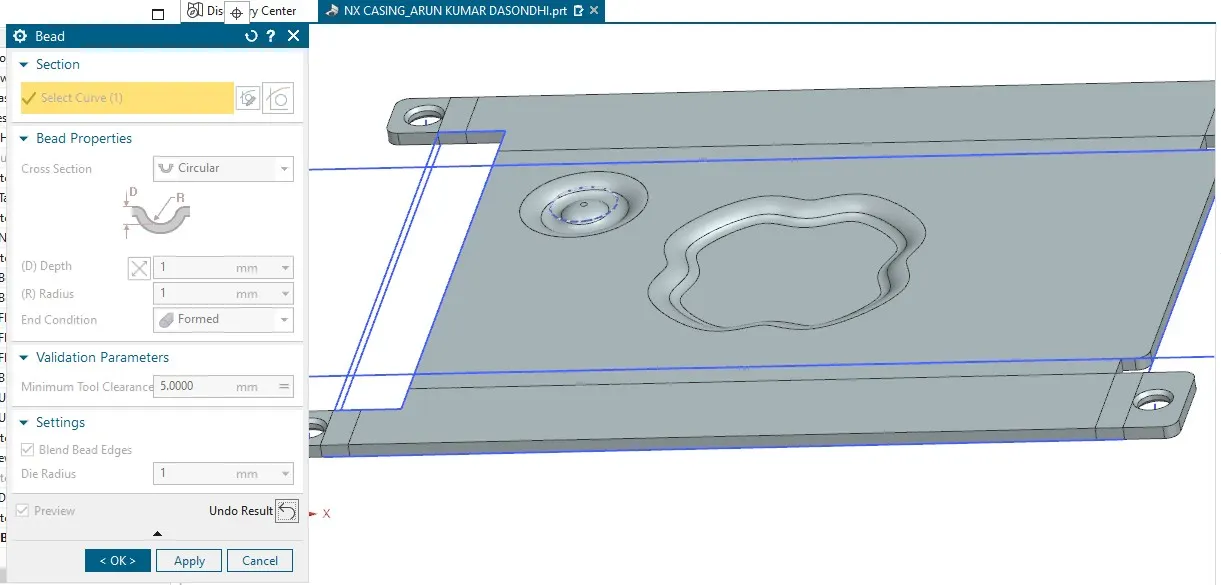
BEAD COMMAND:- Bead in sheet metal is use to stiffens the sheet metal that are subjected to bending stresses or bending load.
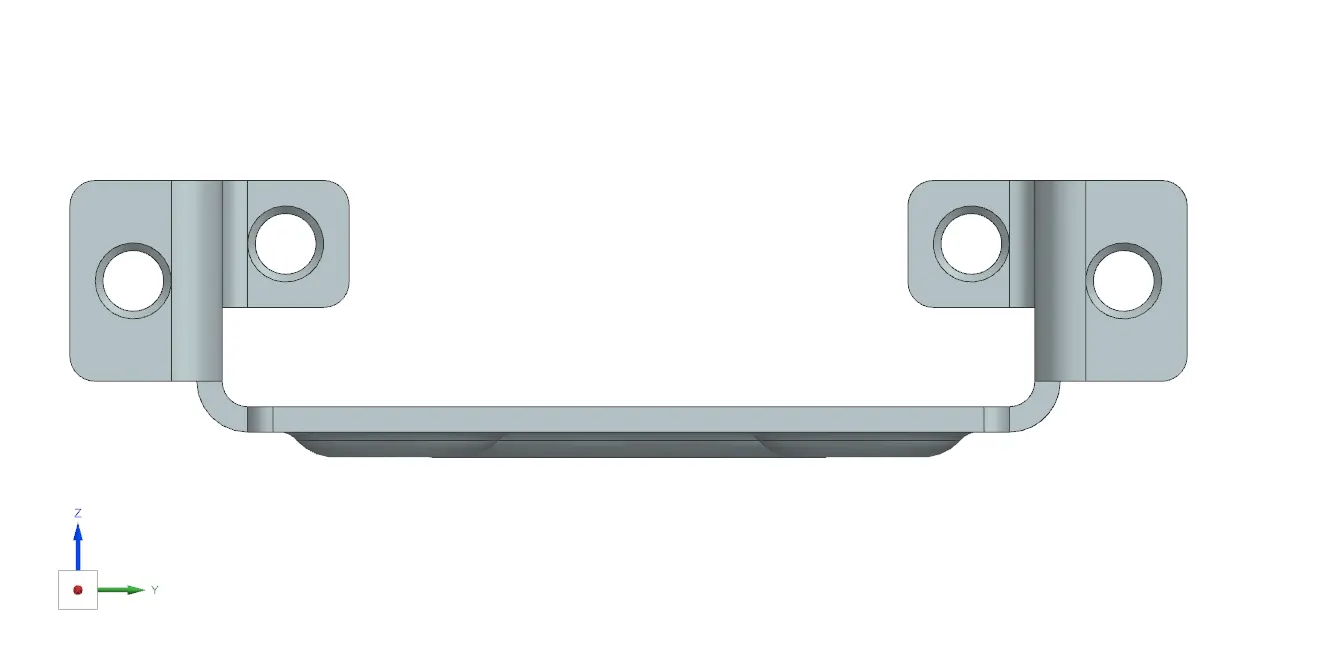
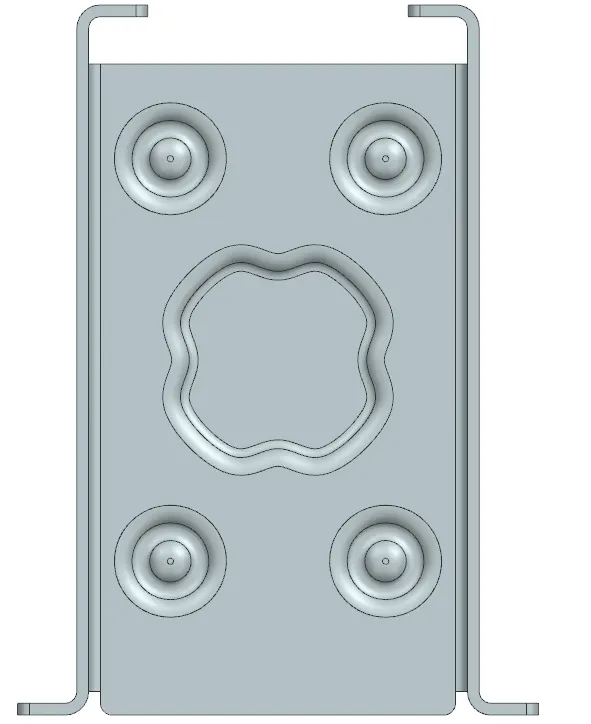
SCREEN SHOT OF ALL FOUR VIEW ARE AS FOLLOWS
1.FRONT VIEW
2.TOP VIEW
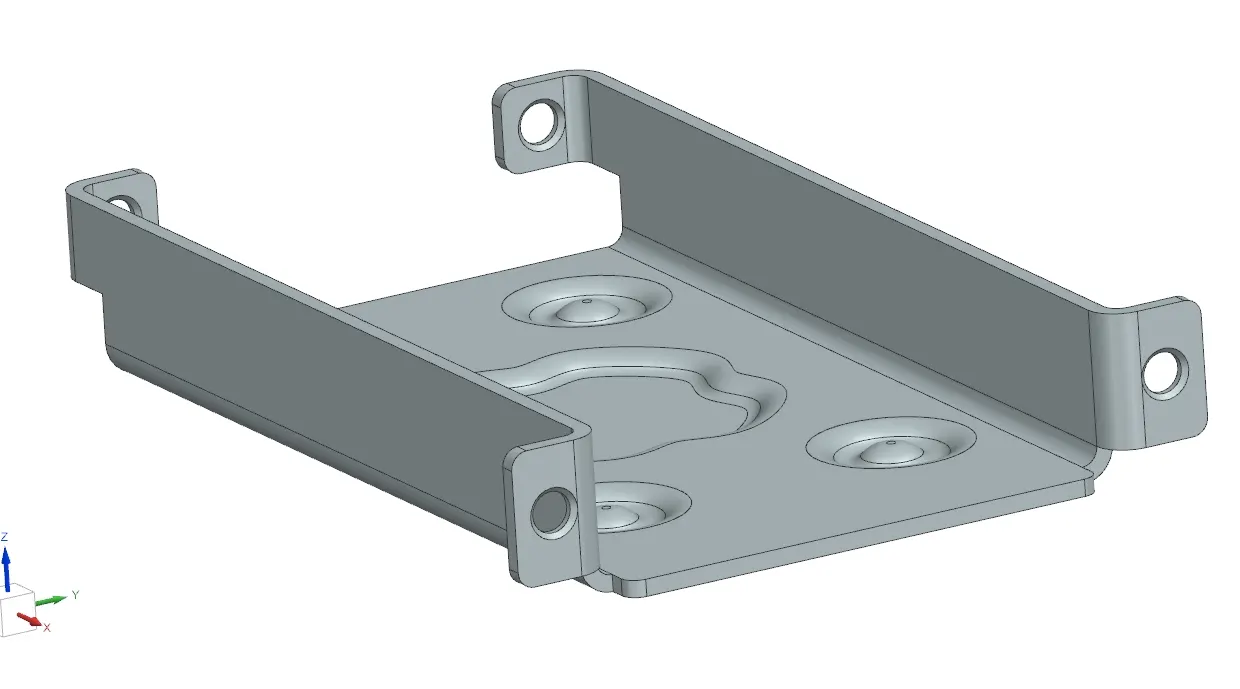
ISOMETRIC VIEW
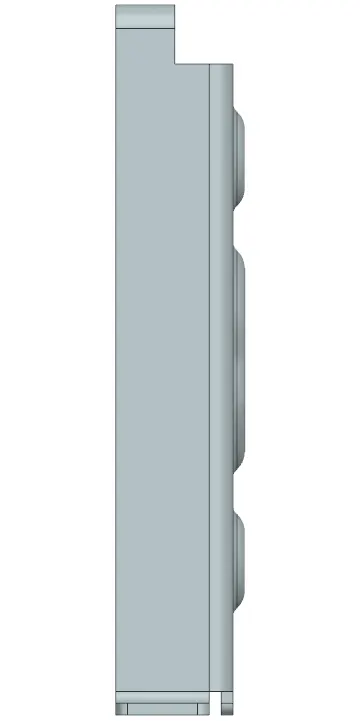
SIDE VIEW
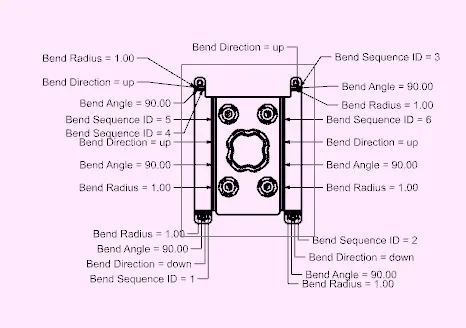
Detail drawing snap shots
Conclusion:- All parameters taken as per standard to make casing on NX