Advanced Sheet Metal Design Using NX Cad Challenge_1_Casing Design
Title of the Project: Advanced Sheet Metal Design Using NX Cad Casing Design.
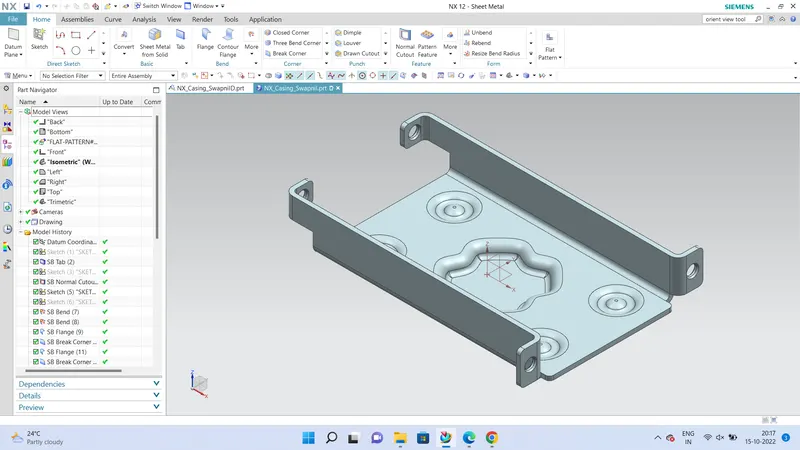
Introduction : In this challenge we have Designed Casing using various key features of NX sheet metal as below.
- Tabs
- Flanges
- Cutouts
- Corners
- Bending
- Unbending
- Holes
- Dimple
- Beads
- Flat pattern
The sheet metal application provides an environment for the design of sheet metal parts used in machinery, automotive and aerospace application etc. Enclosures, brackets and other parts normally manufactured with a brake press. Through this project we are able to design a sheet metal casing using the digital CAD tool (Siemens NX 12).
Methodology :
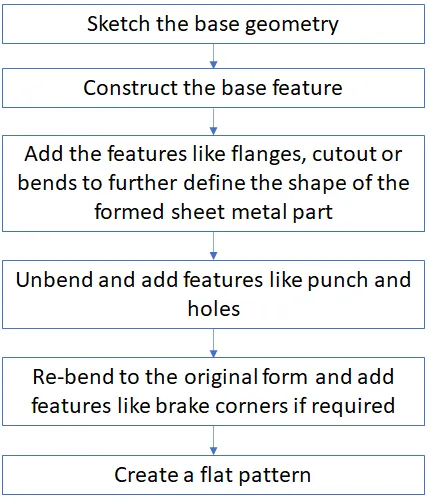
Description
Tab: Use this command to create a base feature by extruding a sketch along a vector by a thickness.
Normal cutout: Use this command to make a hole or cutout using a sketch on the sheet metal.
Bend: It modify the model by bending material on one side of a sketch line.
Flange: Using this command we can add flange. Flange consist of bend and web region.
Break corner: It provides chamfer or blend to the sharp corners.
Unbend: It will flatten the bend region.
Rebend: After unbend the rebend command will bend the bend region to its original form.
Dimple: Dimple is a punch operation. It creates a depression on the surface.
Bead: It is also a punch function, used to stiffen the surface.
Images
Front View
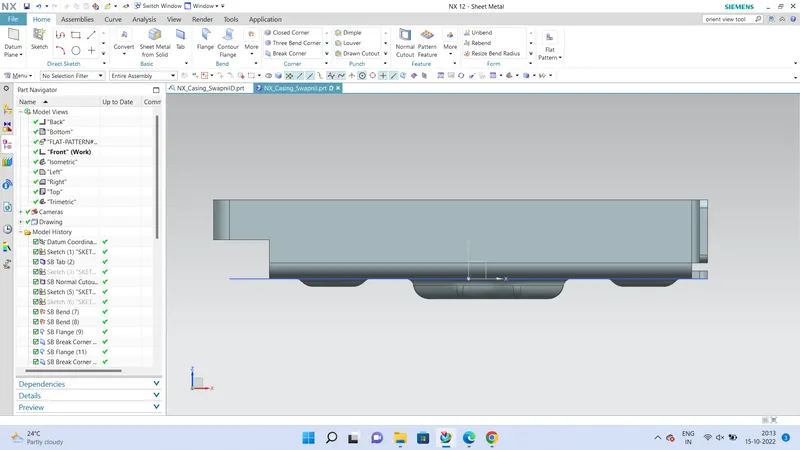
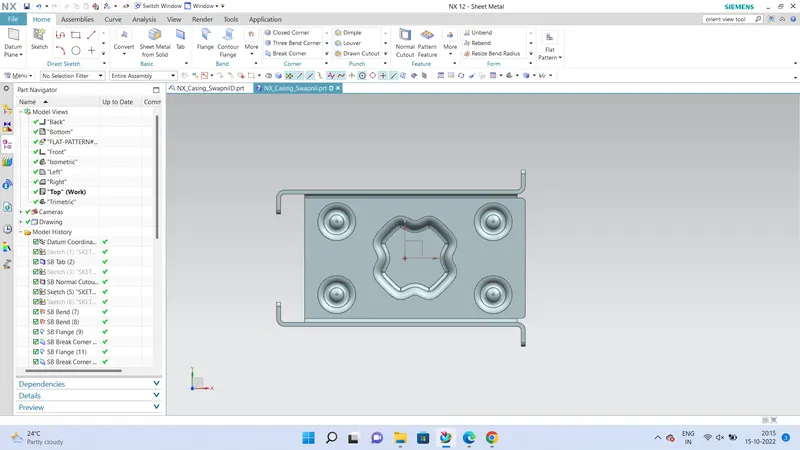
Top View
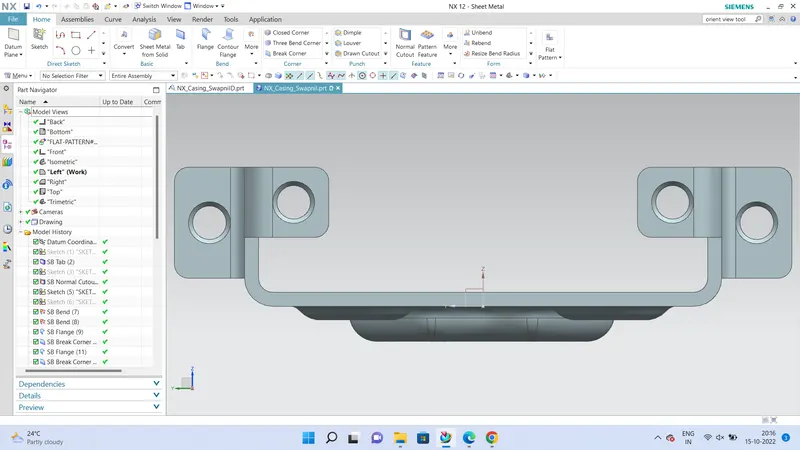
Left View
Isometeric View
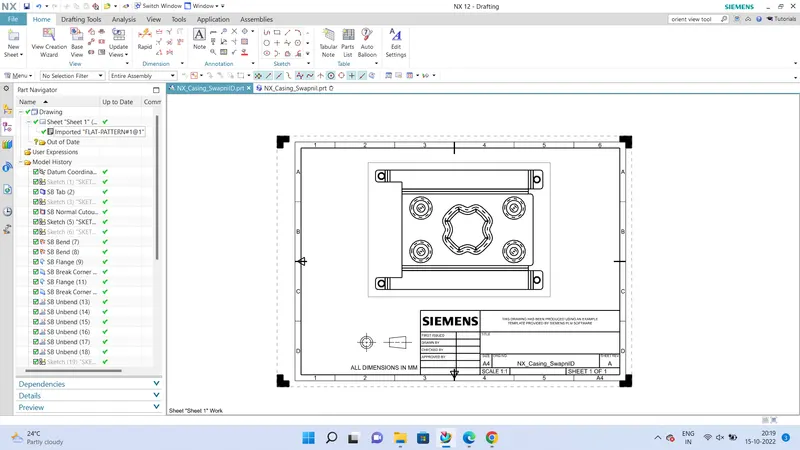
Drafting
Conclusion
Designed and Drafted the sheet metal part in Siemens NX.