Advanced Sheet Metal Design Using NX Cad Challenge_1_Casing Design
CASING DESIGN REPORT
Objective:gnD
To design a sheet metal casing using NX-CAD software.
Casing Design Introduction:
- In this challenge, I will learn to design the casing design using the given master section by using advanced sheet metal commands in NX-CAD.
- I used different features such as tab, normal cutouts, bend, flange, break corner, unbend, hole, dimple, bead, rebend, and flat pattern.
- I going to design in the sequence and I used to create casing design by using sheet metal.
Features Used in Casing Design:
- Sketch: XY Plane
- Tab
- Normal Cutout
- Bend
- Flange
- Break Corner
- Unbend
- Sketch: Sketch Point
- Hole
- Sketch: Studio Spline
- Studio Spline: Move Curve
- Dimple
- Bead
- Mirror Feature
- Rebend
- Flat Pattern
- Drafting
- Base View
Design methodology:
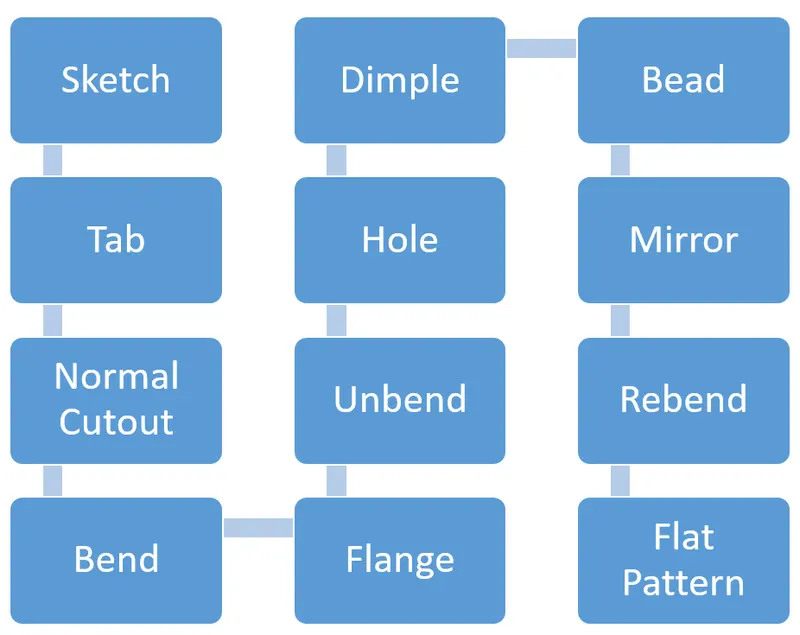
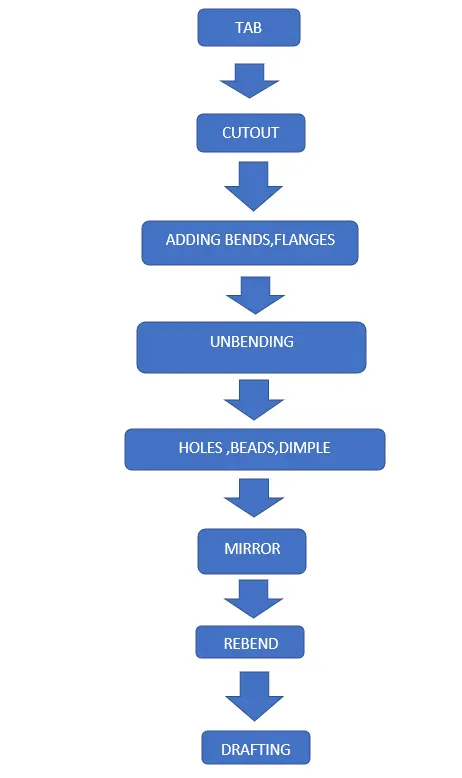
This project considers the features such as tab, cut-out, bends, flanges, unbends, holes, dimples, beads, mirror features, rebends, flat patterns, and drafting. The design methodology used for this challenge can be summarized as depicted in the flowchart mentioned above images.
Features Description:
Tab:
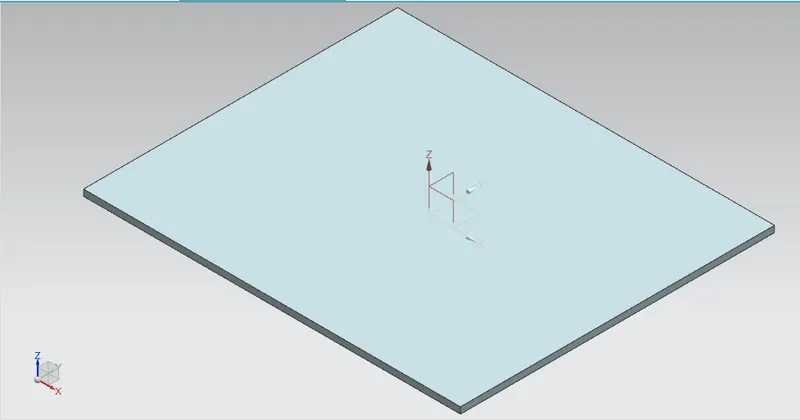
- The tab is most used to design the base solid by using sheet metal.
Bend:
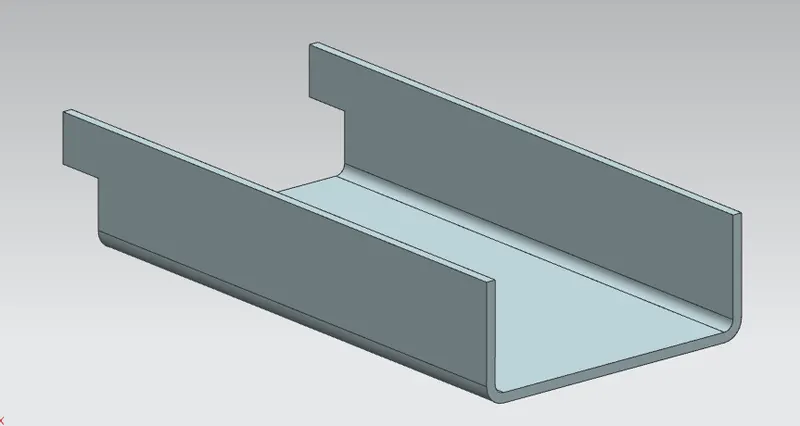
- Individual bends change can be done for any bends in your part with resizing bend angle, resizing neutral factors, and resizing bend radius.
Flange:
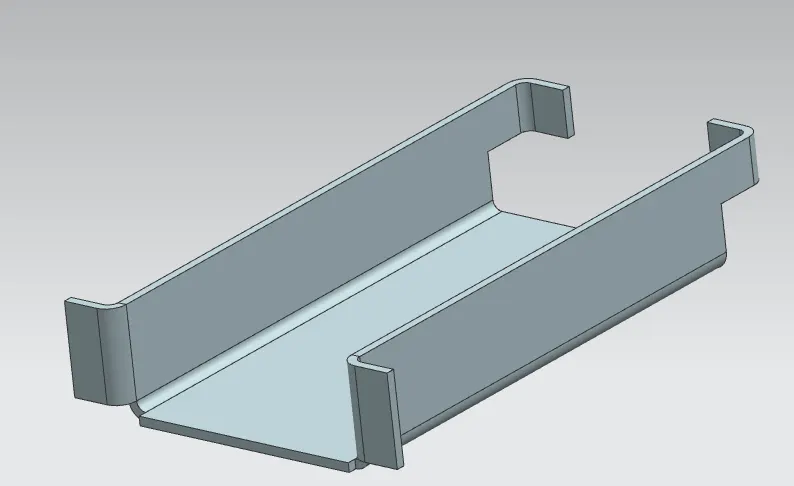
- The flange is external or internal edges or rim for strength as the flange and selects the edge to add the flat flange.
- Apply the same flange to the corresponding symmetric edge of the sheet metal.
Break Corner:
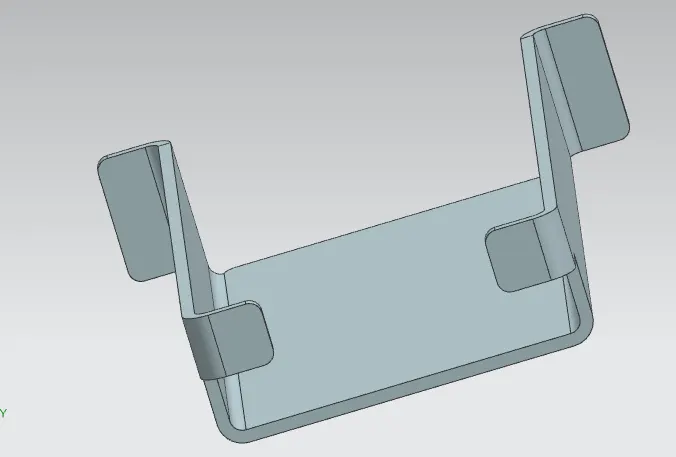
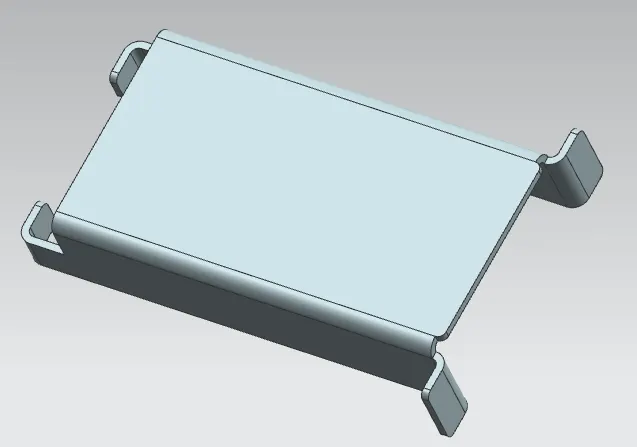
- The break corner feature breaks the sharp edge in the corner and makes it round.
- The blend method is used to avoid the sharp edge. Apply the broken corner to the edges as shown in the picture below.
Unbend:
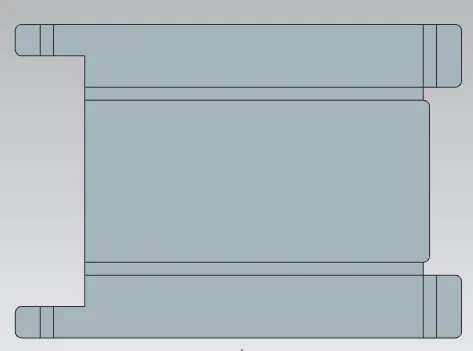
- Unbend is a very useful tool in the NX-CAD. In the Unbend dialog box, select as stationary face the larger horizontal (inside the plane) face of the metal sheet.
- Select the Bend face one of its adjacent faces.
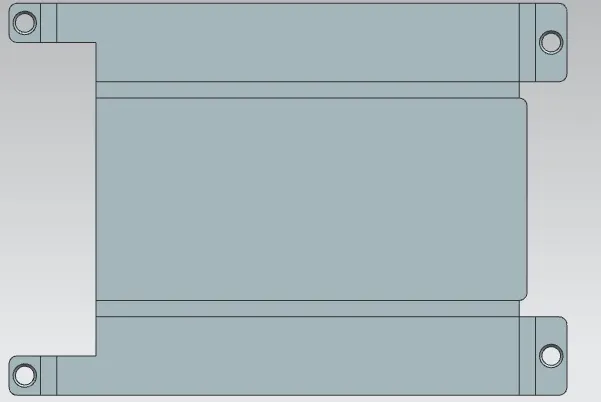
Hole:
- Hole Feature can be created simple, screw clearance hole and a fit. In the hole dialog box, use a screw clearance hole as a type with an M2 crew size and an H13 fit.
- set the depth limit option to through the body.
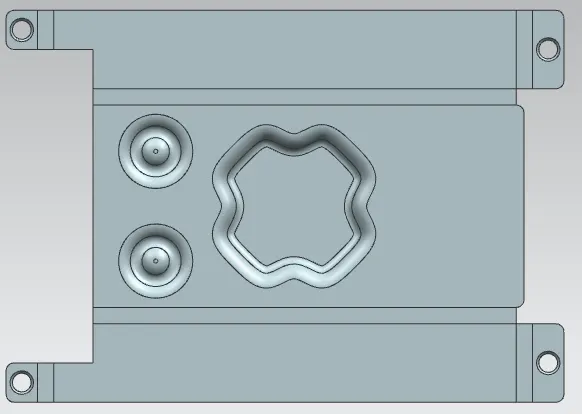
Dimple:
- Use this feature to create a raised dimple feature in a sheet metal part. The dimple can be positioned on a flat face including flanges and extend in the direction of the face.
- Dimple is also helped the sheet metal part to increase its stiffness.
- Set the Depth option to 1 mm and sidewalls to material inside.
- set all the parameters of the Rounding field to 1 mm.
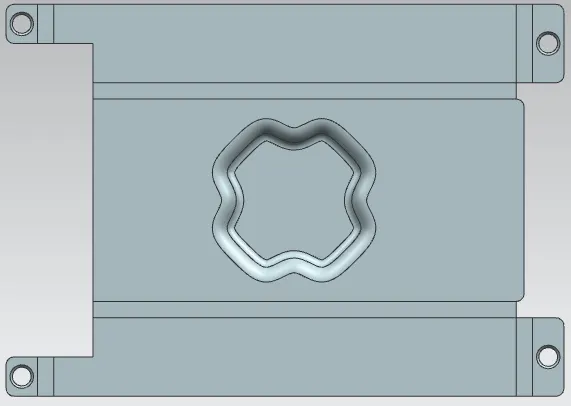
Bead:
- Bead feature is used to created an embossed or engraved bead on the sheet metal part using a single entity.
- Beads require a sketch to apply the feature.
- Beads can be either an open or closed profile
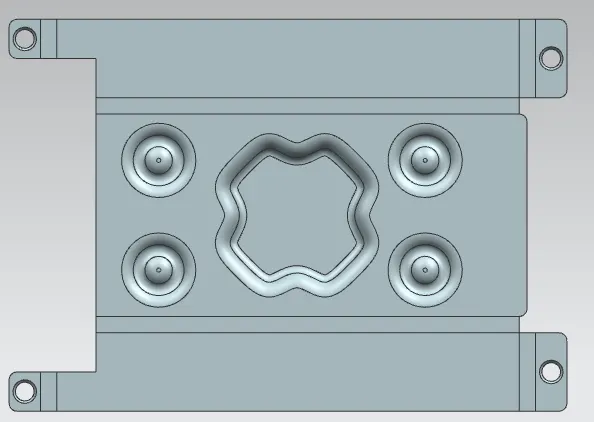
Mirror Feature:
- For this casing design, four small beads are applied in symmetric positions as shown in the image below.
- Mirror feature is used to create opposite beads as shown in the image below.
Rebend:
- Rebend is used to bend from the unbend parts concerning the applied feature.
- Sheet metal is used to be rebranded to its required shape.
- Rebend the faces by selecting them in the reverse order.
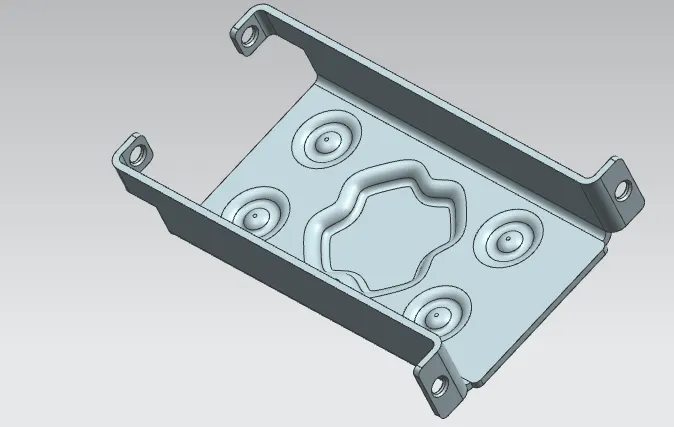
Flat-Pattern:
- Select the central face of the metal sheet and validate.
- Flat-pattern is the representation of the entire sheet metal component.
- It removes the possible such as interference or collision within the same component.
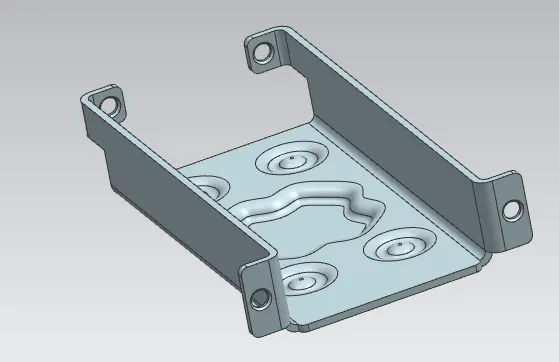
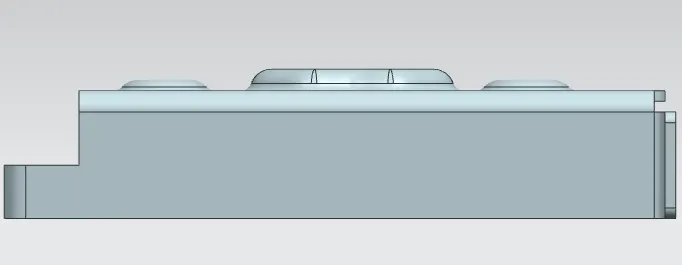
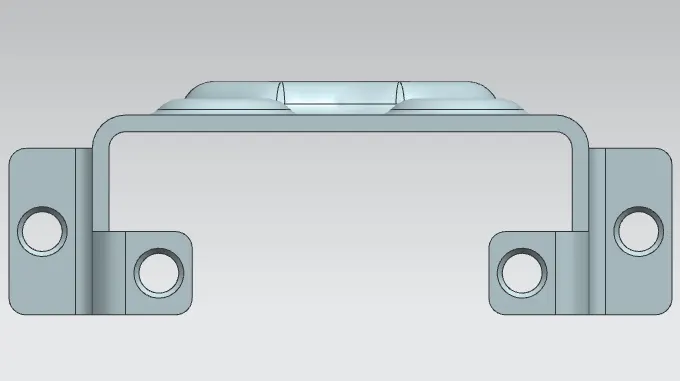
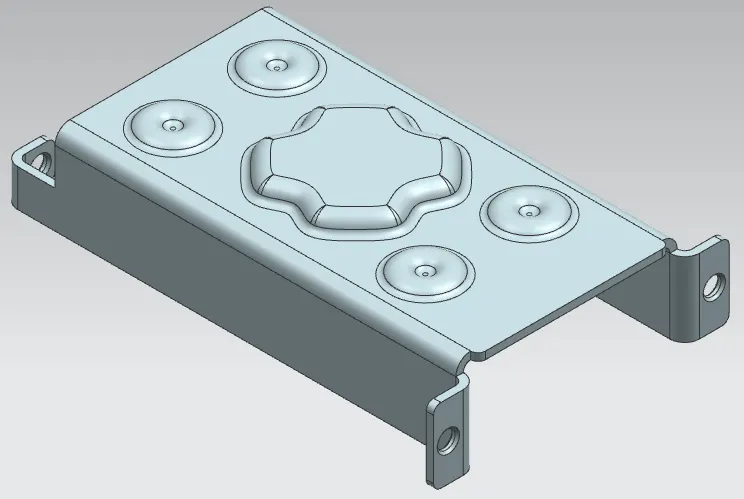
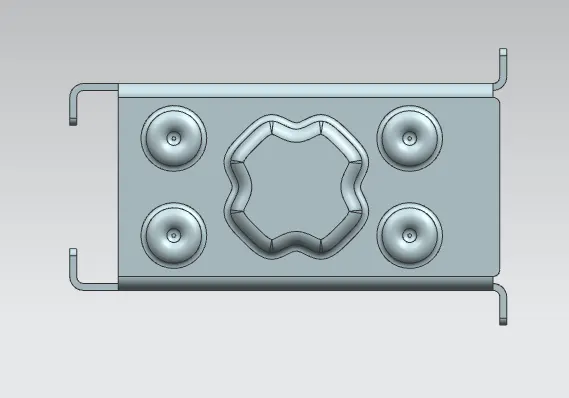
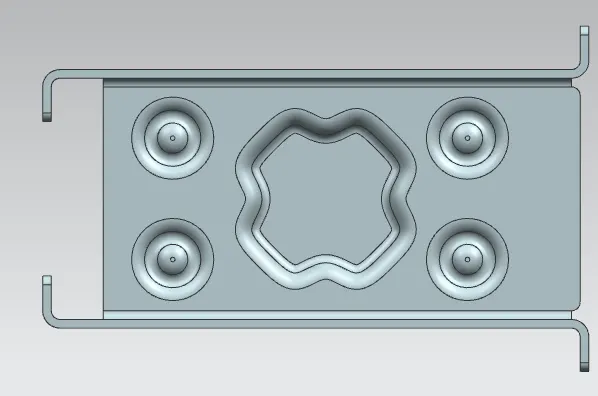
Various Views of Casing Design:
Draft:
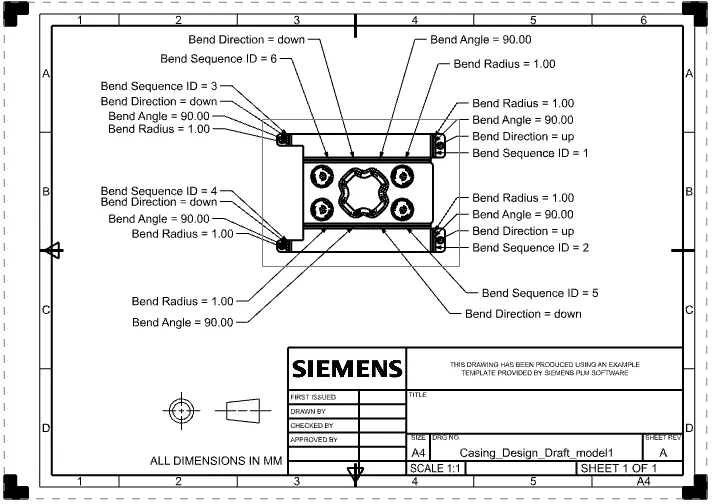
- After the modeling, the manufacturing of the component a technical 2D drawing of the component with accurate dimensions or scales denoted.
- Draft is created with a scale of 1:2 and using A4 size. and add a new Base View.
- In the Base View dialog box, select the option Model View to use FLAT-PATTERN#1.
- Set the scale ratio is 1:2.
Final Conclusion:
- Casing Design is completed by using the sheet metal and its application.
- All the basic features are prepared to create the casing design.
- In this challenge is finished by using NX-12.0 (unigraphics Design).