Advanced Sheet Metal Design Using NX Cad Challenge_1_Casing Design
CASING DESIGN
OBJECTIVE
- To obtain knowledge about the user interface and features of sheet metal application in NXCAD.
- To design a sheet metal casing in NXCAD and carryout drafting.
INTRODUCTION
- NX, formerly known as “unigraphics”, is an advanced high-end CAD/CAM/CAE, which has been owned since 2007 by Siemens PLM Software.
- NX Sheet Metal provides a set of tools within the NX design environment that allows for simple and fast design of sheet metal parts.
- Sheet Metal is a metal formed by an industrial process into thin, flat pieces. Sheet metal is one of the fundamental forms used in metalworking.
- The thickness of sheet metal starts from 0.5 mm and goes up to 6 mm. Anything above that is a metal plate. The thin sheet metal is easy to form, while still providing great strength.
- A casing is a substance or object that covers something and protects it.
DESIGN METHODOLOGY

DESCRIPTION
Here we will discuss tools/features used while designing the casing model:
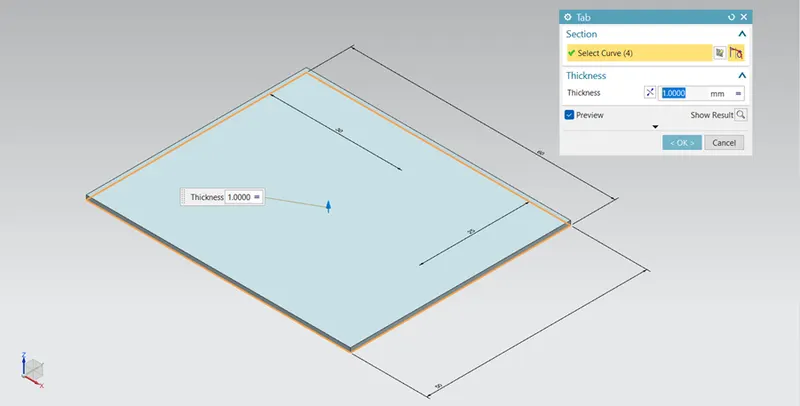
- Tab - It is used to create a base part by drawing a sketch with required thickness.
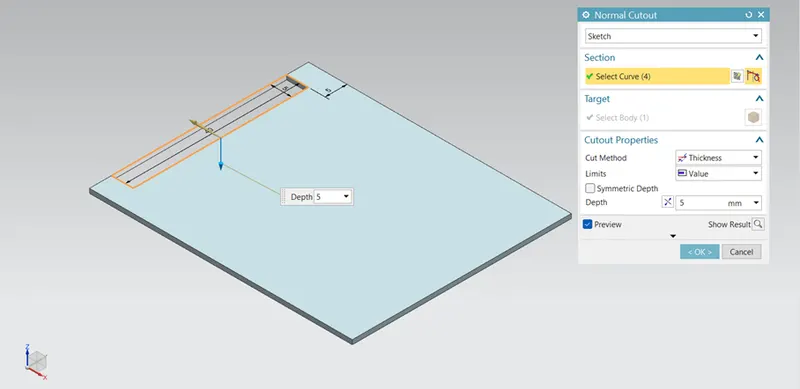
- Normal Cutout - It creates a cutout on the sheet metal using a sketch as reference.
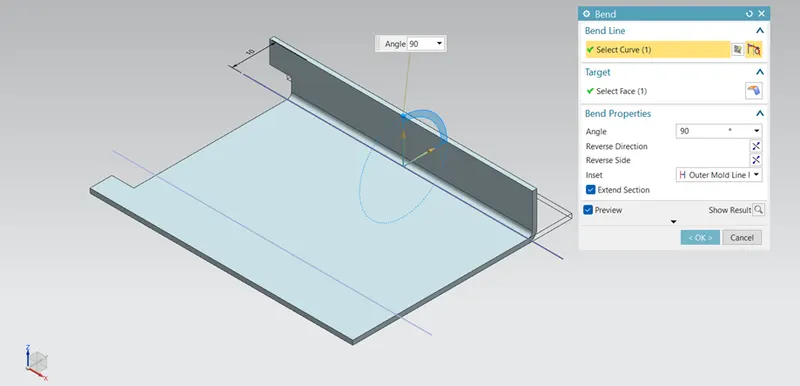
- Bend – It is used to bend the tab taking any line and a face as reference. The tab can be bent in any angle.
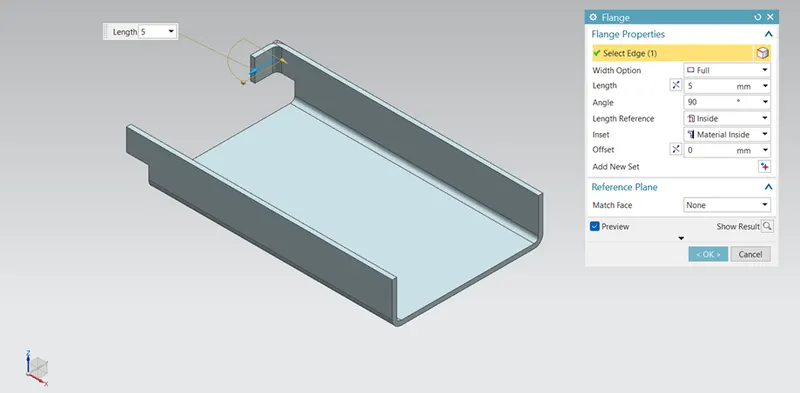
- Flange – Flange is created using any edge as a reference. Variable length and angle flanges can be created.
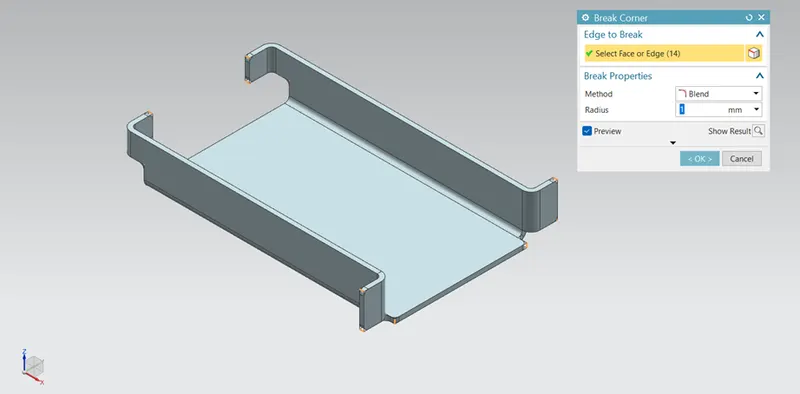
- Break Corner – This feature is applied to make a finish at all the sharp corners.
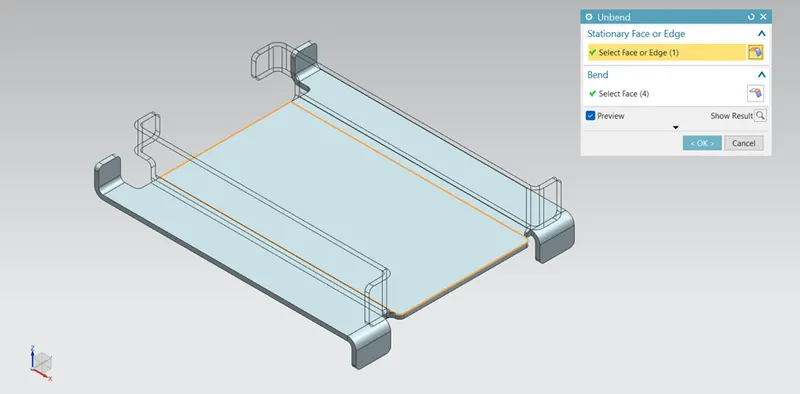
- Unbend – It is used to unbend the previously bended regions.
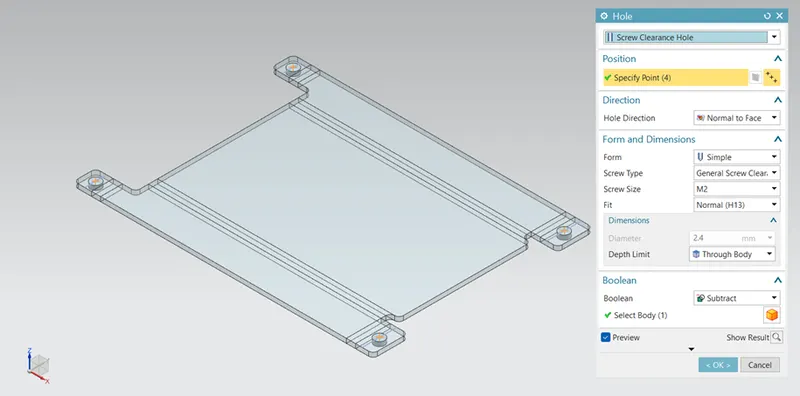
- Holes – By drawing points on the sheet metal, taking those points as reference holes are created.
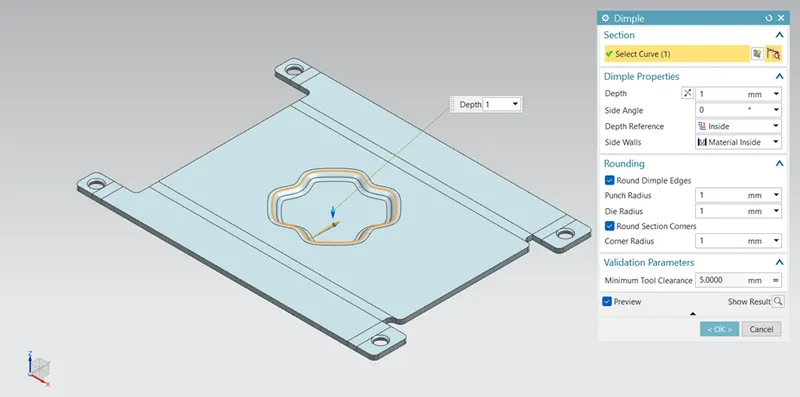
- Dimple – It is used to lift a portion of model inside or outside by creating a sketch.
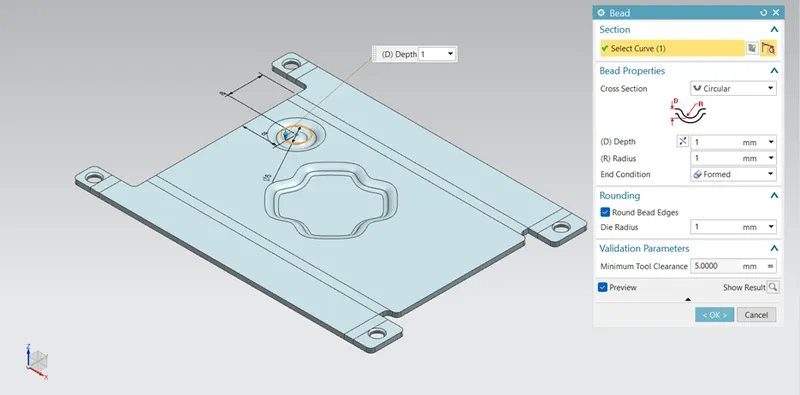
- Bead – This feature is used to stamp into the sheet metal taking any sketch as a reference to increase the stiffness.
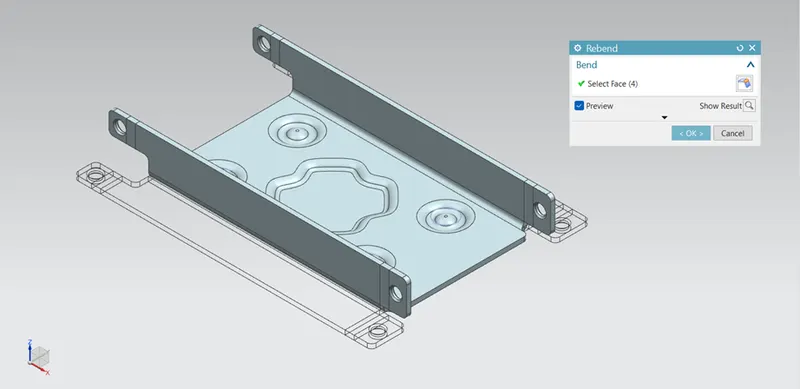
- Rebend – It is used to rebend the previously unbended regions.
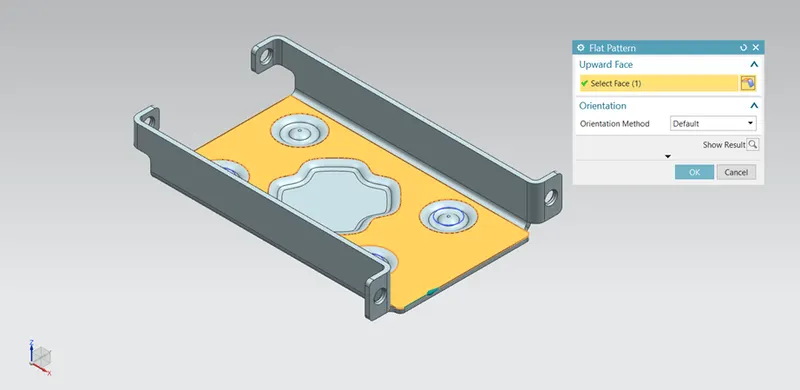
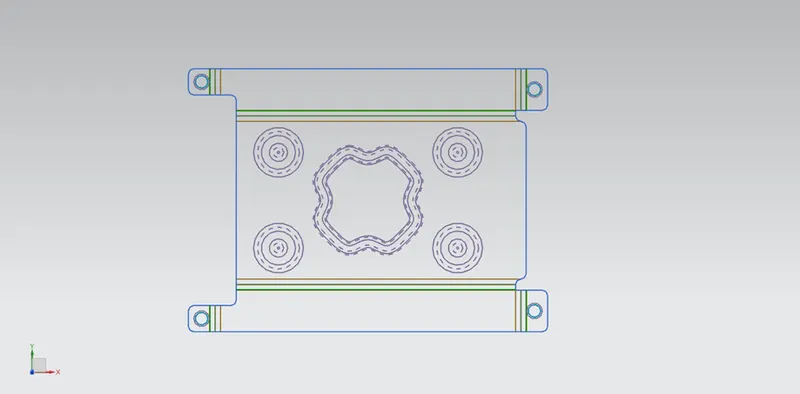
- Flat Pattern – This feature is used to obtain a 2D projection of the flat sheet metal.
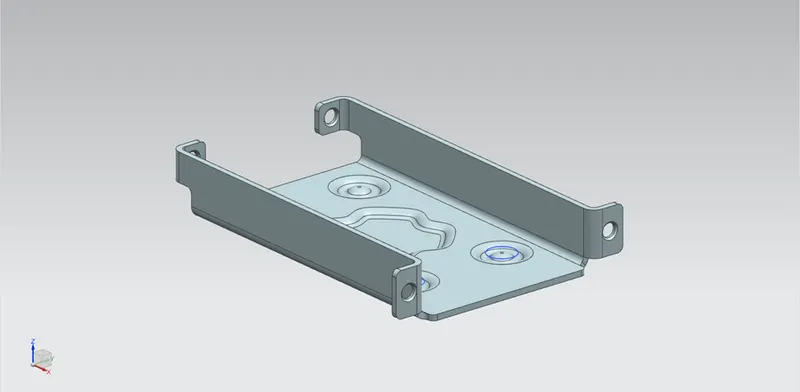
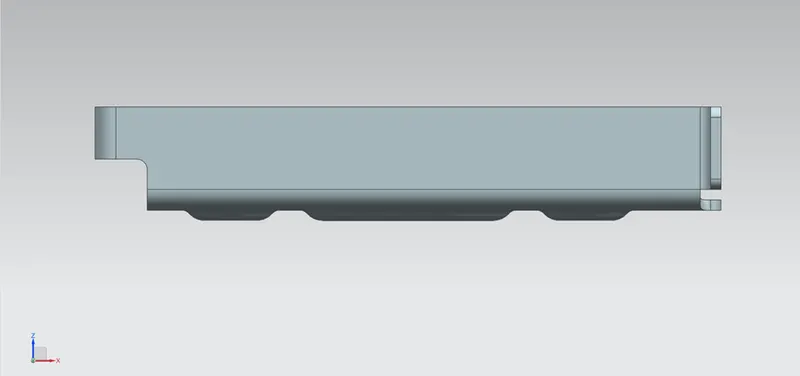
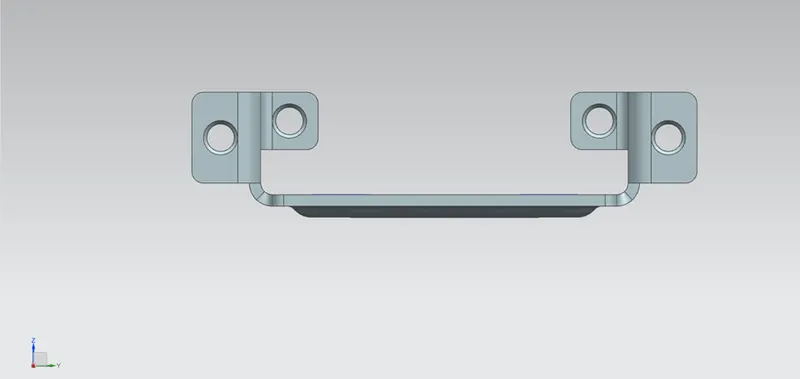
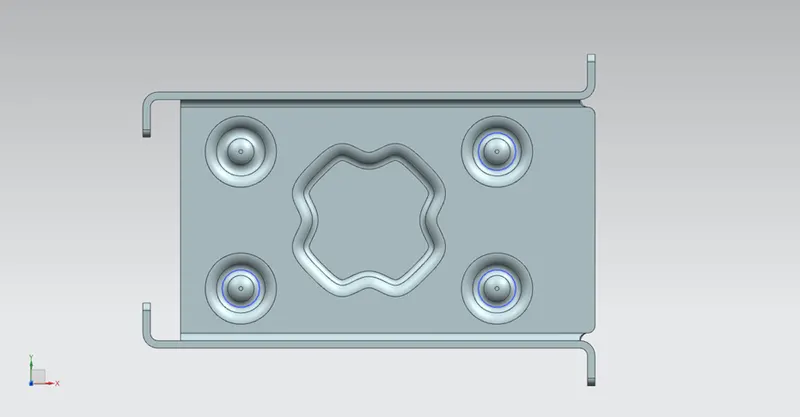
VIEWS OF THE MODEL
- Isometric View
- Front View
- Side View
- Top View
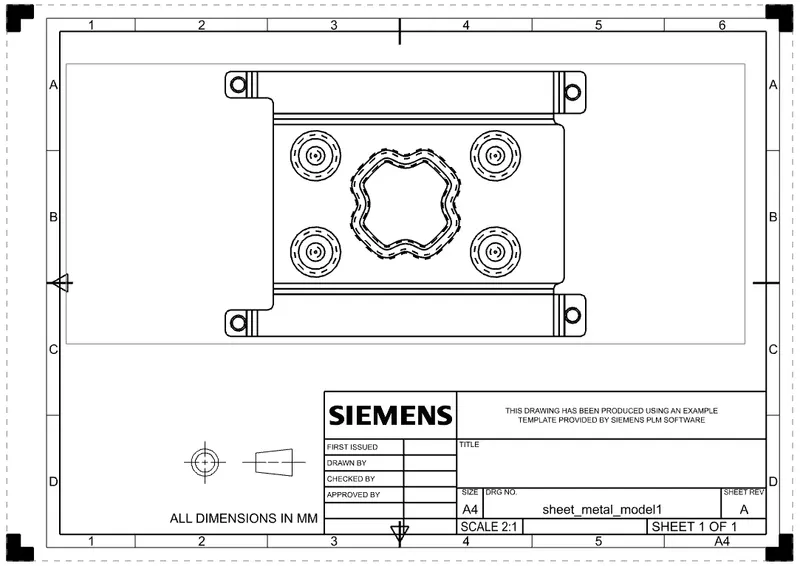
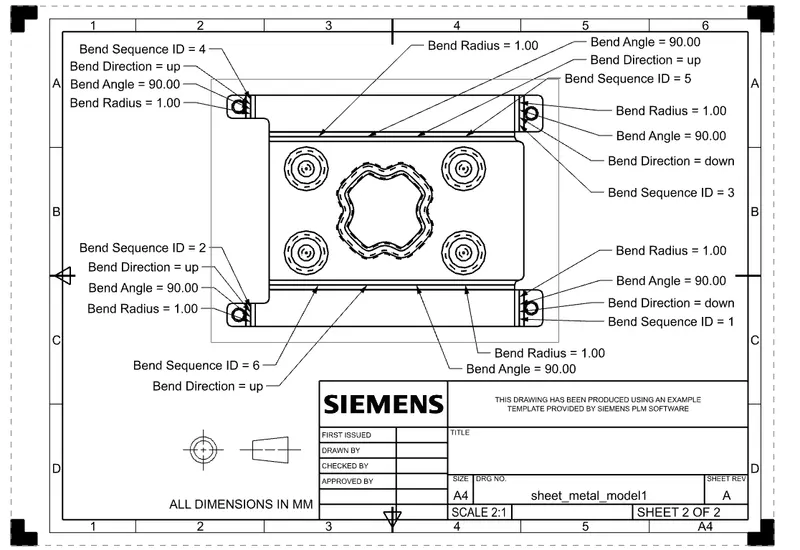
DRAWING SHEET
CONCLUSION
- Casing in NX sheet metal is created by using the given sketches and procedures.
- Flat pattern of the model is obtained and drafting is done.