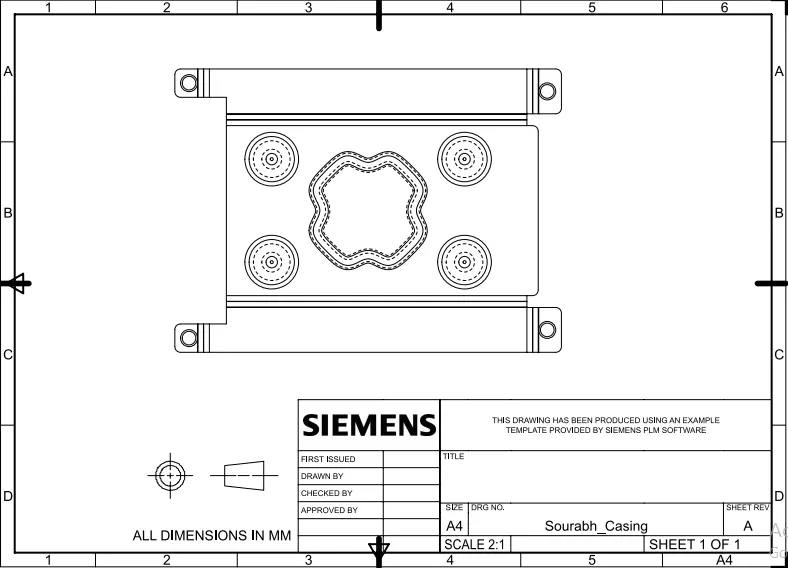
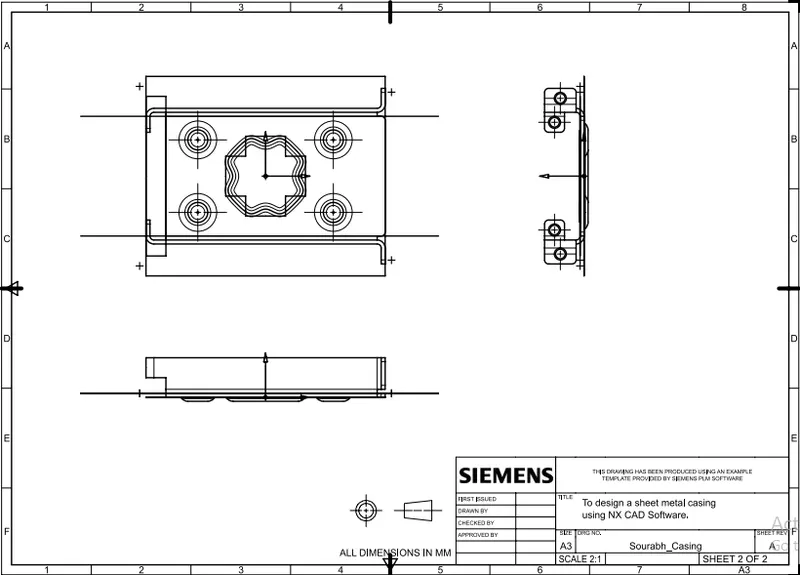
Advanced Sheet Metal Design Using NX Cad Challenge_1_Casing Design
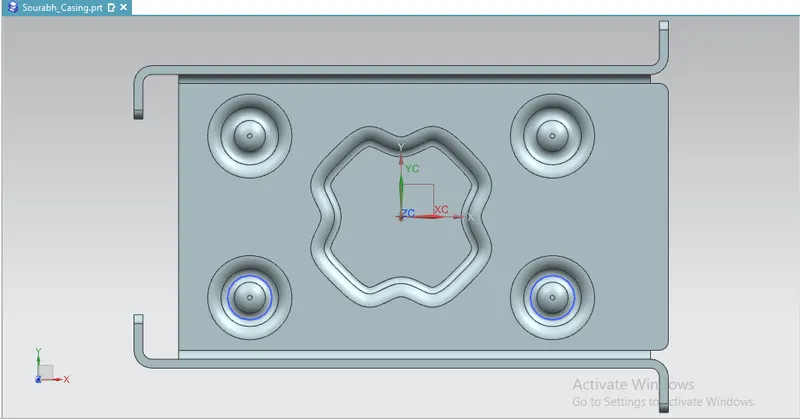
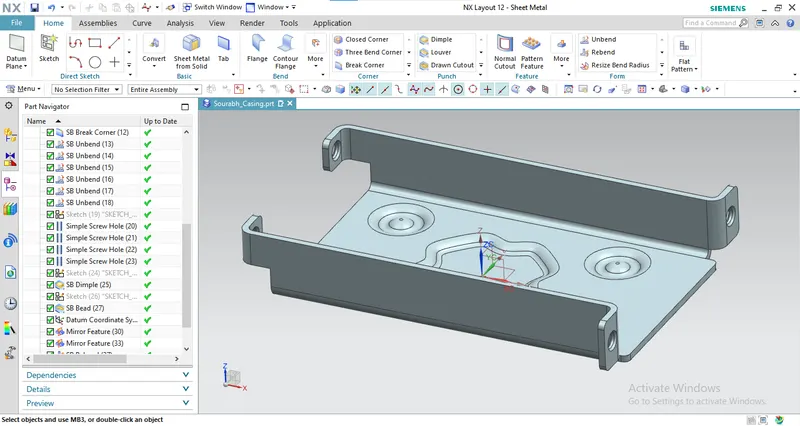
Title of the project : To design a sheet metal casing using NX CAD Software.
Objective :
- To design a casing using Siemens NX12 sheet metal Software.
Procedure :
- Create a new sheet metal model called casing.
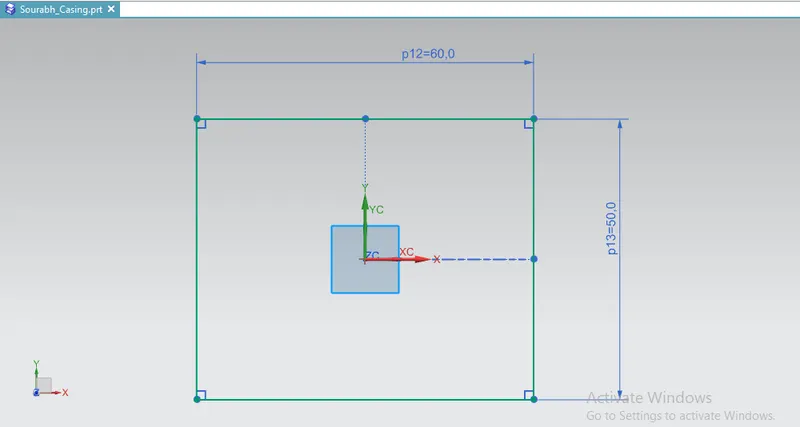
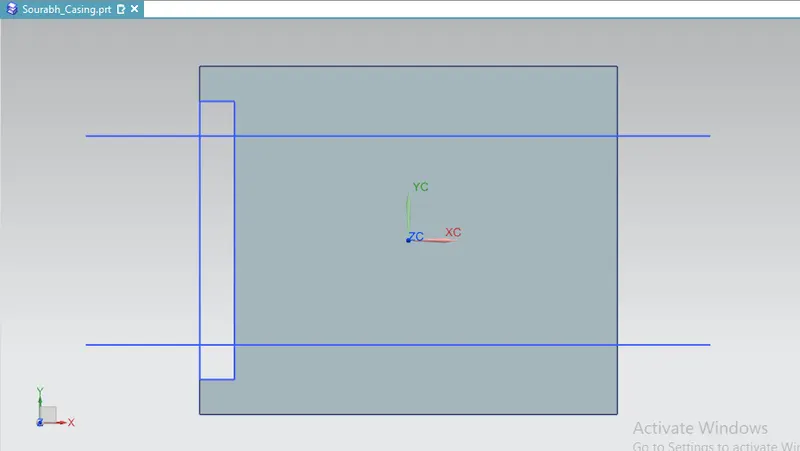
- Create a sketch in the xy plane and draw a rectangle.
- Give the dimensions.
- Exit the sketch.
- Use the tab button for creating a first rectangular metal sheet of 1 mm in thickness.
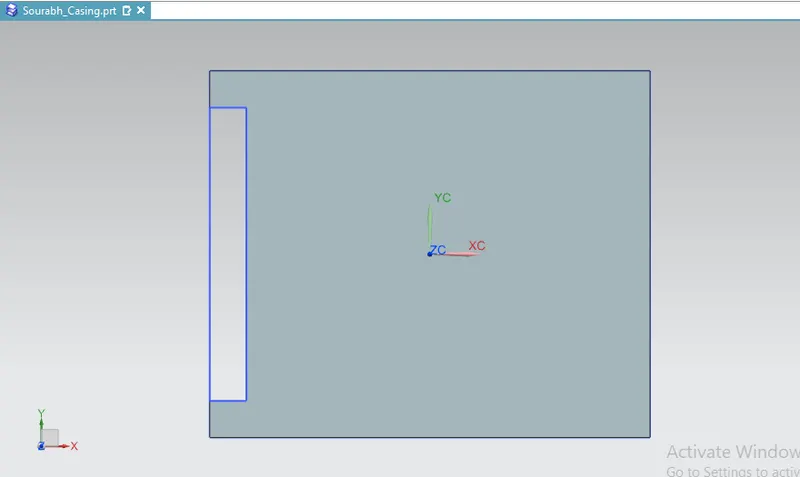
- Create a new sketch in the plane p containing the upper face of the rectangular sheet, give the dimension to it and exit the sketch mode.
- Use the cut out button for making a rectangular hole.
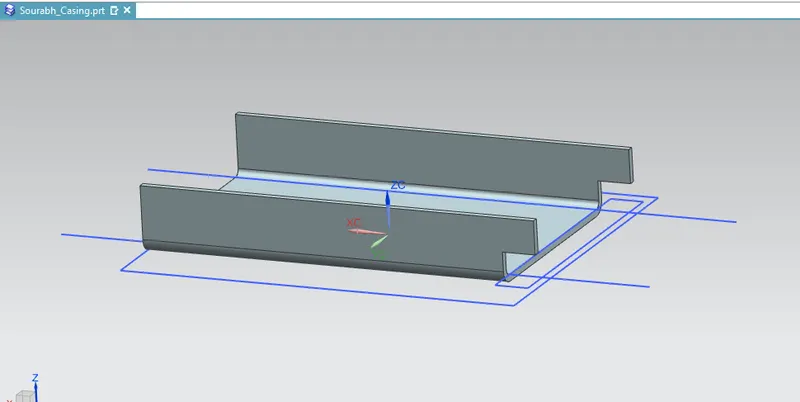
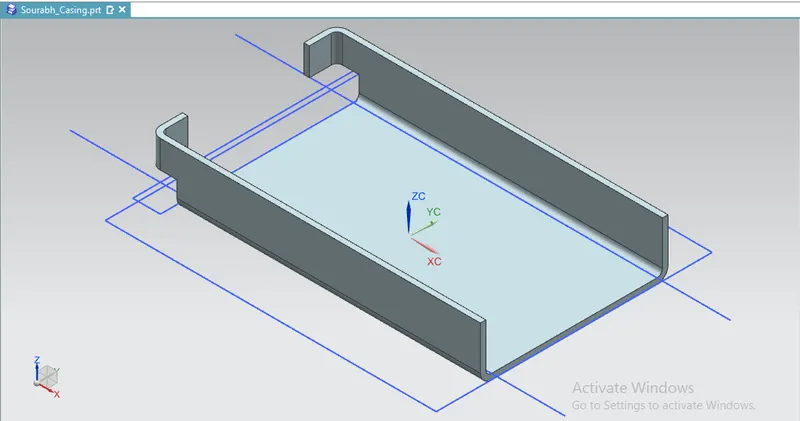
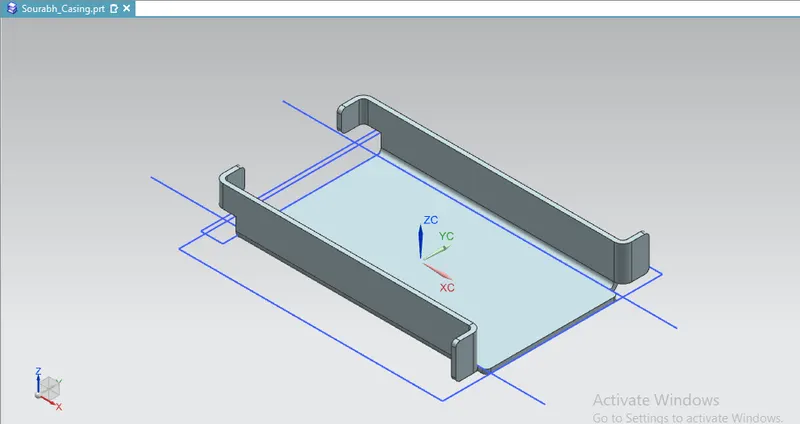
- Perform the bending operation.
- Add the flanges.
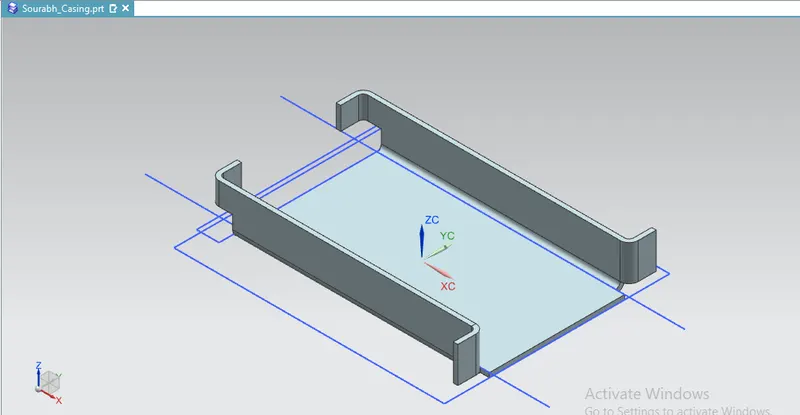
- Break the corners.
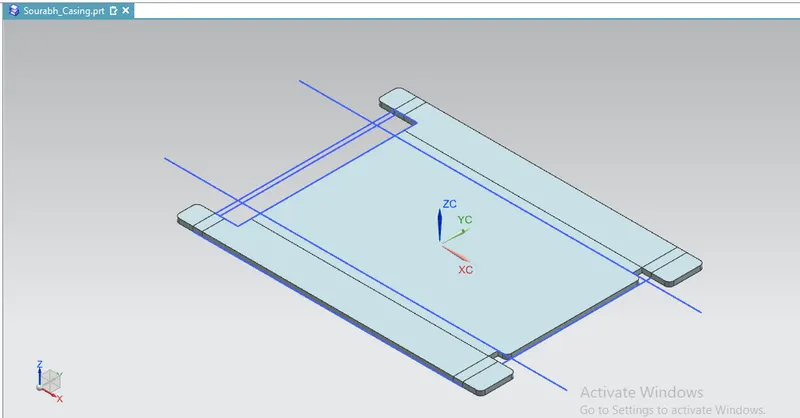
- Unbend the metal sheet.
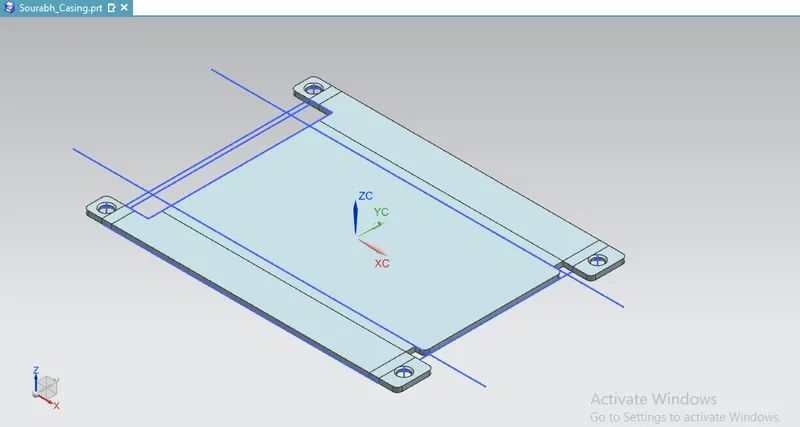
- Then add holes on the flanges.
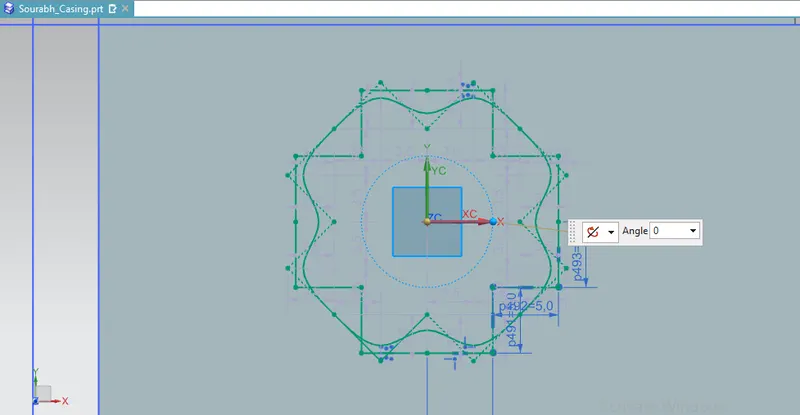
- Use Dimple operation on the spline.
- Add bend operation to the circle.
- Mirror the circle.
- Re-bent the faces.
- Then draft the flat pattern and save the file.