Advanced Sheet Metal Design Using NX Cad Challenge_1_Casing Design
title- advanced sheet metal design using NX 12 of casing part
introduction
sheet metal design is a process of making external layers that are used as coatings for the car bodies and internal thin sheets of doors and etc.. and some how as per requirements we are using bends flanges and cutout to design clean and accurate. in this a trail should be adopoted to design sheetmetak for casing using NX 12. in general purpose we are using UNIGRAPHICS, SOLID WORKS and CAD/CAM/CAE also in the designing of sheets.
design methodology
DISCRIPTION
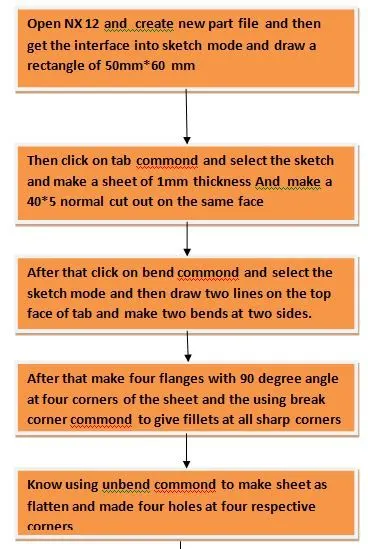
step 1 Open NX 12 and create new part file and then get the interface into sketch mode and draw a rectangle of 50mm*60 mm.
step2 Then click on tab commond and select the sketch and make a sheet of 1mm thickness And make a 40*5 normal cut out on the same face
step3 After that click on bend commond and select the sketch mode and then draw two lines on the top face of tab and make two bends at two sides.
step 4 After that make four flanges with 90 degree angle at four corners of the sheet and the using break corner commond to give fillets at all sharp corners
step 5 Know using unbend commond to make sheet as flatten and made four holes at four respective corners
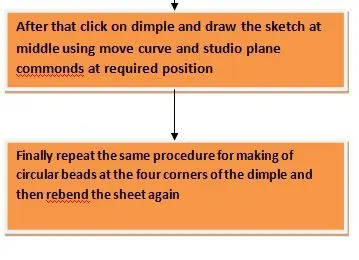
step 6 After that click on dimple and draw the sketch at middle using move curve and studio plane commonds at required position
step 7 Finally repeat the same procedure for making of circular beads at the four corners of the dimple and then rebend the sheet again
views of model
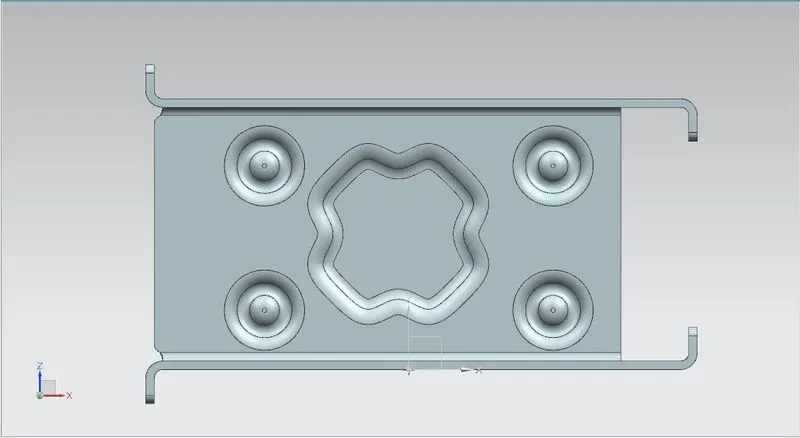
top view
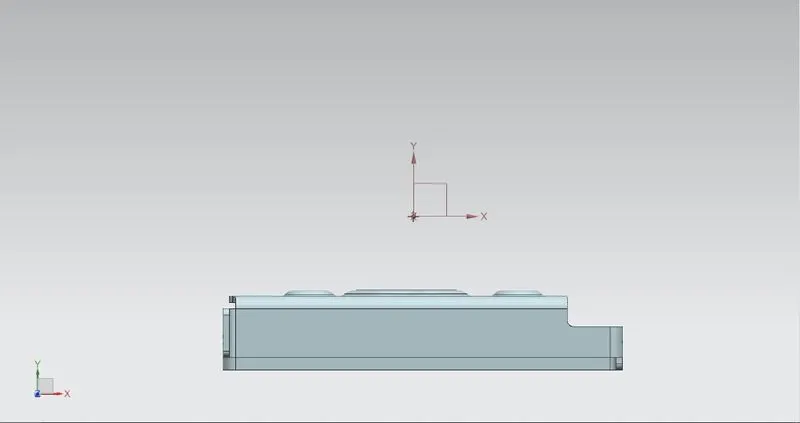
front view
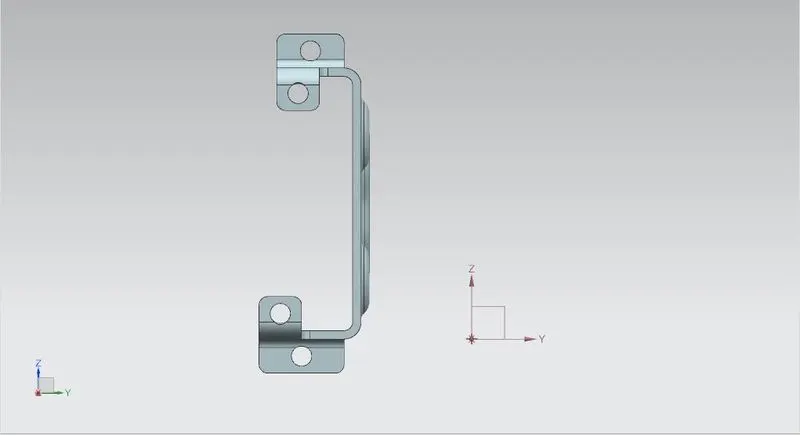
side view
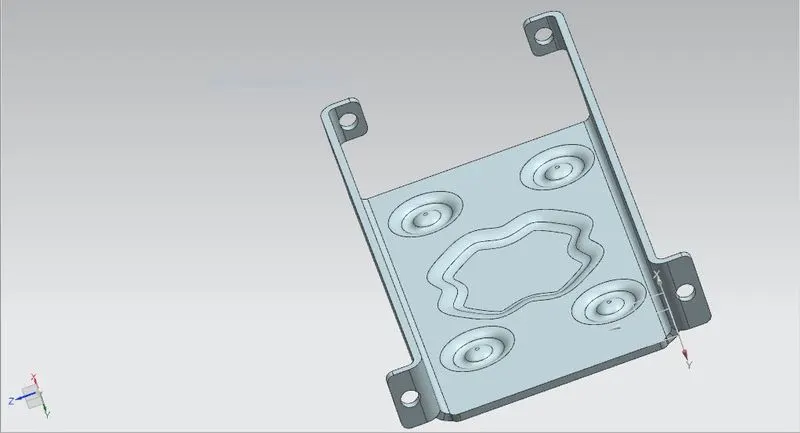
isometric view
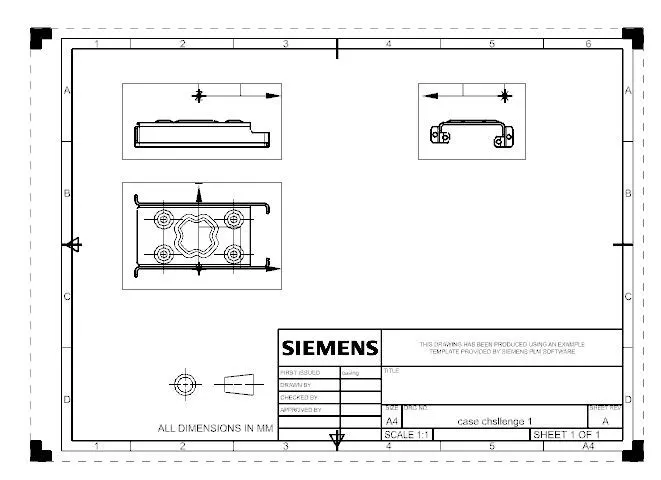
drawing sheet
conclusion
from above challenge i learned about how to create the tab,bends, flanges,cutouts,and creation of drawing sheet also