Advanced Sheet Metal Design Using NX Cad Challenge_1_Casing Design
Design of Sheet Metal casing
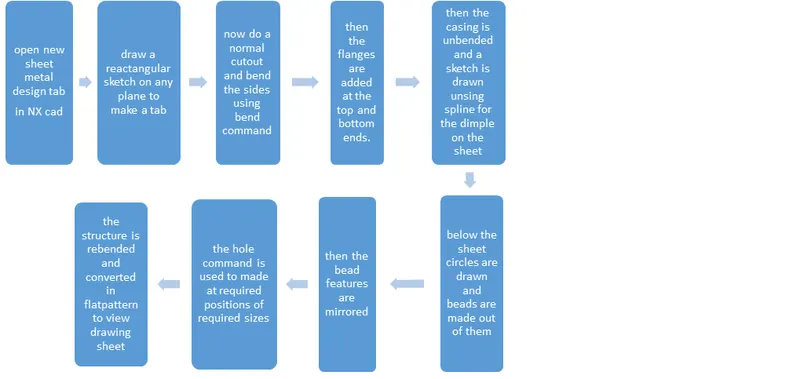
The objective is to design a casing using sheet metal in NX cad using various commands in the NX cad softtware. The design contains various commands like flanges followed by break corners, holes etc.
Introduction
NX cad is a designing and modeling software used to model various designs. The casing is made of sheet metal. The design of casing has flanges, dimples, punches etc. the total designing process and methadology will be dicussed as follows.
Description
various feastures are used in the design of casing, they are
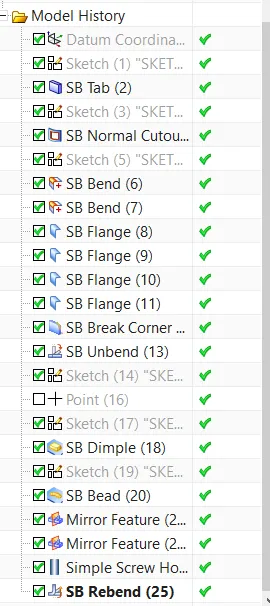
Tab - used to make sheet metal out of the 2D closed sketch.
Normal cutout - used to cut the sheet metal normally using a sketch or other bodies unlike extrude cut which rapidly cuts.
Bend - used to bend the sheet metal using the sketch along which the sheet metal needs to bend
Flange - used to elongate the sheet metal from its edge based on given dimensions.
Break corner - used to make the sharp edges into curved edges, basically a fillet.
Dimple - used make an impression or a depression on a sheet metal using a closed 2D sketch.
Bead - feature that is similar to dimple but creates different impressions with a single sketch.
Mirror feature - used to mirror the existing feature along a plane on to a body.
Unbend - it unbends al the bends given to the sheet metal while designing using a base face.
Hole - it is used to make holes a required positions with many variations in size and shape.
Rebend - it rebends all the unbended faces on the sheet metal.
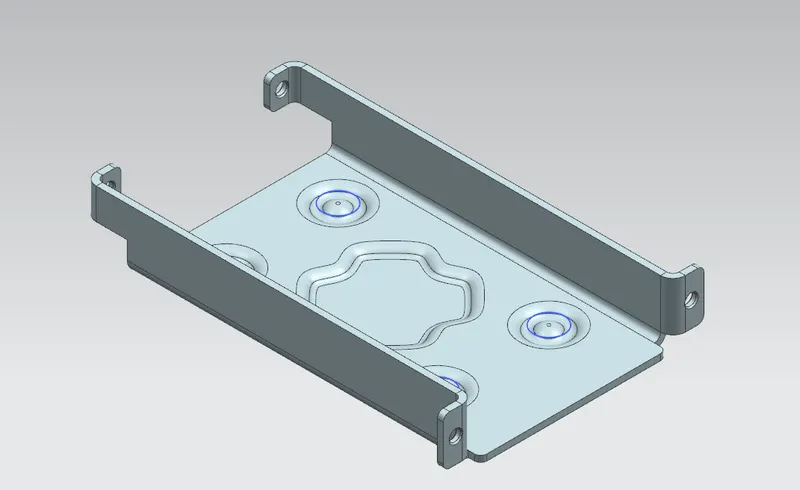
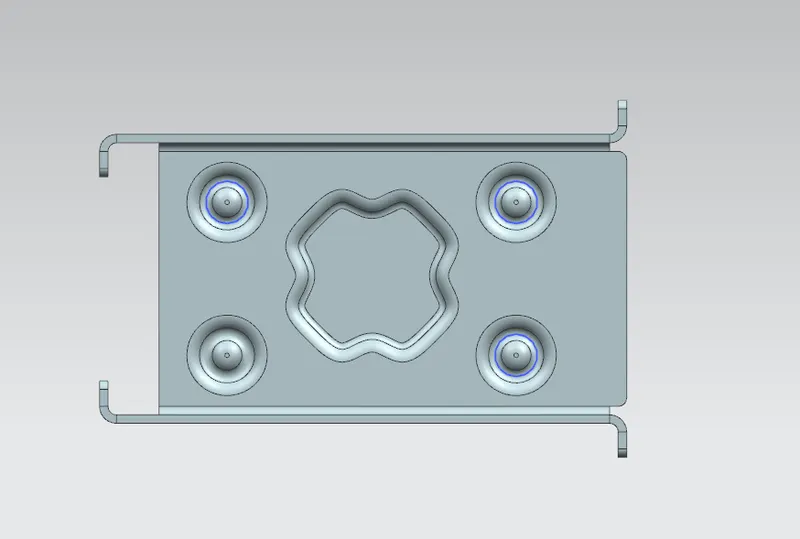
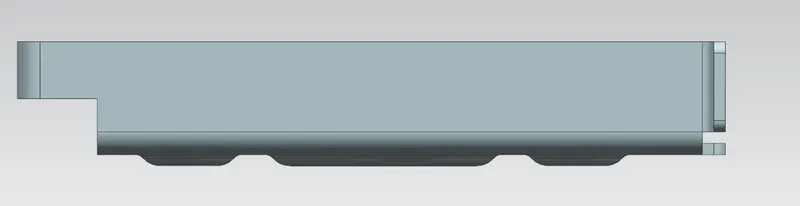
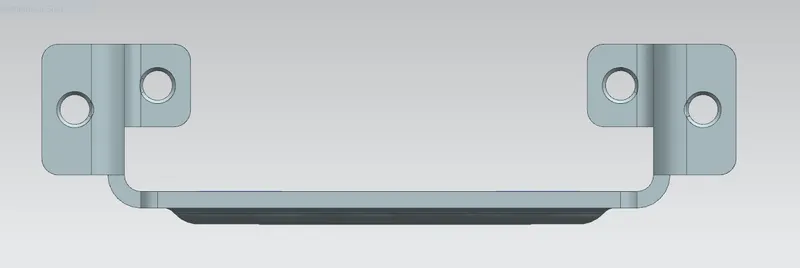
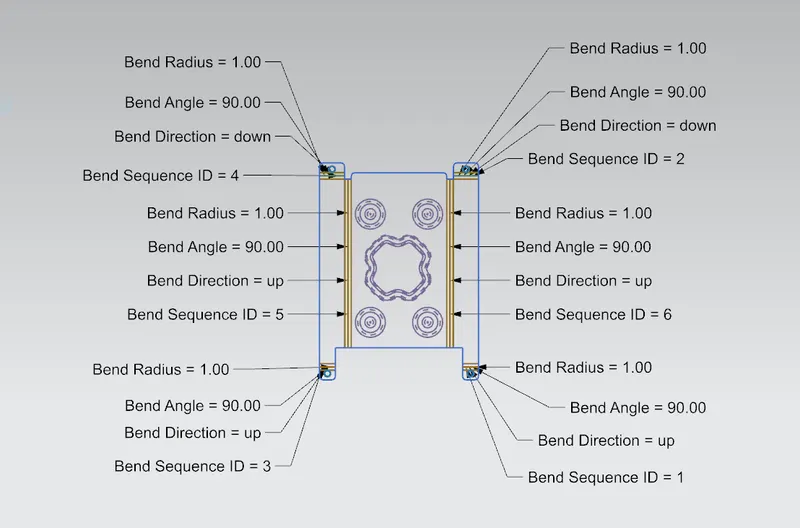
conclusion
Thus the desgin of casing has been done using many features and commands and the pictures of various viwes of the casing have been attached.