Casing Design using NX sheet metal
Aim: Design the sheet metal casing in Siemens NX software.
Objectives:
- Learn basic commands of sheet metal in NX software.
- Learn different parameters used while designing the sheet metal component.
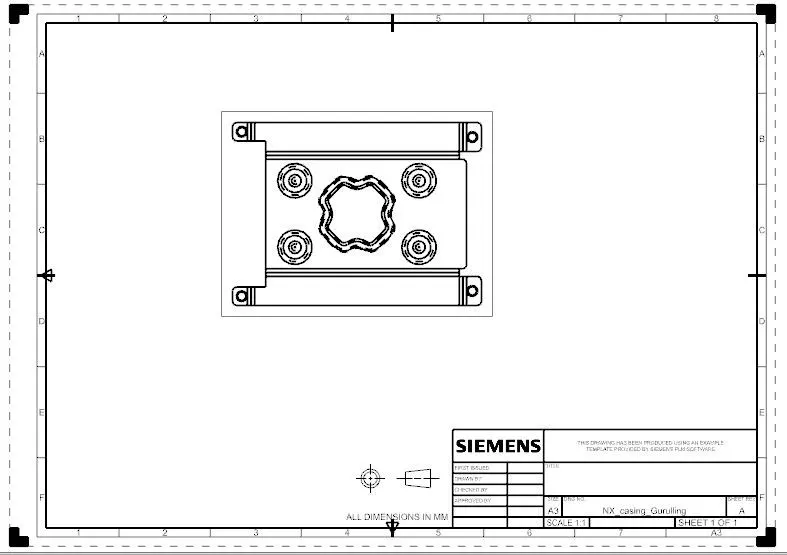
- Learn how to do the drafting of sheet metal parts.
Introduction:
As we know NX software is used in many industries for different modeling, assembly, sheet metal, layouts, and many more. we are now designing the casing with the sheet metal application in NX software. In this, we are learning so tools and techniques required to design the part using NX sheet metal software.
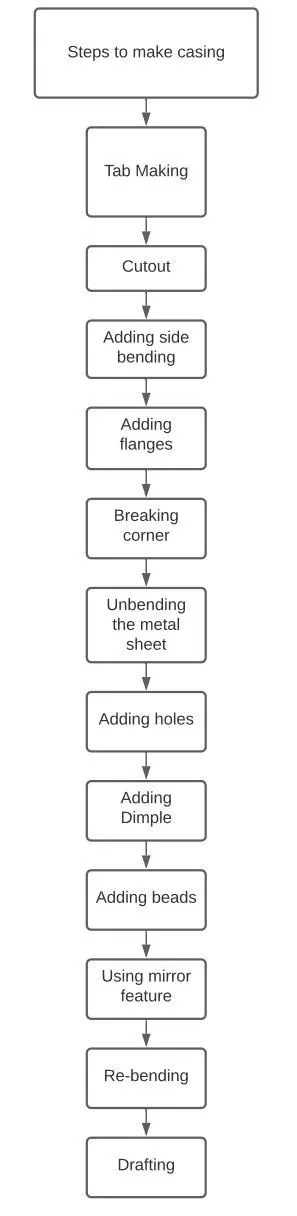
The flowchart of the process is as follows:
Tools and features used to make the casing:
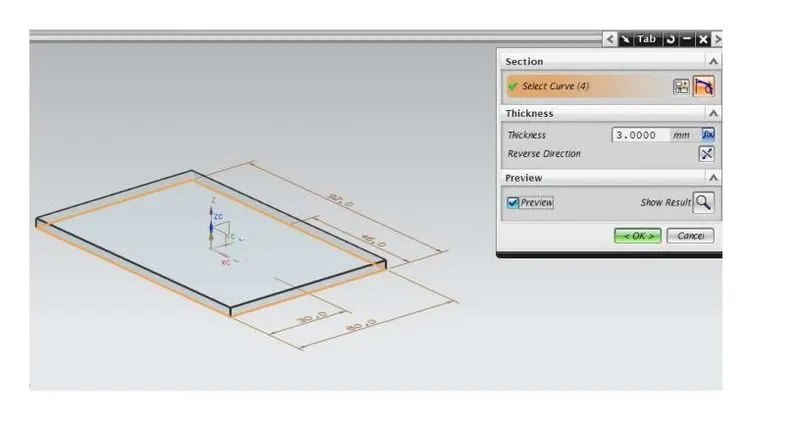
1.TAB: Creates a base feature by extruding a sketch along a vector by a thickness value or adds material to a plane face.
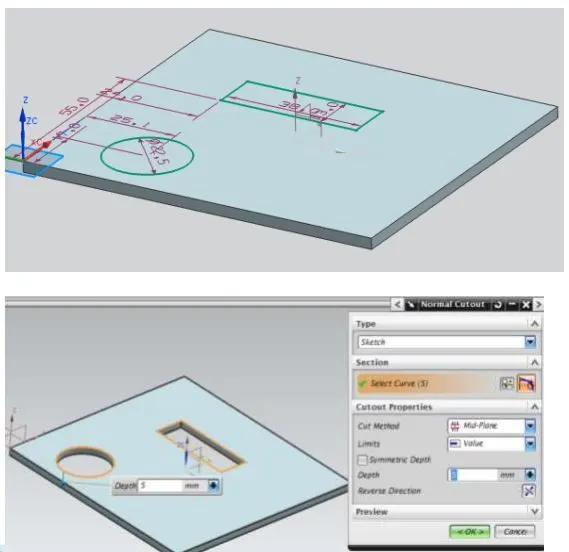
2.NORMAL CUTOUT: Cuts the model perpendicular to the sketch.
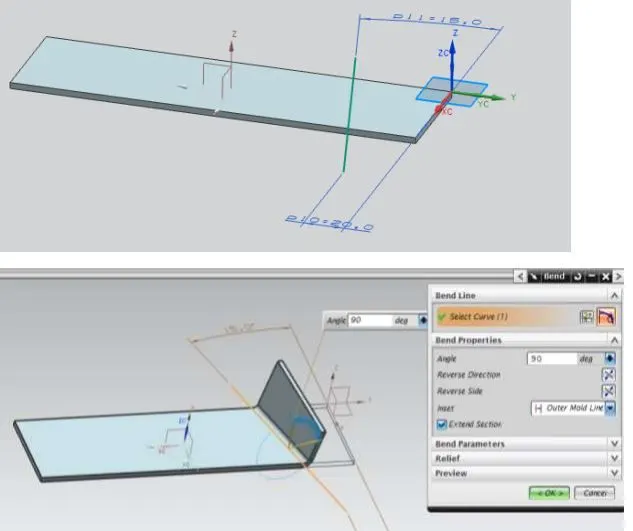
3.BEND: Modifies the model by bending material on one side of a sketch line adding a bend between the two sides.
4.FLANGE: Adds a flange to an angle to a planar face and adds a bend between the two.
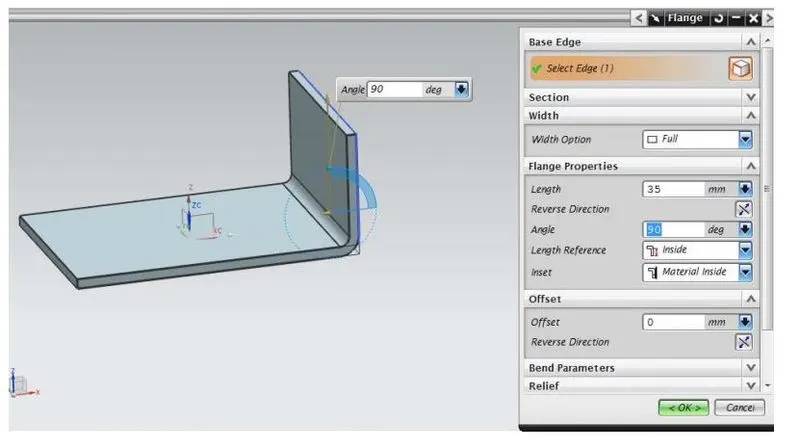
5.BREAK CORNER: Rounds a sharp corner
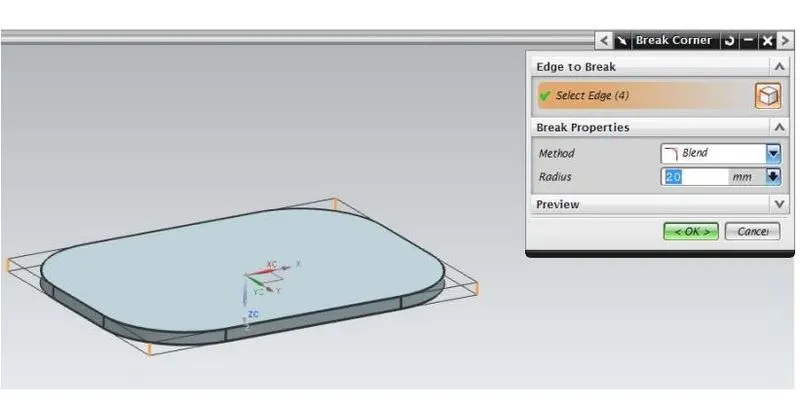
6.UNBEND: Flattens a bend
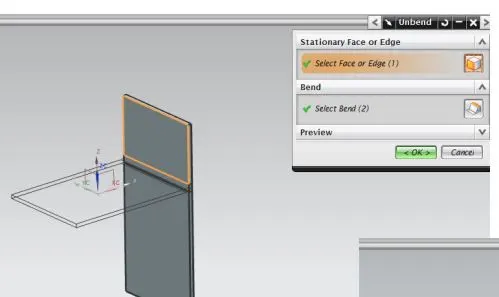
7.General Hole: This option lets you create Simple, Counterbored, Countersunk, and Tapered holes in solid bodies.
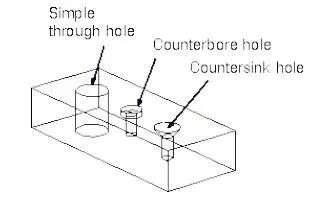
for our casing, we have used a screw clearance hole with a size of M2 and clearance of H13.
8.DIMPLE: Lifts an area of the model inside a sketch that simulates stamping a tool.
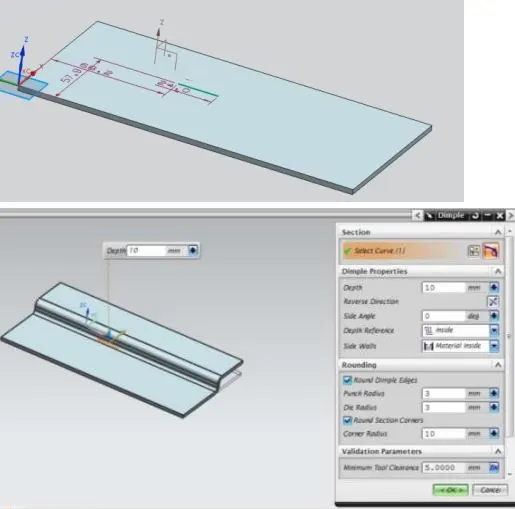
9.BEAD: Lifts a material along a counter of the sketch that simulates stamping a tool.
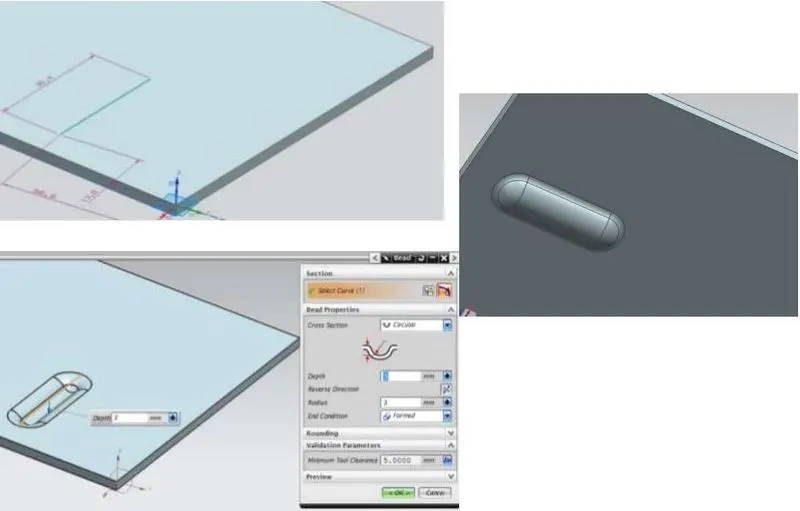
10.Mirror feature: Mirror is a type of Associative Copy in which a solid body is created by mirroring the body concerning a plane.
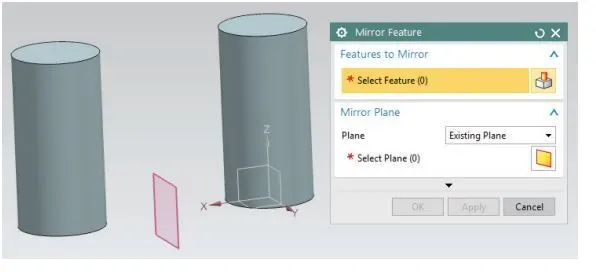
11.REBEND: Restores a bend.
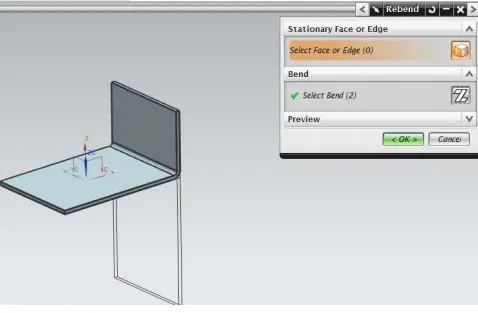
12.Drafting:
Now we do drafting of the part for un-bend view.
Images of Part:
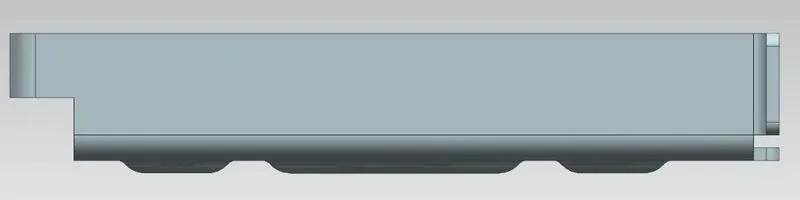
1. Front View:
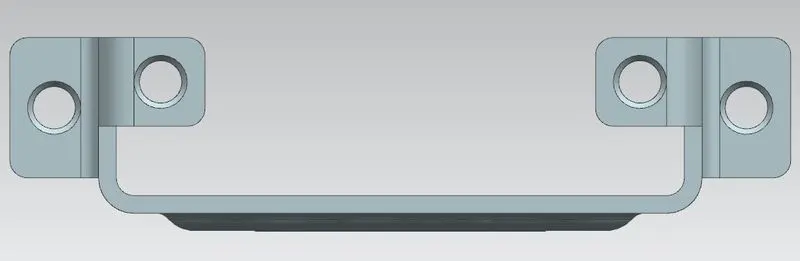
2. Side View:
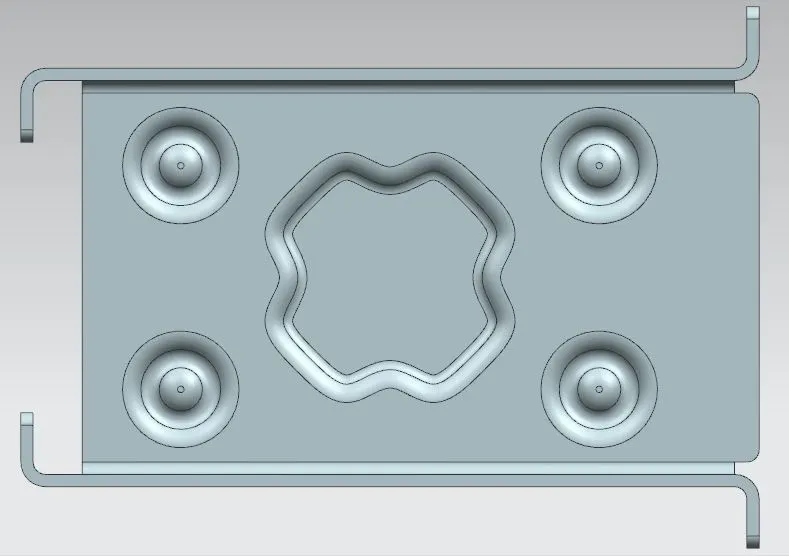
3.Top View:
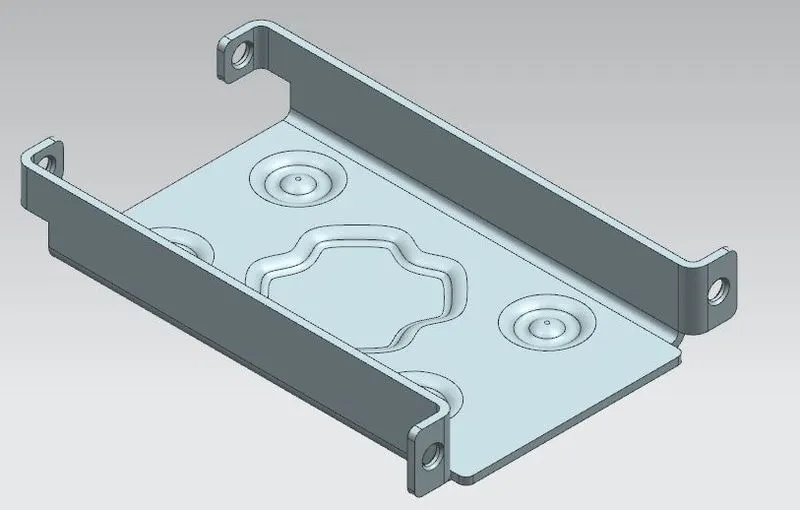
4.Isometric View:
Drafting :
Conclusion:
from this, we learned the different tools and features used to make sheet metal parts in Siemens NX software. Also learned how to do drafting in NX software also learned the parameters used for manufacturing the sheet metal parts.