Adams challenge 5 - post processing
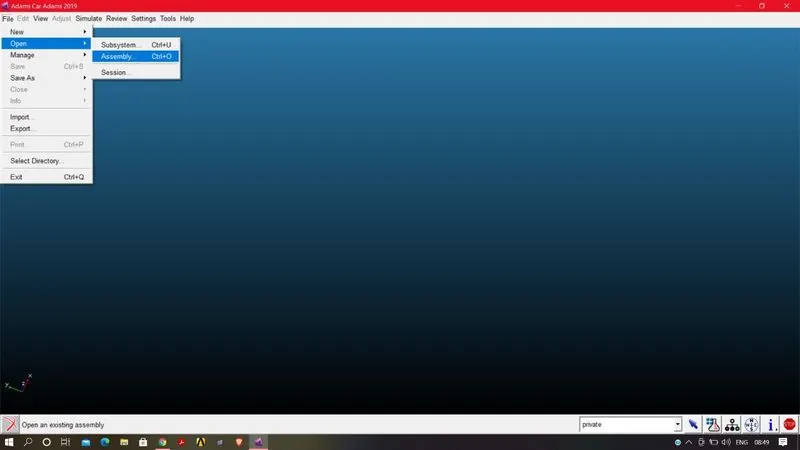
STEP1:Open Adams car>FILE>OPEN>ASSEMBLY
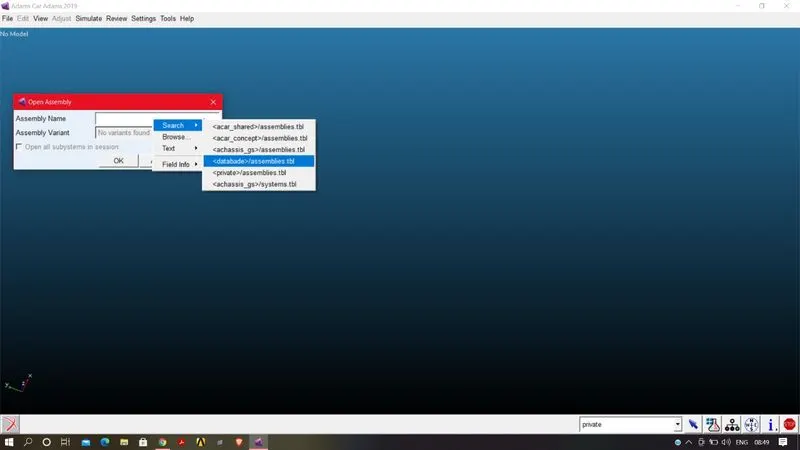
Right click on the assemblybox SEARCH>database_assemblies
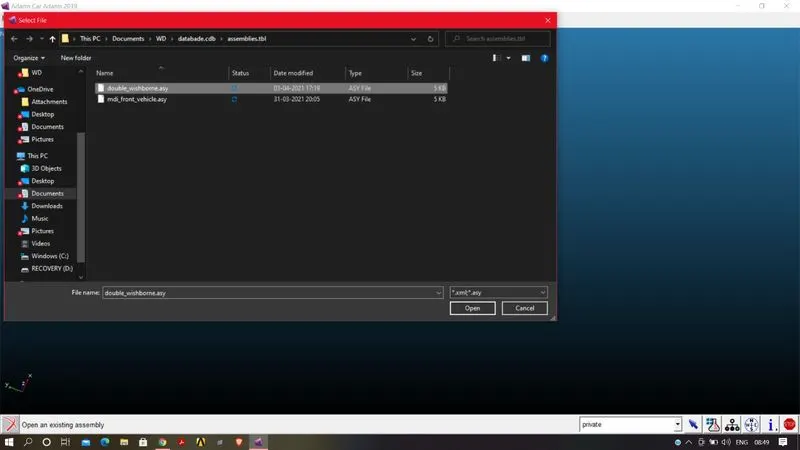
Open the double wishborne assembly and then click OK
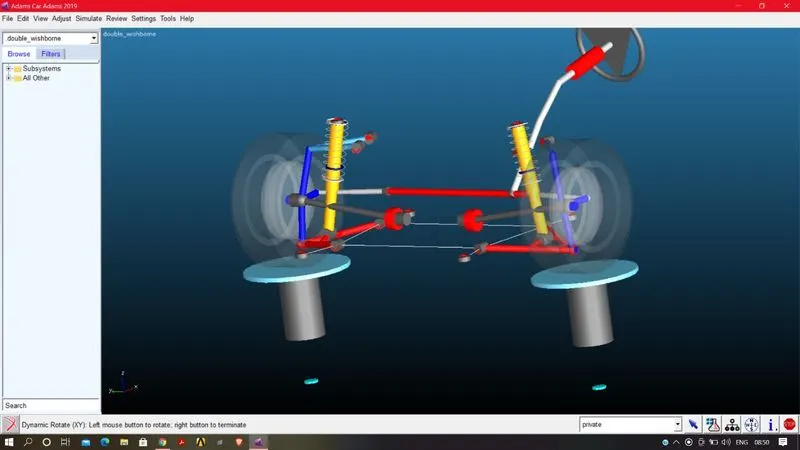
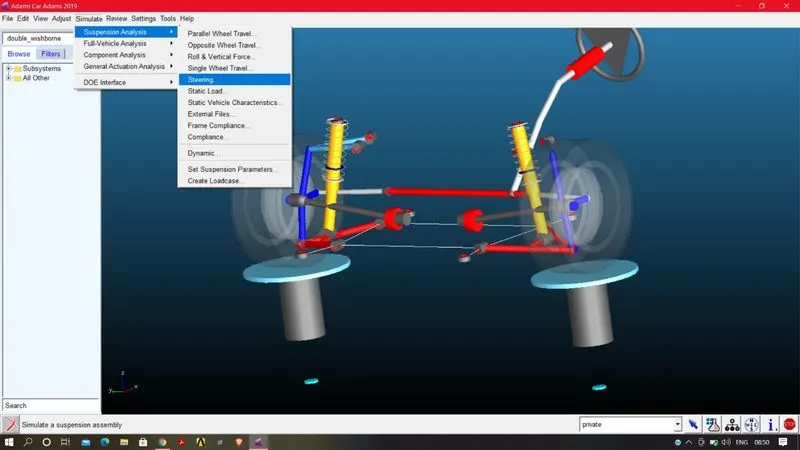
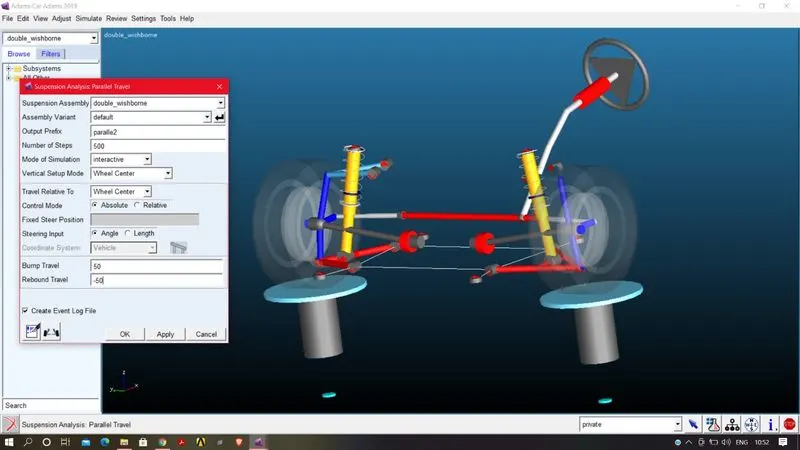
Now we have carry out any sort analyasis to get the animation and the graph.click on STIMULATE>SUSPENSION ANALSYSIS>PARALLE WHEEL TRAVEL
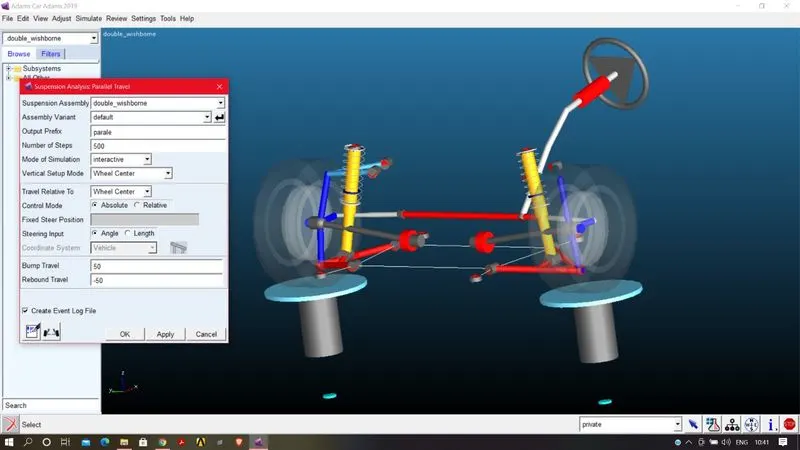
After that enter the inputs,give a name for the stimualtion at the output prefix,Enterthe nuber of steps and enter the suspension bump/rebound travel as 50/-50 degree and the mode of stimulation is interactive.click OK
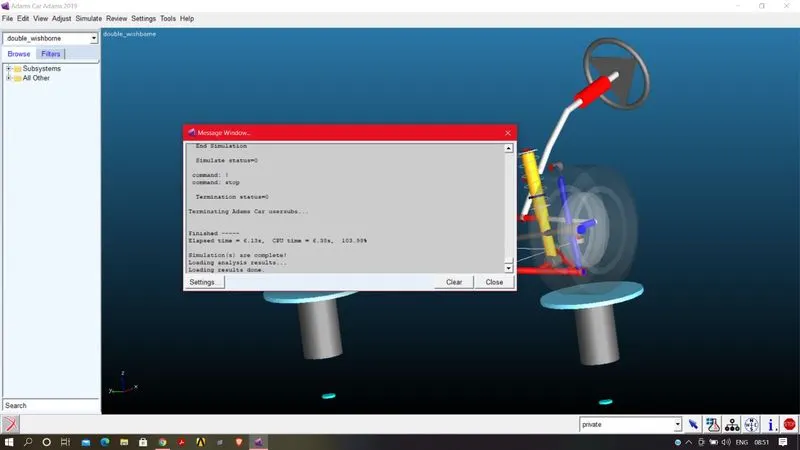
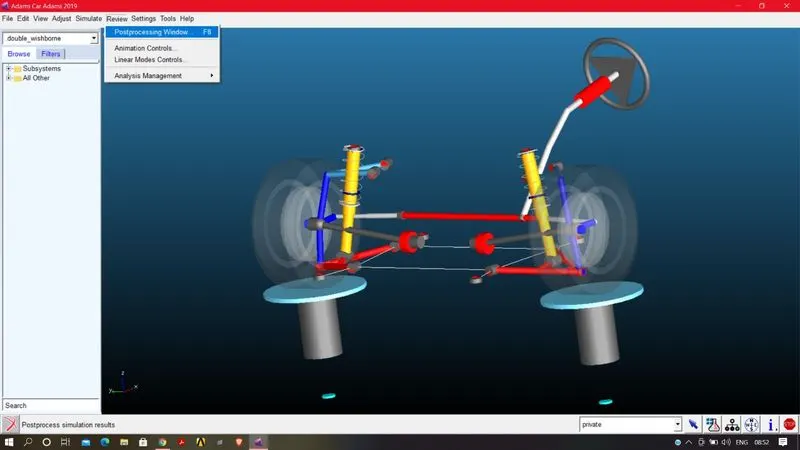
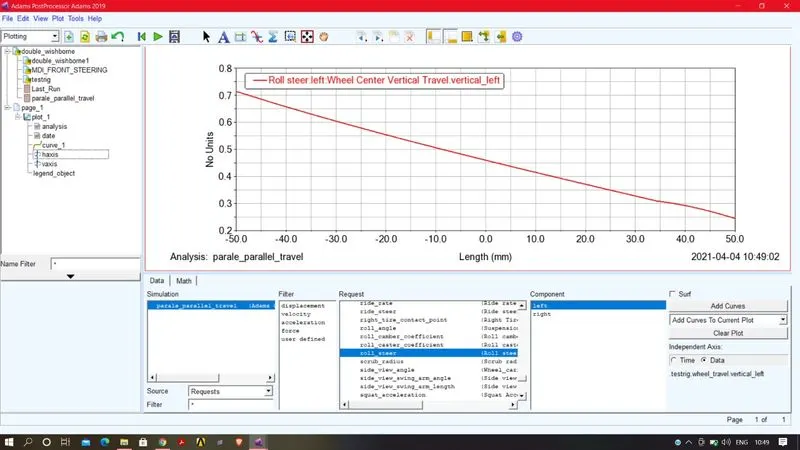
once the stimulation is completed by following the above steps we can now plots the graph.By going REVEW
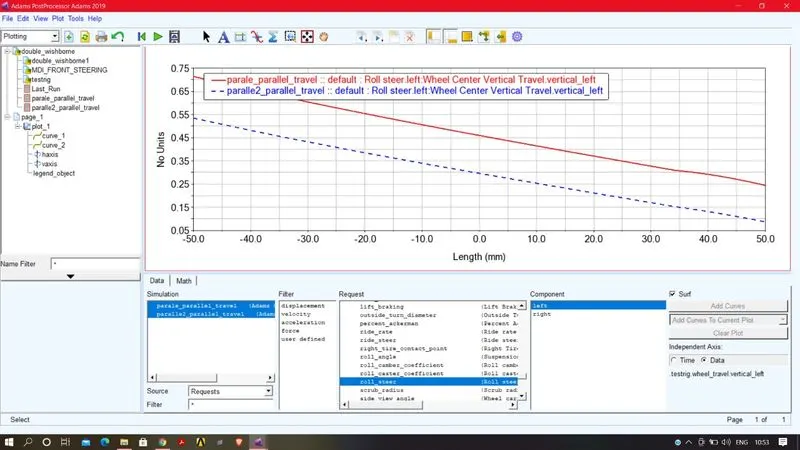
Run another stimulation by changing the hard points
1)GRAPH STYLE,TITLE,LABELS:
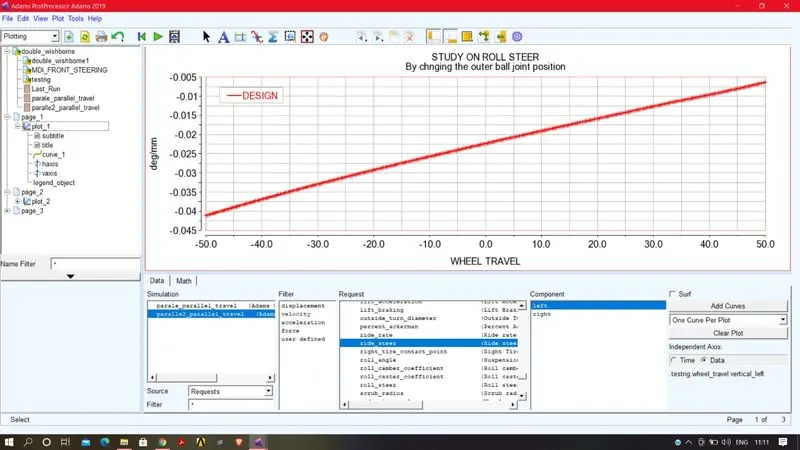
AT the side dialogue box under page 1 expand it,And you can change your font size,colour,by cliking any of the parameter and also you can give title by CLICKING PLOT>GENERAL
2)PLOT CONFIGURATION FILE:
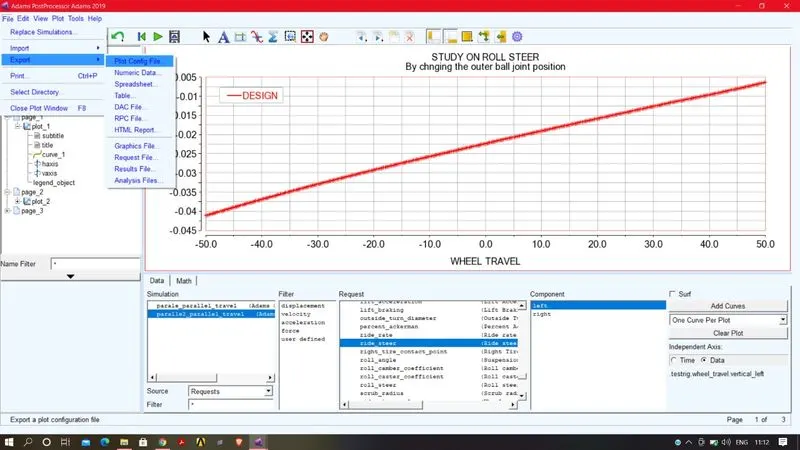
a)exporting plot configuration file
To export plot configuration file go to FILE>EXPORT
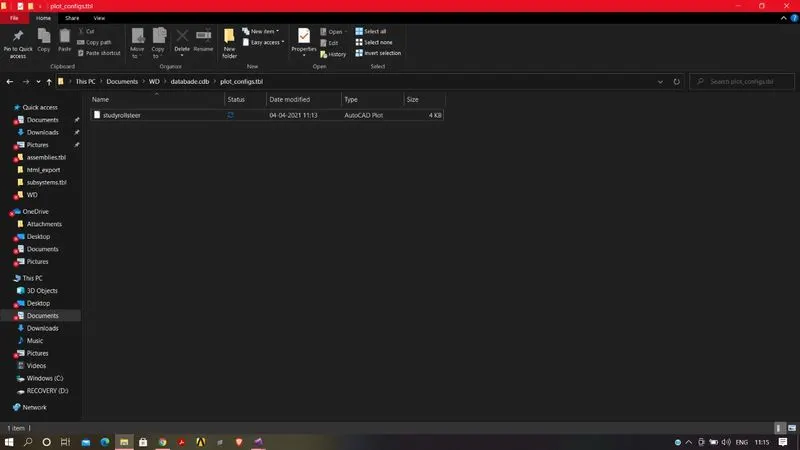
and give name to the file and save it your created database.
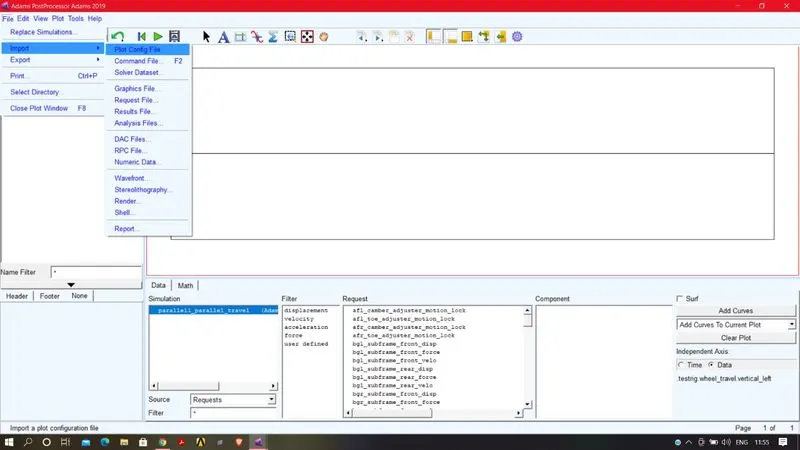
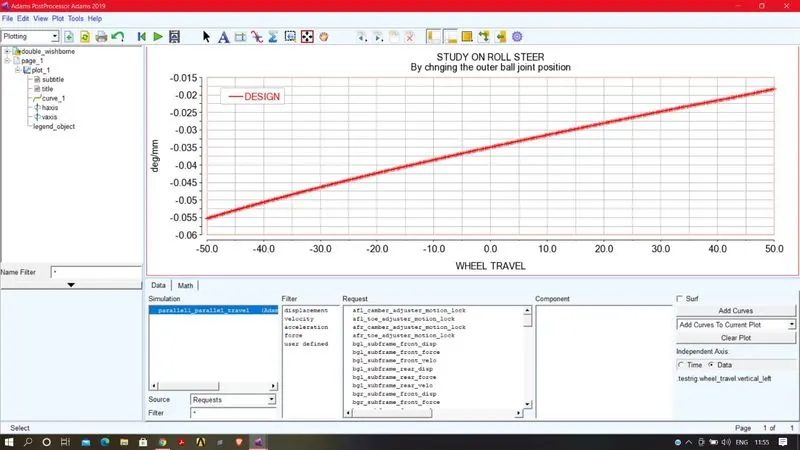
b)IMPORTING PLOT CONFIGURATION FILE:
To import the plot data from the data base clear the pages and go to the FILE
3)EXPORT NUMERIC DATA:
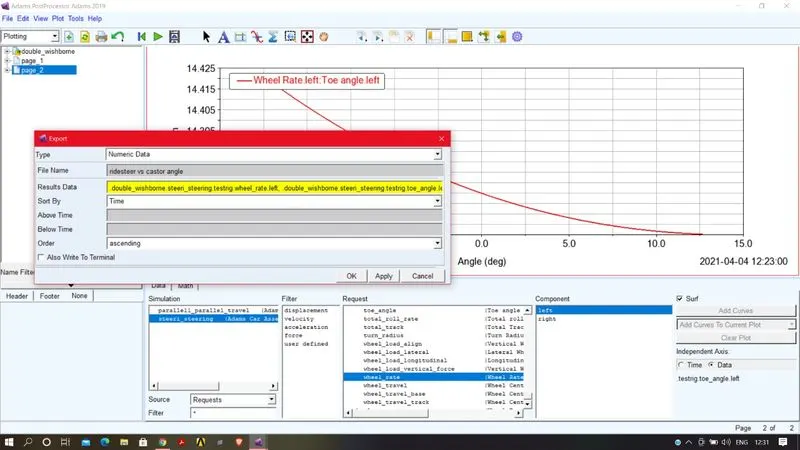
Go to file
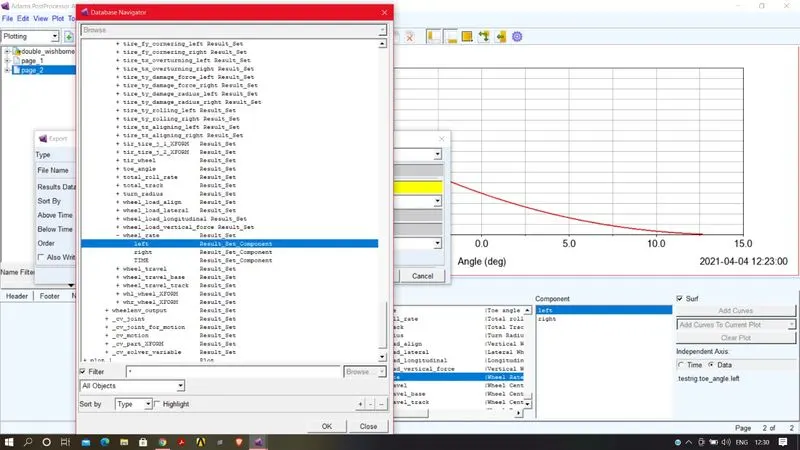
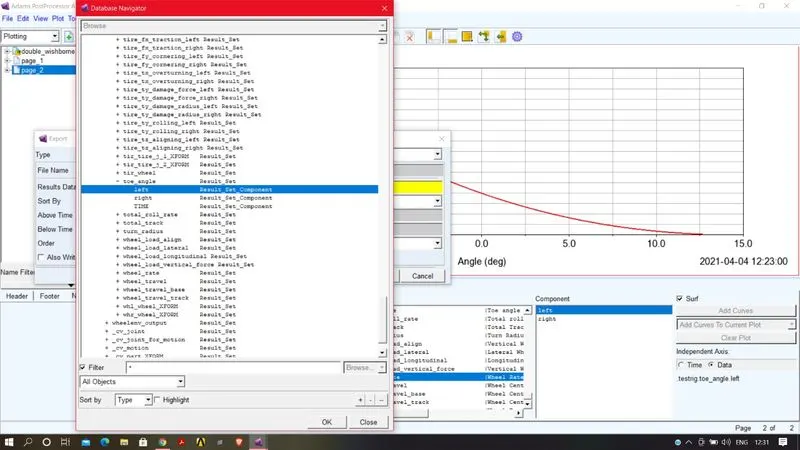
under the resultdata right click on that and choose guess and click toe and wheel rate and safe the with name,so that it will be save in your database.
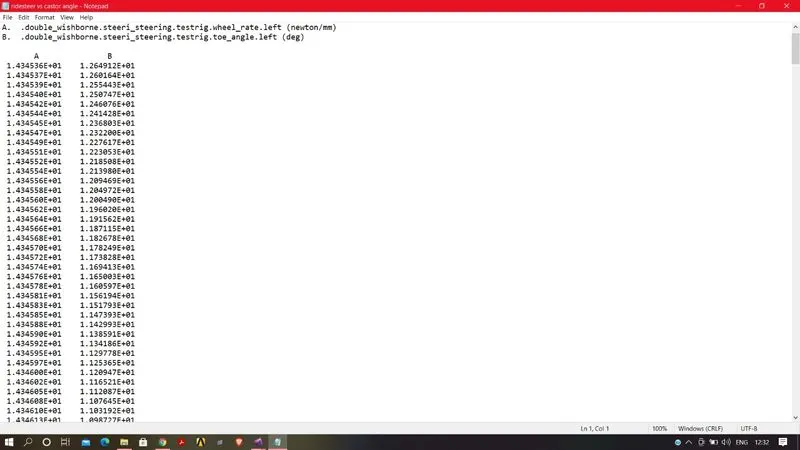
go the data base and you will find the numeric file you could open the file by click the notepad.
where the x and y axis will be in number arraged in column.
4)IMPORTING NUMERIC FILE:
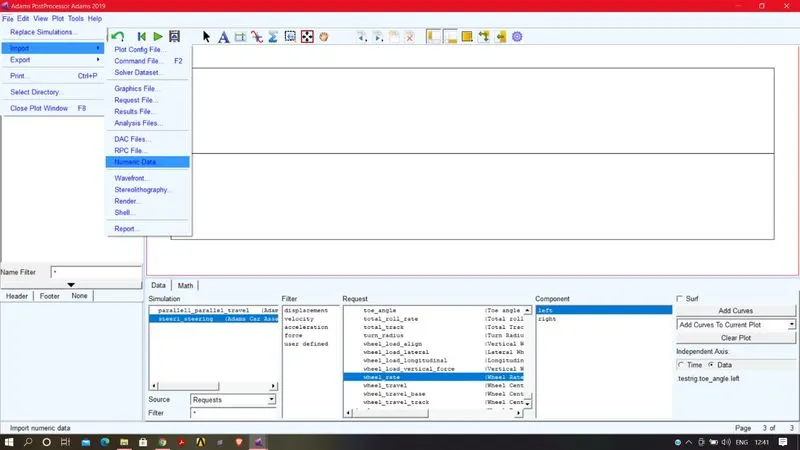
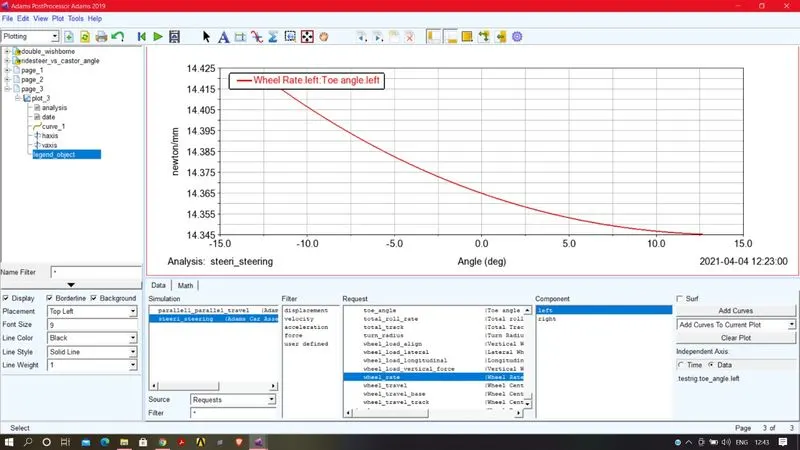
5)ANIMATION,CAMERA,VEDIO EXPORT:
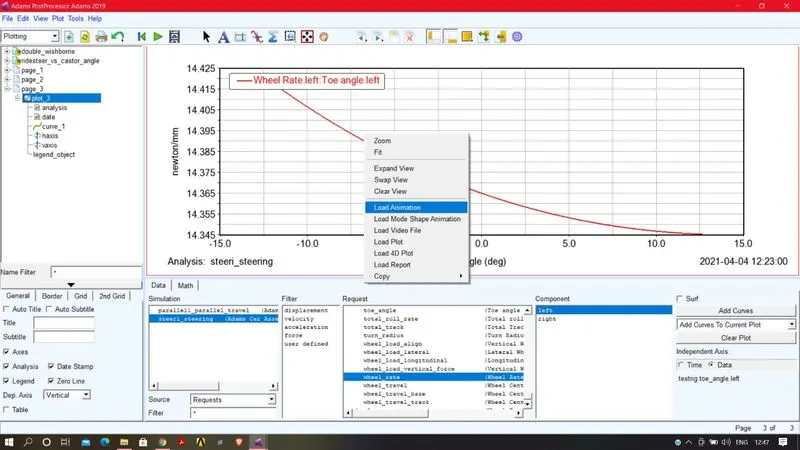
navigate the mouse arrow on the graph and right click on the graph and select load animation
a warning dialogue box will open click ok
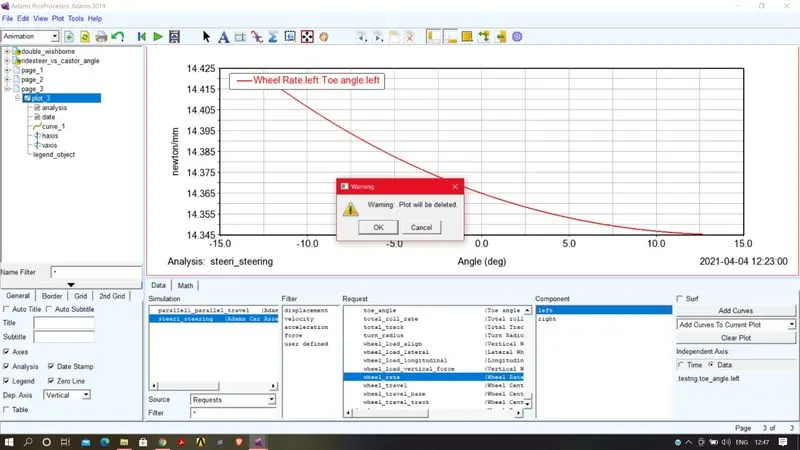
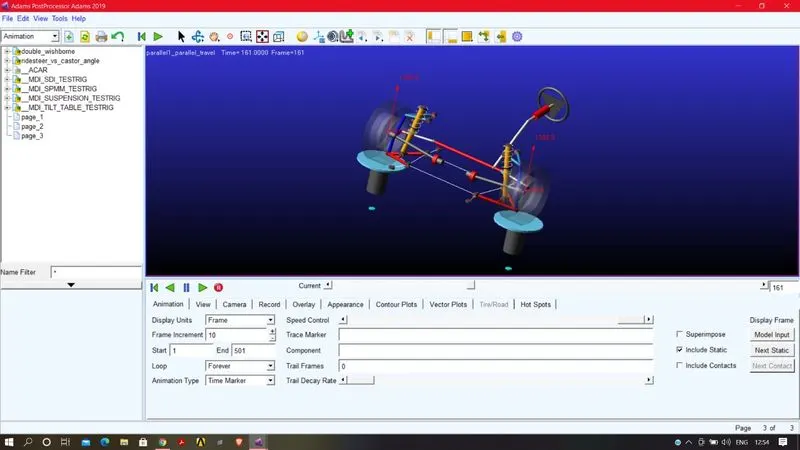
under the animation window you change the frame increment rate and control the speed of the animation manually by drawing he side bar.
click the loop and select the oscillation forever.
we can click the record buttotn to record the animation.and also you can change the light setup view when you all set the change you can record the vedio and save to your database.
https://drive.google.com/file/d/1PVtf5KC1gmu97j0sgwCik4tdoVjIPt2T/view?usp=sharing