2D meshing for sheet metal ( Car Hood Model ) using ANSA
ANSA JULY BATCH 1
2D MESHING FOR SHEET METAL
AIM :-
For the given Hood model, Take the mid surface for all the components after checking the geometrical errors and mesh the mid surface with the given element Quality criteria.
PROCEEDURE :-
- import the model
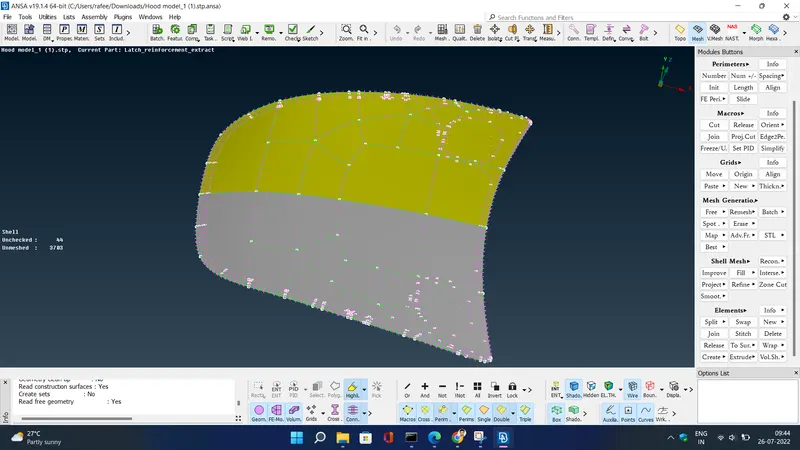
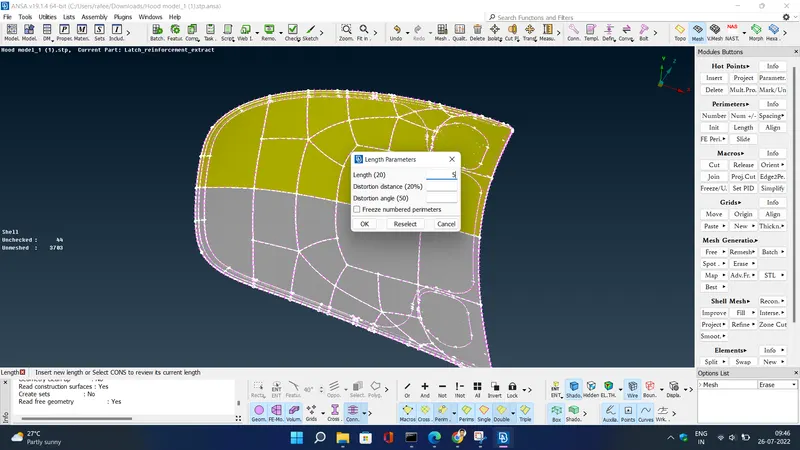
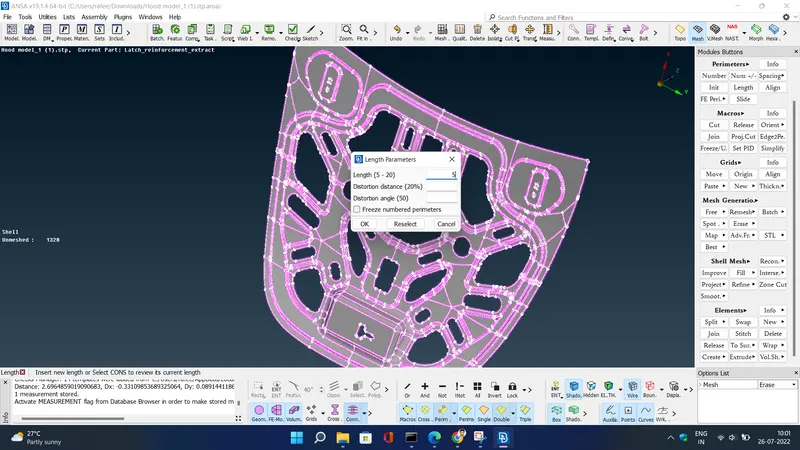
- Cons resolution by Length option in Mesh module.
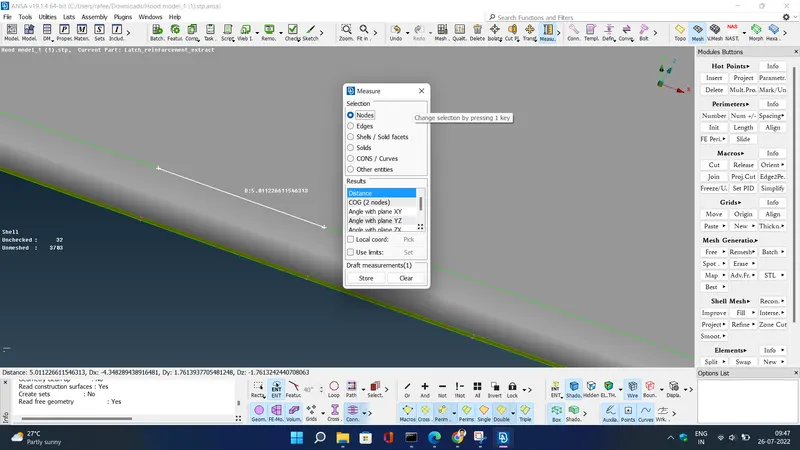
- We have to Orient the Surfaces to make sure all the surfaces are in one normal direction.(TOPO Module> Faces > Orient
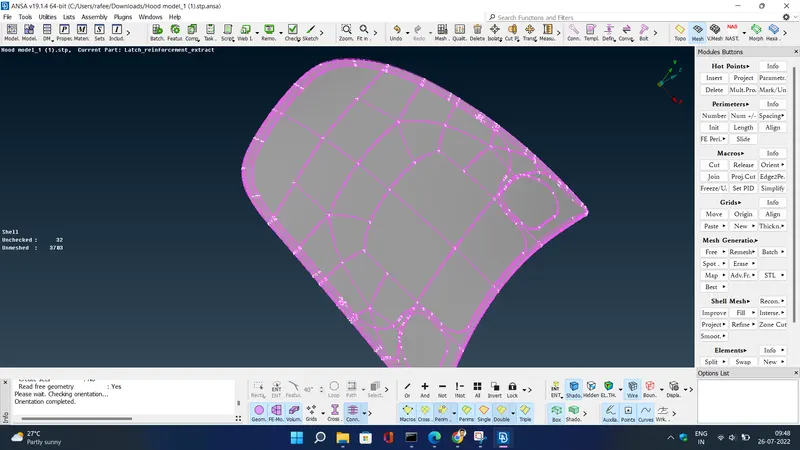
- Checking the geometrical errors.
- Clearing the geometry errors. select all geometry error ->right click-> fix . it will clear all geometry errors
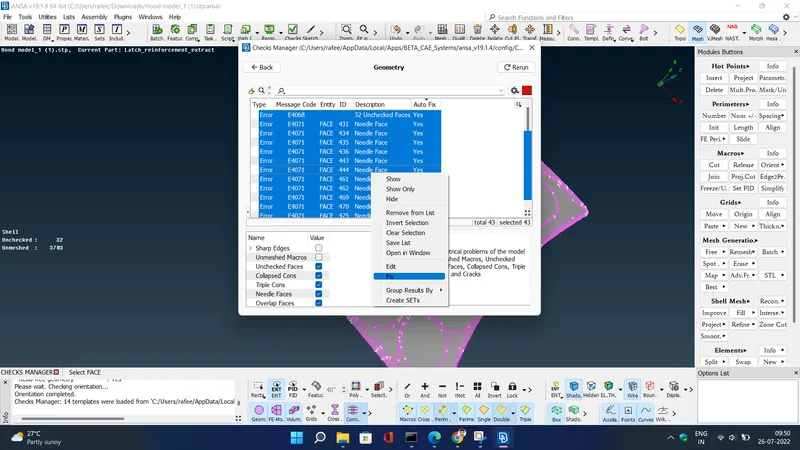
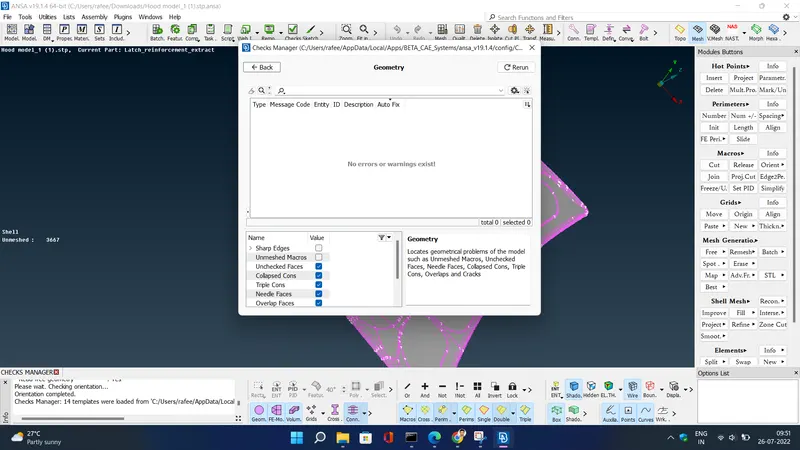
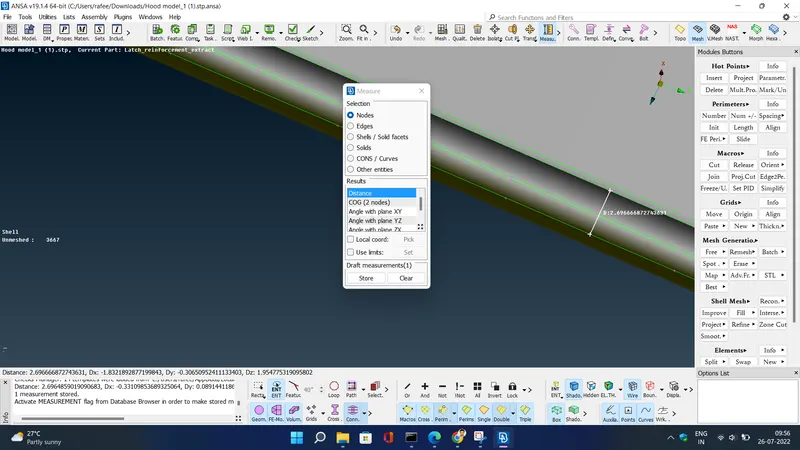
- Check the thickness of the components.
- If the thickness is less than 5 or 6mm then we have to extract the midsurface. here the thickness is 2.69 mm , less than 5 mm. so we have to extract midsurface
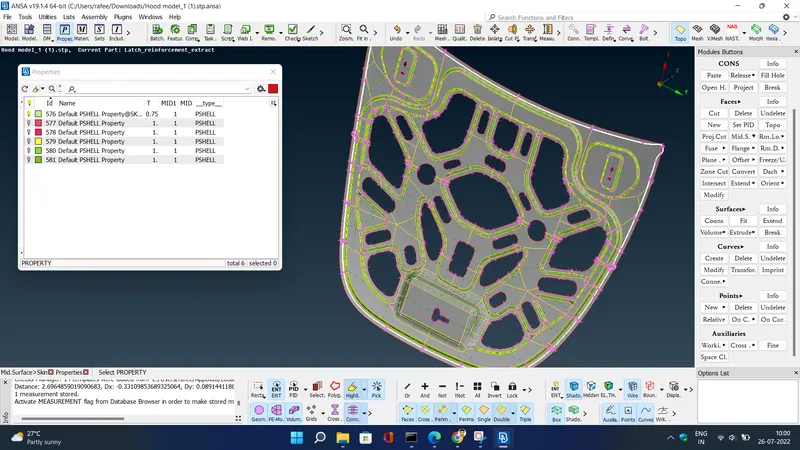
- Creating the midsurface for a sheet metal Component.
- If the components have the uniform thickness then we will be using the Skin or Offset options to extract the midsurface.
- Providing the Target element length by using the length option in the mesh module.
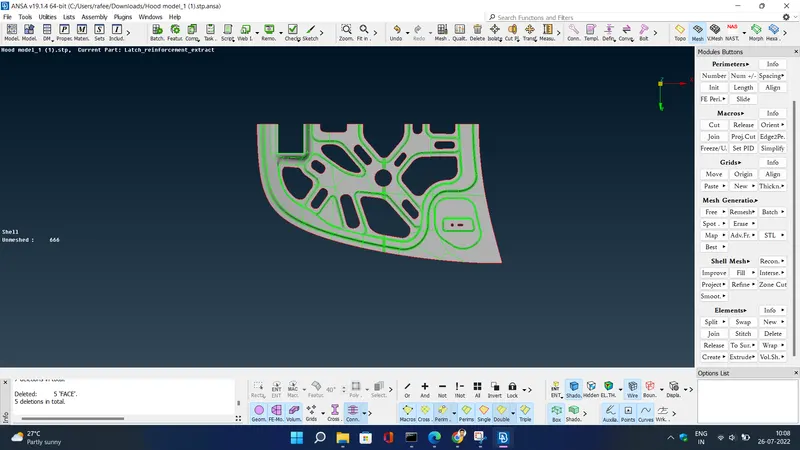
- for easy meshing we will delete half of the model along the symmetric line by hiding the parts which are not symmetric .
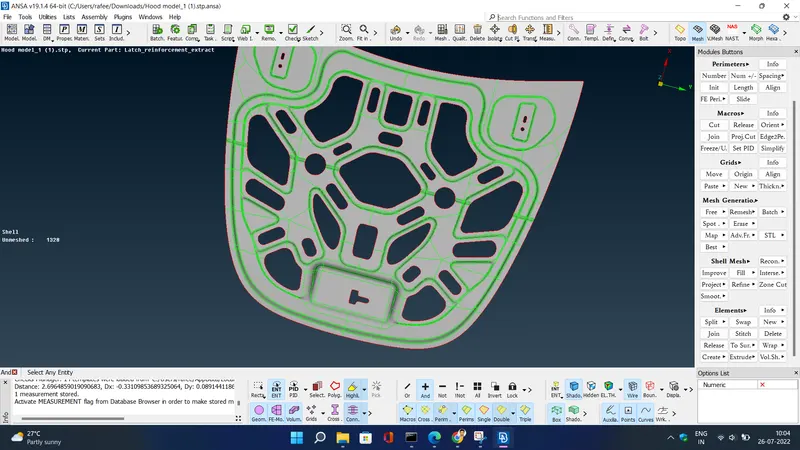
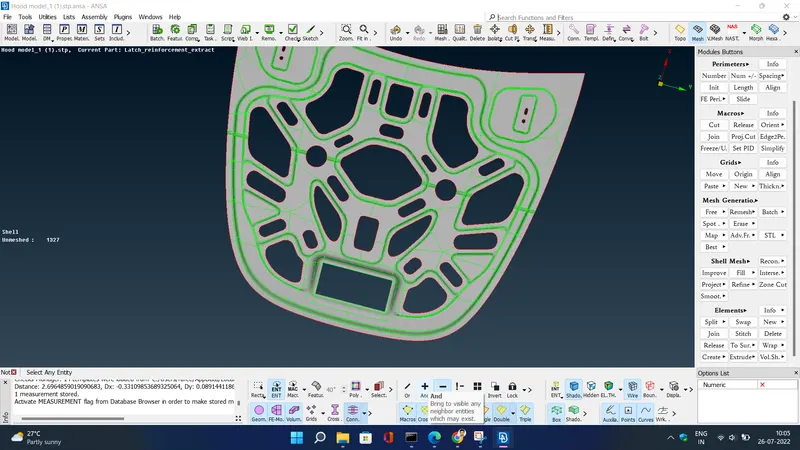
- Providing the Mesh Parameters and Quality criteria to the model
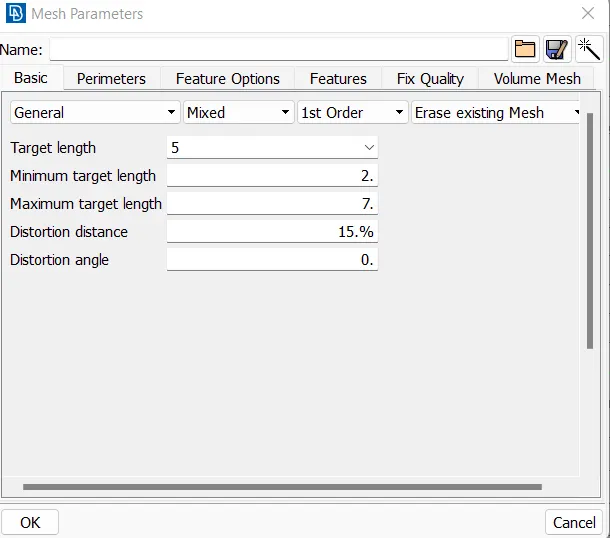
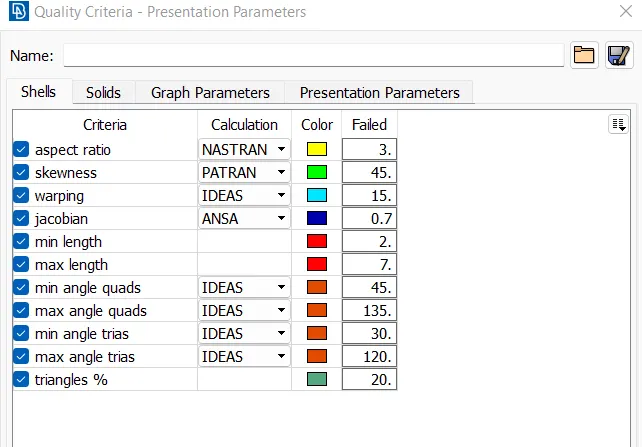
- Cleaning the Midsurface extracted.
- Remove un wanted hotpoints from the components using delete/insert option in hotpoint option from TOPO.
- If there are any two feature lines which are very near to each other and the distance between them is less than your minimum then you will be suppressing any one of the line.
- If there are any construction lines which will affect the mesh flow we will avoid them.
- Check for minimum length and if founded supress it using cut in faces at topo .
- Spliting the surface in the small square-like structures.
- For performing mesh select classic mesh and go for mesh generation and select best .
- Modify or make the the mesh perfect by using smooth,reconstruct,split commands .
- Remove the trias from the edges for perfect meshing .
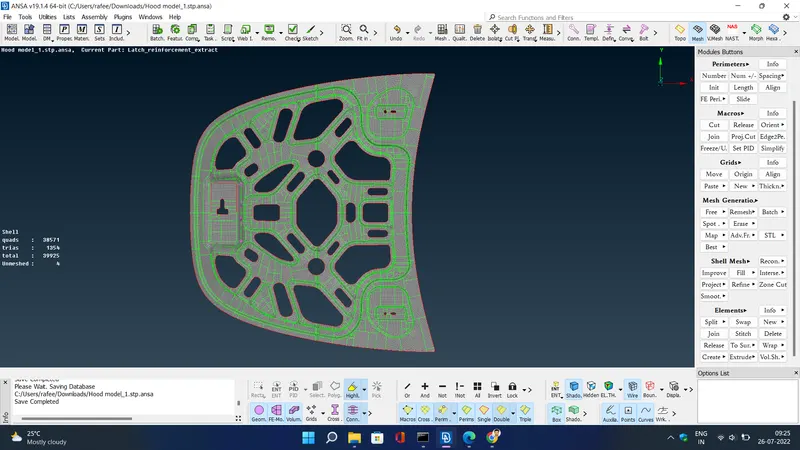
- Perform proper and good assigned mesh in all the components .
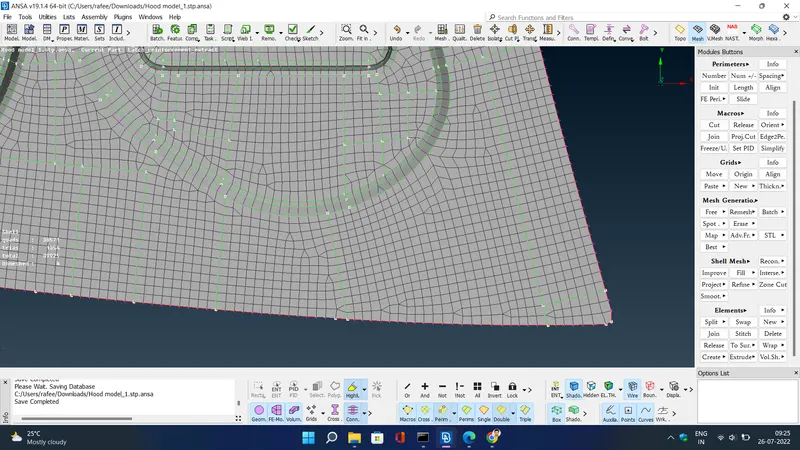
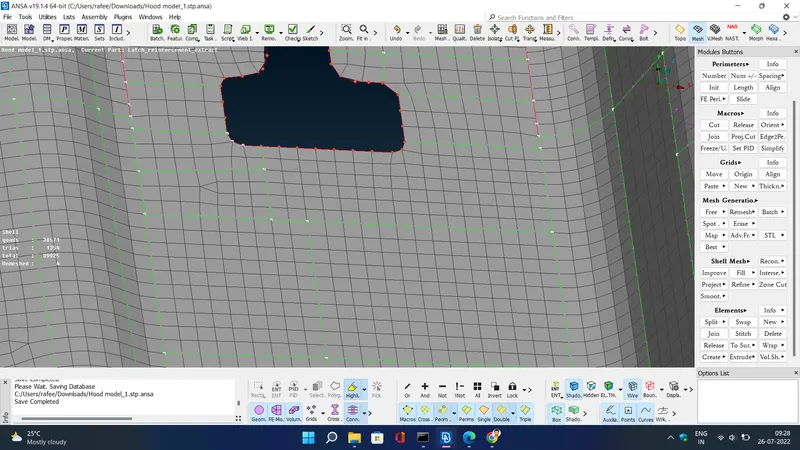
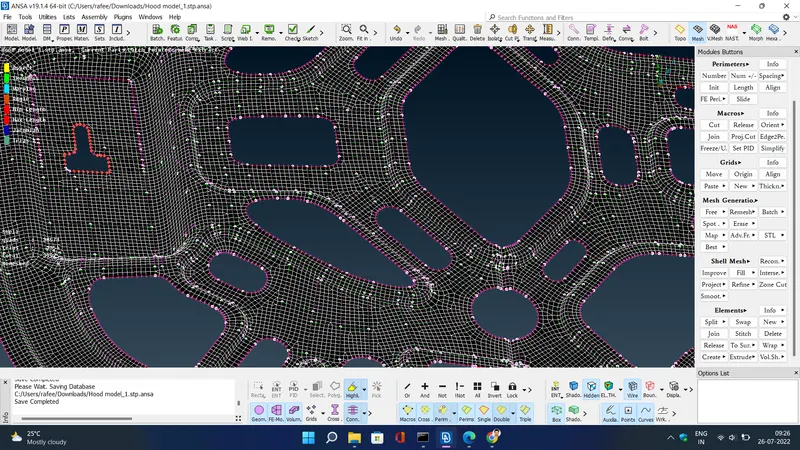
- Clear the elements which are failing for the quality criteria.
- after that use transform option -> symmetric -> select model -> apply and ok . to get mesh in symmetric part which we deleted earlier
- .
LEARNING OUTCOMES :-
- Basics of ANSA Software tools and GUI.
- To clean-up geometry of simple components.
- To Extract Mid – Surface and assign property and thickness.
- To mesh the component satisfying Quality Criteria with better mesh flow and less concentration of trias.
CONCLUSION :-
Performed geometric clean up , mid-surface generation,shell meshing and element quality check on the given hoods model of an automobile by using ANSA preprocessor .