 Free · 3 lessons · no payment
Electrical wiring harness using Catia V5 & Electrical AutoCAD: 3 free lessons
Three free lessons from Skill-Lync's Electrical wiring harness using Catia V5 & Electrical AutoCAD course. The lessons cover the CATIA V5 sketcher rather than harness design itself. The first introduces CATIA, its mouse controls, workbenches, interface and sketch colours. The second and third show the Profile tool and the rectangle family of sketch tools.
Last updated 16 Nov 2026 · 3 free lessons (27 min) · full course: 23 lessons (10 h 4 min), paid · ₹40,000
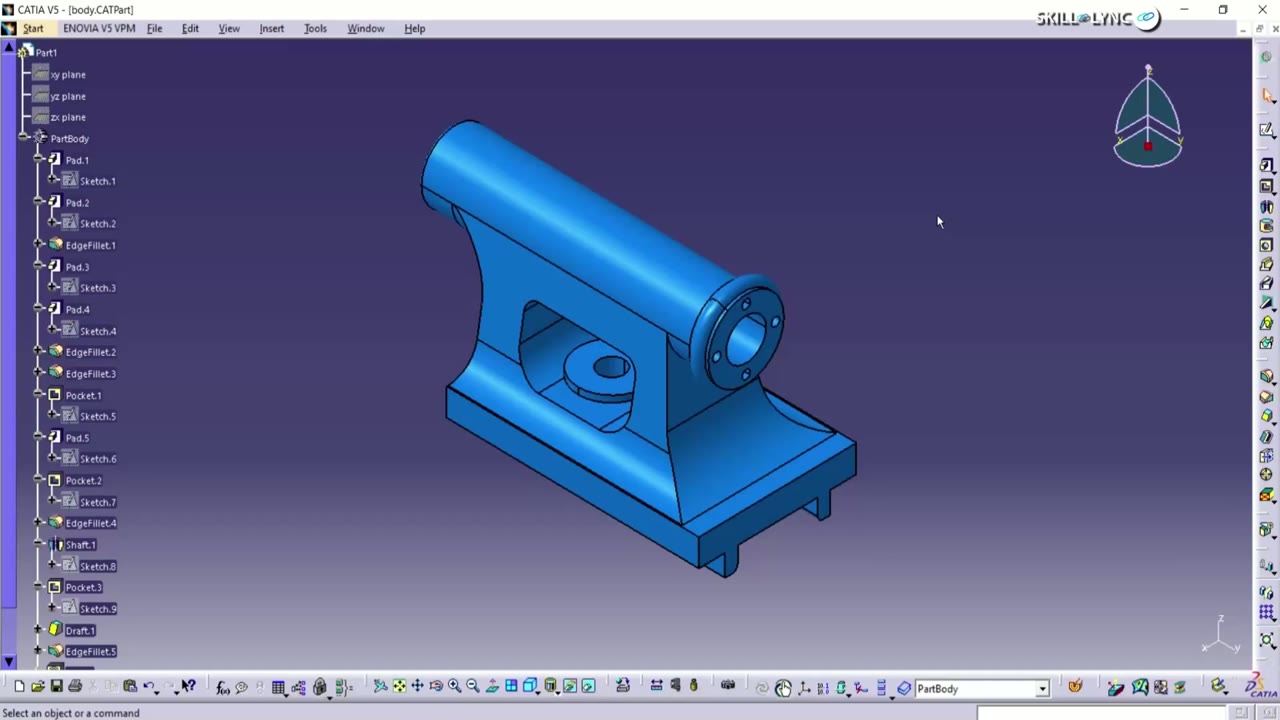 Free lesson 1 · 18 minIntroduction to CATIA V5: Interface, Workbenches and Sketch Options
What will you learn in the free Electrical wiring harness using Catia V5 & Electrical AutoCAD lessons?
- CATIA V5 mouse controls and workbench list
- Sketcher grid, snap and constraint colours
- Drawing lines, tangent arcs and three-point arcs
- Rectangle, slot, keyhole and hexagon sketch tools
Free lessons you can watch now
- Lesson 1 · 18 minIntroduction to CATIA V5: Interface, Workbenches and Sketch OptionsThe instructor introduces CATIA as a CAD, CAE and CAM tool, then explains mouse controls, the workbench list, the P1, P2 and P3 platforms and the interface. The lesson then covers Sketcher options: grid and snap to grid, white, green and purple constraint colours, smart pick, and adding favorite workbenches.
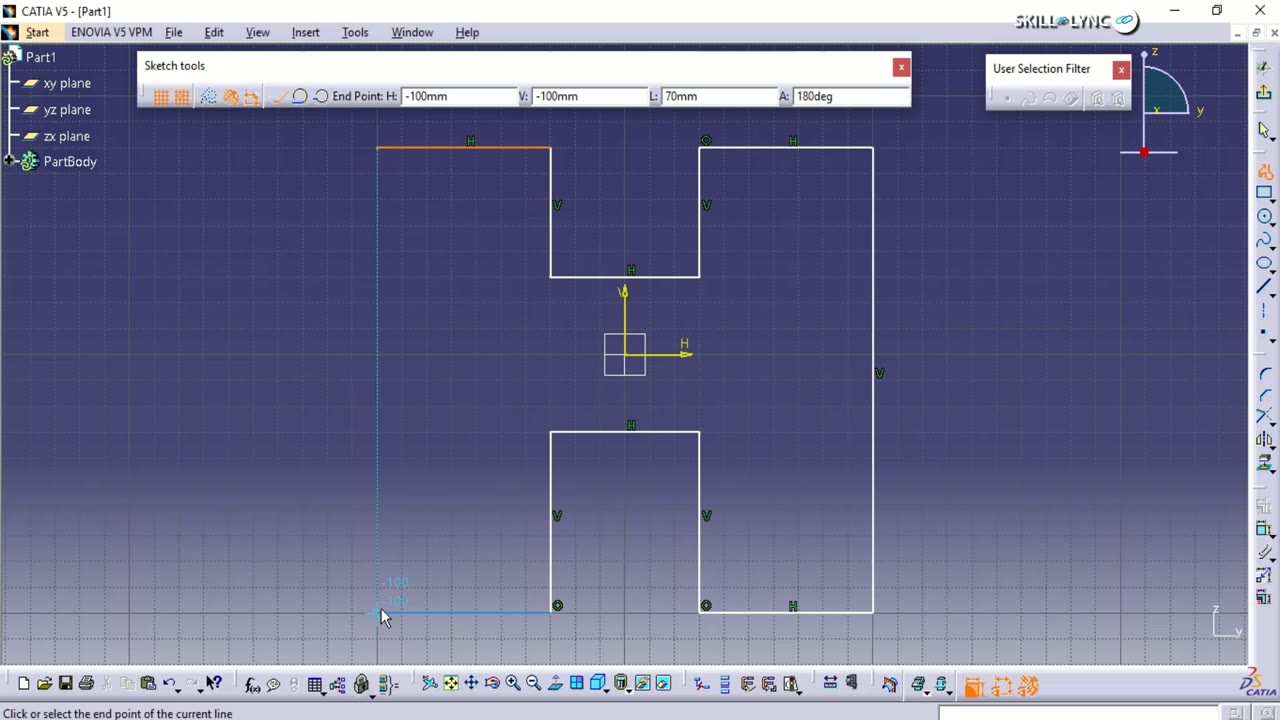 Lesson 2 · 3 minDrawing Lines, Tangent Arcs and Three-Point Arcs with ProfileThe instructor demonstrates the Profile tool in the CATIA sketcher. A chain of lines is drawn with help lines, a tangent arc must start from the end of a line, and a three-point arc uses the last point of the line as its first point. Click-and-drag also creates a tangent arc.
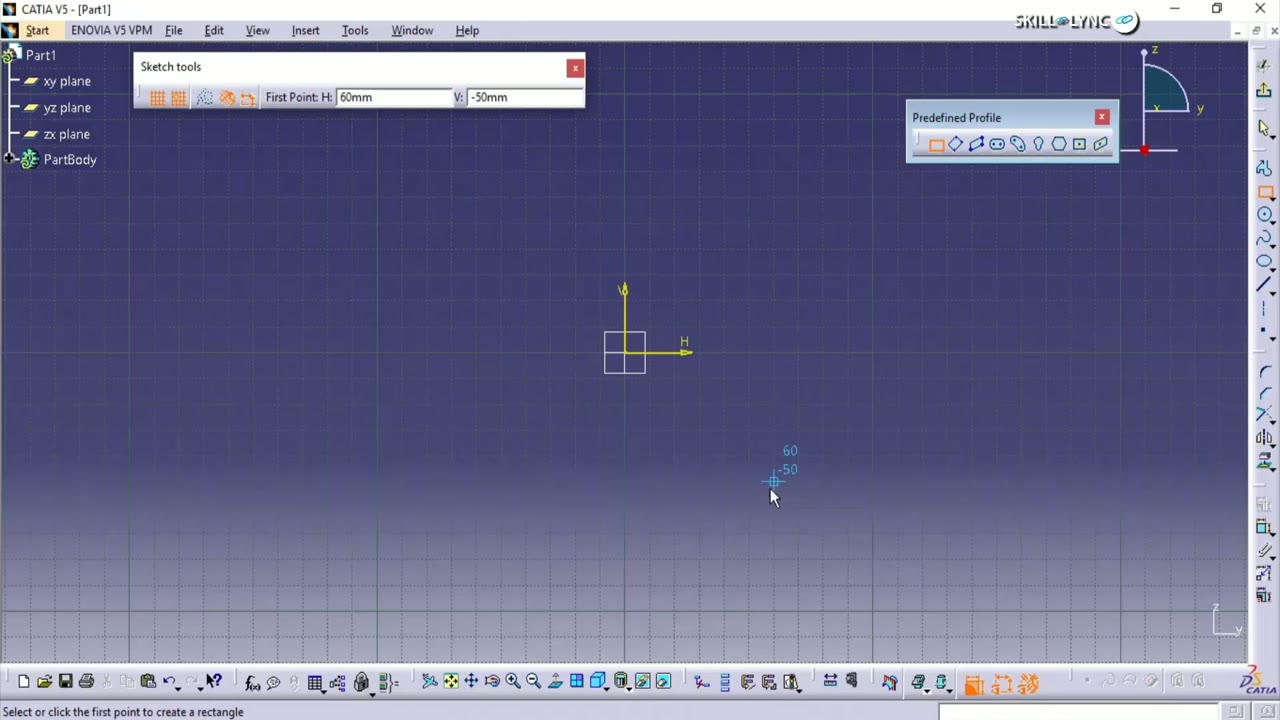 Lesson 3 · 7 minSketching Rectangles, Oriented Shapes, Hexagons and SlotsThe instructor walks through the rectangle toolbar in the CATIA sketcher: standard, oriented and centered rectangles, parallelogram and centered parallelogram, elongated and circular elongated holes, keyhole profile and hexagon. Examples enter exact values, such as a rectangle with a 100 mm width and 50 mm height from a point at 20 by 20.
Which lessons of Electrical wiring harness using Catia V5 & Electrical AutoCAD are free?
The first 3 lessons are free on Grow by Skill-Lync: 27 min of video from Skill-Lync's Electrical wiring harness using Catia V5 & Electrical AutoCAD course that you can watch here at no cost: leave your name and phone number once and they play (as of 16 Nov 2026). The full course is paid (₹40,000); its other 20 lessons are listed in the outline below so you can see what each one covers.
How long is the Electrical wiring harness using Catia V5 & Electrical AutoCAD course?
The full course has 23 lessons and 10 h 4 min of recorded video, plus the projects and assignments that come with enrolment. The free lessons alone take about 27 min, so you can finish them in an evening and decide whether to continue.
What comes after the free lessons?
Lesson 4 onwards is in the paid Electrical wiring harness using Catia V5 & Electrical AutoCAD course on Skill-Lync, with mentor support and a certificate. For a career in CAD & design, the Post Graduate Program in CAD goes further with industry projects and placement support.