 Free · 3 lessons · no payment
CAE Simulation using SolidWorks: 3 free lessons
Three free lessons from Skill-Lync's CAE Simulation using SolidWorks course. They cover FEA basics, the stress strain curve and meshing, then the difference between static, dynamic, linear and nonlinear studies. Worked SolidWorks examples include a plate with a hole, a long bar, and a punch and die sheet metal study run as a 2D simplification.
Last updated 16 Nov 2026 · 3 free lessons (1 h 29 min) · full course: 9 lessons (3 h 39 min), paid · ₹40,000
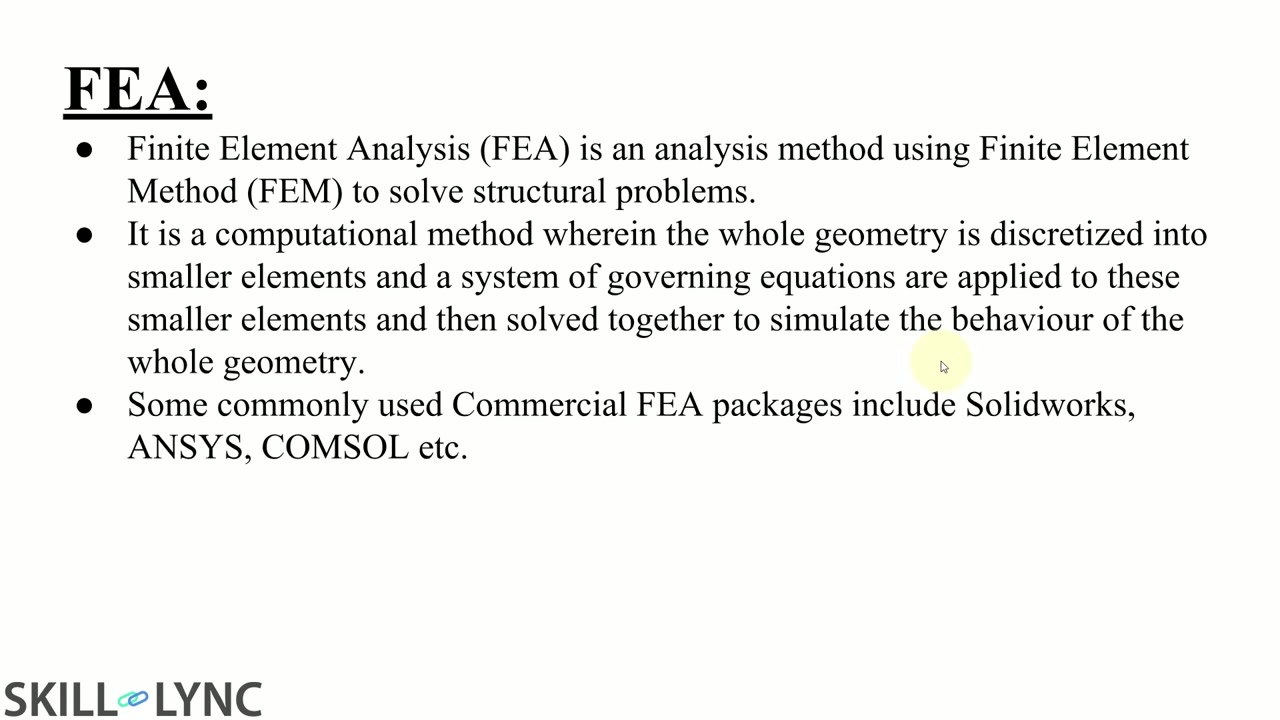 Free lesson 1 · 29 minFEA Basics and the Analysis Types in SolidWorks Simulation
What will you learn in the free CAE Simulation using SolidWorks lessons?
- Stress strain curve, meshing and H and P refinement
- Static versus dynamic and linear versus nonlinear analysis
- When SolidWorks needs a nonlinear study
- 2D simplified nonlinear dynamic study with contacts
Free lessons you can watch now
- Lesson 1 · 29 min · 2 partsFEA Basics and the Analysis Types in SolidWorks SimulationThe instructor explains finite element analysis, the stress strain curve and the pre-processing, solving and post-processing steps. The lesson covers triangular and quadrilateral elements, H and P mesh refinement, 1D, 2D and 3D elements, and the SolidWorks study types from static to drop test.
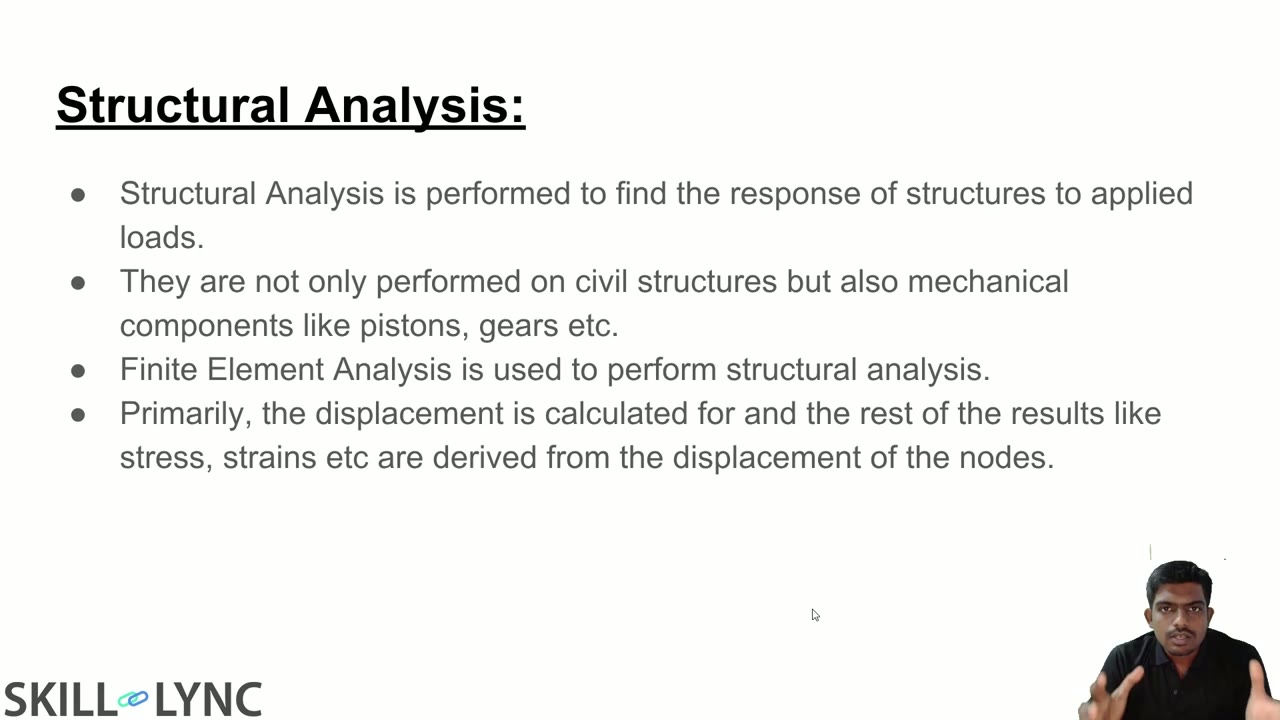 Lesson 2 · 18 min · 2 partsStatic vs Dynamic Analysis and a Plate With a Hole in SolidWorksThe instructor contrasts static and dynamic analysis, using a cantilever beam to show why intermediate static results are not reliable. In SolidWorks, a 50 mm plate with a 10 mm hole is pulled with 1000 N, then the force is raised tenfold to show when a nonlinear static study is needed.
 Lesson 3 · 42 min · 2 partsNonlinear Analysis, 2D Simplification and Material Models in SolidWorksThe instructor explains geometric, material and contact nonlinearity, then sets up a punch and die sheet metal study as a nonlinear dynamic 2D simplification. The lesson covers load curves, time steps, contact sets, an axisymmetric example and the material model options, from linear elastic to von Mises plasticity.
Which lessons of CAE Simulation using SolidWorks are free?
The first 3 lessons are free on Grow by Skill-Lync: 1 h 29 min of video from Skill-Lync's CAE Simulation using SolidWorks course that you can watch here at no cost: leave your name and phone number once and they play (as of 16 Nov 2026). The full course is paid (₹40,000); its other 6 lessons are listed in the outline below so you can see what each one covers.
How long is the CAE Simulation using SolidWorks course?
The full course has 9 lessons and 3 h 39 min of recorded video, plus the projects and assignments that come with enrolment. The free lessons alone take about 1 h 29 min, so you can finish them in an evening and decide whether to continue.
What comes after the free lessons?
Lesson 4 onwards is in the paid CAE Simulation using SolidWorks course on Skill-Lync, with mentor support and a certificate. For a career in CAE & FEA, the Post Graduate Program in CAE goes further with industry projects and placement support.