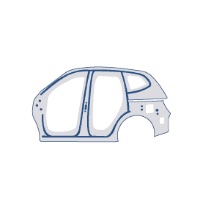
 Free · 3 lessons · no payment
Advanced Sheet Metal Design using NXCAD: 3 free lessons
Three free lessons from Skill-Lync's Advanced Sheet Metal Design using NXCAD course. They start with the NX sheet metal workflow, base features such as tabs, flanges, jogs and hems, and the NX interface. The second lesson covers corner treatments and punch features, and the third converts imported solid bodies into sheet metal parts.
Last updated 16 Nov 2026 · 3 free lessons (3 h 50 min) · full course: 6 lessons (6 h 55 min), paid · ₹40,000
 Free lesson 1 · 123 minNX Sheet Metal Workflow, Tabs, Flanges and the NX Interface
What will you learn in the free Advanced Sheet Metal Design using NXCAD lessons?
- Tabs, flanges, contour flanges, hems and jogs
- Closed, three bend and break corner treatments
- Dimples, louvres, punch and die, normal cutouts
- Converting solid bodies to sheet metal with the wizard
Free lessons you can watch now
- Lesson 1 · 123 min · 6 partsNX Sheet Metal Workflow, Tabs, Flanges and the NX InterfaceThe instructor sets out the NX sheet metal workflow from sketch and tab to flat pattern, then builds tabs, flanges, contour flanges, lofted flanges, hem flanges and jogs in NX. The recording also covers the NX interface, file handling, mouse functions, the part navigator and selection filters.
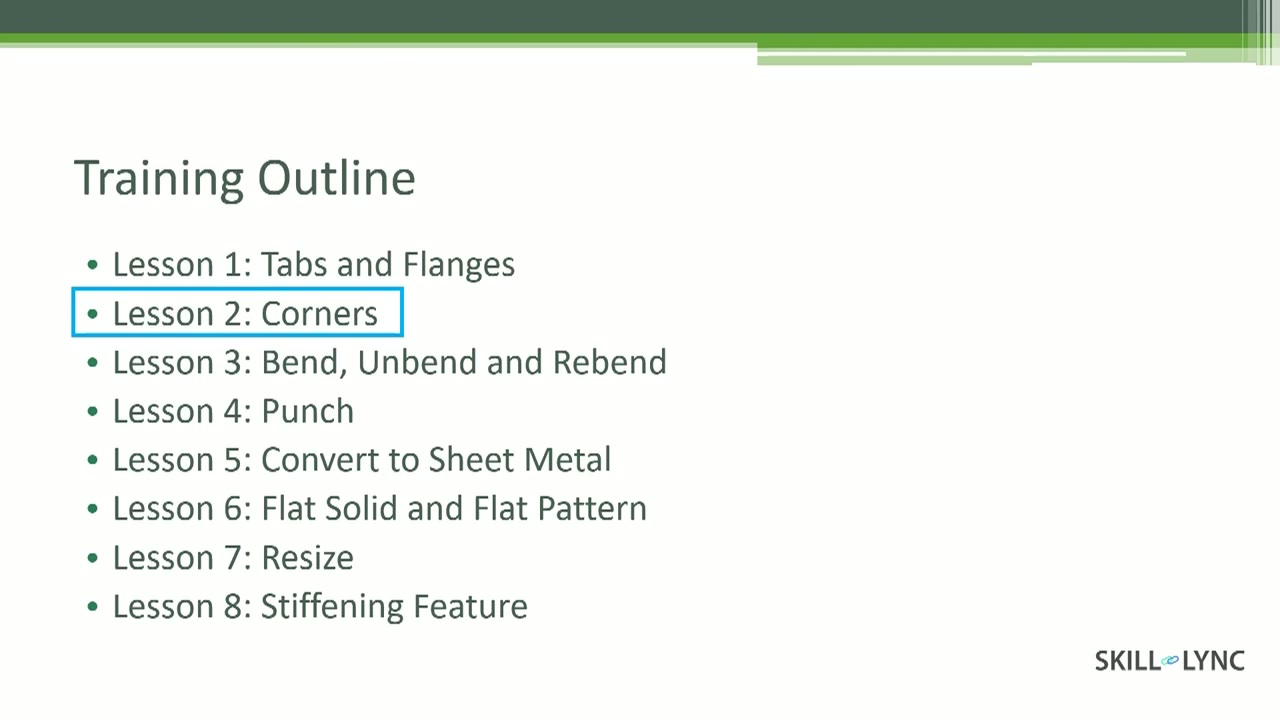 Lesson 2 · 61 min · 3 partsSheet Metal Corners and Punch Features in NXThe instructor treats corners where flanges meet, using closed corner, three bend corner and break corner, and shows how relief and mitered transitions change the unbent blank. The same lesson also covers dimples, louvres, solid punch and die, drawn cutouts and normal cutouts.
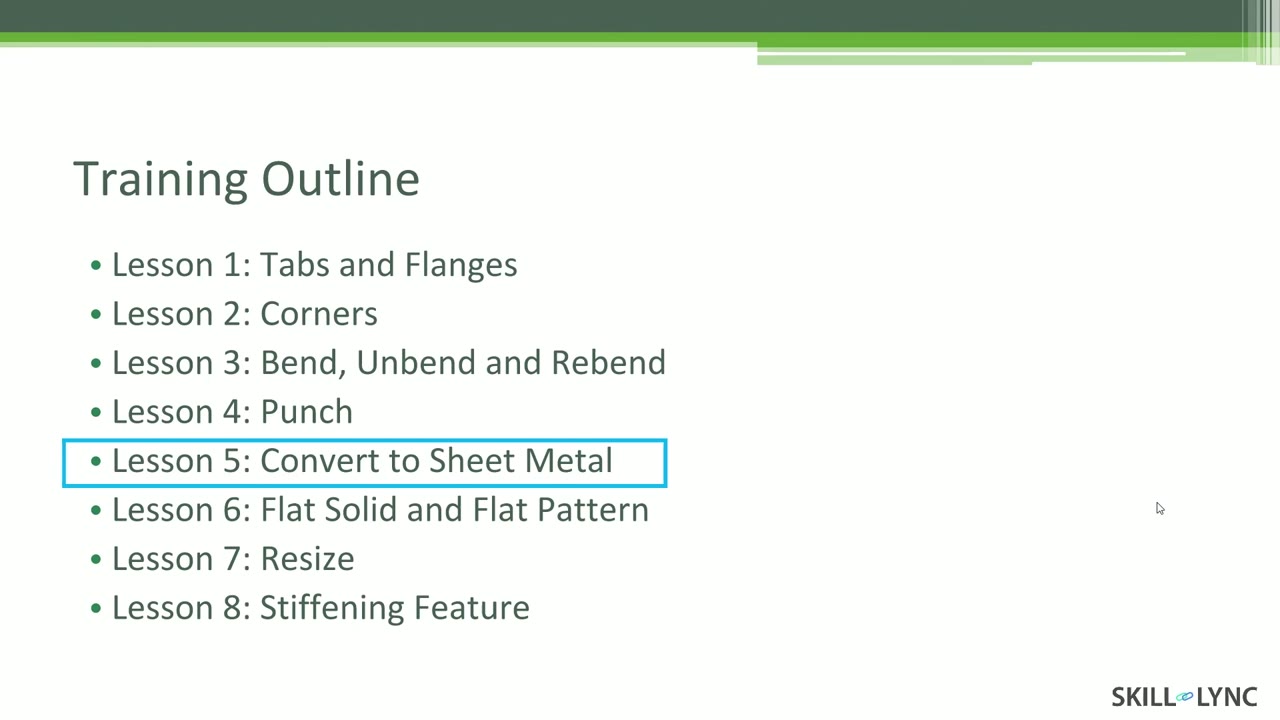 Lesson 3 · 46 min · 2 partsConverting Solid Bodies to Sheet Metal Using the NX WizardThe instructor converts solid and imported bodies into sheet metal using the convert to sheet metal wizard, then unbends and rebends the result. The lesson covers edge rip, the cleanup utility, optimize face, and adding additional geometry for drawn shapes such as advanced flanges.
Which lessons of Advanced Sheet Metal Design using NXCAD are free?
The first 3 lessons are free on Grow by Skill-Lync: 3 h 50 min of video from Skill-Lync's Advanced Sheet Metal Design using NXCAD course that you can watch here at no cost: leave your name and phone number once and they play (as of 16 Nov 2026). The full course is paid (₹40,000); its other 3 lessons are listed in the outline below so you can see what each one covers.
How long is the Advanced Sheet Metal Design using NXCAD course?
The full course has 6 lessons and 6 h 55 min of recorded video, plus the projects and assignments that come with enrolment. The free lessons alone take about 3 h 50 min, so you can finish them in an evening and decide whether to continue.
What comes after the free lessons?
Lesson 4 onwards is in the paid Advanced Sheet Metal Design using NXCAD course on Skill-Lync, with mentor support and a certificate. For a career in CAD & design, the Post Graduate Program in CAD goes further with industry projects and placement support.