Wiring harness routing & packaging Rules Week 3 Challenge
INTRODUCTION
PROTECTION DEVICES
Corrugated Flexible tubes also known as cot tubes or convoluted conduits have a wide range of application in automobile industries.Corrugated tubes are made from plastic material and they are flexible.These tubes are used to protect the harness from Thermal,Physical damage.Sometimes to improve harness appearance. Flexible,Tempearature,wear and Tear resistant molded plastic/polymer parts.
QUESTION 1
AIM
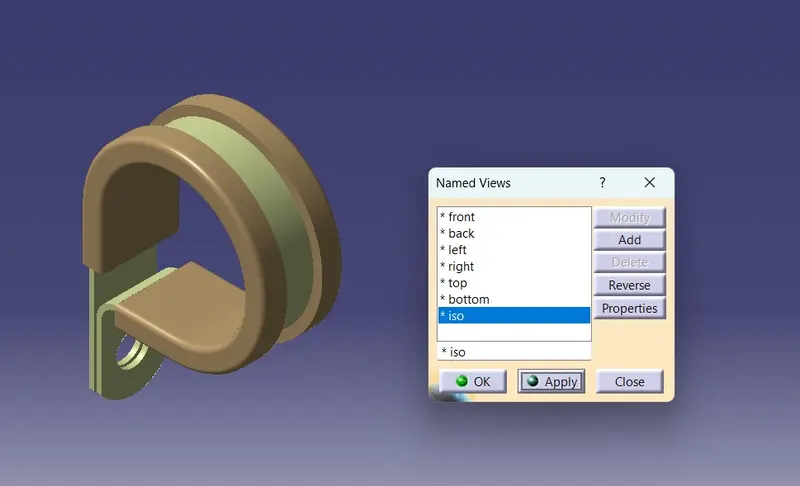
To Download following P CLAMP cad data & define it as Electrical support using Electrical Part design Workbench. Define all the necessary properties.
PROCEDURE
STEP 1
- Download P clamp cat part and open part body
- Define part body
- Create Entry Point And Entry Plane
- Create Exit Point And Exit Plane
- Create Plane In Base
STEP 2
- Open Electrical part Design
- Define Electrical Support and Click object
- Select the Entry point and entry plane. Then Exit Plane and Base Plane
- Again Click Electrical Support. Select the Exit point and plane. Then the Exit plane default and select the base plane
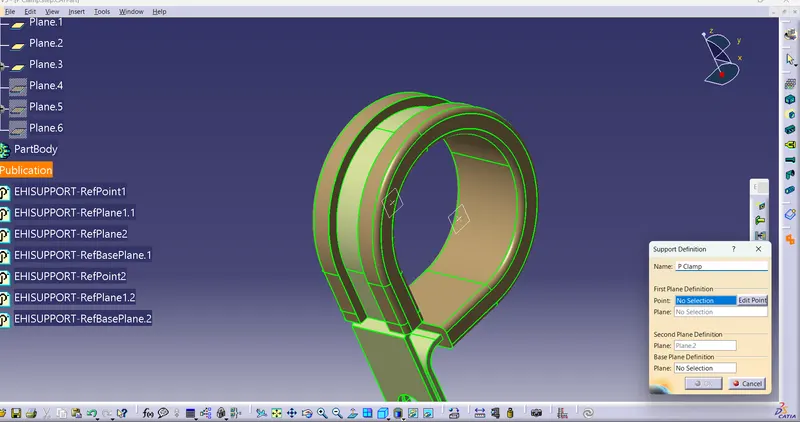
STEP 3
- Save the Cat part.
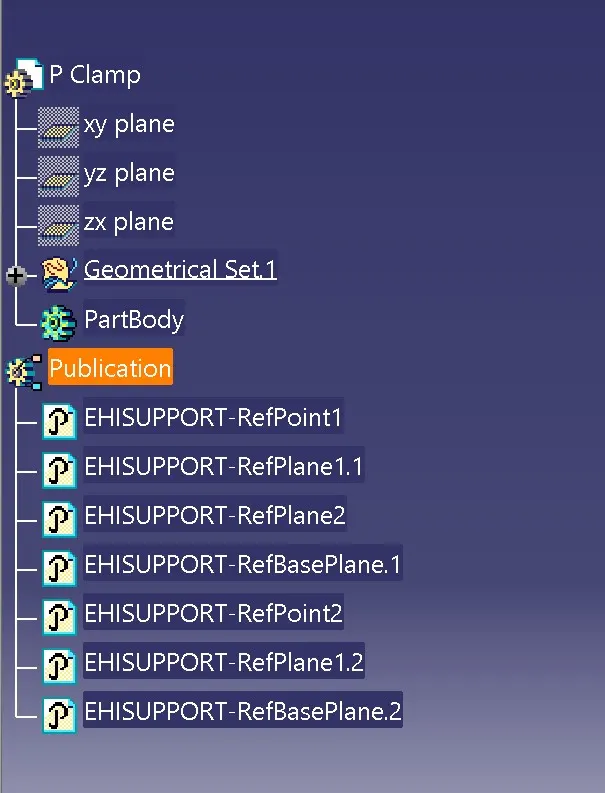
TREE STRUCTURE
VIEWS
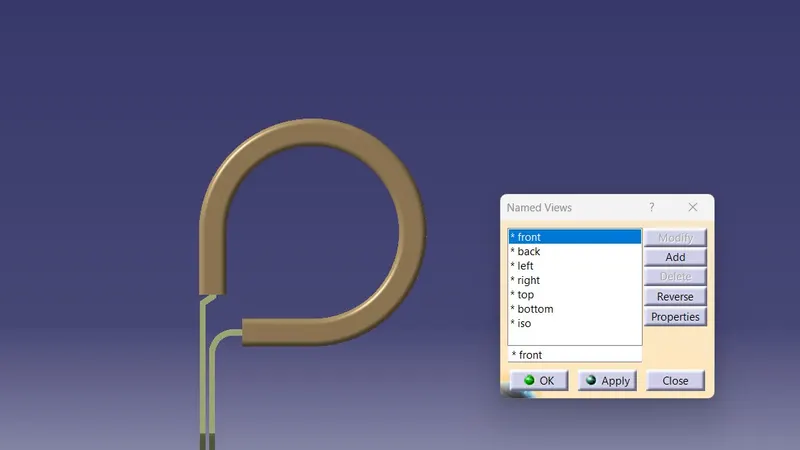
FRONT VIEW
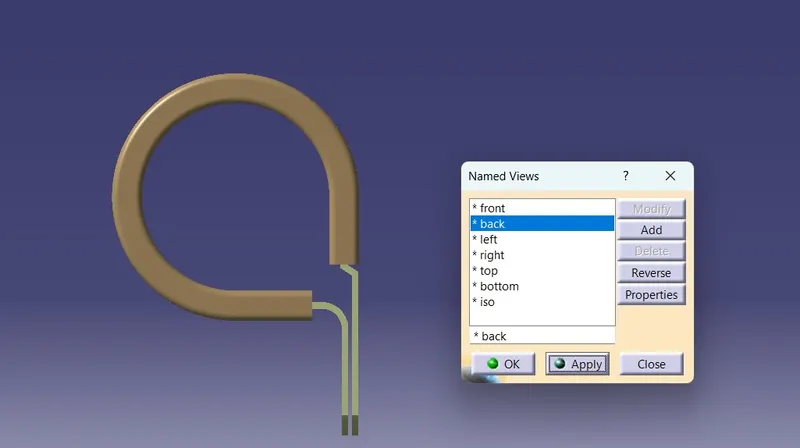
BACK VIEW
TOP VIEW
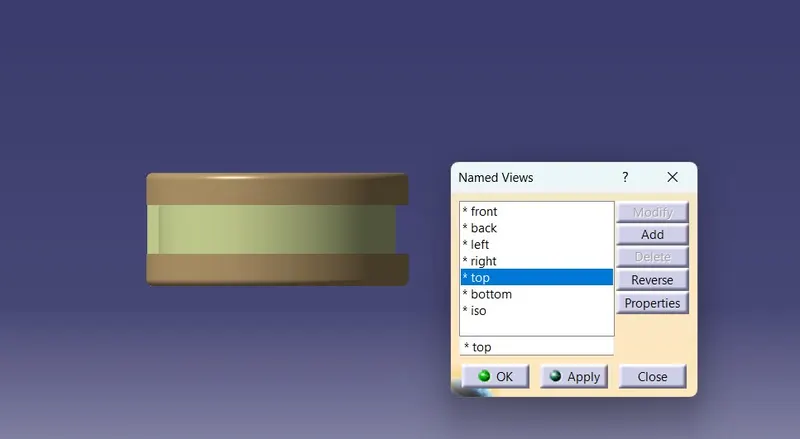
LEFT SIDE VIEW
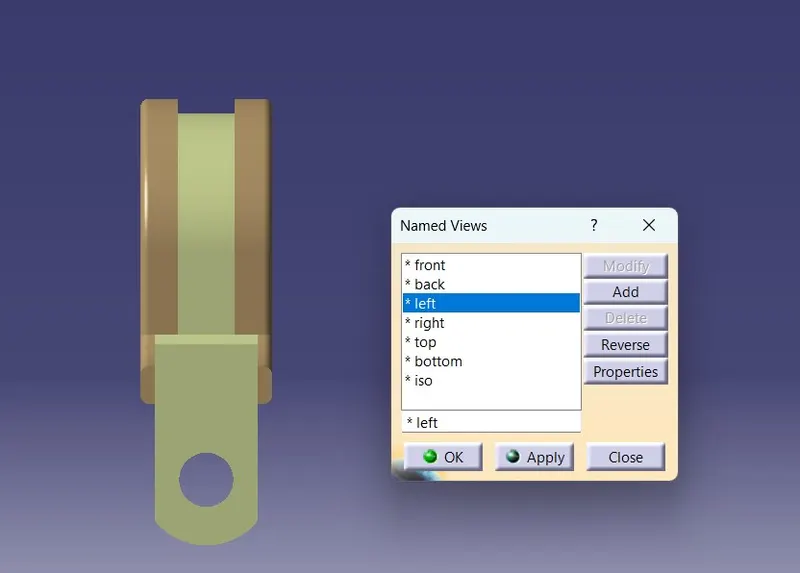
RIGHT SIDE VIEW
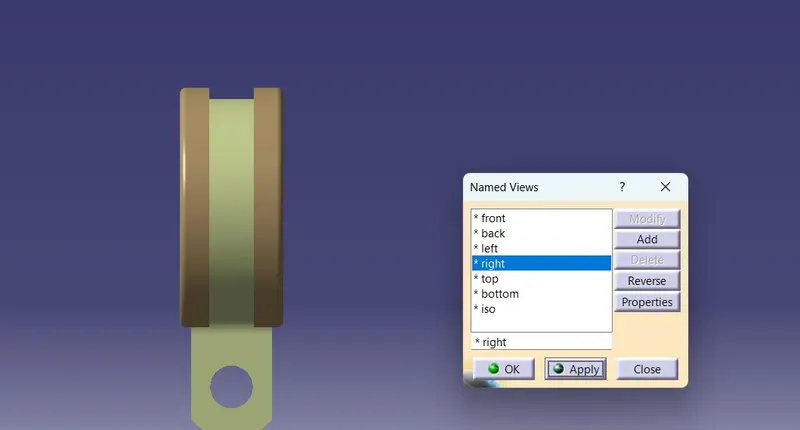
BOTTOM VIEW
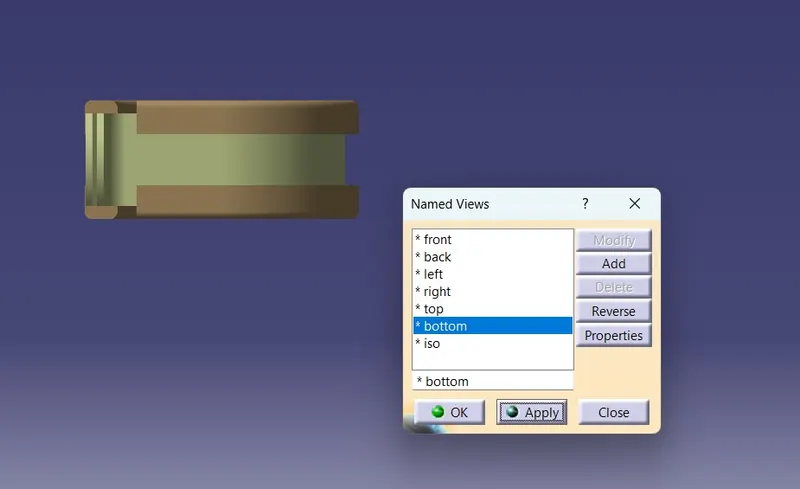
ISOMETRIC VIEW
RESULT
Thus,the P CLAMP cad data & define it as Electrical support using Electrical Part design Workbench. Define all the necessary properties to be created
QUESTION 2
AIM
To Download following Back shell cad data & define it as Electrical back shell using Electrical Part design Workbench. Define all the necessary properties.
BACKSHELL
Bach shell are plastic moulded parts used at wire entry side of connectors either for protection or to improve aesthetics/apperance of harness. These are not mandatory parts of wiring harness.Always optional and driven by cost.
PROCEDURE
STEP 1
- Download Back shell (C-1011-244-0805)
- Open part design and create a point and axis of mating faces and craete a point in bundle side
STEP 2
- Open Electrical DEsign
- Define Back shell and click body
- Select the backshell connection point
- Select Bundle connection point
TREE STRUCTURE
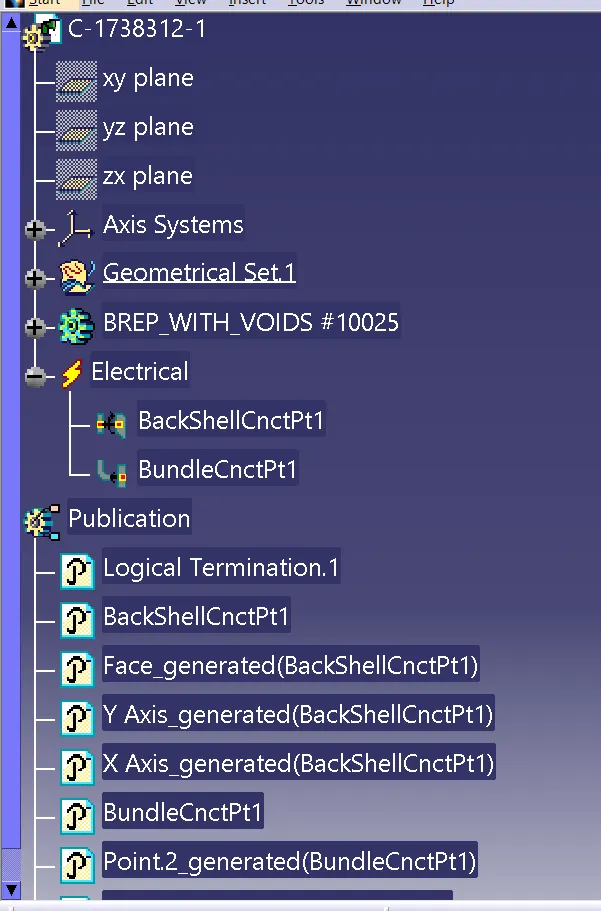
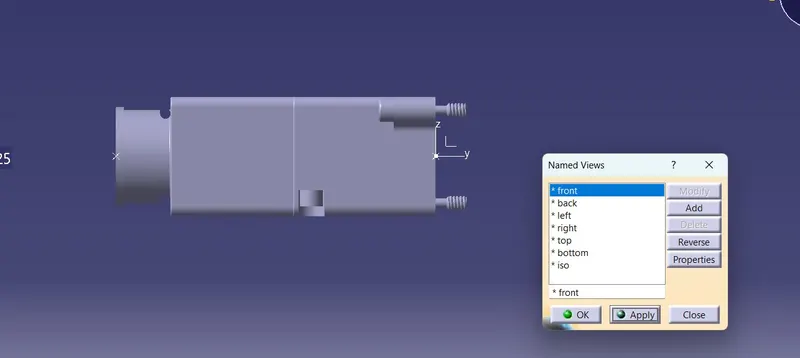
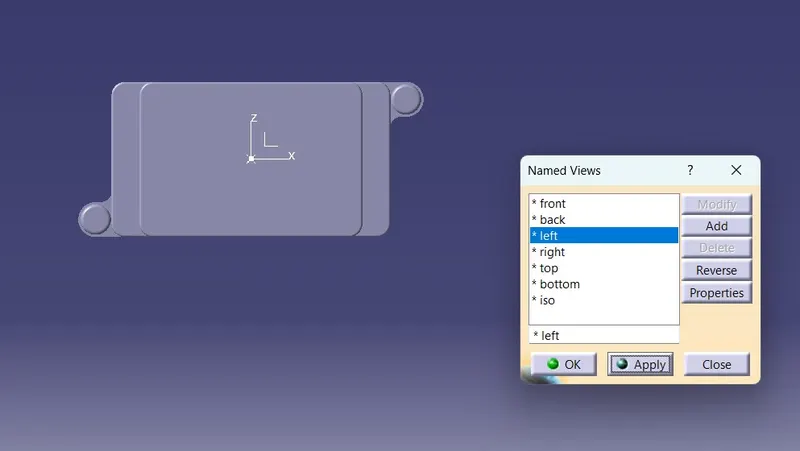
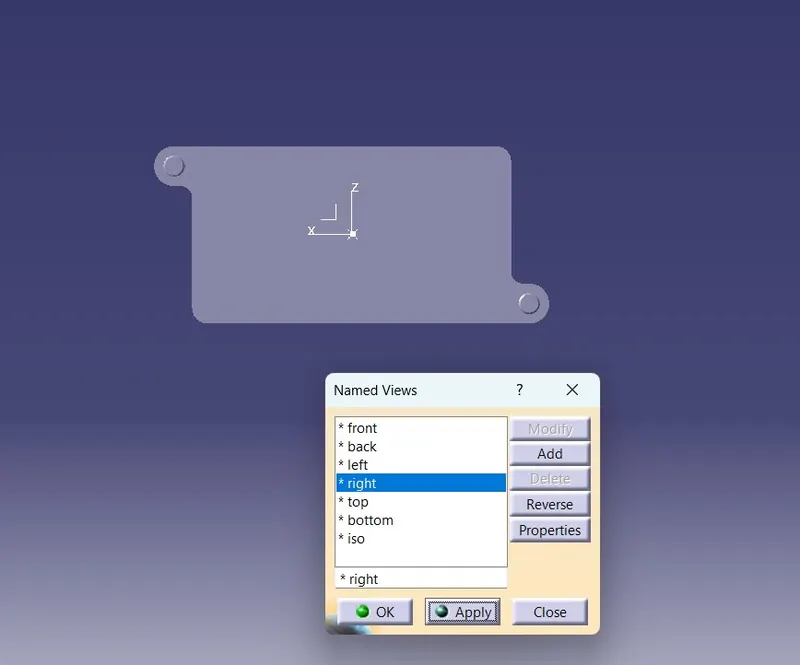
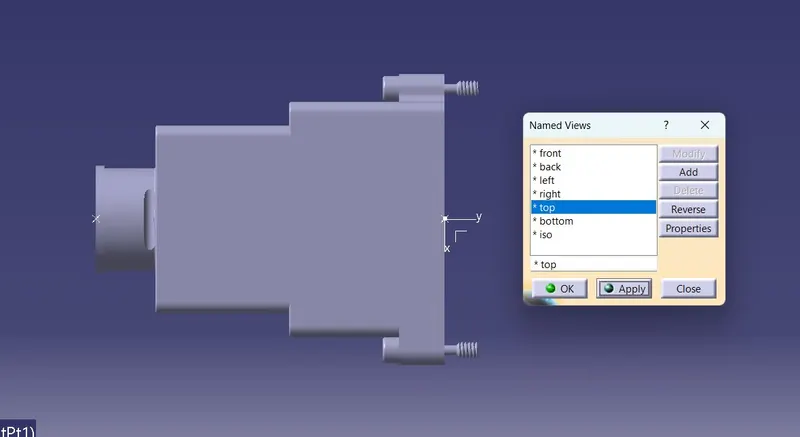
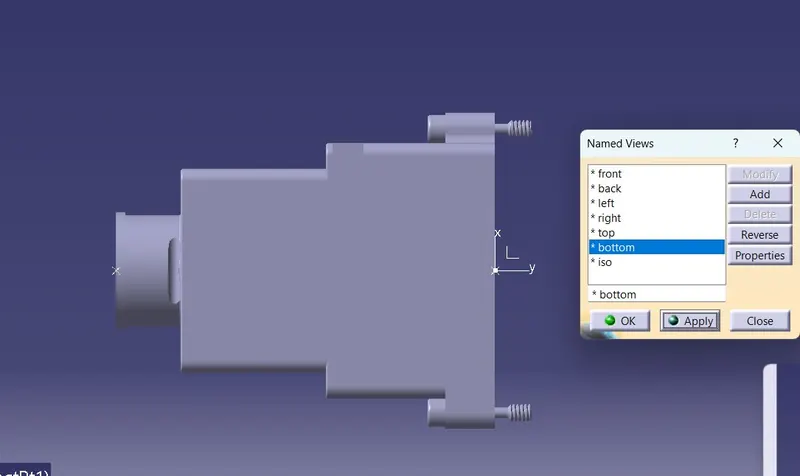
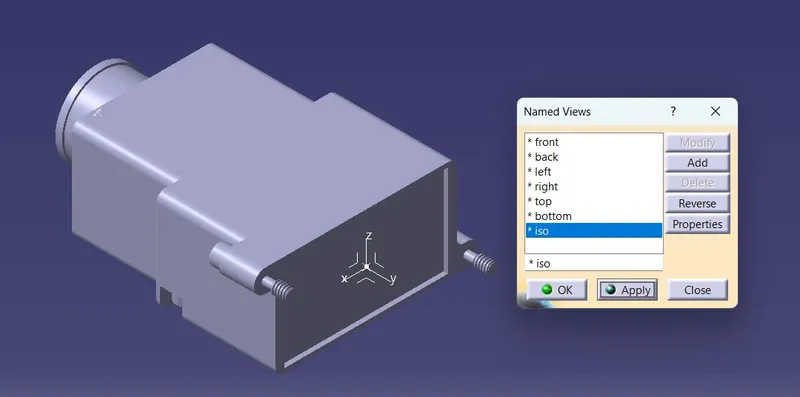
RESULT
Thus,the Back shell cad data & define it as Electrical back shell using Electrical Part design Workbench. Define all the necessary properties are created.
QUESTION 3
AIM
To Create Following Corrugated tubes & Add them in Catalogue under “Slit COT” family.
|
Name |
ID (mm) |
OD (mm) |
Thickness (mm) |
|
15mm COT |
12 |
15 |
1.5 |
|
20mm COT |
17 |
20 |
1.5 |
|
35mm COT |
32 |
35 |
1.5 |
|
10mm COT |
7 |
10 |
1.5 |
|
5mm COT |
3 |
5 |
1 |
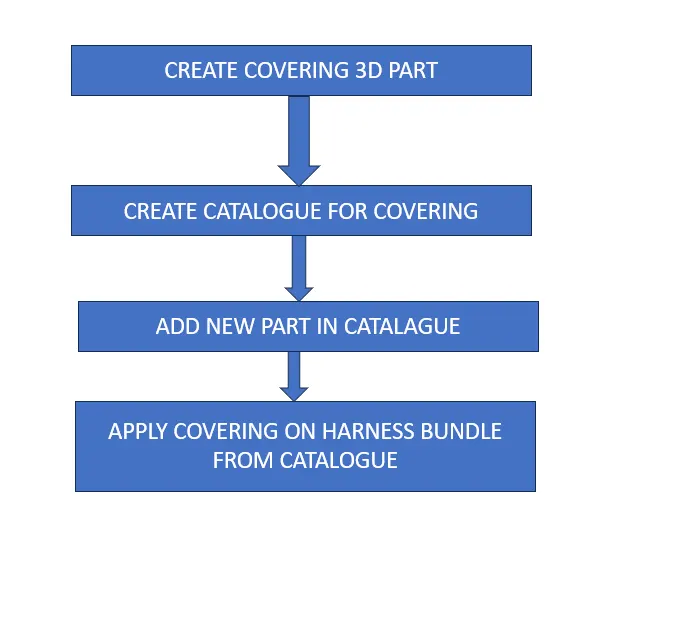
PROTECTIVE COVERING
- Corrugated tubes are convolutes,sleeves,and many other types of coverings are used to protect the wiring harness.
- Graphical Representation of covering are applied on bundles.
STEP 1
CATALOGUE CREATION
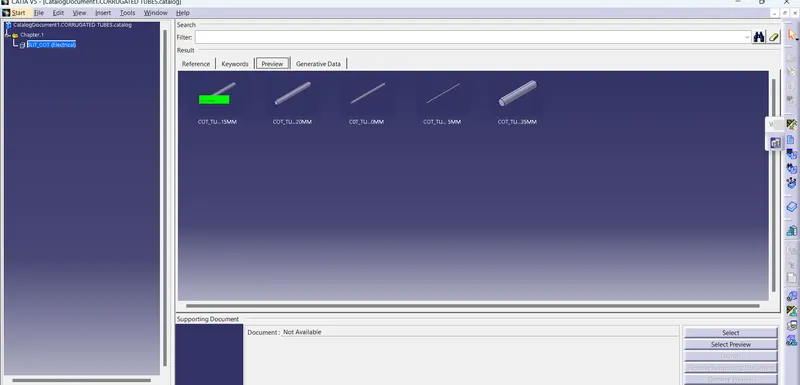
- File-> NEW -> CATALOGUE DOCUMENT
- ADD FAMILY -> NAME AS Slit COTT AND TYPE CONDUIT
- SAVE AS RESPECTED FOLDER
CORRUGATED TUBES CREATION
- Open Electrical Part Design
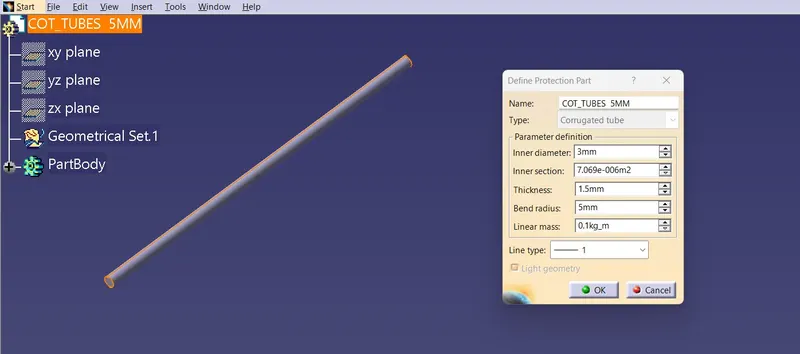
- click the part and enter the Dimensions as Given data
- Name as 5mm COT.
- SAVE AS CAT PART AND CLICK Device storage and add catalogue
- And Family Slitt COT
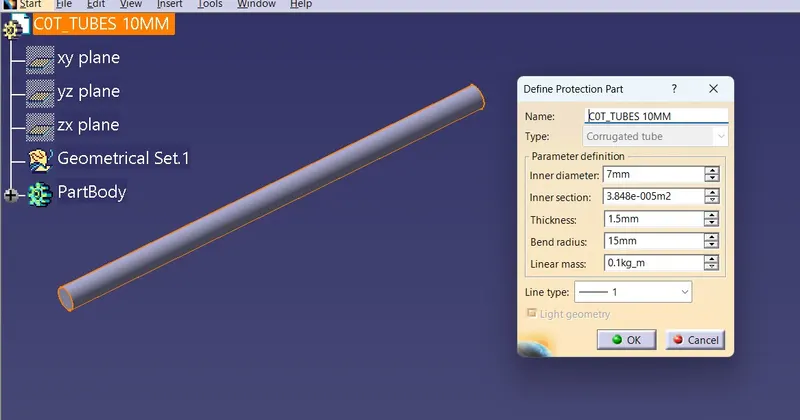
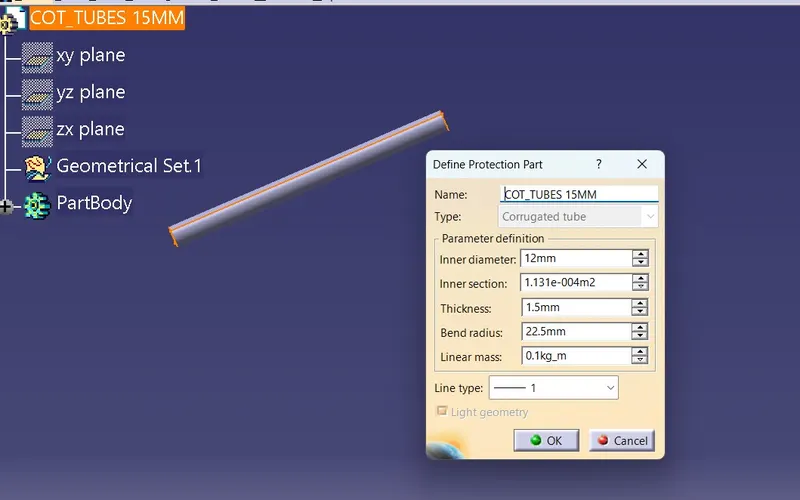
- Same procedure Follow in COT10MM,COT 15MM, COT 20MM, COT 35MM
- DEVICE STORAGE AND ADD CATALOGUE.
- Save as Individual CAT part.
CORRUGATED 5MM TUBE
CORRUGATED 10MM TUBE
CORRUGATED 15MM TUBE
CORRUGATED 20MM TUBE
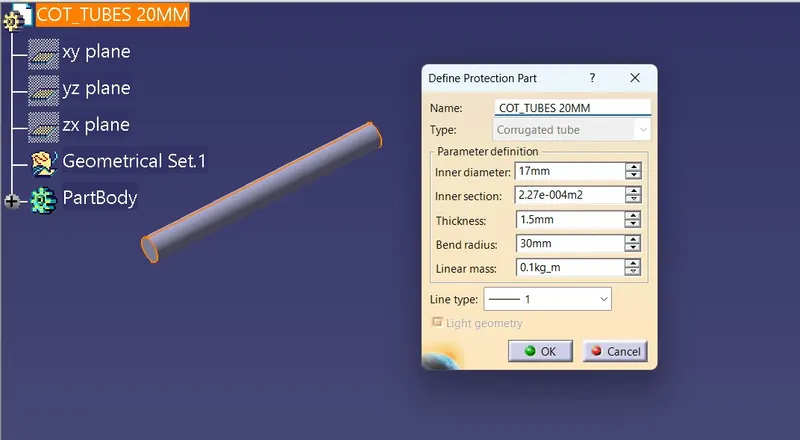
CORRUGATED 35MM TUBE
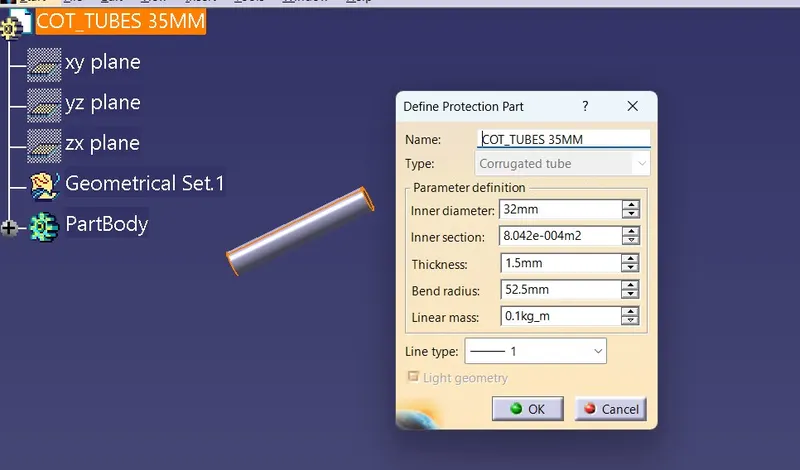
- Click device storage and add catalogue
RESULT
Thus,the Following Corrugated tubes & Add them in Catalogue under “Slit COT” family to be created.